
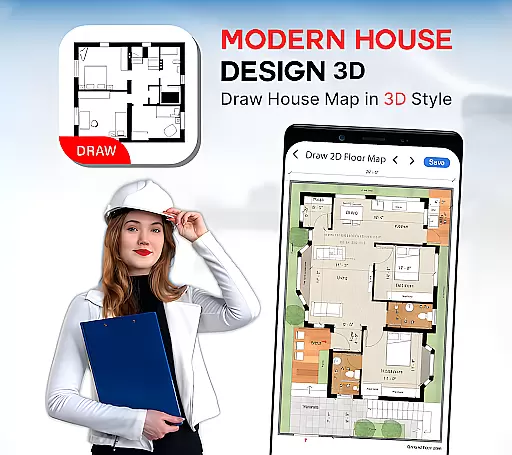
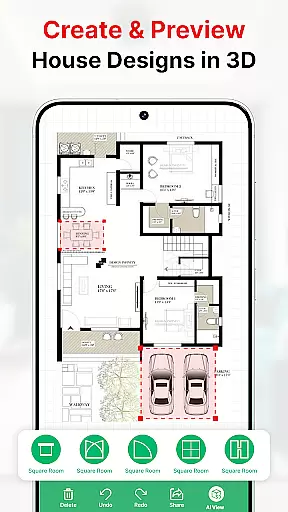
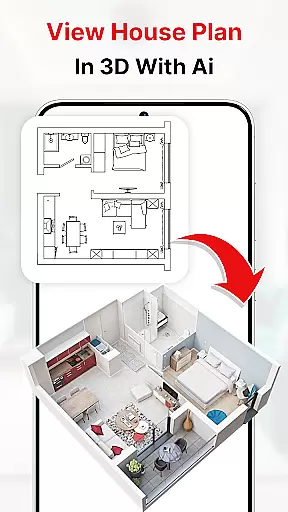
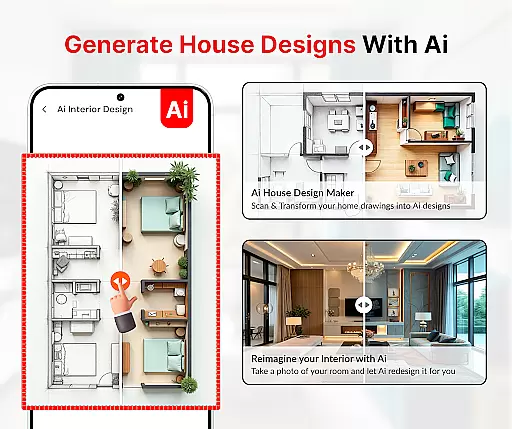
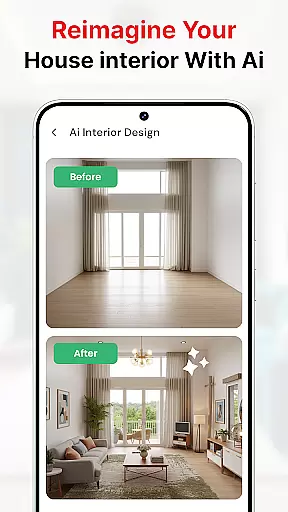
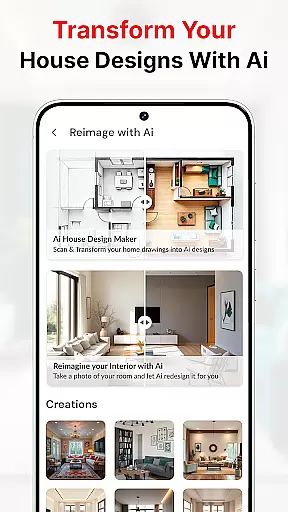
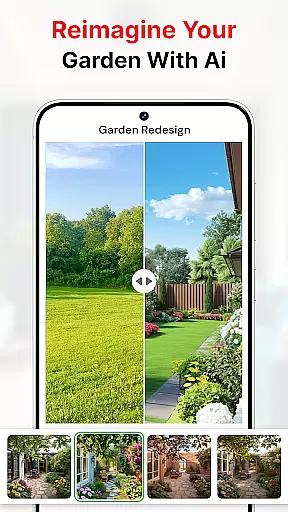
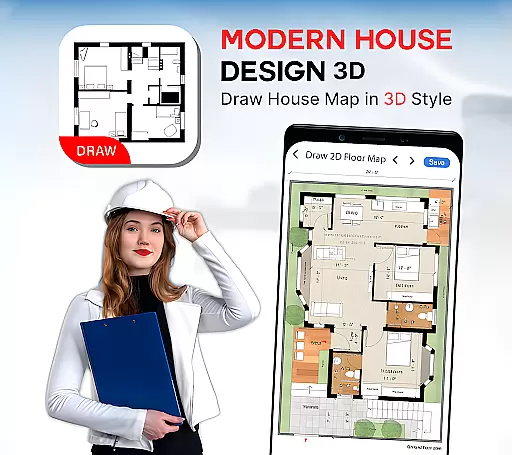
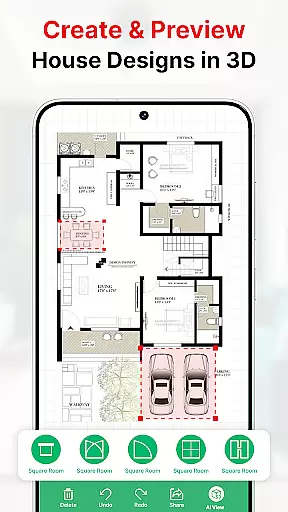
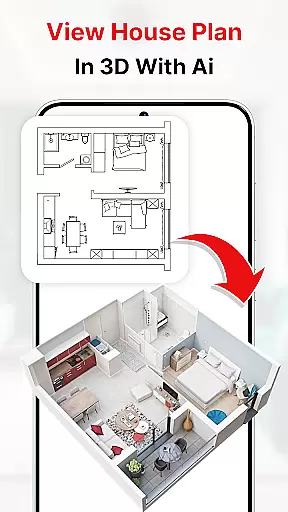
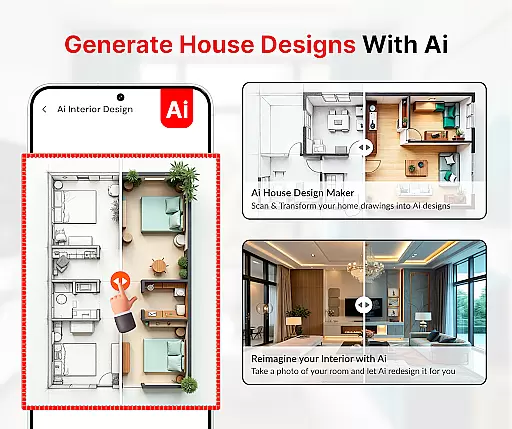
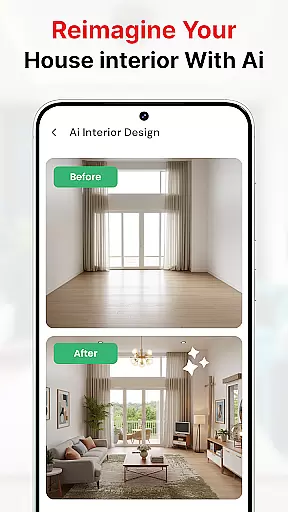
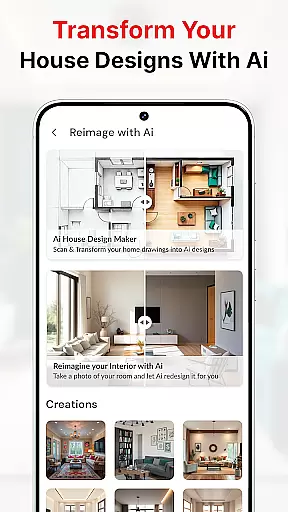
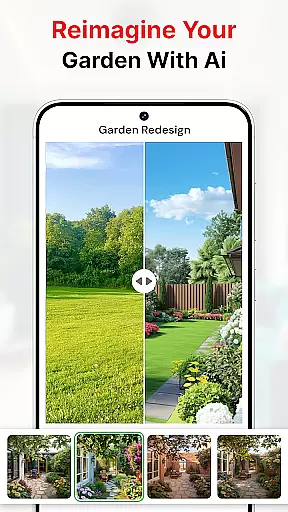
Modern House Design Draw House is a comprehensive home design application that allows users to create detailed 3D floor plans and customize their living spaces. The app provides tools for drawing accurate house maps, planning room dimensions, and incorporating essential architectural elements like doors, windows, and stairs. Users can visualize their projects in first-person mode and generate high-resolution images to share with clients or partners.
This app is particularly useful for those planning a building project or designing their own home. It offers features for optimizing small spaces, including transformer furniture solutions and multi-functional walls. With its intuitive interface, the app makes it easy to create professional-quality designs without needing architectural expertise. Whether you're an amateur designer or a professional, this tool helps bring your vision to life while ensuring practical and aesthetically pleasing results.
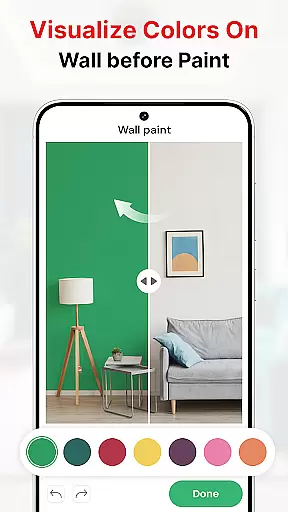
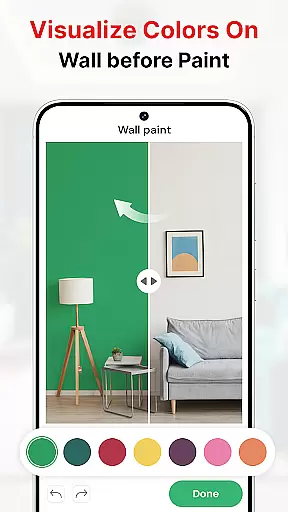
The Modern House Design Draw House app stands out with its robust feature set tailored for home design enthusiasts. One of its key capabilities is the ability to create both 2D and 3D designs, allowing users to visualize their projects from different perspectives. The app includes a wide range of customization options, such as color schemes for interiors and exteriors, paint color matching technology, and virtual room painting features.
Another notable feature is the inclusion of construction tools like AR drawing, bubble levels, and sketch-to-AI functionality. These tools help ensure accuracy in measurements and alignment while providing innovative ways to conceptualize designs. Additionally, users can capture images of existing spaces and modify them virtually, experimenting with various design ideas before implementation. This combination of practical tools and creative freedom makes the app an invaluable resource for anyone involved in home design projects.
Property listing authenticity is crucial for ensuring that the house plans and designs presented are accurate and reliable. The Modern House Design Draw House app provides users with verified and realistic 3D house plans, which are generated based on actual dimensions and architectural rules. This verification process ensures that each design is not only aesthetically pleasing but also feasible for construction.
The app allows users to create detailed floor plans using precise measurements and symbolic representations of doors, windows, and stairs. By incorporating these elements, it guarantees that the property listings reflect genuine possibilities for home building. Users can trust that their designed layouts are practical and adhere to structural requirements, making their dream homes a tangible reality.
With this app, users gain access to numerous house floor plan ideas and templates that have been curated by experts in architecture. These resources ensure that every aspect of the design complies with industry standards, providing peace of mind when planning significant investments like home construction. The authenticity of these listings empowers users to make informed decisions confidently.
Home management features within an application streamline the process of designing and organizing living spaces efficiently. The Modern House Design Draw House app offers robust tools such as AI-driven decoration options, virtual walk-throughs in first-person mode, and high-resolution imaging capabilities. These features enable users to visualize their projects comprehensively before committing to any physical changes or constructions.
One standout feature is the ability to capture images of various parts of a houseu2014be it interiors, exteriors, rooms, kitchens, or bathroomsu2014and alter colors virtually. This functionality mimics professional AI decoration apps, allowing users to experiment with different aesthetics effortlessly. Additionally, the paint color match technology helps replicate exact shades from existing decors or natural inspirations, ensuring perfect matches every time.
Moreover, practical tools like water levels (bubble levels) assist in achieving exact alignments during architectural planning. Coupled with comprehensive construction utilities such as AR drawing and wall painting simulations, these features collectively enhance precision and creativity in home management tasks. Such advanced functionalities empower users to manage their home improvement projects effectively while minimizing errors and maximizing satisfaction.
User-friendly interface
Comprehensive design tools
High-resolution image export
First-person view mode
Offline functionality
Limited advanced features
Occasional performance issues
Basic tutorial support
In-app purchases required
Steep learning curve

Tailored Care Guides For Houseplants, Indoor Plants, Garden Plants & Flowers.
 4.60
4.60
Wobble Fix Tool
4.40
Design house plans in 2D & 3D, style furniture, and preview renovation layouts
3.70
Download today to join the community to help bring lost pets home faster.
4.70
Resident Center, powered by Buildium, is designed with simplicity in mind.
4.50
The only mappable smart lights for custom decoration.
4.50
Your guide to apartments & rental homes. Find your next place to rent with AG.
4.60
Real estate app to find homes for sale or rent in the right neighborhood for you
4.70
Looking for the perfect apartment finder app? Find beautiful rental homes here!
4.60
Turn old phones into security cameras, baby monitors, pet cams, and more.
4.70
Night Owl Protect helps you secure, protect, and connect your world!
4.60
The Merkury Smart app makes it easy to control your smart devices.
4.50
Make Renting Easy
4.40
Control your Daikin, Amana & Goodman heating & cooling systems from anywhere
4.40
Make your phone a surveillance camera remote with a home camera app for Android!
4.40
Fully control your Philips TV with this all-in-one remote control app.
4.20
Design your dream home with 3D planning app, Visualize your dream home in 3D.
4.20
Find the perfect paint color with advanced tools to explore and visualize color.
3.80
An easier way to make payments and maintenance requests from anywhere.
3.50


User Reviews