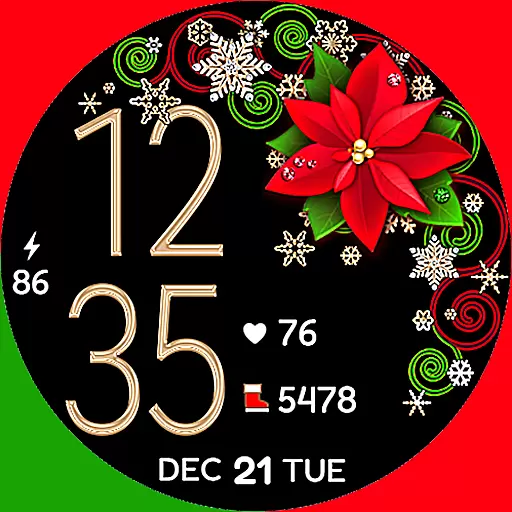
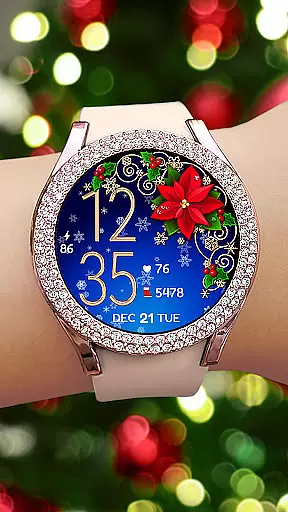
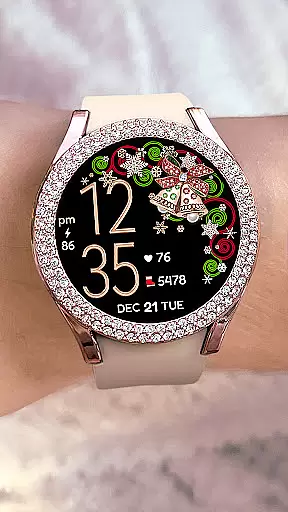
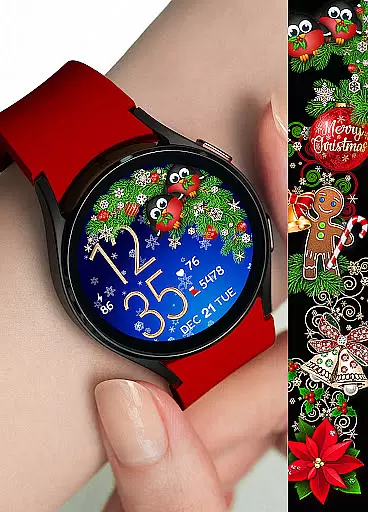
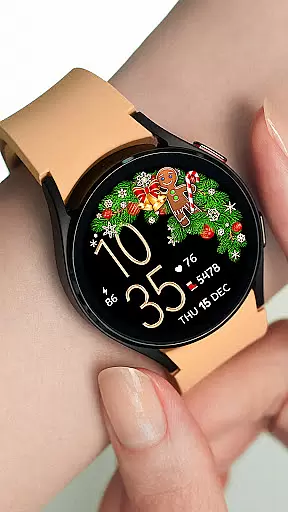

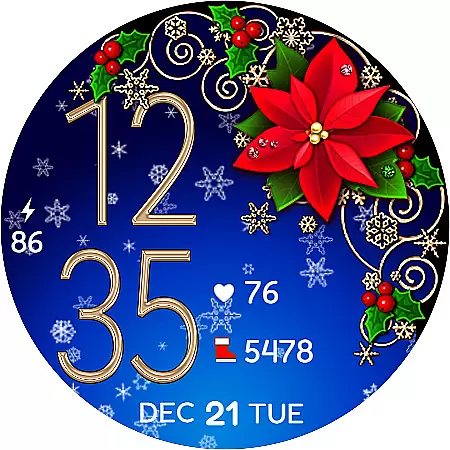
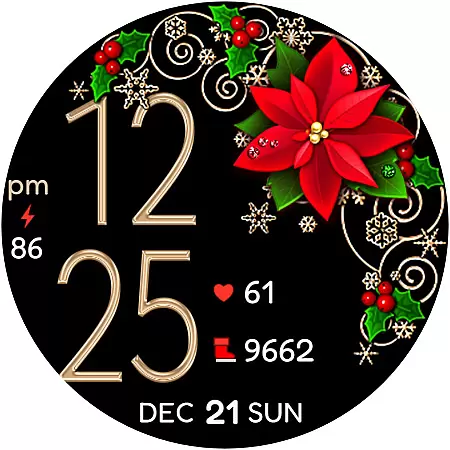
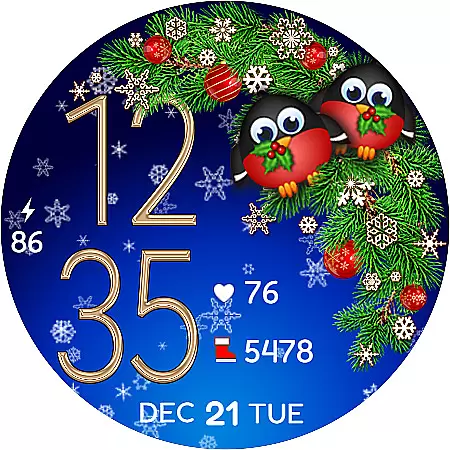
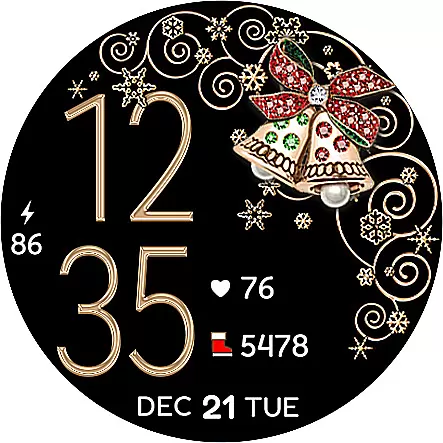
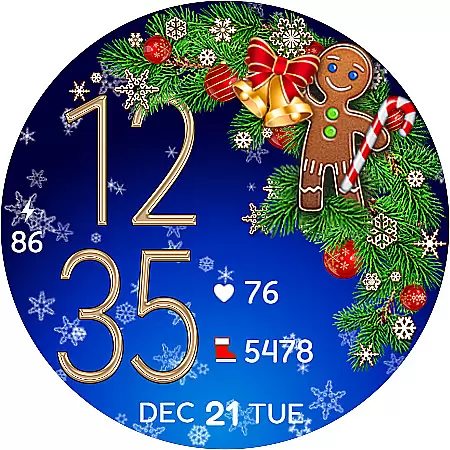
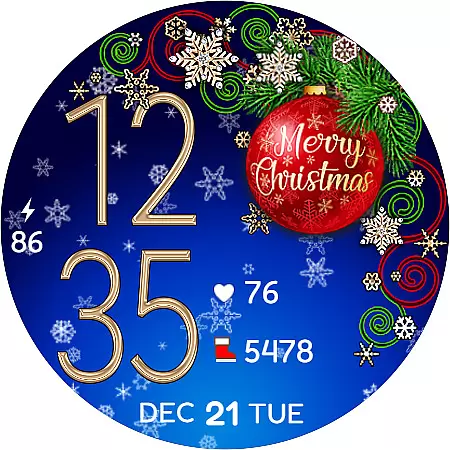
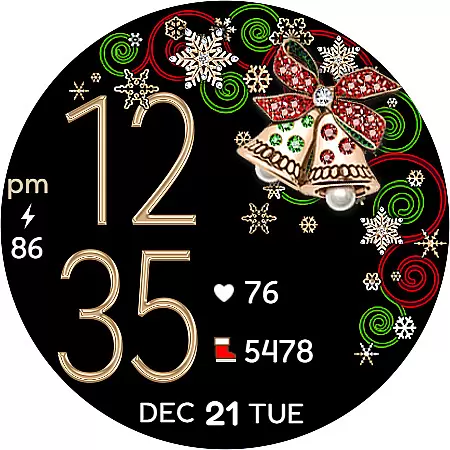
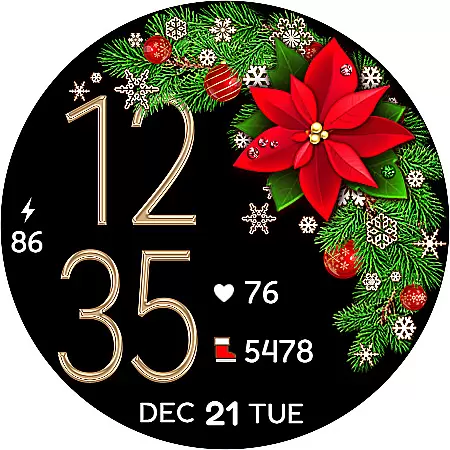
Christmas Snow On/Off Watch is a charming Wear OS watch face that brings festive cheer to your smartwatch. This digital timepiece features customizable 12/24-hour time display that automatically syncs with your phone's time settings, ensuring accurate timekeeping without unnecessary leading zeros in 12-hour mode.
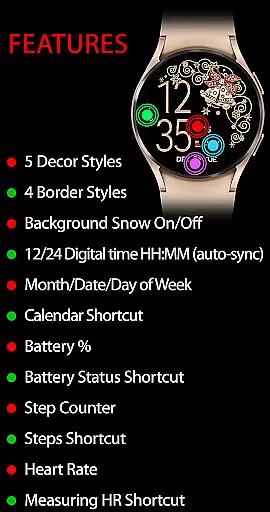
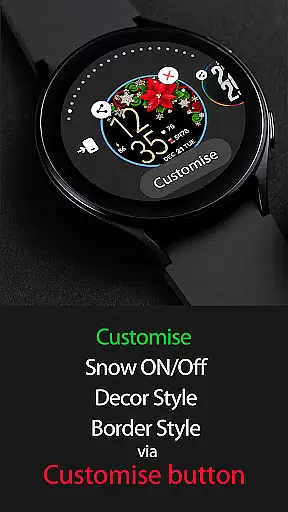
Users can personalize their watch experience through various customization options including background snow animation toggle for battery efficiency, five decor styles, four border styles, and a choice between black or snowing backgrounds, offering over 30 unique combinations. The active mode provides comprehensive features like calendar shortcut, battery status, step counter, and heart rate monitoring while the always-on display maintains essential information visible at all times.
The Christmas Snow On/Off Watch stands out with its versatile customization options and practical features. The background snow animation can be toggled on or off, making it both visually appealing and battery-friendly. With five distinct decor styles and four border styles, users can create a personalized look that suits their preferences.
This watch face integrates seamlessly with your daily activities by displaying day of the week, date, month, battery percentage, and even includes shortcuts to calendar and battery status. Health-conscious users will appreciate the step counter feature with SHealth steps shortcut and heart rate monitoring with a dedicated shortcut for measuring heart rate.
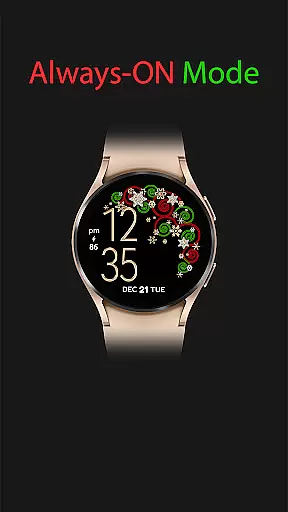
For uninterrupted functionality, the always-on display ensures crucial information remains accessible even when the watch is not actively engaged. To assist with installation, the app provides clear instructions for synchronization and troubleshooting tips for seamless integration with your Wear OS device.
For the Christmas Snow On/Off Watch, companion app integration is crucial for a seamless wearable experience. This Wear OS watch face synchronizes effortlessly with your smartphone, ensuring that features such as time, date, and health metrics are always up-to-date without manual input.
The synchronization extends to various functionalities including calendar shortcuts, battery status, and even heart rate monitoring. By tapping a heart icon on your watch, users can initiate heart rate measurement, with all data being processed through the paired mobile device.
This integration allows for an active mode filled with features like step counting, battery percentage display, and more, while an always-on mode ensures essential information is visible at a glance, maintaining functionality with aesthetics.
Compatibility with Wear OS and a range of devices is a hallmark of the Christmas Snow On/Off Watch. Designed specifically for Wear OS, it supports a broad spectrum of smartwatches, ensuring that users can enjoy its festive-themed interface regardless of their hardware choice.
Installation is straightforward, though it may require a brief synchronization period post-purchase. Should the watch face not appear immediately, simple steps such as restarting the watch or manually searching via the companion app typically resolve any delays.
With support for customizable features like background animations, borders, and decor styles, this watch face offers both personalization and compatibility across different devices, making it a versatile option for those seeking a touch of holiday cheer on their smartwatch.
Customizable design
Battery efficient
Heart rate monitor
Step counter included
Festive animations
Limited to Wear OS
Requires synchronization
Premium purchase needed
No analog time option
Complex setup process

Precision analog watch face with 7 complications and style options
 4.0
4.0
Contemporary digital watch face with five complications
4.4
Stunning modern digital watch face with 7 complications and strong contrast
4.5
Watch face for Wear OS.
4.20
Fitness interactive virtual pet super fighter boy watch face
4.2
Bold weather Digital watchface with forecast & optional animated background
4.40
Minimalistic design modern digital watch face.
4.1
Hyper-Realistic Airplane Dashboard Watch Face With 10 Skins and Custom AOD
4.00
Want to take charge of your health? Let Google Fit help you reach your goals.
3.50
Digital, flexibly customizable watch face. For Wear OS 5.0, API 34+ and later.
5.00
Gym Log & Workout Tracker | Fitness Journal, Training & Weight Lifting Planner
4.90
A modern hybrid informative watch face for Wear OS designed by BALLOZI
4.80
Bold, Modern Hybrid Watch Face for Wear OS. 10 Colors, Rich Info Display.
4.30
Your music, your playlists, and more—offline and unlimited.
4.20
Wear Os Watch Face - Animated Snow Effect & Magic Spark - 6 Scenes
4.10
Simple Analog-Digital Watchface For Wear OS 3.0 and Up Smartwatches
4.2
3 Complications. All shadow on/off. 30 Themes color palette...
4.0
Funny animated watch face for Thanksgiving
4.1
Hybrid Vibrant Health Watch Face for Wear OS
4.1


User Reviews