
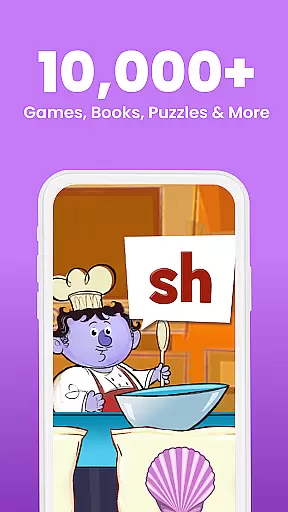
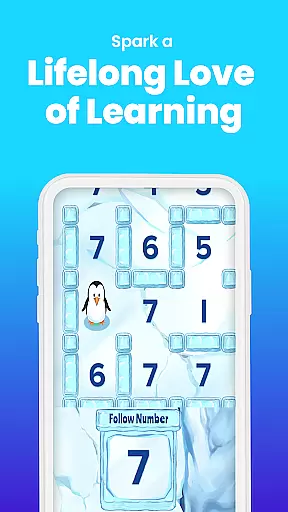
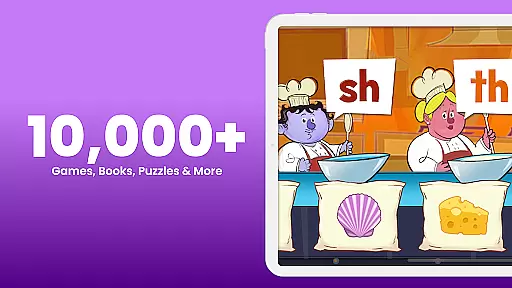
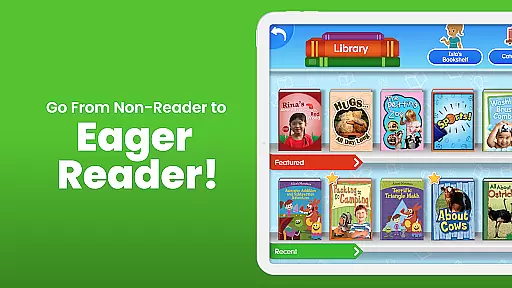
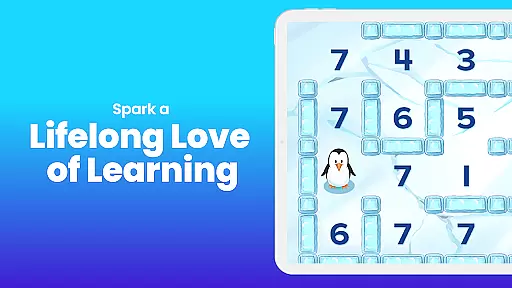
ABCmouse - Kids Learning Games is an award-winning educational app designed for children aged 2 to 8. This comprehensive learning platform covers essential subjects including math, reading, science, social studies, art, and music. With over 10,000 learning activities developed by education experts, the app provides a complete curriculum that supports early childhood development.
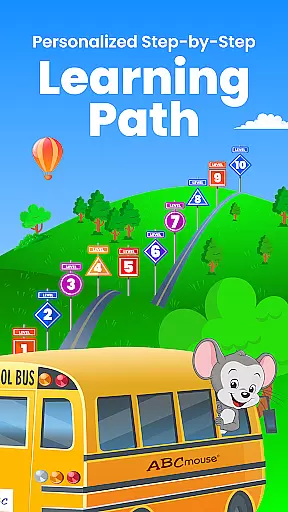
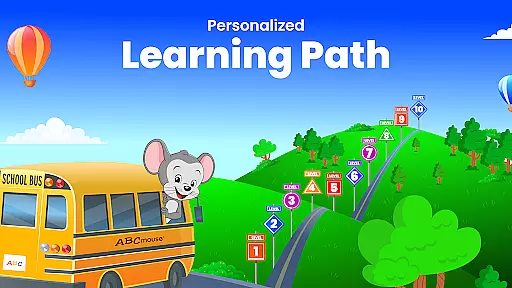
The app features a step-by-step learning path that guides children through different academic levels, from toddler to second grade. It includes more than 850 lessons across 10 levels, ensuring kindergarten readiness and preparation for third grade. The engaging content, including books, videos, puzzles, and games, makes learning enjoyable while accelerating literacy and math skills.
Parents and educators can track progress easily, making it ideal for both home schooling and classroom use. ABCmouse has been trusted by teachers and used in over 70,000 classrooms and nearly half of all U.S. public libraries. Its kid-friendly environment and customizable features like Avatar and My Room make learning personalized and fun.
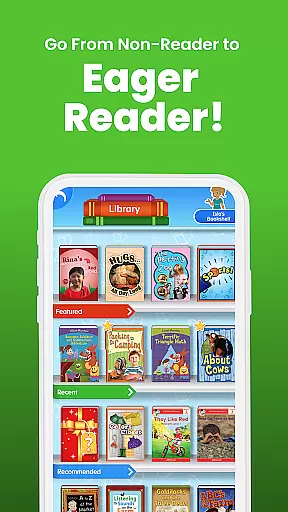
ABCmouse offers a research-validated curriculum with diverse learning tools. The app's content spans all academic subjects, featuring thousands of books, videos, puzzles, and interactive games. With 900+ activities available in Spanish, it supports bilingual education and cultural inclusivity.
The Step-by-Step Learning Path ensures structured progression through different grade levels. Children can learn independently while parents monitor their progress. Unique features like Customizable Avatar, My Hamster, and Pet Park promote creativity and engagement. Printable activities extend learning beyond screen time.
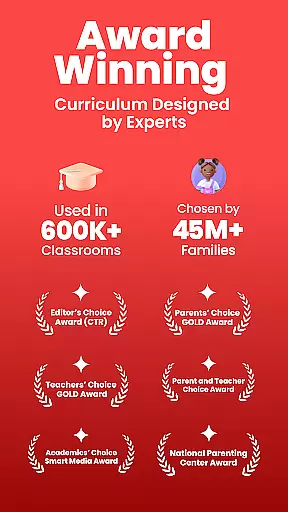
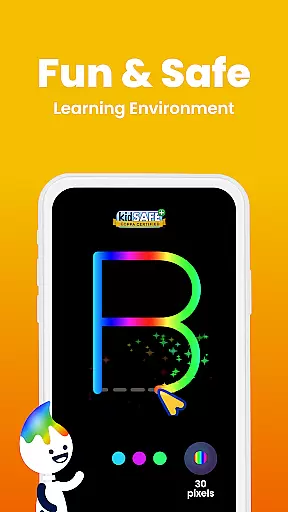
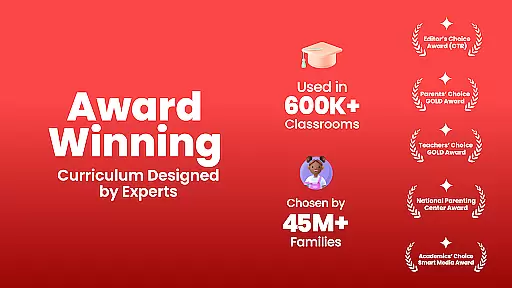
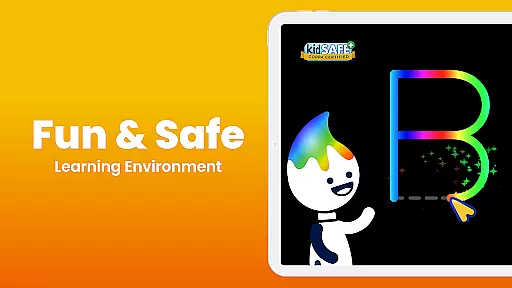
Designed by early learning experts, ABCmouse maintains high educational standards while keeping children engaged. Its 100% safe environment has earned prestigious awards including Mom's Choice GOLD and Teachers' Choice. The app works seamlessly on mobile devices, making it perfect for learning on the go. Regular updates ensure fresh content and optimal performance.
When it comes to educational content for children, accuracy and authority are paramount. ABCmouse u2013 Kids Learning Games ensures that all its learning materials are crafted by teachers and early learning experts. This guarantees that the information provided across subjects such as math, reading, science, and social studies is both accurate and age-appropriate.
The app's curriculum spans ten levels and includes over 850 lessons and more than 10,000 individual learning activities. Each activity is designed to adhere to educational standards, ensuring that what children learn aligns with recognized benchmarks in education. The inclusion of thousands of books, videos, puzzles, and games further enriches the learning experience.
Parents and educators can trust that ABCmouse provides a reliable source of knowledge. With prestigious awards like Momu2019s Choice GOLD, Teachersu2019 Choice, and Parentsu2019 Choice GOLD Awards, the platform has been recognized for its excellence in educational content. This validation reinforces the credibility of the learning resources available on the platform.
ABCmouse u2013 Kids Learning Games offers personalized learning paths that cater to each child's unique pace and academic level. The Step-by-Step Learning Path guides children through a series of lessons and activities that build upon one another, ensuring a comprehensive understanding of various subjects. This structured approach helps accelerate the development of early literacy and math skills.
Customization features within the app allow children to engage with their learning environment actively. Through customizable avatars and interactive elements like My Room, My Hamster, and Pet Park, kids can take ownership of their learning journey. These features not only make learning fun but also encourage independence and self-expression.
Tracking progress is made easy for parents and educators. The app provides tools to monitor a child's advancement through the curriculum, making it simple to identify areas where additional support may be needed. This feature ensures that every child receives an education tailored to their needs, helping them achieve kindergarten readiness and prepare for higher grades.
Comprehensive curriculum
Engaging learning activities
Trusted by educators
Supports bilingual education
Safe learning environment
Subscription required
Auto-renews by default
High system requirements
Limited offline functionality
Complex for youngest users

Test prep for Indiana students
 4.1
4.1
Turns you phone or tablet into TI graphing calculator (ROM required).
4.20
A magical world of fun, building, and learning with Mickey Mouse and more!
4.20
Designed for Calculator 84 users
4.20
The official CCM Glossary app, including 700+ terms and definitions.
2.90
Prepare for the BCBA / BCaBA exam. Study ABA with the ABA Wizard app.
4.60
Professional Award-Winning Astronomy Star Map App With Telescope Control
4.40
Learn Japanese in an immersive educational game set in Japan!
4.90
Memorize anything efficiently with AnkiDroid! Many pre-built decks available.
4.80
A realistic sky map to observe stars, planets, satellites and constellations!
4.80
Engage in learning science and math with the award-winning PhET simulations!
4.70
An easy to use yet powerful and full-featured flashcard study app.
4.50
Latest TLC Practice Questions! Multiple languages available!
4.50
Practice Casino Roulette Payouts for Table Game Dealers and Croupiers
4.40
Astronomy app ? Discover the universe scope, explore solar system model in 3D.
4.20
Watch and Play Elmo's World!
4.00
Make your own game and world. Draw and animate characters
3.70
Snap a dog photo to identify its breed instantly. Fast, accurate and easy to use
3.40
Your best partner for learning Japanese words. Based on a best-selling textbook.
2.80


User Reviews