
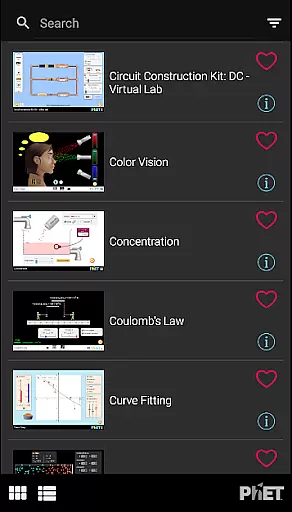
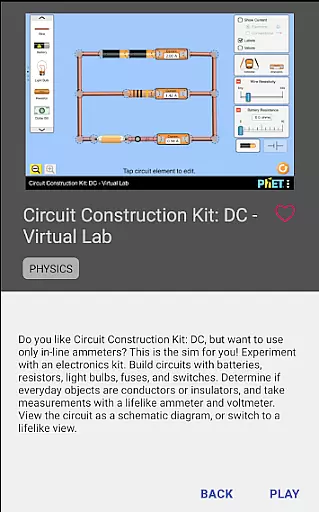
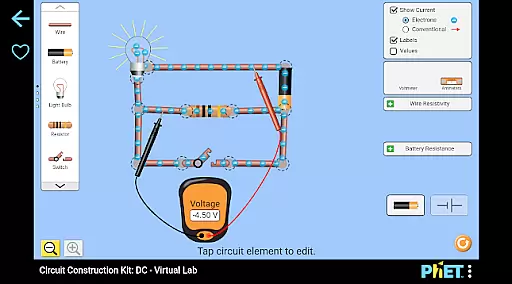
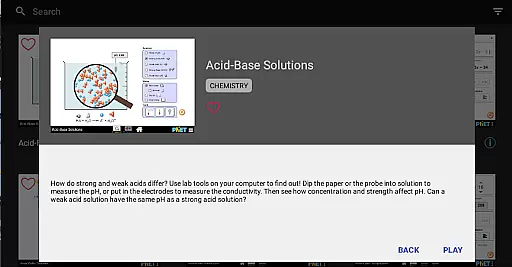
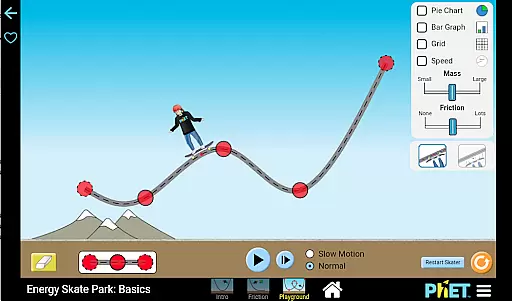
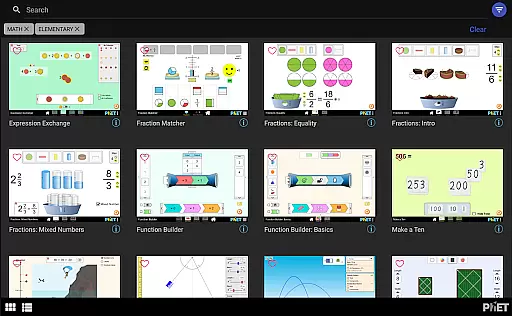
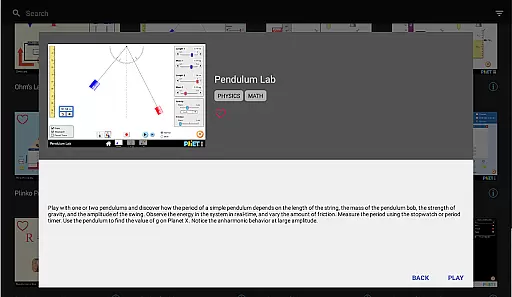
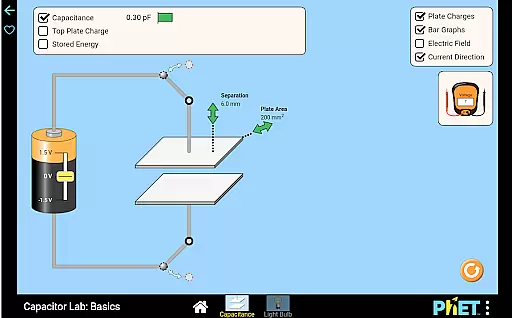
PhET Simulations is an educational app that provides access to over 85 interactive HTML5 simulations, designed for learners of all ages. Developed by experts at the University of Colorado Boulder, this app brings science and math concepts to life through engaging simulations.
The app offers offline play, multiple language support, automatic updates, easy sorting, and fullscreen options. These features make it a versatile learning tool for use at home, in classrooms, or on the go. Whether you're a parent looking to engage your child in educational discovery, a teacher needing reliable resources, or a student eager to explore complex topics, PhET Simulations delivers an unparalleled learning experience.
PhET Simulations stands out with its comprehensive collection of award-winning interactive models. The app's key feature is its ability to function offline, allowing uninterrupted learning even without internet access.
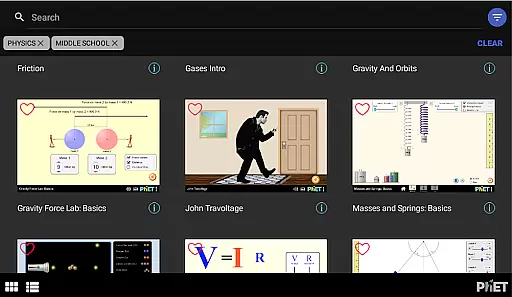
Another notable feature is the multilingual support, making it accessible to bilingual learners worldwide. Users can also create custom collections of their favorite simulations, while automatic updates ensure access to the latest content. The app's easy sorting and fullscreen capabilities further enhance the user experience, providing both convenience and optimal screen usage for in-depth exploration of scientific and mathematical concepts.
In the realm of educational tools, content accuracy and authority are paramount. PhET Simulations excels in this area by providing over 85 scientifically accurate simulations developed by experts at the University of Colorado Boulder.
Each simulation is crafted based on extensive research and educational standards, ensuring that learners receive information that is not only engaging but also reliable and true to scientific principles.
The app's dedication to excellence means that millions of students worldwide benefit from meticulously vetted content that supports their learning journey in science and math.
By integrating automatic updates, users can rest assured they are accessing the most up-to-date and authoritative simulations available, thus enhancing the educational experience.
PhET Simulations offers a unique approach to education by facilitating personalized learning paths for students. With a diverse range of interactive simulations, learners can choose activities that align with their interests or areas where they need improvement.
The Favorites feature allows users to curate a custom collection of sims that cater to their specific educational needs, effectively creating a tailored learning journey.
Furthermore, the app's support for multiple languages makes it an excellent tool for bilingual learners, allowing them to engage with content in their preferred language and thus supporting a more effective and personalized learning process.
Accessibility options are continually being improved, which will enable even more students to learn in a way that best suits their individual requirements, making PhET Simulations a versatile ally in education.
User-friendly interface
Offline functionality
Multilingual support
Automatic updates
Comprehensive simulation library
Limited accessibility features
No Java or Flash simulations
Some advanced options missing
Occasional update delays
Interface not modern

Childcare Management App: Daily sheets, sign in-out, billing and learning tools
 4.70
4.70
Learn and joke with the Silly Turkey!
4.2
The official CCM Glossary app, including 700+ terms and definitions.
2.90
Master the NRP with 700+ questions, rationales, and updated NREMT scenarios.
3.00
Explore numbers the Starfall way!
4.00
Animals pop up and make sounds—learn names and noises in Peekaboo Barn!
4.4
An aviator’s preparation, study and test tool for FAA Knowledge Exams.
4.00
A fast and fun way to learn guitar - works with any guitar.
4.60
Snap a dog photo to identify its breed instantly. Fast, accurate and easy to use
3.40
The best way to study for your amateur radio license exam.
4.90
A realistic sky map to observe stars, planets, satellites and constellations!
4.80
Age-Related Child Developmental Milestones
4.80
Gain new skills in 10 minutes
4.70
Universe simulator: Find & explore planets system, outer space, astronomy events
4.60
An easy to use yet powerful and full-featured flashcard study app.
4.50
An aviator’s preparation, study and test tool for FAA Knowledge Exams.
4.30
Watch and Play Elmo's World!
4.00
Your guide to thousands of satellites and spacecraft in orbit around Earth!
3.90
Visit Daniel's house & make believe. Play doctor, make music, & feed fish.
3.20


User Reviews