
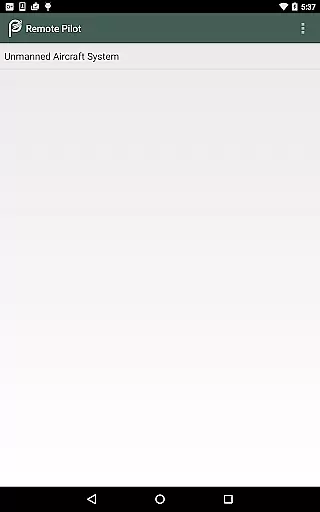
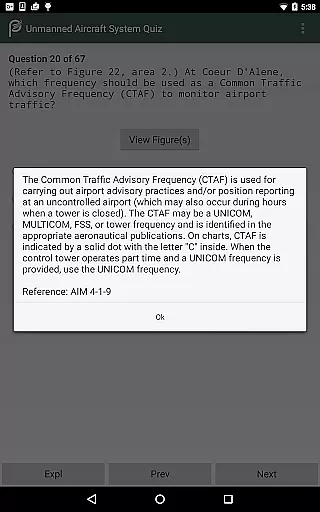
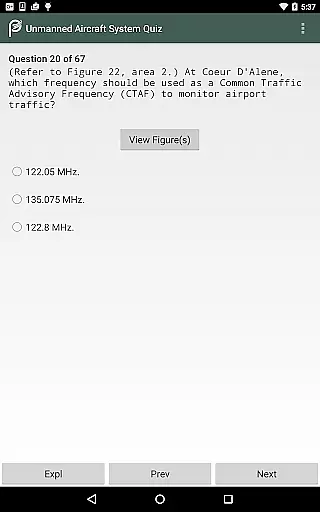
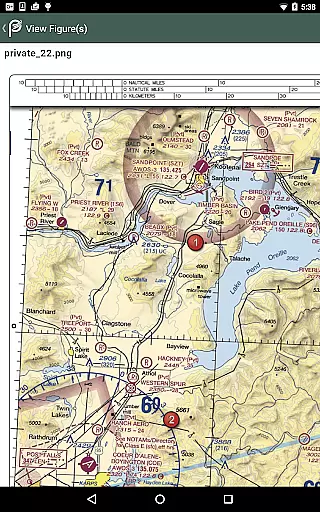
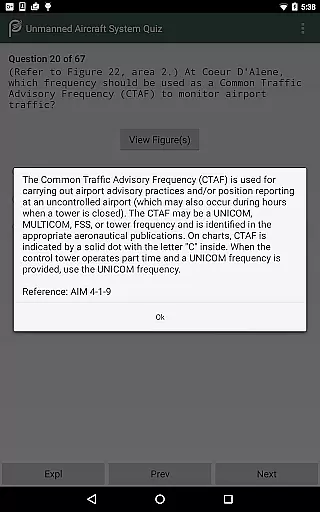
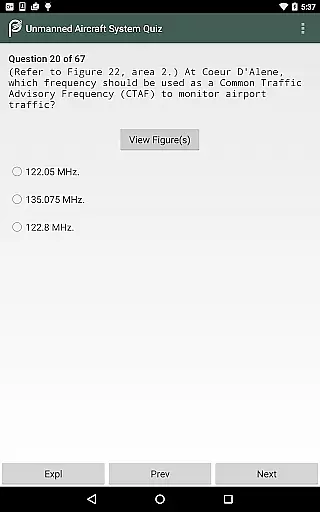
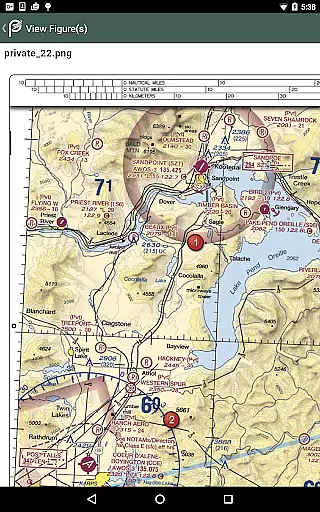
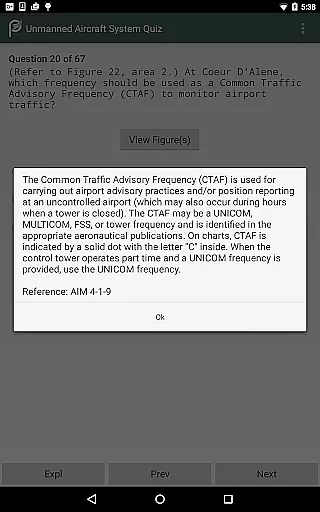
Prepware Remote Pilot is a comprehensive educational tool designed specifically for individuals preparing to take the FAA Knowledge Exam for Remote Pilots. This app provides nearly 300 sample questions with detailed answers and explanations, enabling users to study by subject or simulate a real exam experience through practice tests. Compatible with both Android phones and tablets, it offers a mobile solution for pilots and drone operators who need to prepare for their FAA written exam.
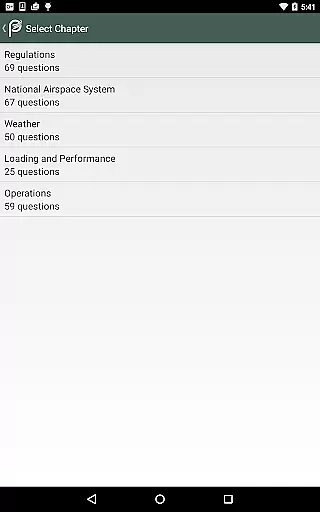
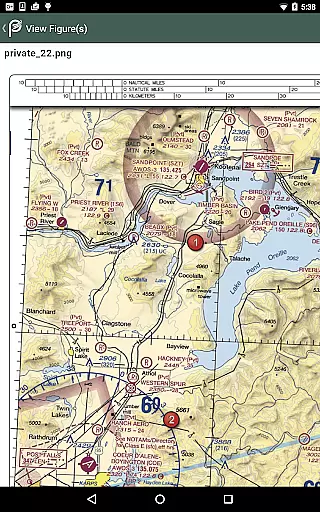
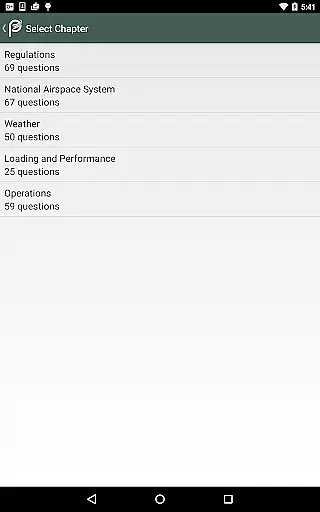
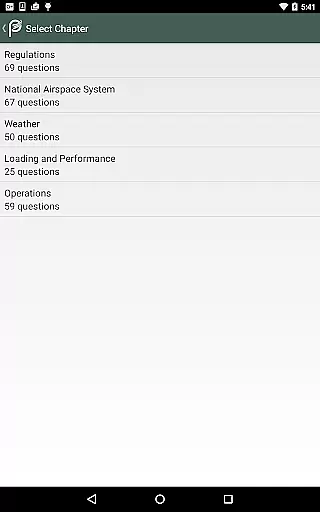
The application covers essential subjects such as Regulations, National Airspace System, Weather, Loading and Performance, and Operations. Each topic includes instructional text, illustrations, multiple-choice questions, and answer explanations. This structured approach not only aids in understanding complex concepts but also enhances recall, making it an efficient study guide. Whether you are a drone operator seeking certification, an RPA applicant, or an existing pilot interested in unmanned aircraft operations, this app equips you with the knowledge needed to succeed in the FAA exam.
By using Prepware Remote Pilot, users can confidently prepare for their exams anytime and anywhere without needing an internet connection. The app's offline functionality ensures that all study materials are readily accessible, providing a seamless learning experience. With its expertly organized content and trusted source in aviation training, this app is an invaluable resource for anyone looking to excel in commercial unmanned aircraft operations.
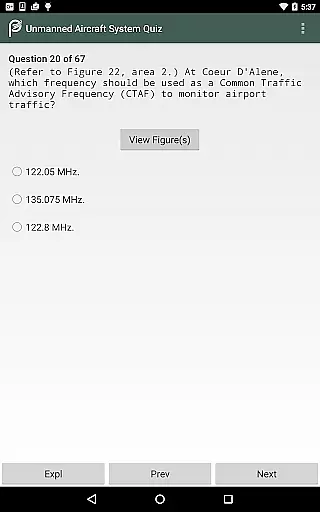
One of the standout features of Prepware Remote Pilot is its extensive question bank, which includes nearly 300 questions complete with explanations. These questions are meticulously organized into chapters based on subject matter, allowing users to focus their studies on specific areas such as Regulations, National Airspace System, Weather, Loading and Performance, and Operations. Each chapter contains instructional text, illustrations, and multiple-choice questions, ensuring a thorough understanding of the material.
The app also offers a unique practice test feature that simulates the actual FAA Knowledge Exam. Users can take these practice tests to gauge their readiness and review graded results to identify areas needing improvement. Detailed explanations for both correct and incorrect answers help reinforce learning and promote better retention. Additionally, the app provides references for further study, guiding users to additional resources if they wish to delve deeper into any subject.
Another significant advantage of Prepware Remote Pilot is its offline functionality. Once installed, the app does not require an internet connection, making it highly convenient for users who may not always have access to reliable internet. This feature ensures uninterrupted study sessions, whether at home, in transit, or during field operations. Developed by Aviation Supplies & Academics (ASA), a trusted name in aviation training and publishing, this app guarantees high-quality content and reliability.
When preparing for the FAA Knowledge Exam, having access to accurate and authoritative content is crucial. Prepware Remote Pilot ensures that all its study materials are meticulously curated by aviation experts. The app includes nearly 300 sample questions with detailed explanations, each designed to reflect the actual exam's standards.
The instructional texts and illustrations provided within the app are crafted based on the latest FAA regulations and guidelines. This guarantees that users receive up-to-date information that aligns with current industry practices. Additionally, every question comes with references for further study, directing learners to trusted sources in aviation training.
By focusing on subjects such as Regulations, National Airspace System, Weather, Loading and Performance, and Operations, this app covers all essential areas comprehensively. Users can trust that their preparation is grounded in reliable data, enhancing both their knowledge and confidence before taking the test.
Prepware Remote Pilot offers a personalized approach to learning, allowing users to tailor their study sessions according to individual needs. With options to study by subject or take practice tests, the app caters to different learning styles and preferences. This flexibility ensures that each user can focus on areas where they need the most improvement.
The app's true-to-form practice tests simulate the actual FAA Knowledge Exam environment, providing an authentic testing experience. After completing a test, users receive a graded evaluation along with detailed feedback on both correct and incorrect answers. This feature helps identify strengths and weaknesses, enabling targeted revision.
Furthermore, the adaptive nature of the app supports continuous learning and progress tracking. Whether you're a drone operator seeking certification or an existing pilot expanding your expertise, Prepware Remote Pilot adapts to your pace and goals. This personalized guidance fosters a more effective and efficient study process, ultimately leading to better outcomes.
Comprehensive question bank
Offline functionality
Expertly organized content
Detailed explanations
Trusted aviation source
Limited to Android
No iOS version
Complex interface
Occasional bugs
High cost

scanner body part for fun Prank friends realistic scan effects
 3.00
3.00
Learning the ancient Viking language made simple
4.70
One of the most engaging and innovative ABC apps on the market.
4.30
Learn Words Daily in Just Minutes - Boost Your Language Skills Fast!
4.60
Pass your FAA written with flying colors - Study Buddy can help.
4.30
Explore the City of the Sun in Augmented Reality
3.70
Professional Award-Winning Astronomy Star Map App With Telescope Control
4.40
Memorize anything efficiently with AnkiDroid! Many pre-built decks available.
4.80
Plant identifier: Identify plants, trees, weeds, flowers. Disease diagnosis.
4.30
Experience the sky, planet earth and the solar system like never before
4.90
Stack the States makes learning about the 50 states fun!
4.70
Prepare for the BCBA / BCaBA exam. Study ABA with the ABA Wizard app.
4.60
Welcome to the Speak Navajo Language Application - Volume 1
4.50
Ignite curiosity, spark learning: All babybus videos &games
4.30
A magical world of fun, building, and learning with Mickey Mouse and more!
4.20
Our most popular app series returns, better than ever!
3.90
A must-have app for mastering Japanese verb/adjective conjugations.
3.60
A collection of favorite stories from Daniel Tiger's Neighborhood
2.00
AR planetarium app that brings the solar system to you via XREAL Glasses.
4.3


User Reviews