
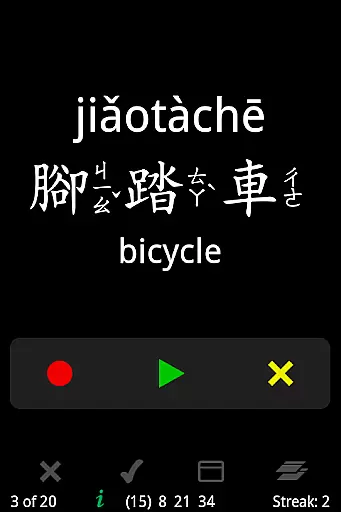
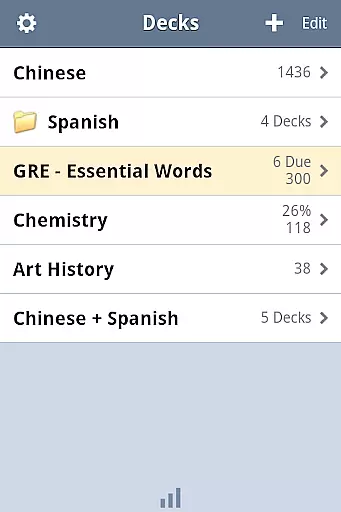

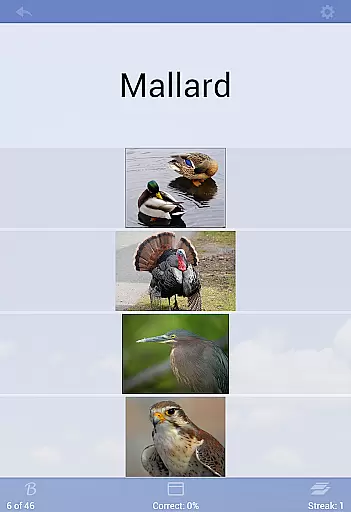
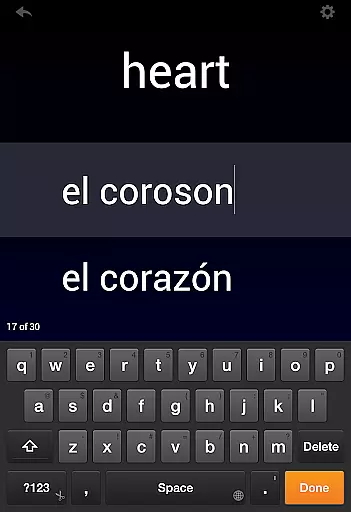
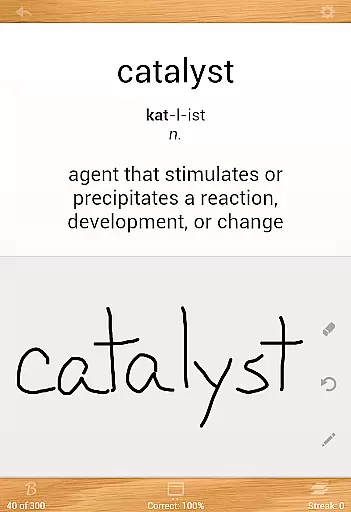
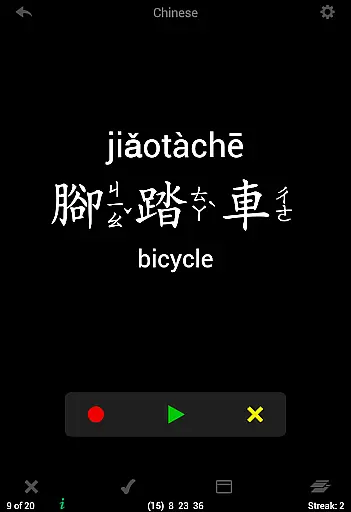
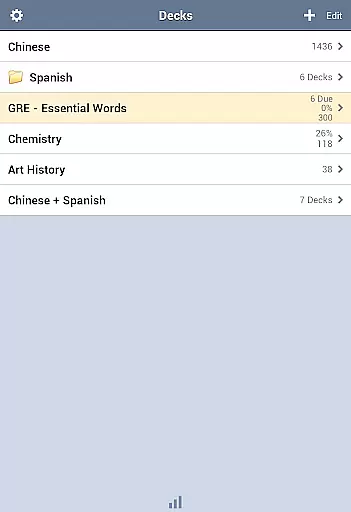
Flashcards Deluxe is a comprehensive flashcard app designed for effective learning. The app offers two intelligent study modes - Leitner and Spaced Repetition - which prioritize cards based on user performance, ensuring efficient study sessions. With support for 18 languages through offline text-to-speech functionality, users can learn without an internet connection.
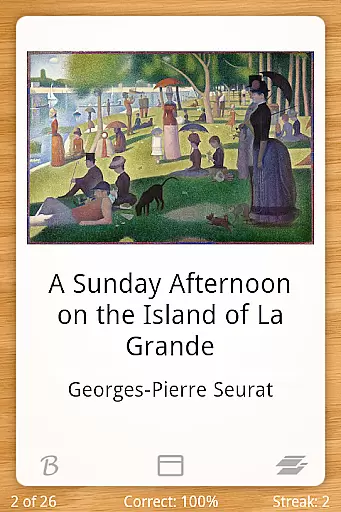
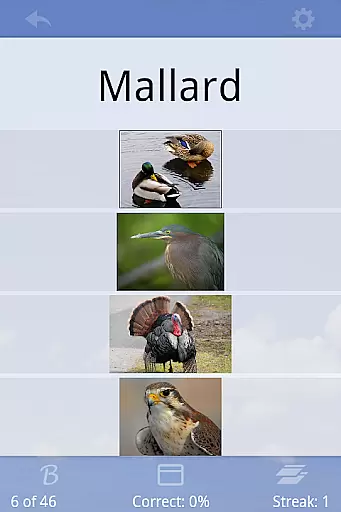
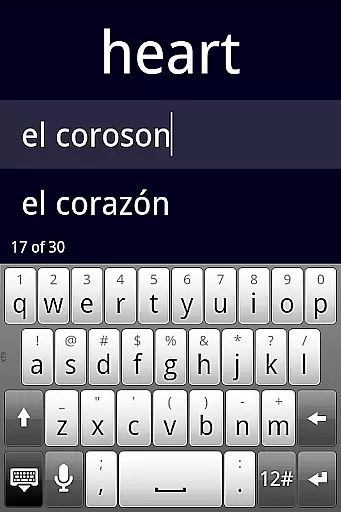
The app allows organization of decks into folders, combining multiple decks for study sessions, and categorizing cards for better management. It supports multimedia cards with pictures and sounds, and includes advanced features like spelling tests and multiple-choice options. Its clean interface and customizable settings make it suitable for both beginners and advanced learners in the education sector.
Flashcards Deluxe stands out with its powerful features tailored for diverse learning needs. The app's two study modes use adaptive algorithms to optimize learning efficiency. Users can create 1 to 5 sided cards and include multimedia elements such as images and audio clips, with zoom and auto-repeat functions respectively.
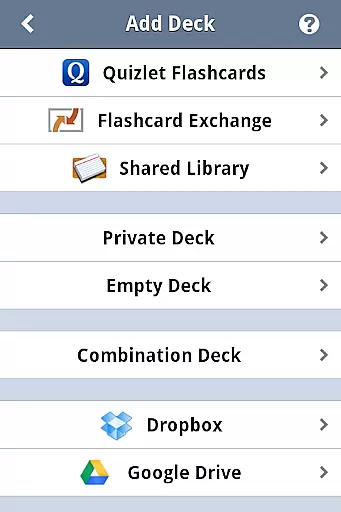
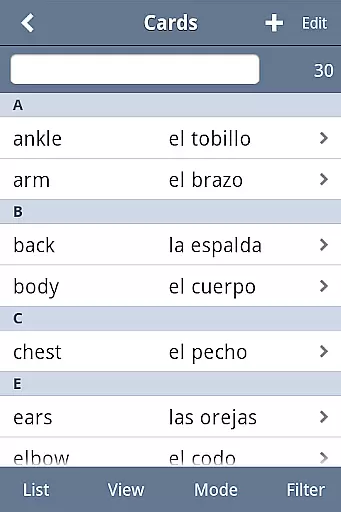
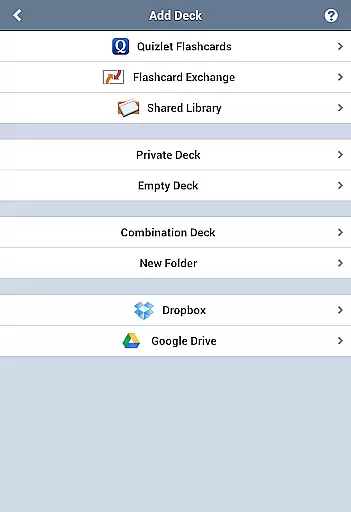
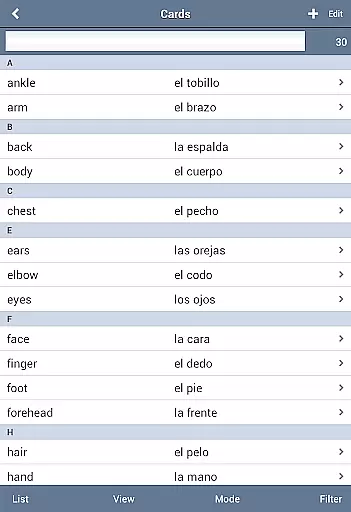
Additional notable features include searchable card listings, customizable color themes, and three response levels for more nuanced self-assessment. The app also supports importing large decks of up to 10,000 cards and provides backup options via Dropbox, Google Drive, or local computer storage. These robust functionalities make it an ideal tool for students and educators seeking a versatile learning solution.
Flashcards Deluxe ensures content accuracy through its robust creation tools and reliable import options. The app allows users to either craft their own flashcards or download pre-made decks from the Shared Library, ensuring that study materials are both accurate and authoritative.
The inclusion of advanced study modes like Leitner and Spaced Repetition helps reinforce learning by focusing on areas where the user needs the most improvement. This methodical approach ensures that users are studying the right content at the right time, enhancing retention and understanding.
With support for text-to-speech in 18 languages, users can rely on the app's audio features without needing an internet connection. This feature not only adds convenience but also guarantees that pronunciation and language usage are accurate, further enriching the educational experience.
One of the standout features of Flashcards Deluxe is its ability to create personalized learning paths tailored to individual needs. By offering multiple study modes and customizable settings, the app adapts to various learning styles and preferences, making it a versatile tool for education.
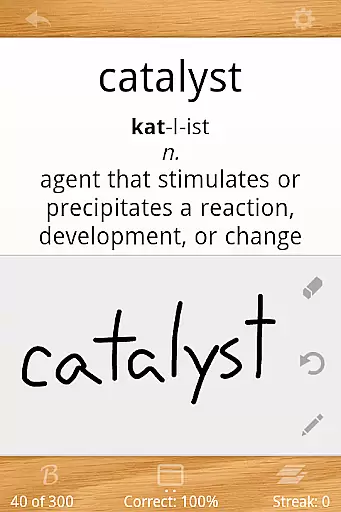
The app supports up to five-sided cards and includes options for pictures, sounds, and even self-drawn answers. These features allow users to engage with the material in diverse ways, catering to different learning preferences and helping to solidify knowledge through varied interactions.
Additionally, the app's capability to automatically turn off cards that have been mastered ensures that study sessions remain focused and efficient. Users can track their progress and adjust their learning paths accordingly, optimizing their study time and improving overall educational outcomes.
User-friendly interface
Offline functionality
Multimedia support
Advanced study modes
Customizable features
Premium version cost
Complex for beginners
Limited design flexibility
No collaborative features
Occasional sync issues

Watch and Play Elmo's World!
 4.00
4.00
Turn scrolling hours into improving your knowledge, communication, intelligence
4.50
Universe simulator: Find & explore planets system, outer space, astronomy events
4.60
Turns you phone or tablet into TI graphing calculator (ROM required).
4.20
Hebrew Vocab
4.90
Pass your FAA written with flying colors - Study Buddy can help.
4.30
An interactive enhancement of the Sesame Street classic.
4.50
Flashnote Derby is the fun way for kids to learn music notes and memorize them.
3.40
Plant identifier: Identify plants, trees, weeds, flowers. Disease diagnosis.
4.30
Learn & Speak New Languages
4.70
Dinosaurs coloring book game. Drawing and painting dinos.
4.50
One of the most engaging and innovative ABC apps on the market.
4.30
THE ESTABLISHED "GO TO" ARMY BOARD PREPARATION APP!
4.30
School Communication
4.30
An aviator’s preparation, study and test tool for FAA Knowledge Exams.
4.10
Break Language Barriers with AI—Learn Language Anytime, Anywhere!
4.00
An aviator’s preparation, study and test tool for FAA Knowledge Exams.
4.00
FAR/AIM, FAR for Flight Crew and FAR for Aviation Maintenance Technicians
3.80
Master the NRP with 700+ questions, rationales, and updated NREMT scenarios.
3.00


User Reviews