
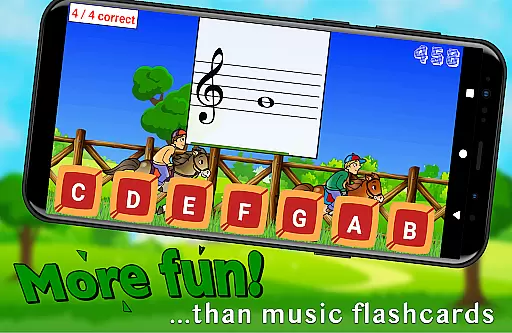
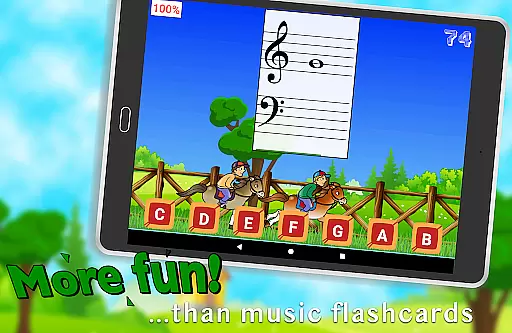
Flashnote Derby is an educational app designed to make learning music notes enjoyable for children. The core function of this app revolves around a timed test format where students identify different notes to advance their horse in a race towards the finish line. This interactive approach not only makes learning fun but also encourages quick thinking and accuracy.
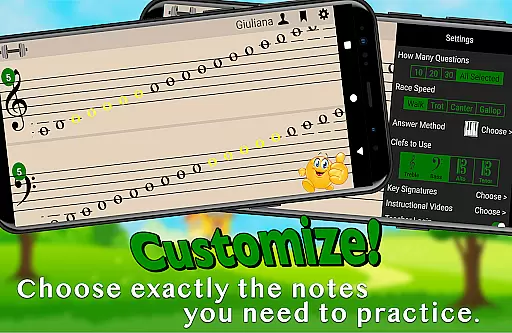
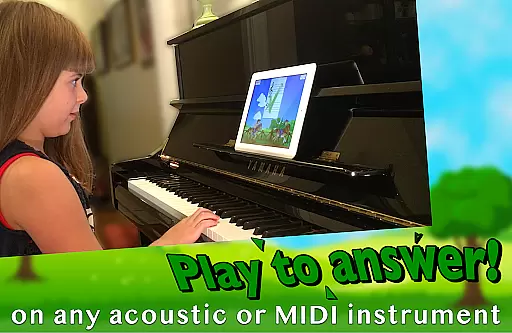
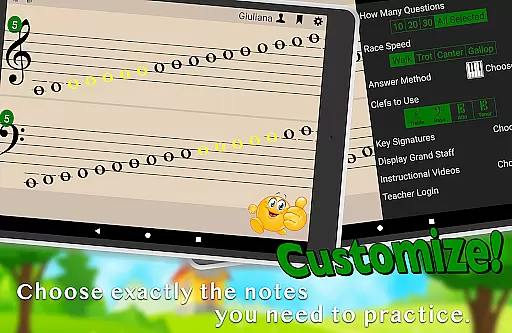
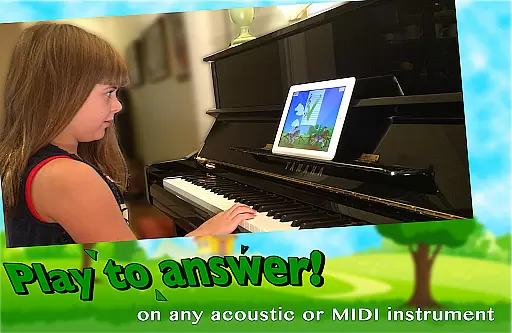
Beyond its primary function, Flashnote Derby offers customization options that allow users to tailor the experience according to their needs. Players can respond using various methods including playing notes on acoustic or MIDI instruments, tapping letter buttons, or interacting with an on-screen piano. With adjustable settings for note ranges, clefs, and key signatures, it caters to beginners as well as advanced learners.
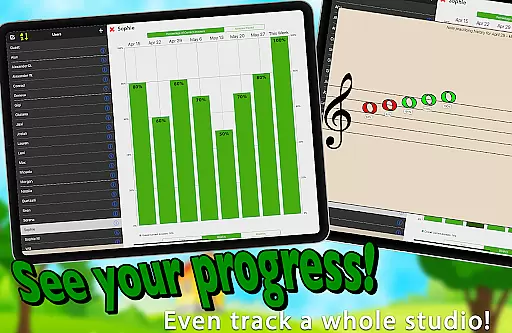
The app's value lies in its ability to motivate young learners through gamification while providing teachers with tools to track progress and assign homework. By integrating over a dozen instructional video lessons, Flashnote Derby ensures that even those without prior music instruction can start learning immediately. Its comprehensive tracking system helps identify areas needing review, ensuring steady improvement in music reading skills.
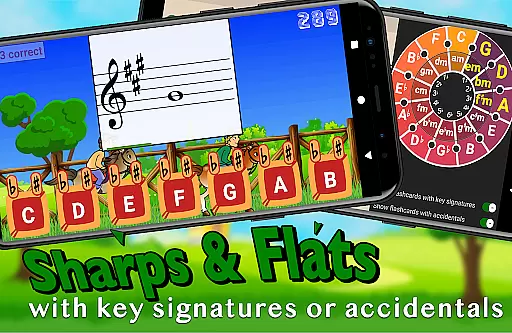
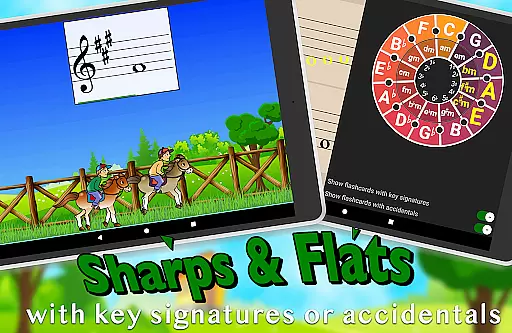
One of the standout features of Flashnote Derby is its adaptability. Teachers and students can customize the game to focus on specific notes, clefs, and even include sharps, flats, and key signatures. This flexibility allows for targeted practice sessions that evolve as the student progresses. The time allocated per flashcard can be adjusted based on the player's age and experience level, making it suitable for a wide range of learners.
Another significant feature is the integration of multiple response methods. Users can play notes on their instruments, select answers via letter buttons, or use the on-screen piano. This variety caters to different learning styles and preferences, enhancing engagement. Additionally, the app records each player's performance, enabling teachers to monitor progress and assign personalized homework through email.
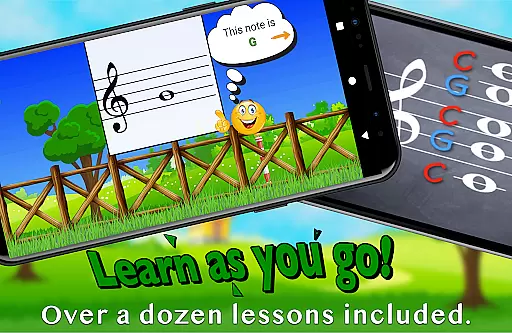
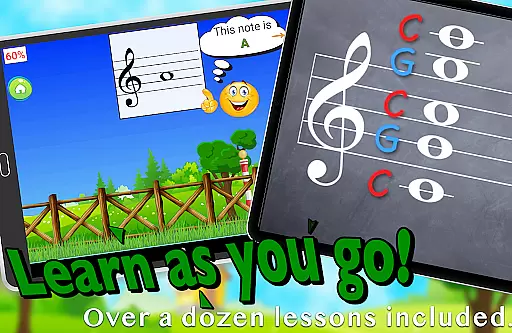
Flashnote Derby also includes over a dozen instructional videos accessible directly within the app. These resources cover fundamental topics like the music alphabet and staff notation, providing a solid foundation for beginners. As students advance, they can tackle more challenging drills that extend up to five and a half ledger lines above or below the staff, earning higher points for increased difficulty.
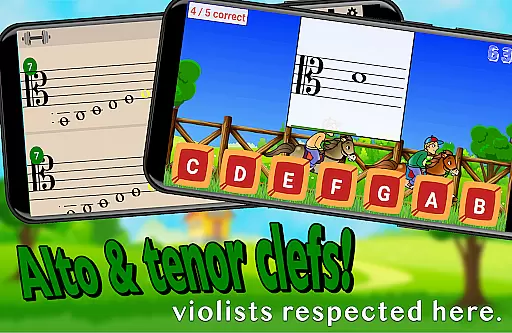
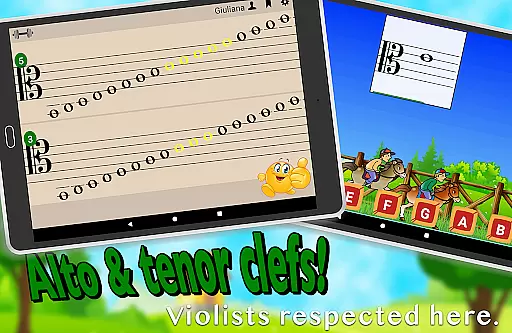
Flashnote Derby ensures content accuracy by focusing on correct music note identification, which is essential for any music learner. The app provides a customizable learning experience where notes can be selected from various clefs including treble, bass, alto, or tenor, ensuring that the information aligns with standard music notation.
The inclusion of over a dozen instructional video lessons within the app further enhances its authoritative approach to music education. These lessons cover fundamental topics such as the music alphabet and staff recognition, laying a solid foundation for note identification skills.
With adjustable difficulty settings, students are able to progress at their own pace, mastering simpler concepts before advancing to more complex ones like ledger lines. This structured progression supports accurate learning and retention of musical knowledge.
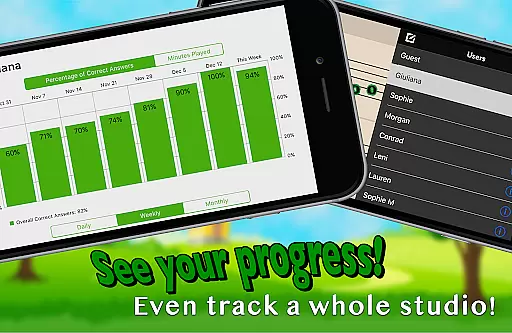
Teachers can also utilize Flashnote Derby's performance tracking feature to monitor student progress and identify areas needing review, thus maintaining high standards of educational oversight and personalized instruction.
Flashnote Derby offers personalized learning paths by allowing users to customize their practice sessions according to individual needs. Students can choose specific ranges of notes or focus on isolated notes, tailoring each session to target weak spots in their understanding.
The app accommodates different response methods, enabling learners to play notes on acoustic or MIDI instruments, tap letter buttons, or use an on-screen piano. This flexibility caters to diverse learning styles and preferences, enhancing engagement and personalization.
Adjustable time limits per flashcard cater to varying ages and experience levels, making sure that the pace of learning is appropriate for each user. As students become more proficient, these settings can be altered to maintain an optimal challenge level.
By recording player performance, Flashnote Derby allows both students and teachers to track improvement over time. This data-driven approach helps tailor subsequent learning sessions, ensuring continuous growth and adaptation to each learner's evolving abilities.
User-friendly interface
Customizable learning paths
Engaging gameplay mechanics
Comprehensive progress tracking
In-app instructional videos
Limited to music education
Requires initial setup
Premium features may cost extra
Interface might overwhelm beginners
Dependent on external devices for some functions

An animated storybook app to help ease your child through toilet training.
 3.70
3.70
Gain new skills in 10 minutes
4.70
Perform physics experiments with your phone. (by the RWTH Aachen University)
4.70
Hebrew Vocab
4.90
Age-Related Child Developmental Milestones
4.80
Skelly is a fully poseable, anatomically correct reference skeleton for artists.
4.10
Visit Daniel's house & make believe. Play doctor, make music, & feed fish.
3.20
The "Go To" app for Airmen studying for promotion to SSgt and TSgt
4.30
Learn Japanese in an immersive educational game set in Japan!
4.90
Experience the sky, planet earth and the solar system like never before
4.90
Engage in learning science and math with the award-winning PhET simulations!
4.70
Dinosaurs coloring book game. Drawing and painting dinos.
4.50
Intuitive Transformer Lab - By a Lineman, For Linemen & Apprentices
4.50
Astronomy Guide to the Night Sky
4.40
Professional Award-Winning Astronomy Star Map App With Telescope Control
4.40
Astronomy Guide To Night Sky
4.30
Break Language Barriers with AI—Learn Language Anytime, Anywhere!
4.00
An aviator’s preparation, study and test tool for FAA Knowledge Exams.
4.00
Hasbro's Classic Board Game - Make Cavity Sam better or get the buzzer!
3.50


User Reviews