
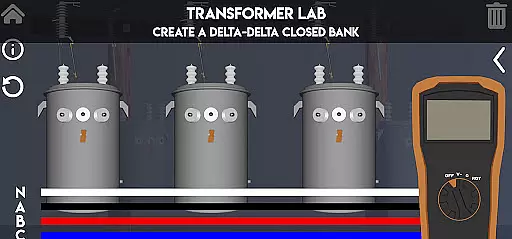
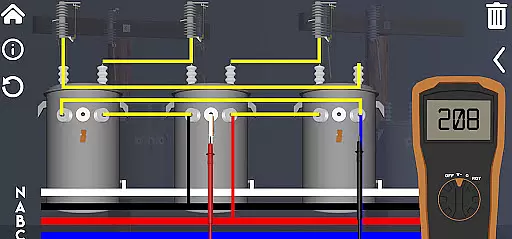
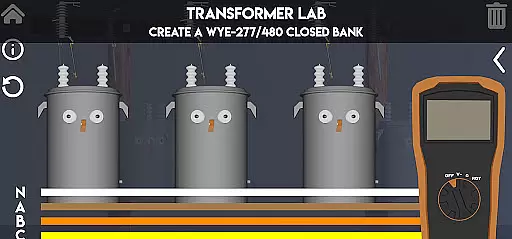
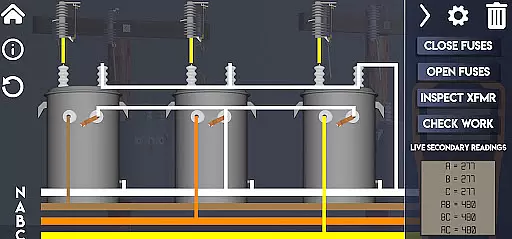
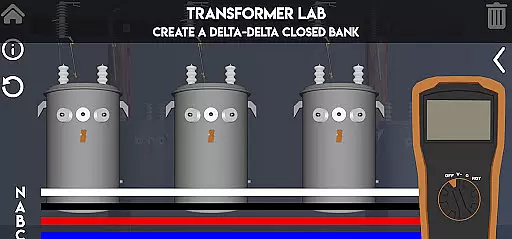
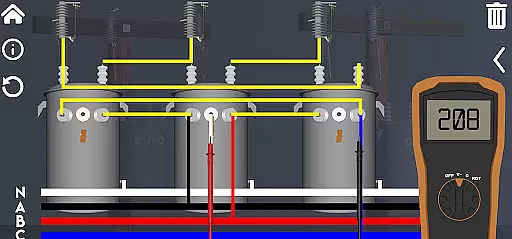
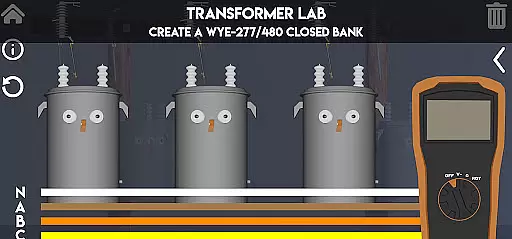
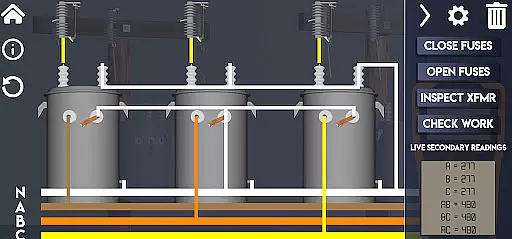
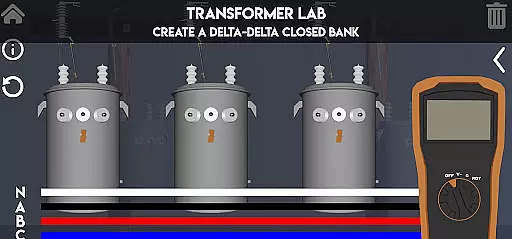
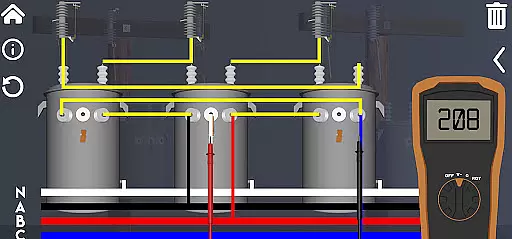
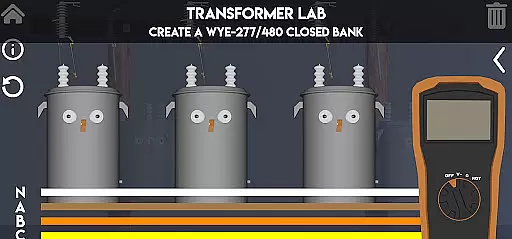
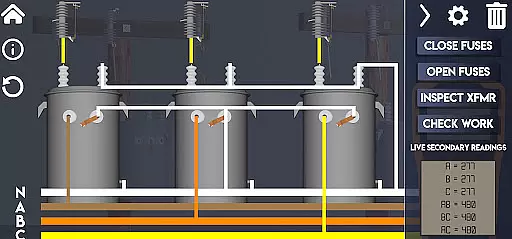
Lineman's Reference is an innovative educational app designed specifically for those in the electrical trade. This interactive transformer lab provides users with a comprehensive learning experience that goes beyond static diagrams and text-based information. With functioning virtual tools like a volt meter, ohm meter, and rotation meter, users can actively engage in realistic simulations of transformer operations.
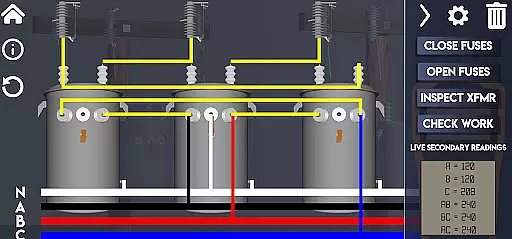
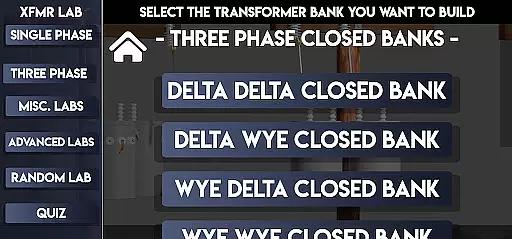
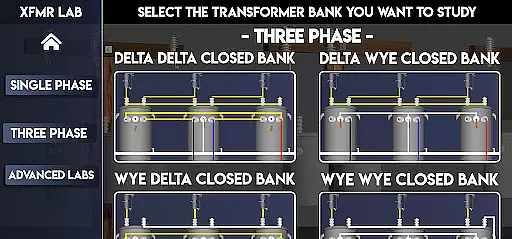
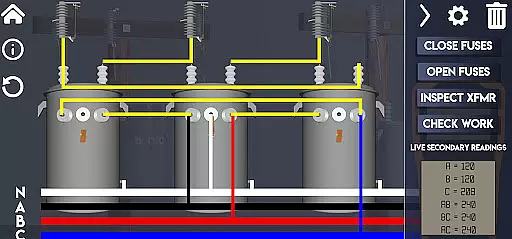
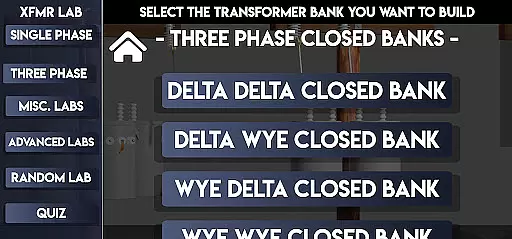
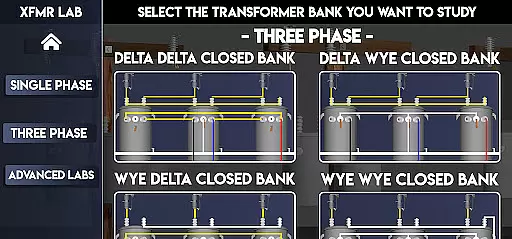
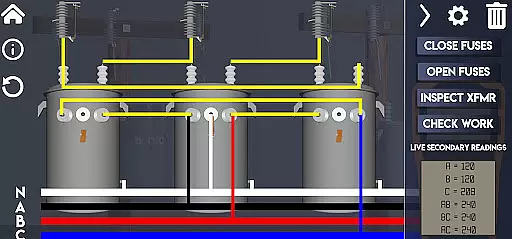
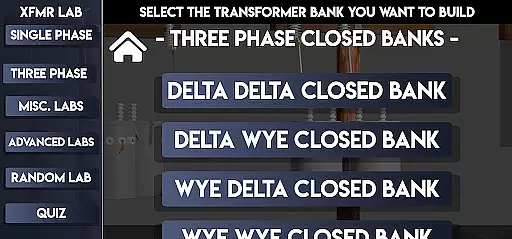
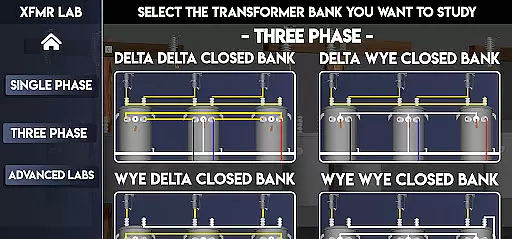
The app covers various transformer configurations including Single Phase, Three Phase, and advanced setups. Users can monitor live voltage changes as they manipulate transformer banks through the intuitive slide-out menu. The app also features specialized labs for troubleshooting, paralleling, and custom quizzes to test knowledge. Whether you're a beginner or a seasoned professional, this app offers valuable hands-on learning opportunities.
This versatile learning tool is particularly beneficial for both new apprentices and experienced linemen looking to deepen their understanding of transformers. By providing practical, real-world scenarios in a pocket-sized format, Lineman's Reference bridges the gap between theoretical knowledge and field application.
Lineman's Reference stands out with its rich feature set tailored for electrical education. The app includes multiple interactive labs covering different transformer configurations such as Delta Delta Closed, Wye Wye Closed, and advanced setups like Corner Grounded systems. Each lab provides realistic simulation environments where users can manipulate components and observe immediate results.
A key innovation is the inclusion of virtual measurement tools - a volt meter, ohm meter, and rotation meter - that function just like their physical counterparts. The app's real-time voltage monitoring system allows users to track changes as they modify transformer banks. Additional features include visual representations of secondary windings, fuse blowing conditions, and customizable quizzes for testing knowledge retention.
These features collectively create an immersive learning experience that effectively combines theoretical concepts with practical application. The ability to experiment with different configurations without physical equipment makes this app particularly valuable for both classroom instruction and field preparation.
In the realm of electrical education, Lineman's Reference stands out by providing meticulously accurate and authoritative content. This app is not just a repository of diagrams and textual information; it's an interactive learning tool designed for both beginners and seasoned professionals in the electrical trade.
The app covers a wide range of transformer-related topics, from basic concepts to advanced configurations such as Delta Delta Closed and Wye Wye 5 Wire setups. Each lab within the app is crafted with precision, ensuring that users receive reliable information that aligns with industry standards.
Moreover, the inclusion of functioning tools like a volt meter, ohm meter, and rotation meter adds a layer of practicality. These features allow users to observe real-time changes and understand the implications of their actions in various transformer scenarios, thereby reinforcing theoretical knowledge with hands-on experience.
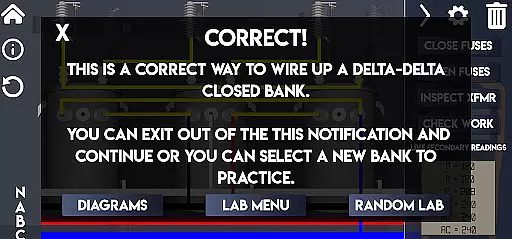
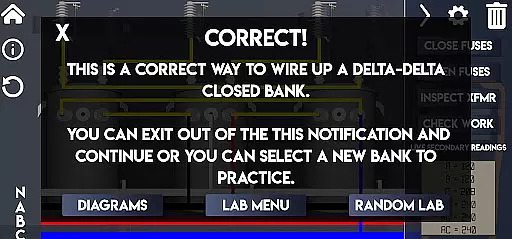
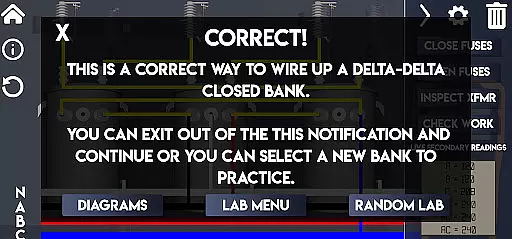
By offering quizzes and troubleshooting exercises, Lineman's Reference ensures that users can test their understanding against established norms. This comprehensive approach not only educates but also certifies a level of competency, making it an invaluable resource for anyone looking to deepen their expertise in transformer operations.
Lineman's Reference excels in creating personalized learning paths tailored to individual needs. Whether you are new to transformers or a seasoned professional, the app adapts to your skill level, offering a structured yet flexible learning environment.
One of the standout features is the ability to build custom quizzes. This allows users, especially mentors training apprentices, to design assessments that target specific areas of interest or weakness. By focusing on personalized challenges, learners can progress at their own pace and gain confidence in their abilities.
The app includes various labs ranging from Single Phase to Advanced configurations. Users can navigate through these labs, selecting those that match their current understanding and gradually moving towards more complex setups. This tiered approach ensures a smooth learning curve, preventing overwhelm while encouraging steady advancement.
Furthermore, the live-time feedback mechanism on voltage changes and blown fuses under certain conditions provides immediate insights into mistakes or misunderstandings. This instant correction feature helps in refining oneu2019s approach, ensuring that each step taken in the learning path is accurate and beneficial, ultimately leading to mastery in transformer wiring and troubleshooting.
User-friendly interface
Comprehensive transformer coverage
Realistic simulation environment
Interactive learning tools
Customizable quiz options
Steep learning curve
Advanced features only
No offline functionality
Requires technical background
Limited device support

Your guide to thousands of satellites and spacecraft in orbit around Earth!
 3.90
3.90
2026 DVSA Driving Theory Test revision with Hazard Perception + Highway Code
4.60
Astronomy Guide to the Night Sky
4.40
The official CCM Glossary app, including 700+ terms and definitions.
2.90
Enrich the experience of your visit to the Pantheon with our audiotour.
1.60
The FE Clock is a way to track sun & moon around the circle of the earth.
4.30
Learn & Speak New Languages
4.70
Learn to pass DMV permit tests. Driver license practice test 2025.
4.60
Educational Activities for 2-8
3.70
Short Lessons for Better Finances, Health, Skills, Jobs & Relationships.
4.80
Age-Related Child Developmental Milestones
4.80
Guitar chord finder, analyzer, smartly visualized theory, progressions, quizzes.
4.70
Prepare for the BCBA / BCaBA exam. Study ABA with the ABA Wizard app.
4.60
Stargazing Guide App. Stars and constellations map. Solar system planets finder.
4.60
Pass your FAA written with flying colors - Study Buddy can help.
4.30
The "Go To" app for Airmen studying for promotion to SSgt and TSgt
4.30
Visit Daniel's house & make believe. Play doctor, make music, & feed fish.
3.20
Your best partner for learning Japanese words. Based on a best-selling textbook.
2.90
Grazing Risk Monitoring Service
4.5


User Reviews