
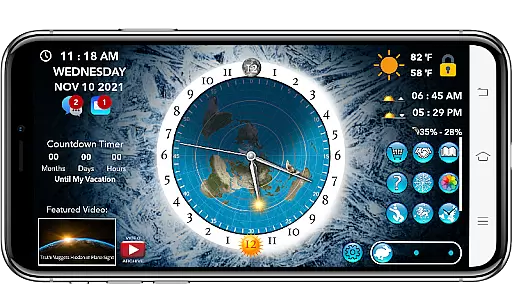
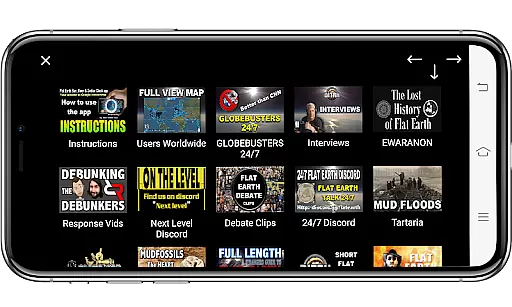
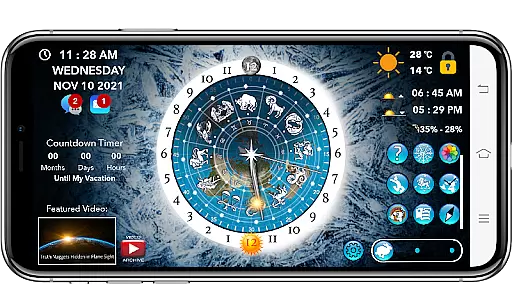
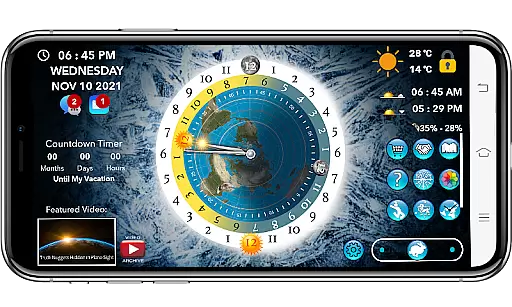
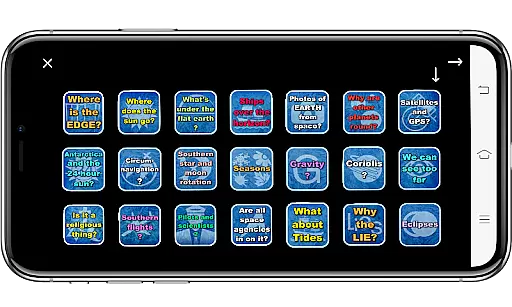
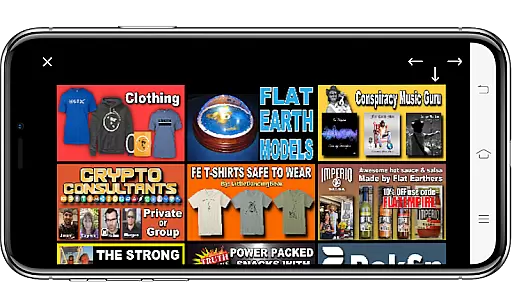
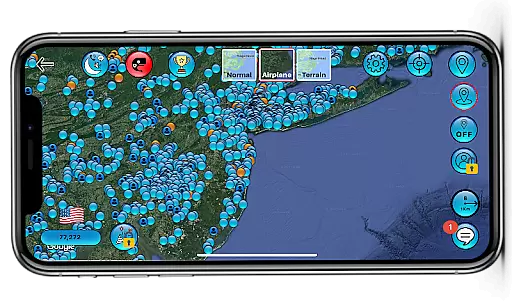
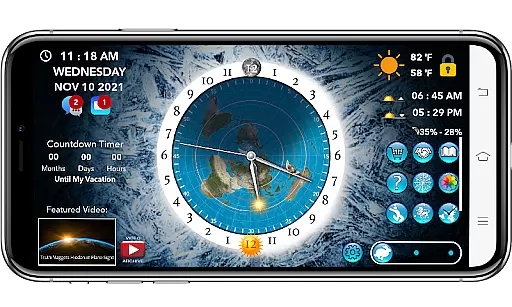
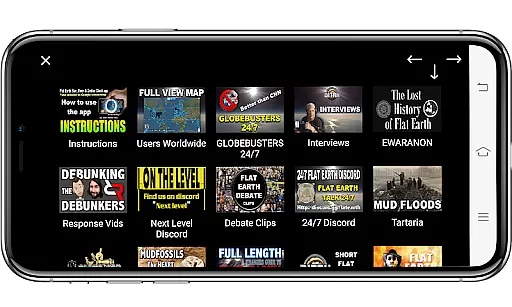
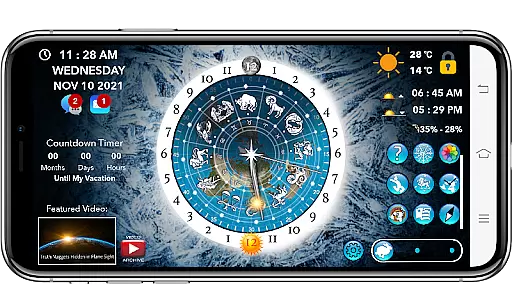
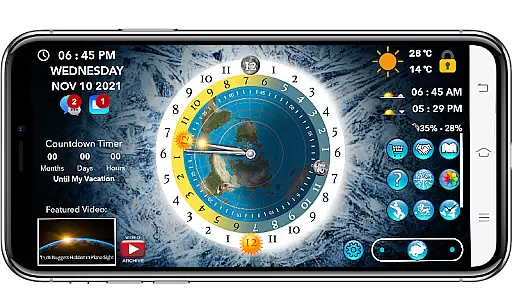
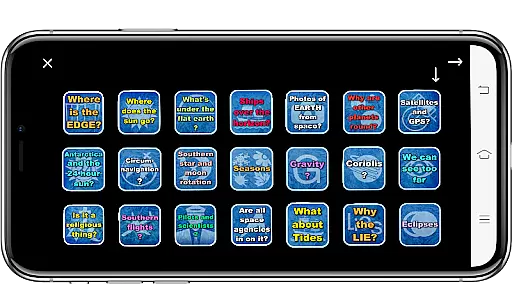
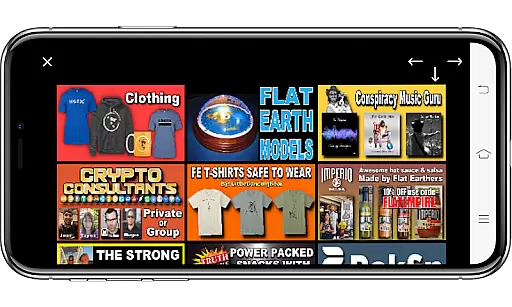
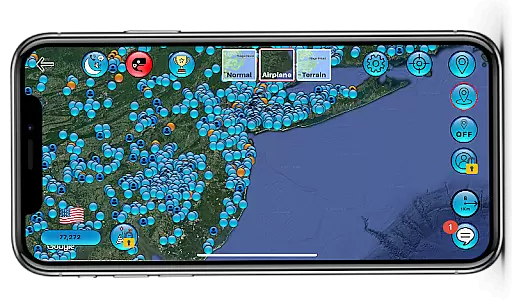
Flat Earth Sun & Moon Clock is an educational app designed for exploring celestial movements and their effects on time, seasons, and weather from a unique perspective. The app allows users to track the sun and moon's positions across the AE map, offering insights into day-night cycles, seasonal changes, and astrological patterns.
Beyond its core functionality, the app provides various interactive features such as a Zodiac Star Wheel, World Compass, and Analog Clock, enhancing users' understanding of circumnavigation and celestial mechanics. Additionally, it includes social tools like Friend Finder, Match Maker, and group chats, enabling global connections among like-minded individuals interested in flat-earth theories.
This app is ideal for educators, students, and curious minds seeking alternative perspectives on astronomy and earth sciences. With customizable backgrounds, homeschooling resources, and multi-language support, it serves as both a learning tool and a community platform.
The Flat Earth Sun & Moon Clock offers a rich set of features tailored to enhance user engagement and education. One standout feature is the ability to visualize the sun and moon’s 28-day cycle while observing their impact on day-night rhythms and seasonal transitions. This functionality is complemented by tools like the Time-lapse viewer, which vividly demonstrates equinoxes and other celestial events.
Social connectivity is another key aspect of the app. Users can join meetups, exchange messages, and participate in video calls through premium subscriptions. Features like Match Maker and Friend Finder foster meaningful interactions within the flat-earth community. Furthermore, the app integrates practical utilities such as Local Weather forecasts, World Weather maps, and sunrise/sunset trackers, all displayed on the AE map for easy reference.
Premium subscribers gain access to exclusive content, including uncensored videos, image searches, and detailed weather services. These advanced capabilities make the app not only informative but also highly versatile for diverse audiences.
In the realm of educational applications, content accuracy and authority are paramount. The Flat Earth Sun & Moon Clock positions itself as a tool for exploring celestial mechanics from an alternative perspective. It meticulously tracks the sun and moon's positions across the AE map, providing insights into day and night cycles, seasonal changes, and astrological cycles through features like the Zodiac Star Wheel and Time-lapse functionalities.
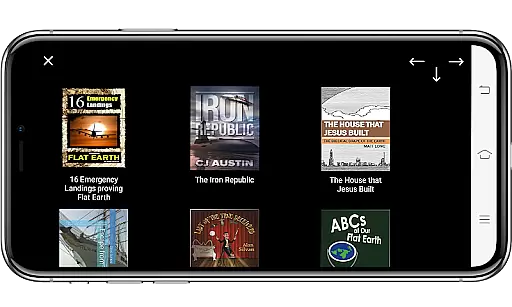
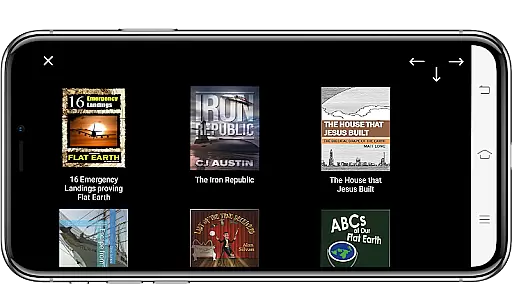
While the app presents an unconventional model of the Earth, it offers a rich array of information designed to stimulate curiosity and discussion. Users can explore flat earth-related books, curated homeschooling content, and even a series of 'Flat Earth proof Flash Cards.' These elements collectively contribute to a comprehensive exploration of a contested theory, encouraging users to engage critically with the material presented.
The app further enhances its authoritative stance by integrating real-time data such as local weather forecasts and world weather patterns on the AE map. This juxtaposition of theoretical exploration with tangible, everyday phenomena like weather updates serves to ground the app's educational offerings in observable reality, despite its controversial premise.
Personalization in learning is crucial for catering to individual preferences and paces, and the Flat Earth Sun & Moon Clock app attempts to offer a semblance of personalized education through diverse features. With options ranging from daily educational videos, a multi-language interface, to customizable backgrounds, the app allows users to tailor their learning environment according to their tastes and needs.
Beyond aesthetic customizations, the app fosters a personalized learning journey through interactive tools such as the Friend Finder, Match Maker, and Meetup Maker. These social features enable users to connect with like-minded individuals worldwide, facilitating shared learning experiences and discussions that can adapt based on user interactions and preferences.
Moreover, the app includes future-oriented functionalities like a referral system for earning cryptocurrency and access to censorship-free video searches upon subscription. Such features not only personalize the learning trajectory but also integrate modern digital literacy skills, preparing users for a connected world while engaging with the app's core educational content.
User-friendly interface
Comprehensive educational content
Interactive social features
Customizable visual settings
Multi-language support
Premium subscription required
Limited appeal outside niche audience
Some features may lack scientific backing
Occasional performance issues
Dependent on internet connection

Break Language Barriers with AI—Learn Language Anytime, Anywhere!
 4.00
4.00
Latest TLC Practice Questions! Multiple languages available!
4.50
Practice Casino Roulette Payouts for Table Game Dealers and Croupiers
4.40
The Fighter Verses Bible memory system helps you memorize God's Word.
4.50
Experience the sky, planet earth and the solar system like never before
4.90
MONOPOLY JUNIOR brings Hasbro's classic the board game to life.
3.00
Astronomy Guide To Night Sky
4.30
A realistic sky map to observe stars, planets, satellites and constellations!
4.80
Adventures await with Spider-Man and other Marvel characters!
4.10
Stargazing Guide App. Stars and constellations map. Solar system planets finder.
4.60
Welcome to the Speak Navajo Language Application - Volume 1
4.50
Astronomy Guide to the Night Sky
4.40
Monkey Preschool Lunchbox: 7 exciting educational games for your preschooler.
4.30
Master note reading with StaffWars….
4.00
Deal Craps (Practice Craps Payouts)
3.80
A must-have app for mastering Japanese verb/adjective conjugations.
3.60
Flashnote Derby is the fun way for kids to learn music notes and memorize them.
3.40
Snap a dog photo to identify its breed instantly. Fast, accurate and easy to use
3.40
Animals pop up and make sounds—learn names and noises in Peekaboo Barn!
4.3


User Reviews