
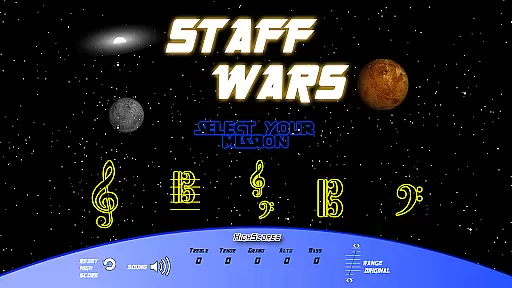
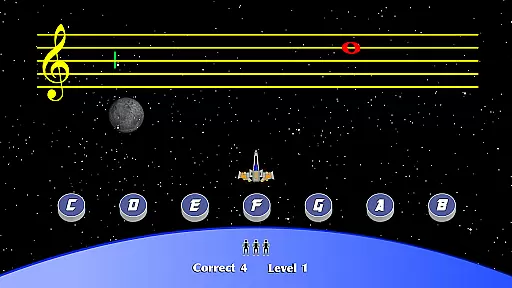
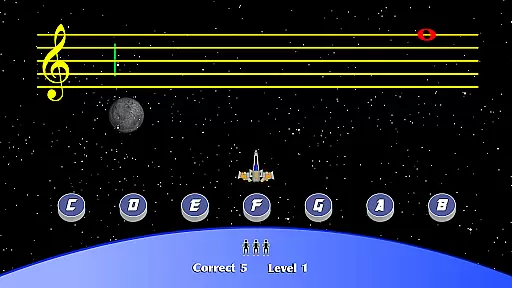
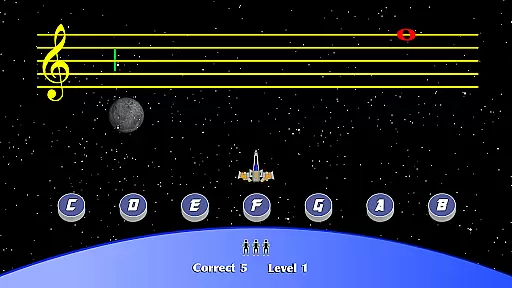
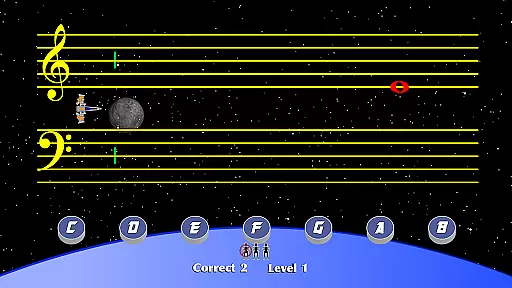
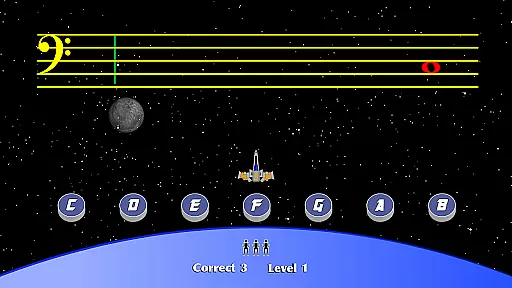
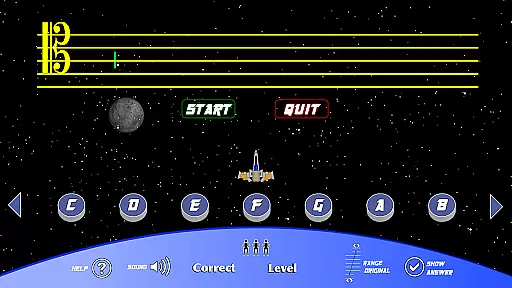
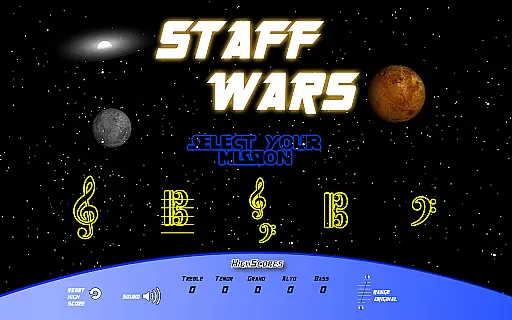
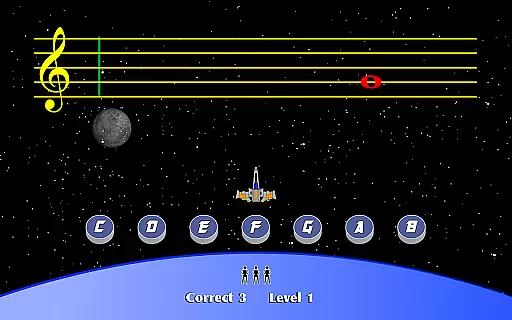
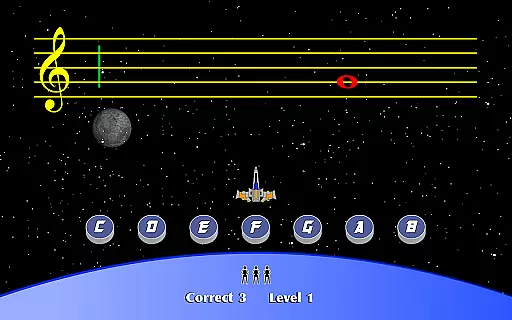
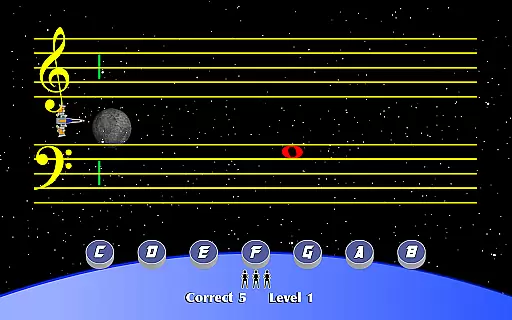
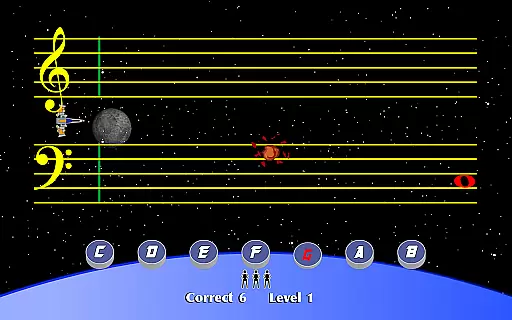
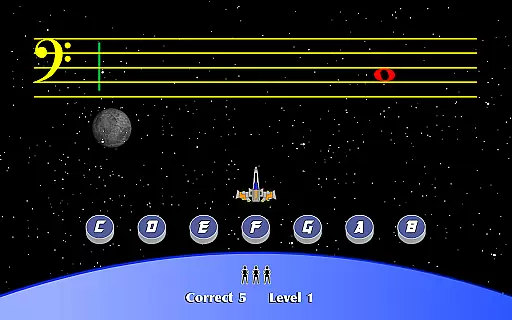
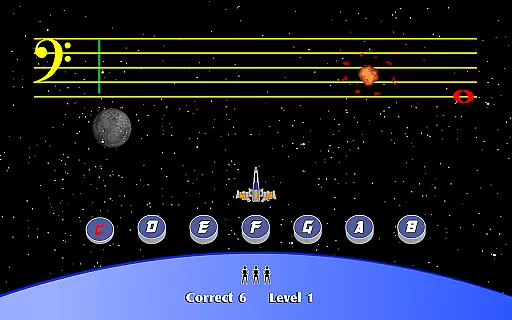
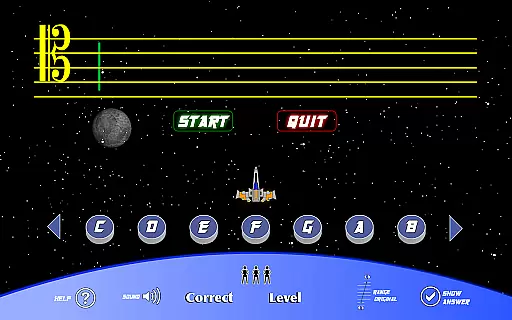
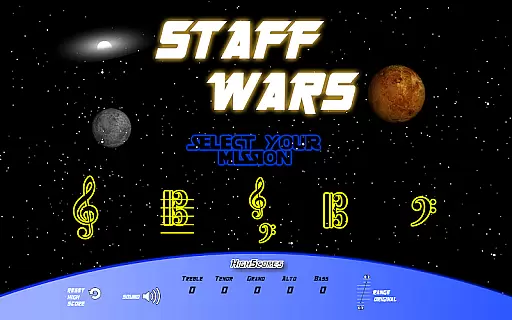
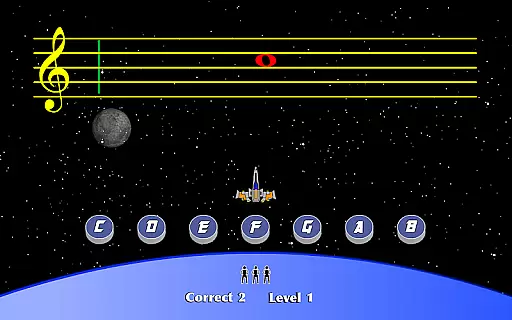
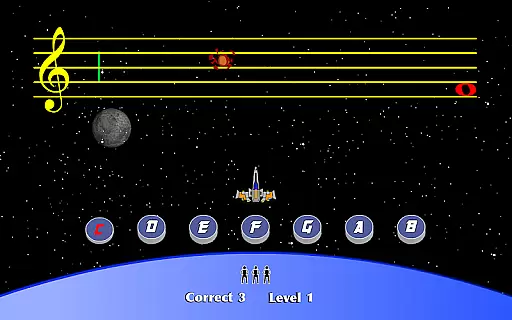
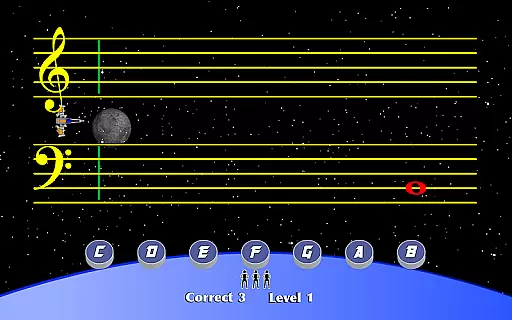
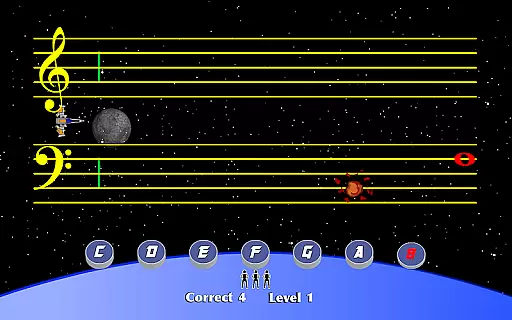
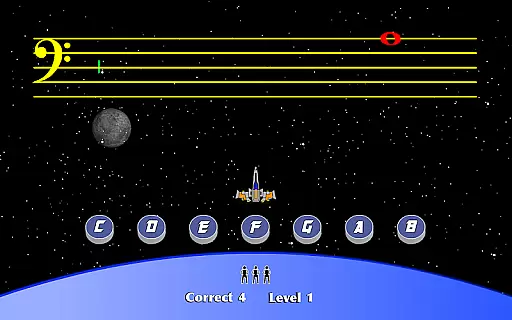
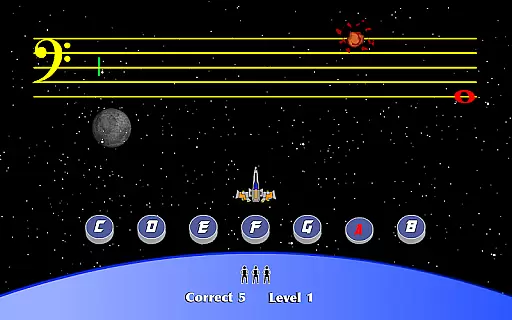
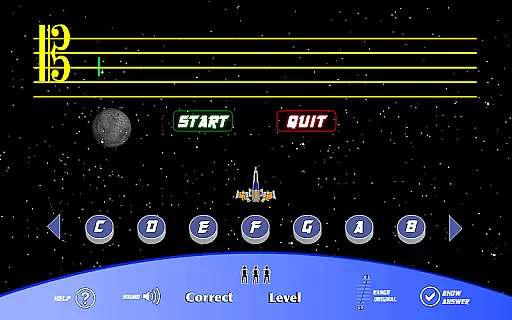
StaffWars is an innovative educational game specifically designed to assist beginning and intermediate musicians in mastering the note names across various staff clefs. The application focuses on treble, alto, bass, tenor, and grand staff clefs, offering a comprehensive learning tool for musicians at different skill levels.
The app provides an interactive platform where users can practice and reinforce their knowledge of musical notes. By engaging with StaffWars, learners can improve their sight-reading abilities and gain confidence in their musical journey. Whether you're preparing for a music exam or simply looking to enhance your skills, StaffWars offers a fun and effective solution.
One of the standout features of StaffWars is its wide range of clef options, accommodating different instruments and vocal ranges. This ensures that all musicians, regardless of their specific needs, can benefit from the app's offerings. The game-like interface makes learning enjoyable and less daunting for beginners.
Additionally, StaffWars incorporates a scoring system that motivates users to strive for higher accuracy and faster recognition of notes. With adjustable difficulty levels, the app caters to both novice learners and those seeking more advanced challenges. Progress tracking allows users to monitor their improvement over time, making it an invaluable tool for dedicated practice sessions.
StaffWars provides meticulously verified content tailored for musicians at the beginning and intermediate levels. The app focuses on teaching note names across various clefs, including treble, alto, bass, tenor, and grand staff. Each note is accurately represented, ensuring that users learn precise musical notations.
The developers have worked closely with music educators to ensure that all information aligns with standard music theory practices. This guarantees that users are learning from reliable and authoritative sources. By focusing on accuracy, StaffWars ensures that musicians develop a strong foundational understanding of different clefs.
For anyone looking to master these clefs, this app offers an educational experience rooted in authenticity and precision. Users can trust that the lessons provided will help them achieve mastery over musical notation with confidence.
One of the standout features of StaffWars is its ability to create personalized learning paths for each user. The app adapts to individual progress, offering customized exercises that cater to specific needs and skill levels. This personalization ensures that users remain engaged and challenged without feeling overwhelmed.
Through adaptive algorithms, StaffWars tracks user performance and adjusts difficulty accordingly. As users improve, the app introduces more complex notations and exercises, promoting continuous growth. This dynamic approach helps musicians steadily advance their skills while maintaining motivation.
By integrating personalized learning paths, StaffWars enhances user engagement and retention. Musicians can enjoy a tailored educational journey that evolves with their progress, making it an ideal tool for anyone serious about mastering musical clefs.
User-friendly interface
Comprehensive clef coverage
Engaging learning experience
Customizable difficulty settings
Effective progress tracking
Limited to note recognition
No advanced theory lessons
Occasional performance lags
In-app purchases required
Basic visual design

Turn scrolling hours into improving your knowledge, communication, intelligence
 4.50
4.50
Turns you phone or tablet into TI graphing calculator (ROM required).
4.20
Bebefinn and Baby Shark educational, animated videos & games for kids
3.40
Short Lessons for Better Finances, Health, Skills, Jobs & Relationships.
4.80
An easy to use yet powerful and full-featured flashcard study app.
4.50
2026 DVSA Driving Theory Test revision with Hazard Perception + Highway Code
4.60
Astronomy Guide to the Night Sky
4.40
Engage in learning science and math with the award-winning PhET simulations!
4.70
The best way to study for your amateur radio license exam.
4.90
Age-Related Child Developmental Milestones
4.80
Stack the States makes learning about the 50 states fun!
4.70
A fast and fun way to learn guitar - works with any guitar.
4.60
Stack the Countries makes learning world geography fun!
4.50
SkyView®, an augmented reality space app, brings stargazing to everyone!
4.40
Learn to make peaceful contact with extraterrestrial civilizations
4.10
The official CCM Glossary app, including 700+ terms and definitions.
2.90
Your best partner for learning Japanese words. Based on a best-selling textbook.
2.80
Enrich the experience of your visit to the Pantheon with our audiotour.
1.60
AR planetarium app that brings the solar system to you via XREAL Glasses.
4.1


User Reviews