
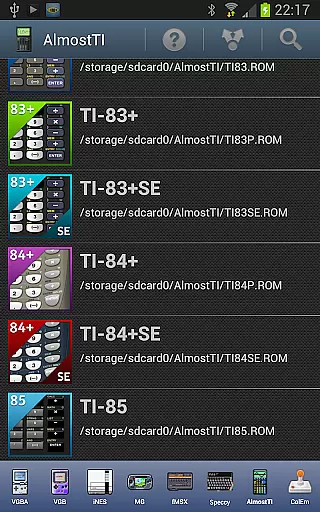
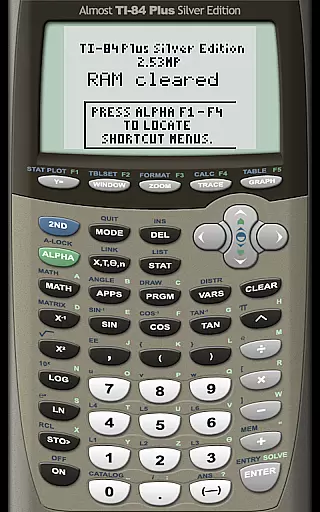
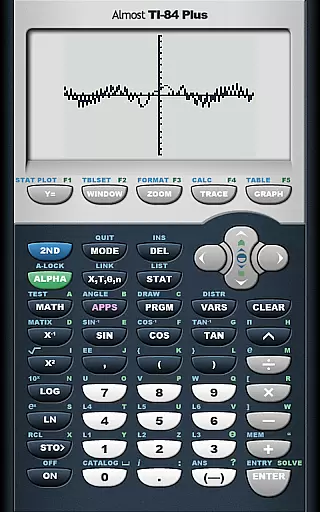
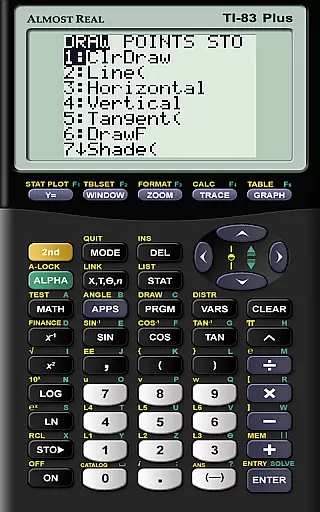
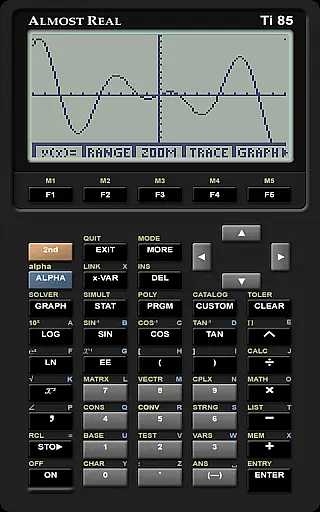
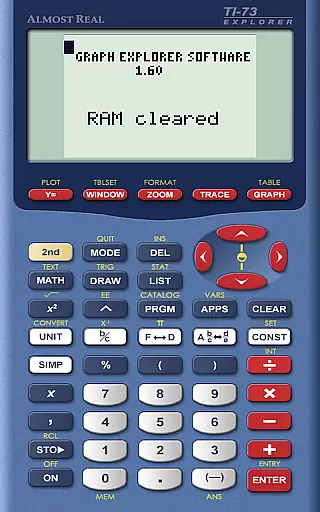
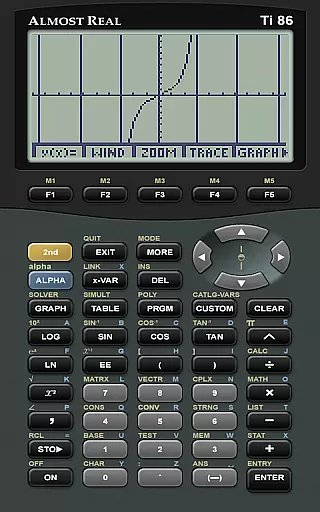
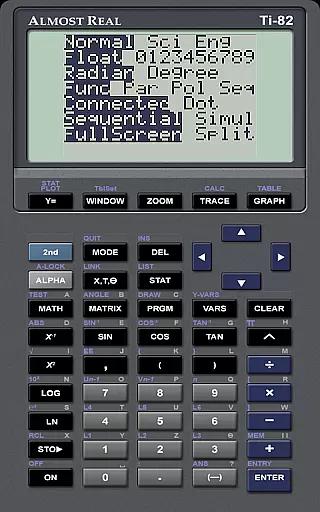
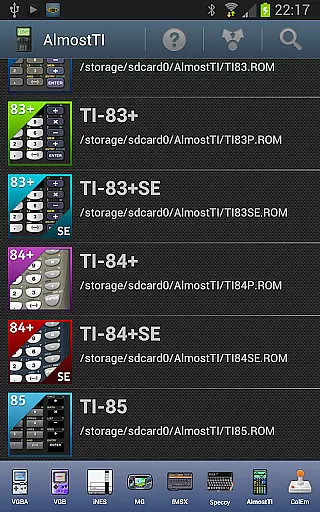
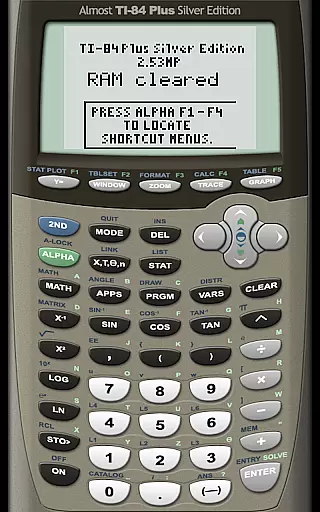
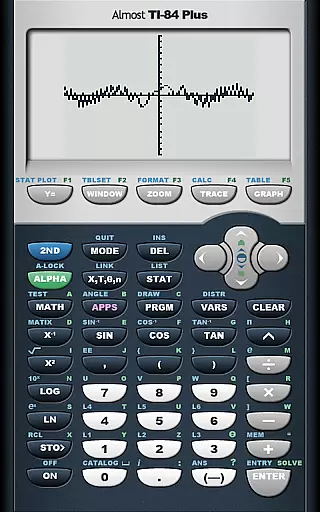
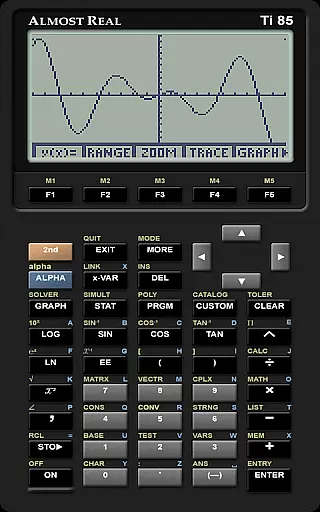
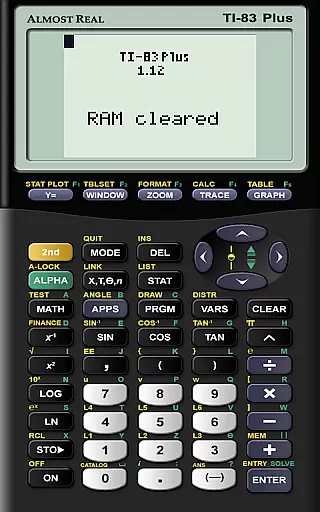
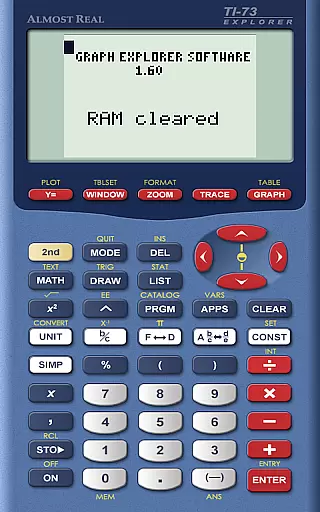
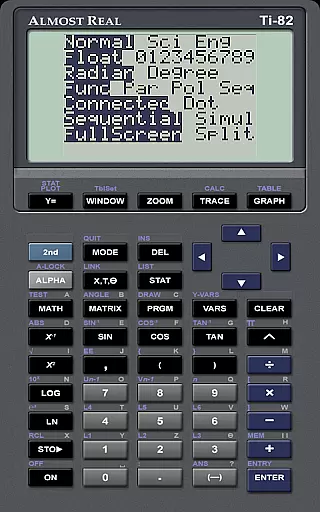
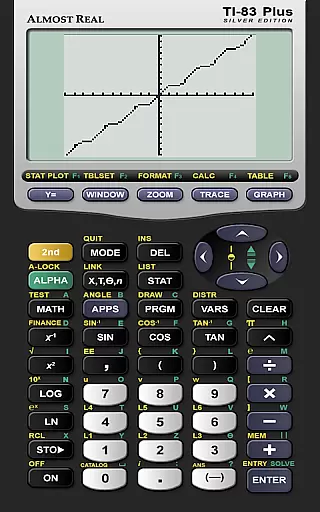
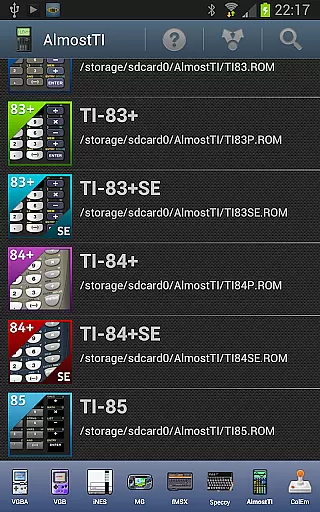
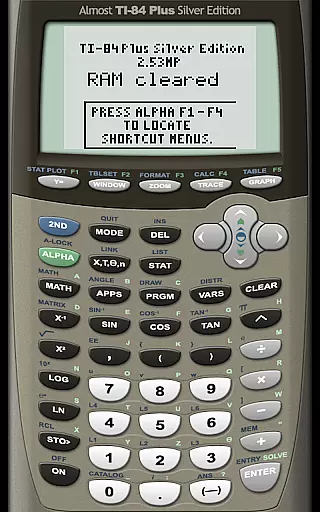
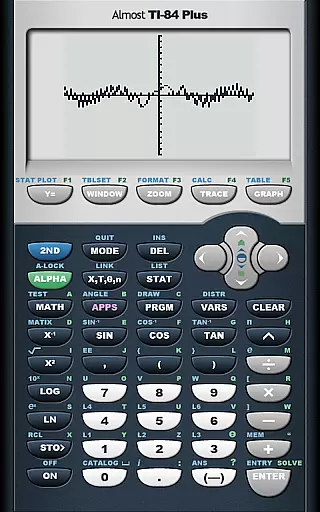
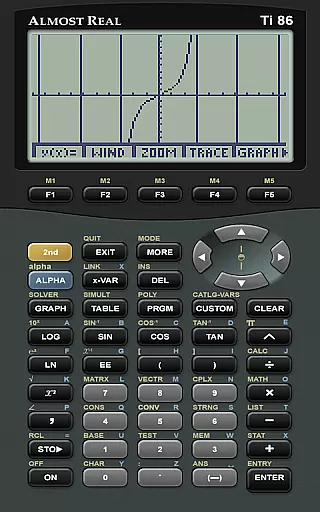
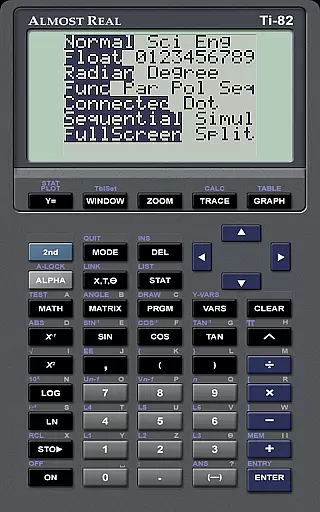
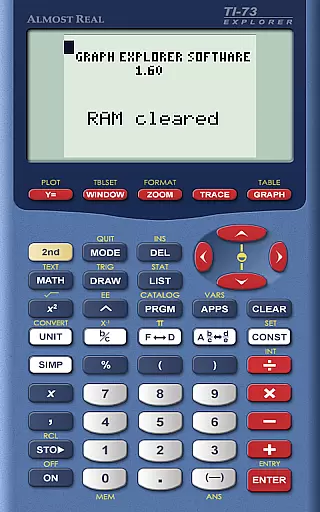
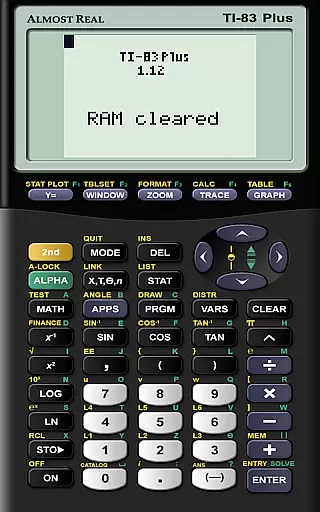
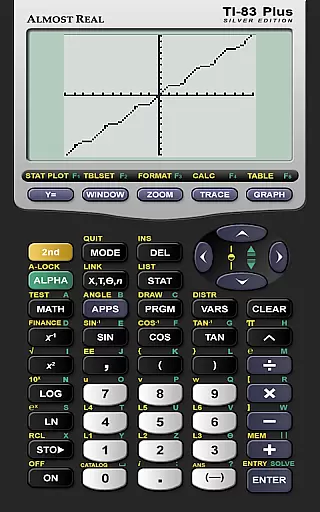
AlmostTI is an advanced educational application that transforms your Android device into a fully functional Texas Instruments graphing calculator. This app provides complete emulation of various TI calculator models including TI-84+, TI-83+, and TI-82 among others. Whether you are a student or a professional, AlmostTI offers the convenience of carrying a powerful calculation tool right in your pocket. The app supports saving calculations at any point and allows users to switch between multiple saved tasks seamlessly.
The application is particularly useful for those engaged in mathematics, engineering, and scientific studies where graphing calculators are essential. With support for tablets, users can enjoy an enlarged interface that mimics the experience of using a physical TI calculator but with enhanced visibility and accessibility. To operate AlmostTI, users need to provide their own calculator system ROM which ensures compliance with intellectual property rights.
AlmostTI stands out with its comprehensive emulation capabilities covering a wide range of Texas Instruments calculator models. Each emulation is crafted to deliver an authentic experience mirroring the original hardware's functionality. Users can perform complex mathematical operations, graph functions, and analyze data just as they would on a physical TI calculator.
A distinctive feature of AlmostTI is its ability to save and manage multiple calculation sessions. This allows users to work on different problems simultaneously and switch between them effortlessly. Additionally, the app supports high-resolution displays making it suitable for both smartphones and tablets. By requiring users to supply their own ROM files, AlmostTI ensures legal compliance while offering flexibility to emulate various calculator models based on individual needs.
When it comes to educational applications like AlmostTI, content accuracy is paramount. This app provides a faithful emulation of various Texas Instruments graphing calculators, ensuring that all calculations and graphing functionalities are true to the original devices. The precision in replicating the calculator's operations guarantees that students and educators can rely on this app for their mathematical tasks.
The app fully emulates a range of TI calculators including TI-84+, TI-83, and others, which means users get an authentic experience as if they were using the physical device. This level of authenticity is crucial for learning and teaching, as it ensures that the concepts and skills learned through the app are transferable to real-world applications and exams.
Moreover, AlmostTI allows users to save their calculations at any point, providing a reliable way to manage and review work. This feature not only enhances the learning process but also instills confidence in users that their data and progress are securely stored.
AlmostTI offers personalized learning paths by allowing users to emulate different models of Texas Instruments calculators. Depending on the user's level of expertise or the specific requirements of their coursework, they can choose the most appropriate calculator model to emulate. This flexibility caters to individual learning curves and preferences, making it a versatile educational tool.
In addition to selecting different calculator models, the ability to save and retrieve various calculation states supports a customized approach to problem-solving. Users can experiment with different mathematical scenarios and revisit their saved states, promoting a deeper understanding of complex concepts through personalized exploration.
Furthermore, the necessity to provide one's own calculator ROMs adds another layer of personalization. By using a ROM from a calculator they own, users ensure that their digital experience closely matches their physical calculator, bridging the gap between traditional learning methods and modern technology.
User-friendly interface
Wide range of calculator models
Supports high-resolution displays
Flexible session management
Authentic emulation experience
Requires external ROM files
No built-in calculator ROMs
Limited to Texas Instruments models
Potential compatibility issues
Dependent on user-provided resources

Turn scrolling hours into improving your knowledge, communication, intelligence
 4.50
4.50
Short Lessons for Better Finances, Health, Skills, Jobs & Relationships.
4.80
2026 DVSA Driving Theory Test revision with Hazard Perception + Highway Code
4.60
Perform physics experiments with your phone. (by the RWTH Aachen University)
4.70
Nighty Night Circus - Bedtime story for kids
4.10
Designed for Calculator 84 users
4.20
A must-have app for mastering Japanese verb/adjective conjugations.
3.60
Experience the sky, planet earth and the solar system like never before
4.90
Make your own game and world. Draw and animate characters
3.70
Dinosaurs coloring book game. Drawing and painting dinos.
4.50
Professional Award-Winning Astronomy Star Map App With Telescope Control
4.40
An aviator’s preparation, study and test tool for FAA Knowledge Exams.
4.30
Skelly is a fully poseable, anatomically correct reference skeleton for artists.
4.10
Watch and Play Elmo's World!
4.00
FAR/AIM, FAR for Flight Crew and FAR for Aviation Maintenance Technicians
3.80
The official CCM Glossary app, including 700+ terms and definitions.
2.90
Your best partner for learning Japanese words. Based on a best-selling textbook.
2.80
Test prep for Indiana students
4.3
Pickleball guide complete with illustrated Pickleball drills and helpful info
4.2


User Reviews