
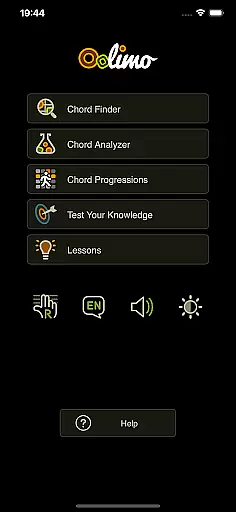
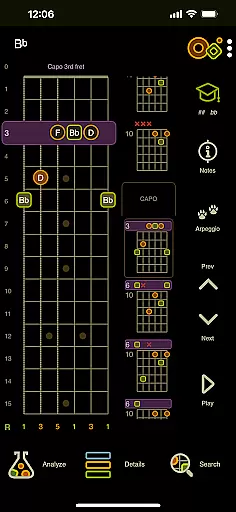
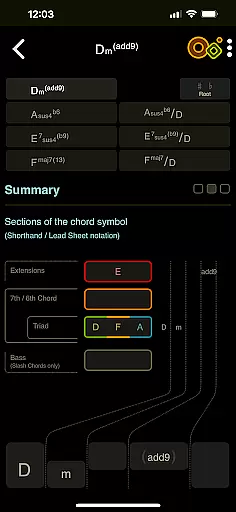
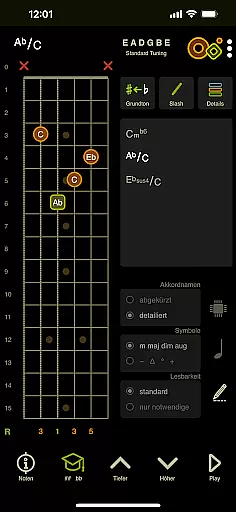
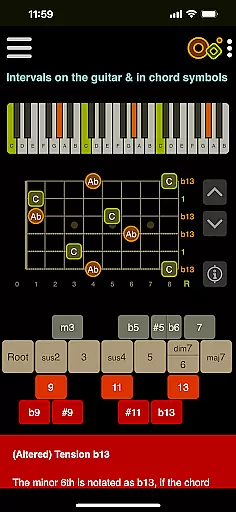
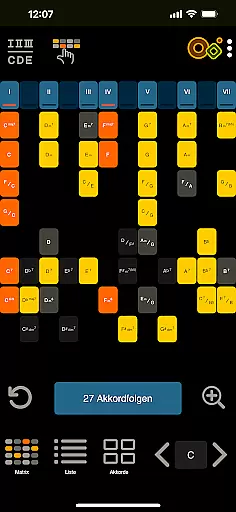
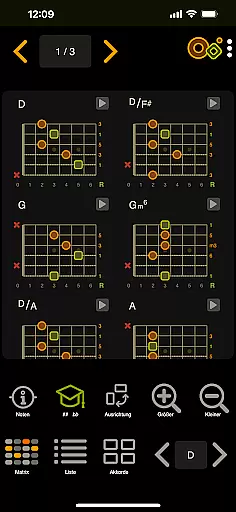
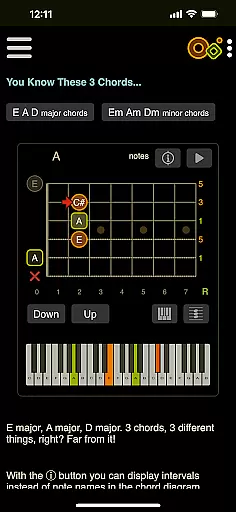
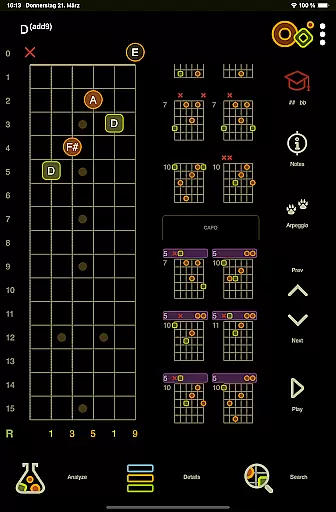
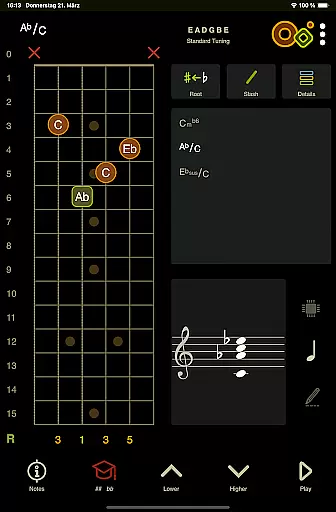
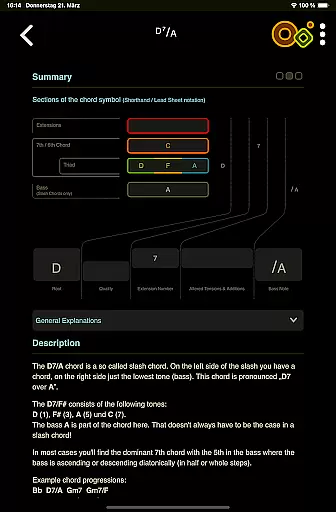
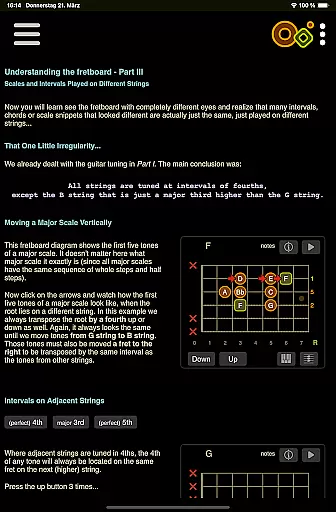
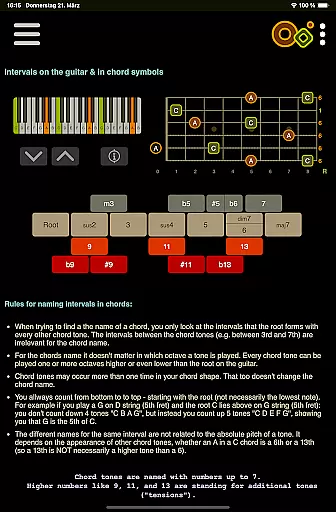
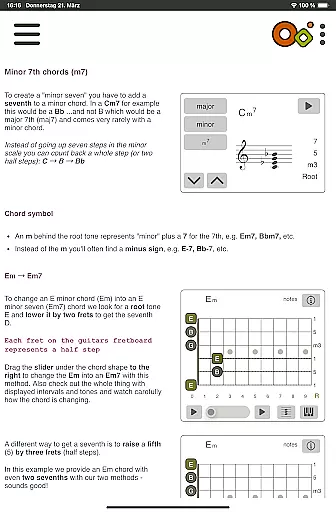
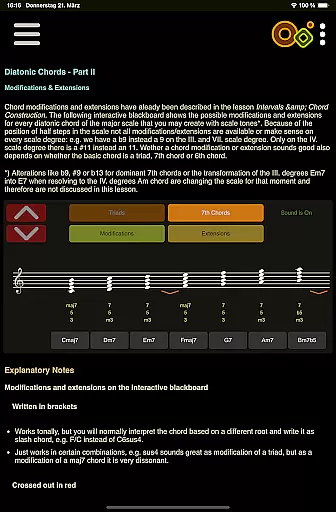
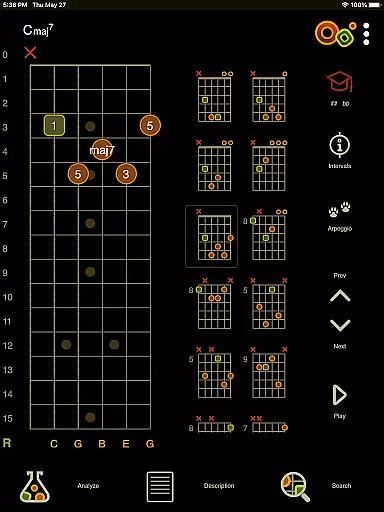
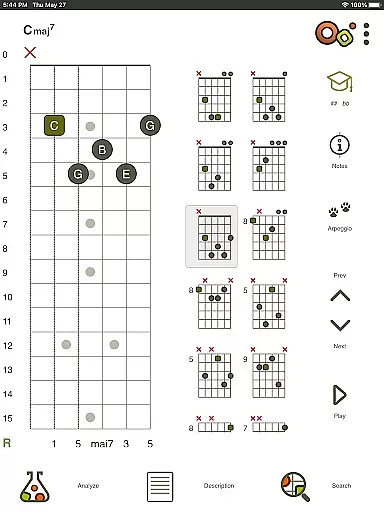
Oolimo Guitar Chords is an innovative educational app designed to deepen your understanding of guitar chords. This interactive learning tool helps musicians, from beginners to advanced players, make sense of chord symbols, names, and harmonic relationships. With its unique approach to teaching guitar harmony, Oolimo transforms music theory into a tangible experience that you can see, hear, and understand.
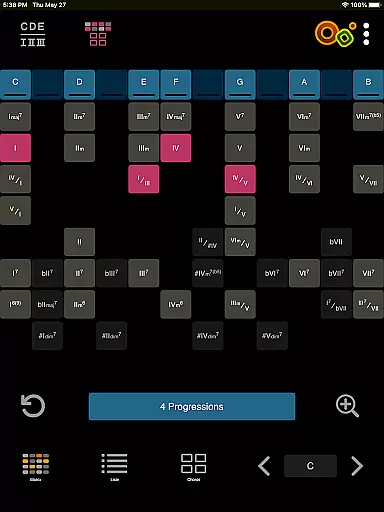
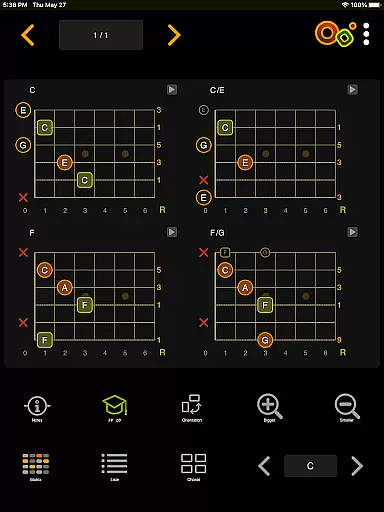
The app features several core modules including the Chord Finder, which provides intelligently transposed voicings based on real-world theory, and the Chord Analyzer, allowing users to get instant chord names by entering fingerings on a virtual fretboard. Additionally, it offers lessons on intervals and chord construction, quizzes for ear training, and tools for exploring chord progressions in various keys.
Whether you're practicing alone or preparing for a live performance, Oolimo Guitar Chords equips you with the knowledge to master guitar chords effectively, making it an essential companion for any guitarist looking to enhance their musical skills.
Oolimo Guitar Chords stands out due to its comprehensive and structured approach to chord theory. The app contains a manually curated database of usable voicings, ensuring that every chord shape makes musical sense. Its algorithm intelligently transposes these shapes, adapting them automatically to the selected key, thus providing a seamless learning experience.
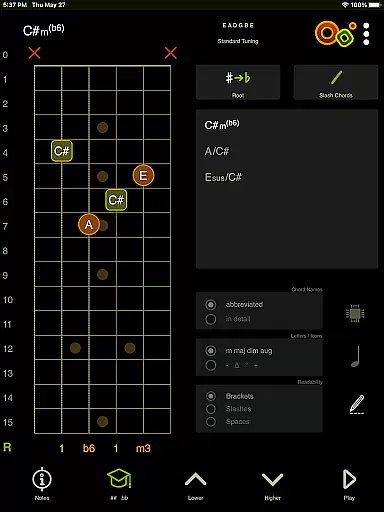
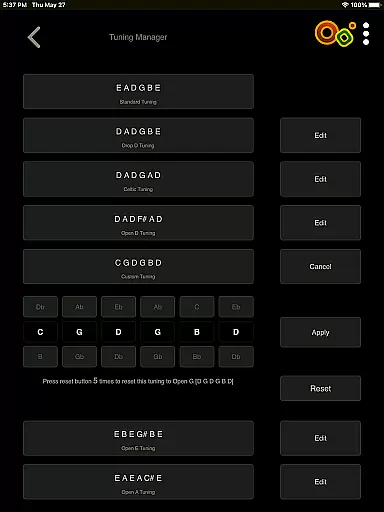
One of the standout features is the Chord Analyzer, which supports both standard and open tunings. It instantly identifies any chord fingering on the virtual fretboard without displaying 'unknown chord' messages. Advanced notation options like slash chords and double accidentals are included, and all notes are displayed on the staff, enhancing the learning process.
In addition to its analytical tools, Oolimo offers 22 interactive theory lessons with smart visualizations covering a wide range of topics from basic intervals to complex altered chords. The inclusion of quizzes ensures that users can test their knowledge and train their ears, reinforcing their theoretical understanding through practical application.
When it comes to learning guitar chords, the accuracy and authority of the content are paramount. Oolimo Guitar Chords stands out by offering a meticulously curated database of chord voicings that are not only comprehensive but also grounded in real-world musical theory. This ensures that every chord you learn is both musically correct and practically applicable.
The app's Chord Analyzer feature exemplifies this commitment to precision. Unlike other tools that might leave you with an 'unknown chord' message, Oolimo provides instant and accurate chord names for any fingering you input on its virtual fretboard. It supports various tunings and includes advanced notation options, making it an indispensable tool for guitarists who demand correctness in their practice.
Furthermore, Oolimo's Theory Lessons offer 22 interactive sessions complete with smart visualizations that elucidate complex concepts such as intervals, diatonic harmony, and more. These lessons are crafted to ensure that users grasp the underlying principles of music theory, which is crucial for mastering guitar chords. With Oolimo, musicians can trust they're receiving authoritative guidance that will enhance their understanding and performance.
Oolimo Guitar Chords recognizes that each musician's journey is unique, which is why it offers personalized learning paths tailored to individual needs. The app adapts to your selected key, allowing you to explore chords within a context that makes sense for your musical progression. This level of customization empowers learners to focus on what matters most to their personal growth as guitarists.
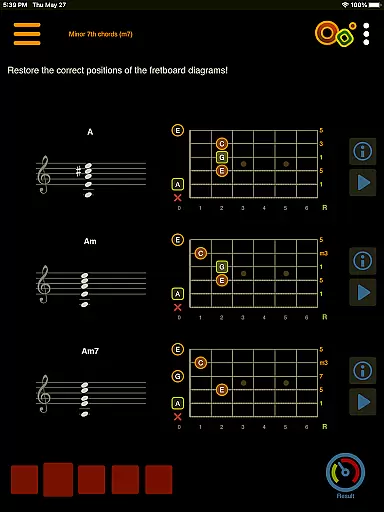
In addition to adapting chords to your chosen key, Oolimo features quizzes that cover a wide range of topics including chord construction, intervals, and harmonic contexts. These quizzes serve as personalized assessments that help identify areas where further study may be beneficial. By engaging with these tests regularly, users can track their progress over time and adjust their learning strategies accordingly.
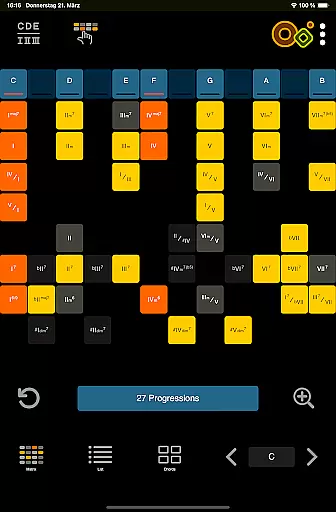
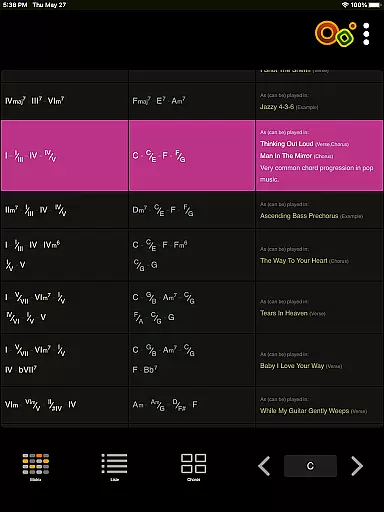
Moreover, the app's Chord Progressions module allows players to delve into common sequences while encouraging experimentation across all keys and contexts. This flexibility fosters a deeper understanding of how different chords relate to one anotheru2014knowledge that is essential when crafting oneu2019s own sound or style. Through these adaptive tools, Oolimo facilitates a customized educational experience designed to nurture each guitarist's distinct musical voice.
Comprehensive chord database
Interactive learning modules
Accurate chord analysis
Engaging theory lessons
Effective ear training quizzes
Limited to guitar chords
No video tutorials
Premium content locked
Interface may overwhelm beginners
Advanced features require music theory knowledge

An animated storybook app to help ease your child through toilet training.
 3.70
3.70
One of the most engaging and innovative ABC apps on the market.
4.30
Universe simulator: Find & explore planets system, outer space, astronomy events
4.60
Study the questions most likely to be asked during the Oral & Practical Exams.
2.80
Learn Words Daily in Just Minutes - Boost Your Language Skills Fast!
4.60
Your best partner for learning Japanese words. Based on a best-selling textbook.
2.90
Experience the sky, planet earth and the solar system like never before
4.90
Learn to make peaceful contact with extraterrestrial civilizations
4.10
Professional Award-Winning Astronomy Star Map App With Telescope Control
4.40
Short Lessons for Better Finances, Health, Skills, Jobs & Relationships.
4.80
A fast and fun way to learn guitar - works with any guitar.
4.60
SkyView®, an augmented reality space app, brings stargazing to everyone!
4.40
Learn math, step-by-step
4.30
Astronomy Guide To Night Sky
4.30
Astronomy app ? Discover the universe scope, explore solar system model in 3D.
4.20
Skelly is a fully poseable, anatomically correct reference skeleton for artists.
4.10
For medical training - Visualize complex vein maps and structures in real-time.
4.10
Make your own game and world. Draw and animate characters
3.70
AR planetarium app that brings the solar system to you via XREAL Glasses.
4.3


User Reviews