
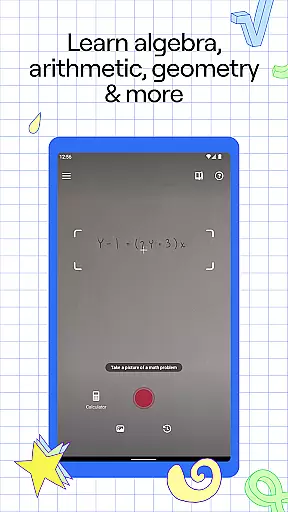
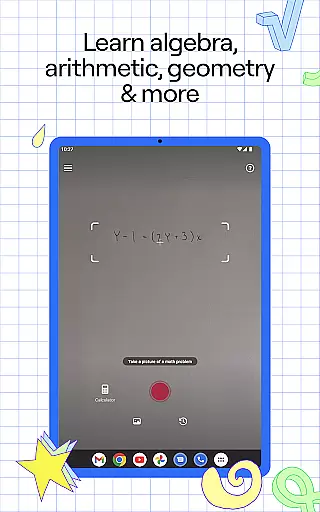
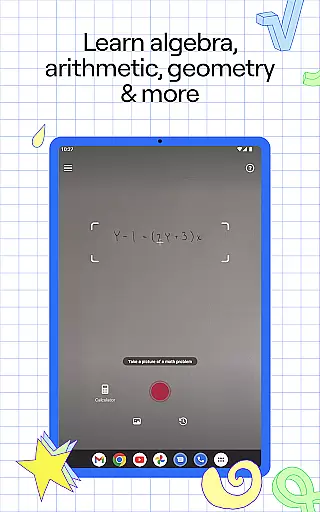
Photomath is an innovative educational app designed to assist learners in mastering mathematics through step-by-step problem-solving. The app's core functionality lies in its ability to scan and solve math problems using a smartphone camera, providing users with detailed explanations and accurate solutions. Whether you're tackling basic arithmetic or advanced calculus, Photomath breaks down complex problems into manageable steps, making math more accessible and understandable.
Beyond simple calculations, the app offers a range of features that enhance the learning experience. Users can explore various teacher-approved solution methods, interactive graphs, and video tutorials. These tools help students not only find answers but also understand the underlying concepts. The app's comprehensive approach covers everything from elementary math to university-level calculus, making it an invaluable resource for learners at any stage of their mathematical journey.
The true value of Photomath becomes evident when students face challenging homework assignments or need extra practice outside classroom hours. With its 24/7 availability and self-paced learning structure, the app serves as a virtual tutor that's always ready to help. This makes it particularly useful for students who may not have access to traditional tutoring services or need assistance outside regular school hours. By combining technology with educational expertise, Photomath transforms how students approach and understand mathematics.
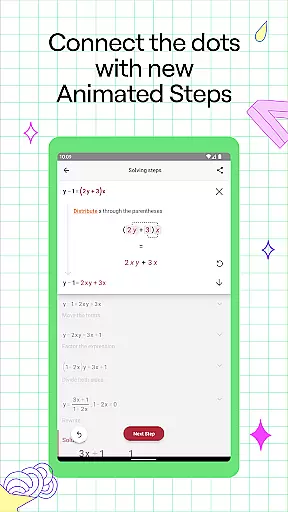
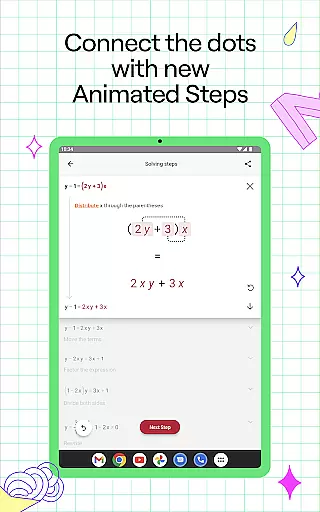
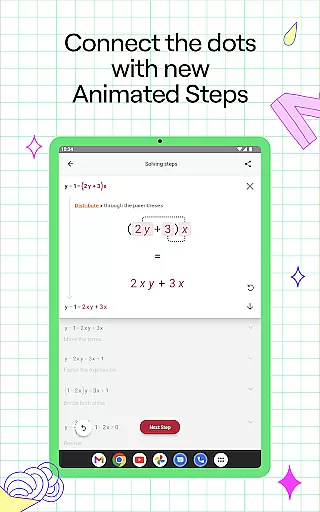
Photomath distinguishes itself through its comprehensive feature set designed to enhance mathematical learning. At its core, the app provides detailed step-by-step explanations for billions of math problems, ranging from basic arithmetic to advanced calculus. What sets Photomath apart is its ability to handle various problem formats, including handwritten equations, textbook problems, and digital text. The app's animated steps feature visually demonstrates how each part of the solution progresses, helping users grasp complex concepts more effectively.
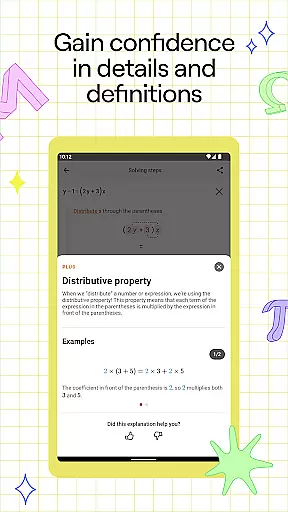
The app's educational content is developed by a team of expert mathematicians and former math teachers, ensuring that all explanations and methods align with professional teaching standards. Photomath Plus subscribers gain access to custom Animated Tutorials and detailed Textbook Solutions, which provide deeper insights into mathematical concepts. The inclusion of interactive graphs allows users to visualize mathematical relationships, while the advanced scientific calculator handles complex computations with ease.
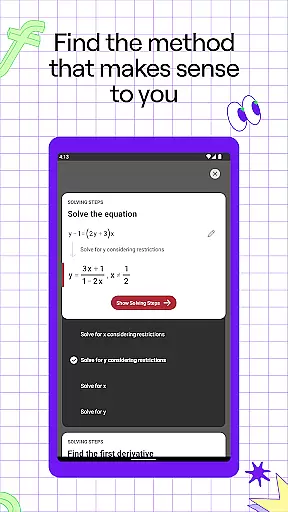
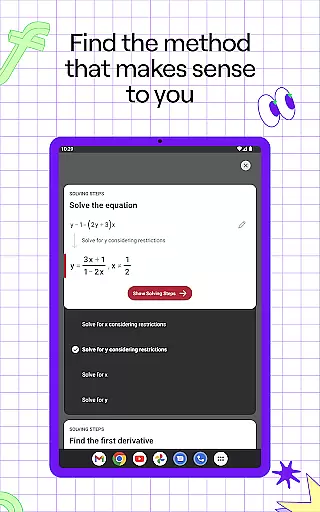
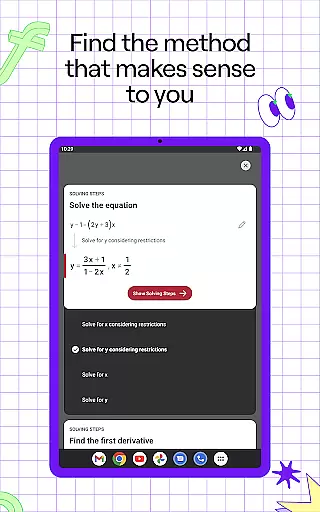
Photomath's versatility extends to its support for multiple solution methods, enabling students to explore different approaches to solving the same problem. This feature is particularly valuable for developing comprehensive understanding and problem-solving skills. Additionally, the app's video learning component offers dynamic instruction that complements traditional text-based explanations. These combined features create a robust learning environment that adapts to various learning styles and mathematical needs.
Photomath stands out in the education category by providing highly accurate and authoritative math content. The app is designed to assist learners from basic arithmetic to advanced calculus, ensuring that every solution and explanation is vetted by experts.
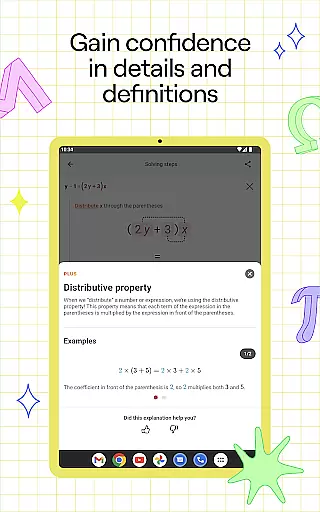
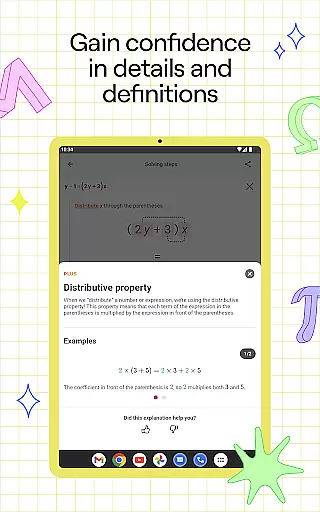
The step-by-step explanations are crafted by a team of mathematicians and former math teachers, guaranteeing that users receive reliable methods approved by educational professionals. This meticulous approach ensures that each problem is not only solved correctly but also explained in an understandable manner.
For students who lack access to personal tutors, Photomath's detailed breakdowns offer an essential resource for understanding complex mathematical concepts. By presenting solutions through multiple methods, the app caters to different learning styles, enhancing comprehension and retention.
Moreover, Photomath incorporates interactive graphs and video learning to further enrich the educational experience. These features provide visual and auditory learners with alternative ways to grasp mathematical principles, making it a comprehensive tool for all learners.
Photomath excels in creating personalized learning paths tailored to individual needs. The app supports self-paced learning, allowing users to tackle math problems at their convenience and speed. This flexibility is crucial for learners who require additional time to understand specific concepts.
With its instant support system, Photomath acts as a 24/7 virtual tutor. Whether checking homework or stuck on a challenging problem late at night, users can rely on Photomath for immediate assistance. This feature ensures continuous learning without the constraints of traditional tutoring schedules.
Photomath Plus offers enhanced features such as custom Animated Tutorials and detailed Textbook Solutions. These tools allow users to explore various problem-solving techniques and deepen their understanding of mathematical topics. Such resources are invaluable for students seeking to master math beyond basic step-by-step solutions.
Furthermore, the app covers a wide range of mathematical subjects, including algebra, trigonometry, and calculus. This extensive coverage enables learners to progress seamlessly from one topic to another, building a strong foundation and advancing their skills according to their unique learning journey.
Step-by-step guidance
Wide problem coverage
Interactive learning tools
24/7 virtual assistance
Expert-developed content
Premium subscription cost
Occasional scanning errors
Limited non-math features
Advanced tools locked behind paywall
Internet connection required

Test prep for Indiana students
 4.1
4.1
Ignite curiosity, spark learning: All babybus videos &games
4.30
Turns you phone or tablet into TI graphing calculator (ROM required).
4.20
AI Language tutor: Speak fluently with Lucy’s personalized coaching
4.70
An aviator’s preparation, study and test tool for FAA Knowledge Exams.
4.30
Stargazing Guide App. Stars and constellations map. Solar system planets finder.
4.60
School Communication
4.30
Memorize anything efficiently with AnkiDroid! Many pre-built decks available.
4.80
Learn to pass DMV permit tests. Driver license practice test 2025.
4.60
A fast and fun way to learn guitar - works with any guitar.
4.60
Universe simulator: Find & explore planets system, outer space, astronomy events
4.60
An interactive enhancement of the Sesame Street classic.
4.50
The Fighter Verses Bible memory system helps you memorize God's Word.
4.50
Snap a dog photo to identify its breed instantly. Fast, accurate and easy to use
3.40
Visit Daniel's house & make believe. Play doctor, make music, & feed fish.
3.20
scanner body part for fun Prank friends realistic scan effects
3.00
The official CCM Glossary app, including 700+ terms and definitions.
2.90
Study the questions most likely to be asked during the Oral & Practical Exams.
2.80
A 2024 digital study guide for the Expert Infantryman and Expert Soldier's Badge
4.1


User Reviews