
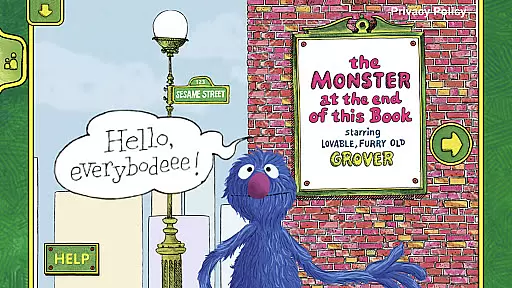
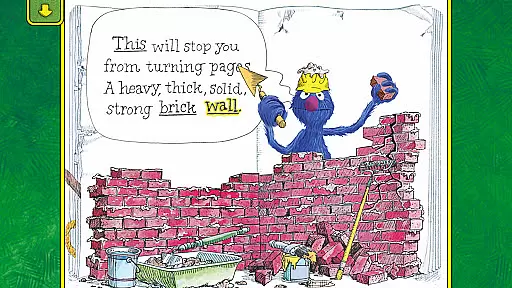
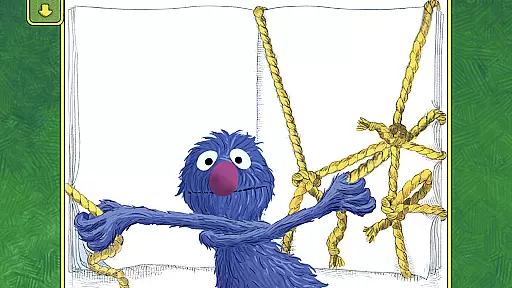
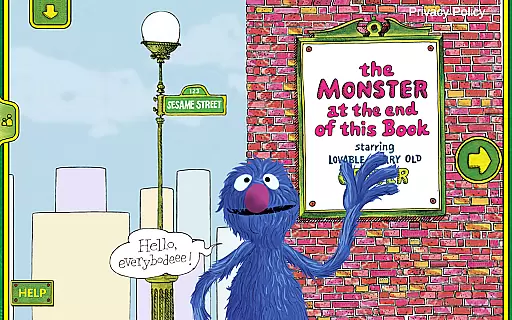
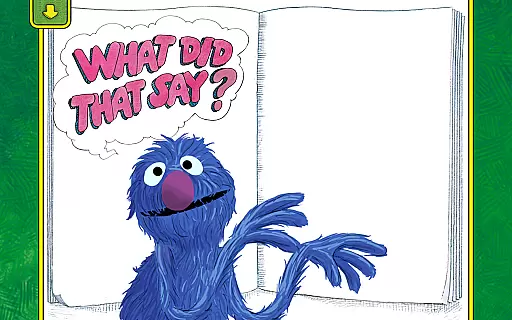
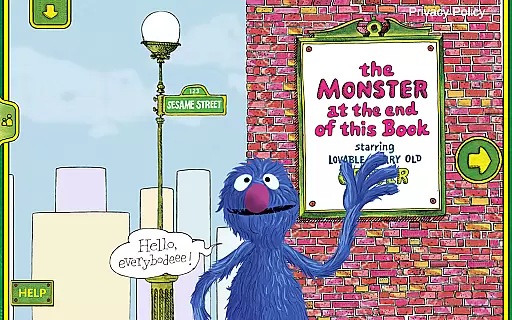
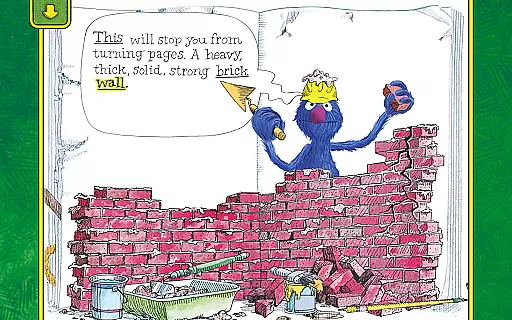
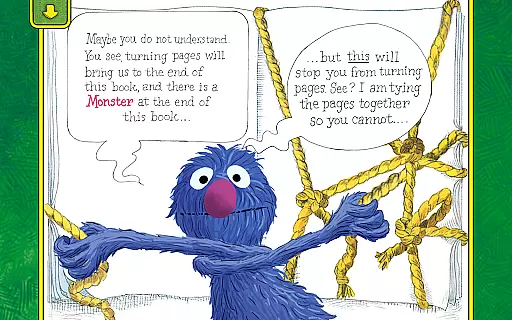
The Monster at the End of This Book is an interactive storybook app designed to teach children about emotions and early reading skills through engaging animated content. Featuring lovable Grover from Sesame Street, this app creates immersive storytelling experiences where kids can actively participate in the narrative.
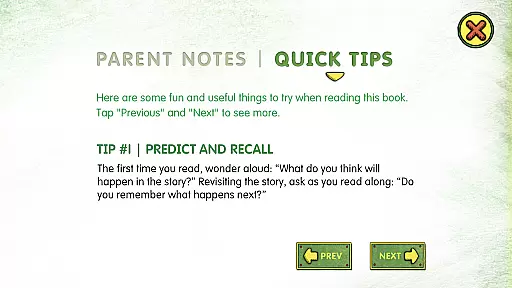
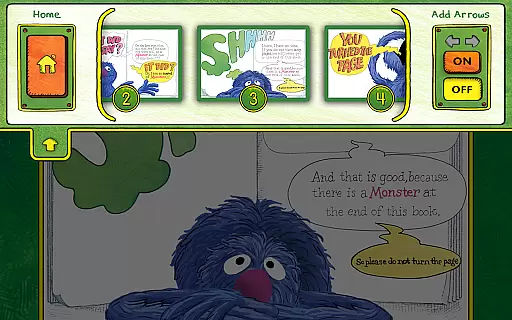
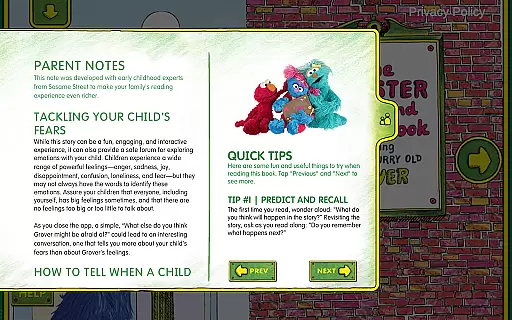
With lively animations, word highlighting, and interactive activities, the app helps develop spatial awareness, listening skills, and beginning reader abilities. Parents are provided with helpful tips to guide their children through common fears while labeling emotions effectively. Personalized features like a bookplate option add charm for family reading sessions.
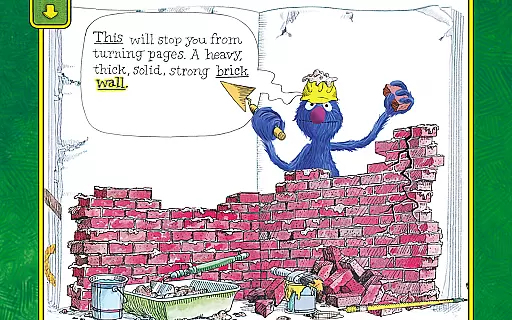
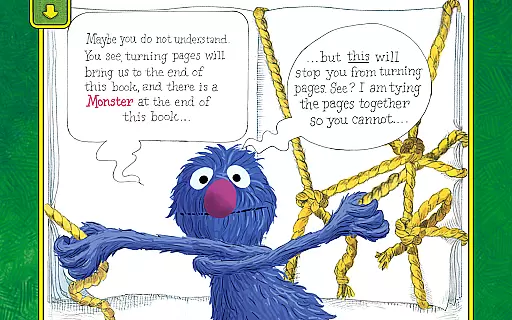
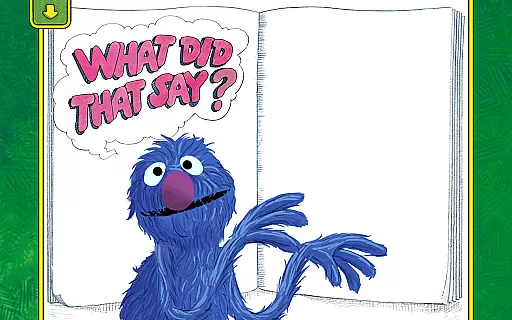
This app offers rich interactive features that bring storytelling to life. Children can engage with lively animations by touching the screen, triggering responses that make them part of the story. Narrated by Grover himself, tapping his character prompts humorous dialogue, enhancing emotional connection and engagement.
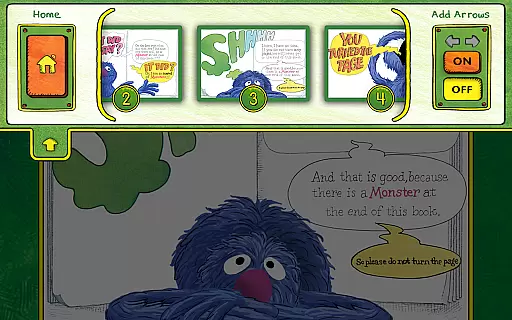
Empowering young readers, the app allows users to decide how the story progresses, fostering decision-making skills. Word highlighting supports early literacy development, while parent tips provide guidance on addressing childhood fears and understanding emotions. The personalization feature lets families add a child's name to the bookplate, creating a unique experience tailored to each user.
In the realm of educational applications, content accuracy and authority are paramount. The Monster at the End of This Book app excels in these areas by providing a research-based program tailored to help children learn about emotions and develop early reading skills. Developed by Sesame Workshop, the app leverages the educational power of media to ensure that the information presented is not only engaging but also accurate and beneficial for young learners.
The app features narration by Grover, a well-known character from Sesame Street, which adds an element of trust and authority. Sesame Street has long been recognized for its commitment to educational content, and this app continues that tradition by integrating interactive elements with reliable educational material. Parents can feel confident that their children are receiving content that is both entertaining and grounded in educational research.
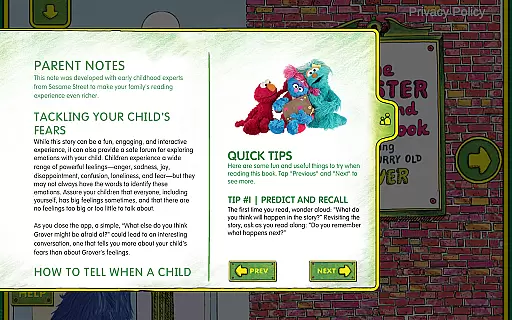
Moreover, the app includes easy-to-follow parent tips that assist in helping kids tackle common fears and label emotions. These tips are rooted in expert knowledge and provide parents with authoritative guidance on how to facilitate their child's emotional and educational development. By incorporating such features, the app ensures that its content remains accurate, authoritative, and conducive to learning.
One of the standout features of The Monster at the End of This Book app is its ability to create personalized learning paths for children. Through interactive activities and engaging animations, the app empowers readers to decide how and when to move the story forward. This level of personalization allows children to learn at their own pace and according to their unique interests, making the educational experience more relevant and effective.
The app incorporates word highlighting to help build beginning reader skills, catering to individual learning needs. As children engage with the story, they encounter features like lively animations that respond to their touch, creating a customized learning journey. This interactive approach not only captures the attention of young learners but also adapts to their specific actions and decisions, fostering a more personalized educational experience.
Additionally, the app offers bookplate personalization by allowing parents to add their child's name, further enhancing the personalized nature of the learning path. By integrating such features, The Monster at the End of This Book app ensures that each child's journey through the story is unique, engaging, and tailored to their individual learning requirements, ultimately promoting better educational outcomes.
User-friendly interface
Engaging animations
Educational value
Parental guidance included
Personalized bookplate
Limited free content
Requires constant updates
Premium subscription cost
Occasional bugs
Ads between sections

Learn math, step-by-step
 4.30
4.30
A 2024 digital study guide for the Expert Infantryman and Expert Soldier's Badge
4.2
THE MOST COMPREHENSIVE JUMPMASTER STUDY RESOURCE AVAILABLE.
3.40
Pass your FAA written with flying colors - Study Buddy can help.
4.30
Experience the sky, planet earth and the solar system like never before
4.90
Astronomy Guide To Night Sky
4.30
Animals pop up and make sounds—learn names and noises in Peekaboo Barn!
4.3
Hasbro’s classic CANDY LAND game is now a gorgeous interactive storybook app.
2.30
Your Arts+Culture Guide
4.00
Learning the ancient Viking language made simple
4.70
Learn Words Daily in Just Minutes - Boost Your Language Skills Fast!
4.60
The FE Clock is a way to track sun & moon around the circle of the earth.
4.30
Designed for Calculator 84 users
4.20
Skelly is a fully poseable, anatomically correct reference skeleton for artists.
4.10
An aviator’s preparation, study and test tool for FAA Knowledge Exams.
3.90
FAR/AIM, FAR for Flight Crew and FAR for Aviation Maintenance Technicians
3.80
Deal Craps (Practice Craps Payouts)
3.80
Bebefinn and Baby Shark educational, animated videos & games for kids
3.40
Learn and joke with the Silly Turkey!
4.4


User Reviews