
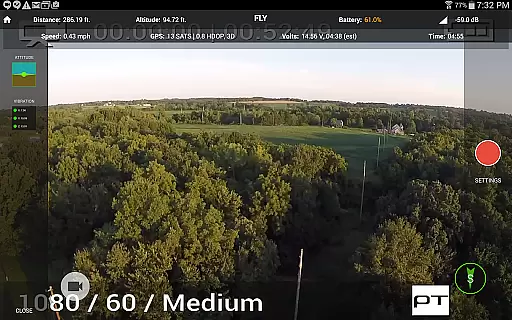
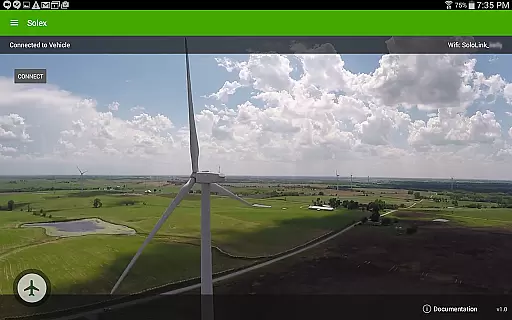
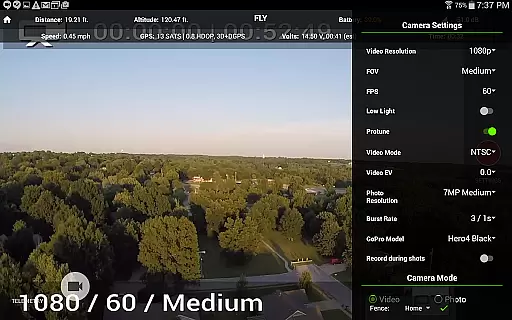
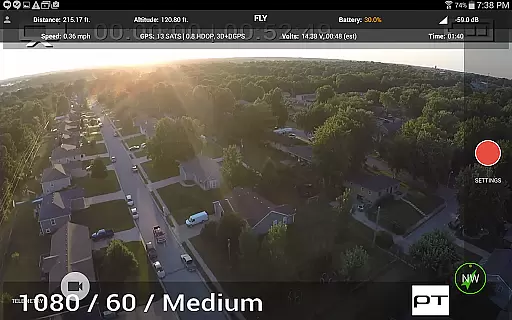
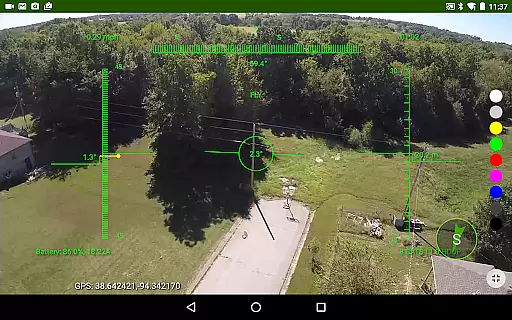
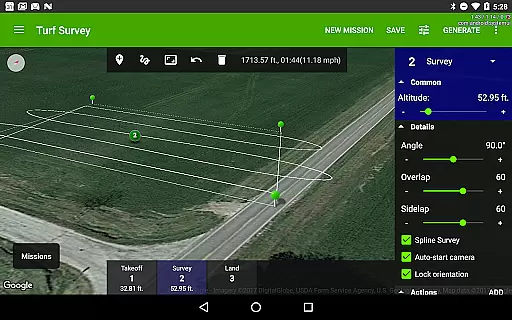
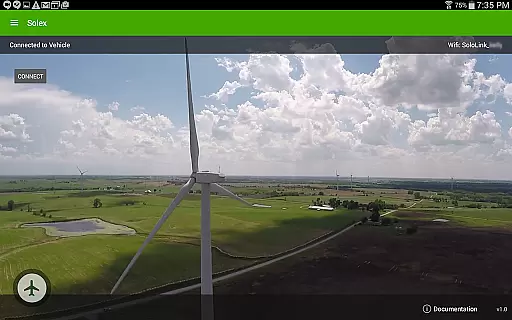
Solex is a feature-rich mobile application designed specifically for 3DR Solo drone users. This app enhances your drone flying experience by providing advanced Smart Shots and various innovative features. With Solex, you can execute complex flight patterns like Orbit, Selfie, Cable Cam, and more, including Follow modes that utilize GPS, pre-recorded tracks, or even machine vision. The app also supports creative photography options such as HDR and panoramic shots.
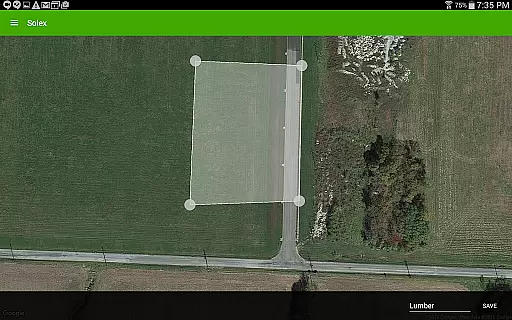
Beyond its shooting capabilities, Solex offers practical tools for safer and more controlled flights. You can set geofences to keep your drone within safe boundaries, use time-lapse photography features, and customize flight profiles for different flying styles. Additional functionalities include locating your drone if it goes down, a Home Pointer for easy navigation back to launch, and a fighter-jet style HUD view. Whether you're a hobbyist or professional drone operator, Solex provides the tools necessary to elevate your aerial photography and videography projects.
Solex stands out with its comprehensive suite of drone control features. The Smart Shots functionality includes multiple automated flight patterns such as Orbit, Selfie, Cable Cam, Zipline, and various Follow modes. These modes allow you to capture professional-quality aerial footage with minimal manual control. The Follow/Remote mode is particularly innovative, enabling the drone to track remote devices running Solex Target.
In addition to its creative shooting options, Solex incorporates several safety and convenience features. The geofencing tool helps maintain safe flight boundaries, while the Return To Me function ensures your drone can always find its way back to you. The app also provides detailed telemetry data through widgets showing pitch/roll, vibration, and EKF information. Furthermore, Solex allows you to manage multiple vehicles' battery and motor health, change LED colors on the Solo, and save specific locations for automatic return flights. These features collectively enhance both the creative possibilities and operational safety of your drone activities.
Solex offers an extensive range of features that cater to various lifestyle activities, making it more than just a drone control app. With its diverse set of Smart Shots and additional functionalities, it covers recreational filming, professional photography, and even advanced autonomous flight operations.
The app includes specialized modes such as Orbit, Selfie, Cable Cam, and Follow options that utilize GPS and machine vision for capturing dynamic footage. These features are complemented by creative tools like HDR and Pano for photographers looking to enhance their craft through technology.
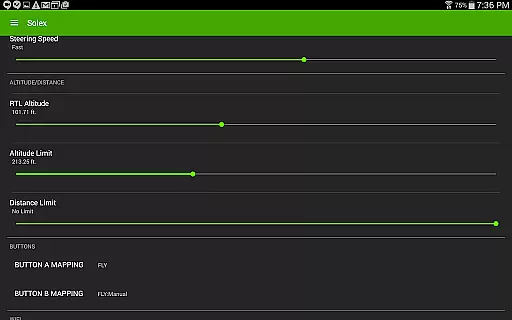
For users interested in safety and customization, Solex provides geofencing, flight profiles, and widgets that monitor pitch/roll and vibration levels. This ensures not only personalized flying experiences but also secure operations within set boundaries.
Overall, the comprehensive feature set positions Solex as a versatile companion for both hobbyists and professionals seeking to integrate drone technology into their active lifestyles.
The content delivered through Solex is designed with authenticity and precision, ensuring users receive reliable information and control over their 3DR Solo drones. Each feature, from Follow/Optical using machine vision to advanced Return To Me functionalities, reflects a commitment to technological accuracy and user-centric design.
Expertise is evident in offerings like time-lapse photography, flight profile customizations, and fighter-jet style HUD views. These elements are crafted based on real-world applications and demands from experienced drone operators who require dependable performance during flights.
In addition to innovative shooting modes, Solex incorporates practical tools such as battery tracking, motor health monitoring, and remote command execution. Such details underline the app's dedication to providing credible data that enhances operational efficiency and maintenance awareness.
By integrating these sophisticated capabilities, Solex establishes itself as a trustworthy resource within the drone community, where content integrity directly impacts user success and satisfaction.
Advanced Smart Shots
Multiple Follow Modes
Comprehensive Safety Features
Professional-Quality Photography Options
Multi-Vehicle Management
Complex for Beginners
Requires 3DR Solo
Occasional Connectivity Issues
Resource-Intensive
Limited Device Compatibility

Big bold weather watch face with dynamic backgrounds and 3 complications
 4.1
4.1
BILT interactive 3D instructions help you get the job done right
3.50
Use your device sensors to detect energy and convert it into spoken words.
4.10
Do you want to communicate with spirits?
3.80
Kasa Smart is your portal to your TP-LINK Smart Home.
4.70
Communicate with your vehicles and Powerwalls anytime, anywhere
3.60
Digital smart watch face made for Wear OS.
4.70
Retro animated weather with hourly forecast Watch Face for Wear OS
4.60
AAA Mobile provides on-the-go access to the services you know and trust.
4.60
Get roadside help, discounts, travel tools & more — AAA is with you everywhere.
4.80
The App can control Roborock vacuum cleaners from anywhere with rich features.
4.60
Vehicle ownership simplified. Get the myChevrolet® app today.
4.60
The go to app for taking unlimited notes!
4.50
Zodiac & Horoscope Launcher: Daily Sign Predictions & Astrology
4.40
Get your life organized with My Agenda!
4.30
Earn points with every purchase with Moe Rewards.
4.20
Unique BIG BOLD TIME with amazing colors and customisations.
3.70
An Eerie Musical Trigger Toy for Spirits to Play with!
3.50
Immerse yourself in the serenity of lavender fields and white butterflies
4.3


User Reviews