
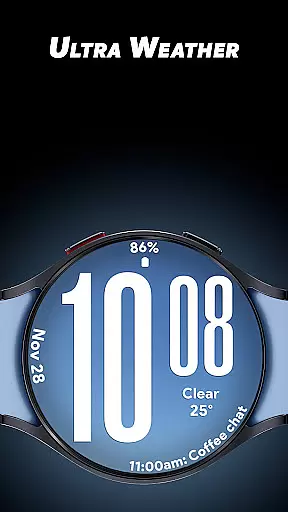
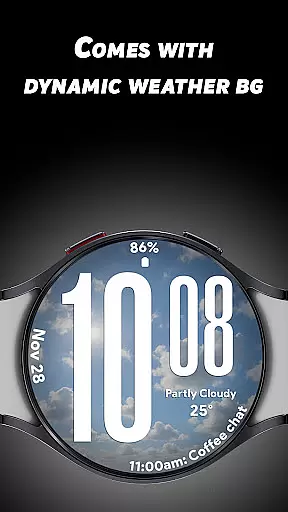
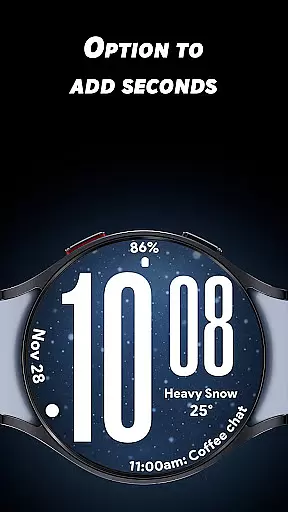
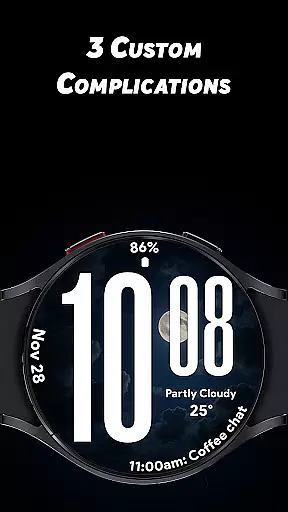
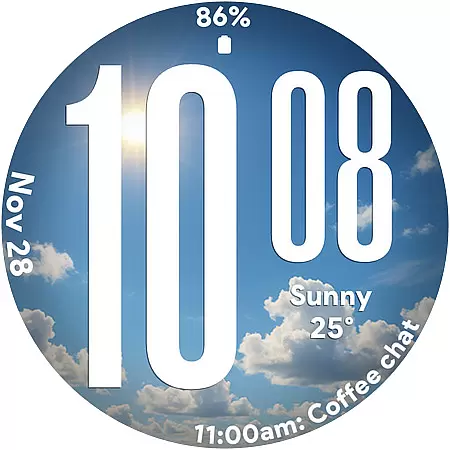
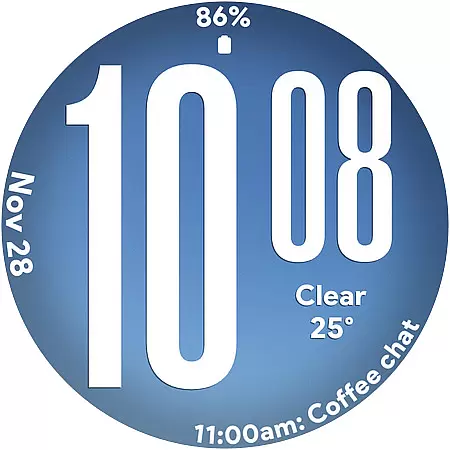
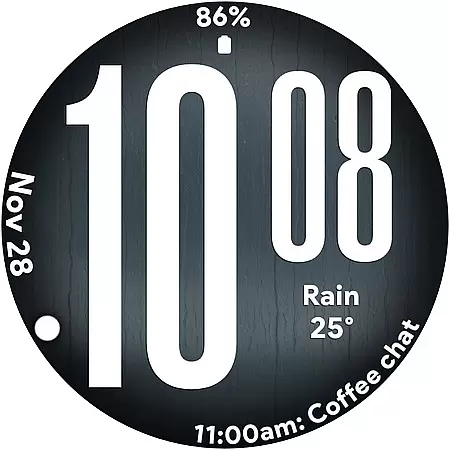
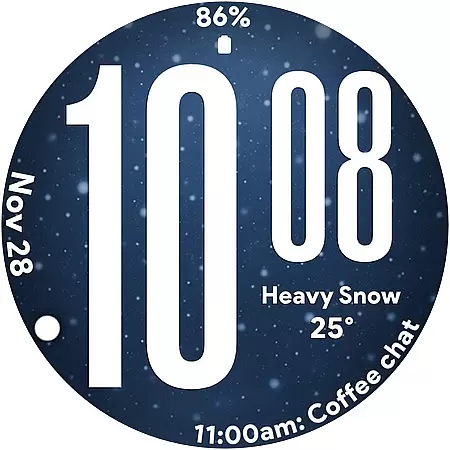
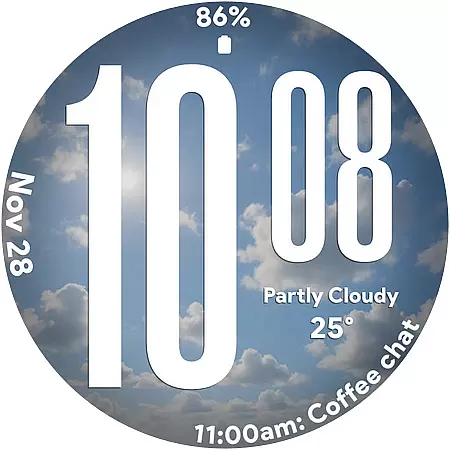
Ultra Weather is a dynamic Wear OS watch face that combines bold design with real-time weather updates. Its oversized digital time display ensures maximum readability, while the adaptive weather backgrounds change automatically based on current conditions like sunny, cloudy, or rainy skies.
With support for 12/24-hour time formats, three customizable complications, and an optimized Always-On Display (AOD), this app offers both style and functionality. Whether you're tracking your fitness, monitoring weather conditions, or personalizing your smartwatch, Ultra Weather provides a visually stunning and highly practical experience tailored to your lifestyle.
Ultra Weather stands out with its innovative features designed to enhance usability and aesthetics. The watch face displays large, bold digits for time, ensuring instant readability even in motion or low-light conditions. Its dynamic weather backgrounds are powered by real-time data, creating an immersive experience that mirrors the outside world.
Customization is key with Ultra Weather. Users can personalize their watch faces using three available complications, which can display details such as weather forecasts, step counts, battery levels, heart rate, and more. Additionally, the app supports both 12-hour and 24-hour time formats, catering to individual preferences. Optimized for efficiency, the Battery-Friendly Always-On Display ensures extended device performance without compromising visibility.
Ultra Weather - Watch face offers extensive lifestyle category coverage by integrating real-time weather visuals that change based on current conditions. This dynamic feature ensures your smartwatch not only tells time but also reflects the atmospheric essence of your surroundings.
The watch face provides a visually immersive experience with live backgrounds that adapt to various weather scenarios such as sunny, cloudy, rainy, or foggy conditions. This makes it an ideal choice for users who appreciate both aesthetics and functionality in their daily lives.
In addition to its visually appealing design, Ultra Weather supports customizable complications. Users can incorporate details like weather updates, step counts, battery status, calendar events, and heart rate monitoring, making it a versatile tool for managing different aspects of their lifestyle efficiently.
The content delivered through Ultra Weather - Watch face is sourced from real-time weather data, ensuring authenticity and relevance. The dynamic weather backgrounds are not just visually striking but also represent accurate weather conditions, enhancing the credibility of the information displayed.
Expertise in design is evident in the careful crafting of the watch face's interface. With oversized time digits and smooth readability, the creators have prioritized user experience while maintaining a stylish appearance. This balance between form and function speaks volumes about the designers' proficiency.
Furthermore, the inclusion of three customizable complications allows users to tailor the watch face according to their preferences and needs. This level of personalization, combined with optimized Always-On Display performance, showcases the thoughtful engineering behind Ultra Weather, reinforcing trust in its expertly designed features.
Real-time weather updates
Bold and readable design
Customizable complications
Optimized AOD performance
Dynamic visual appeal
Limited to Wear OS
Requires constant connectivity
May drain battery faster
No advanced analytics
Basic customization options

Big bold digital watch face with 30 colors, 6 complications and AOD.
 4.1
4.1
Easily manage your child's playtime, spending messaging and more.
3.50
Unique Dual Colors with 6 Custom Complications for Wear OS watches!
3.40
Smart home security protection
3.20
Play fun games, complete quick surveys, and earn money. It's fun and easy!
4.40
Made To Order Faves
4.70
Communicate with your vehicles and Powerwalls anytime, anywhere
3.60
Subwoofer school’s in session! You’ve now enrolled into KICKER U.
3.80
Your store’s deals, where you are.
4.80
Have your Tehillim with you at all times
4.70
Vehicle ownership simplified. Get the myChevrolet® app today.
4.60
The go to app for taking unlimited notes!
4.50
PARAVOX 4 is a professional ITC paranormal research application.
4.50
The Work of Byron Katie— the mobile app for inner peace.
4.40
Spirit Communicator is a real paranormal ghost hunting app with many fun modes.
3.90
Do you want to communicate with spirits?
3.80
LineLearner, the quick way to learn lines.
2.90
Duo Watch Face (animated)
4.5
Cute animated Thanksgiving watchface for your WearOS smartwatch
4.4


User Reviews