
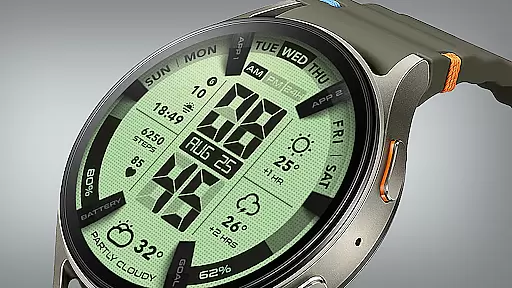
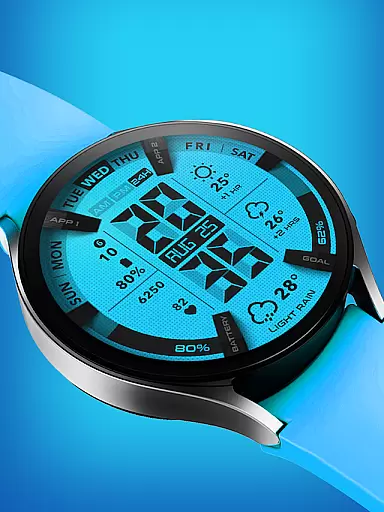
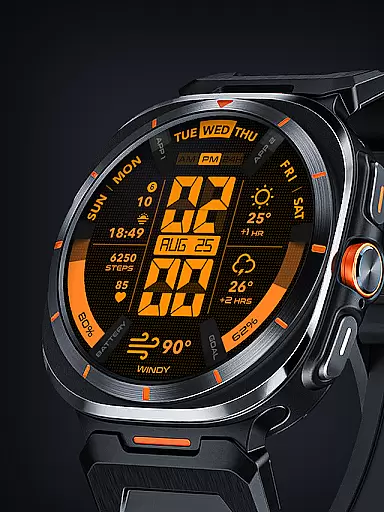
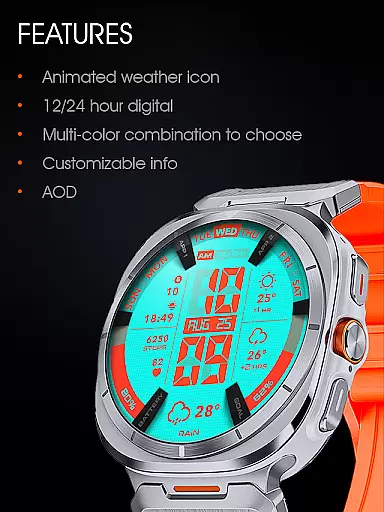
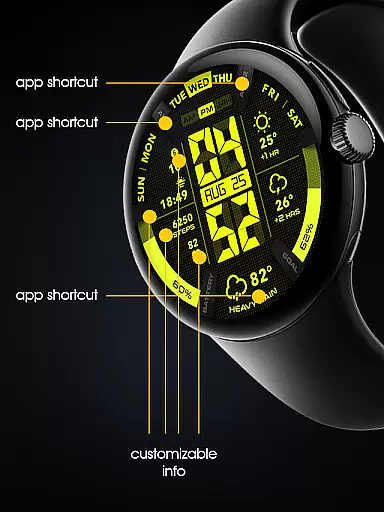

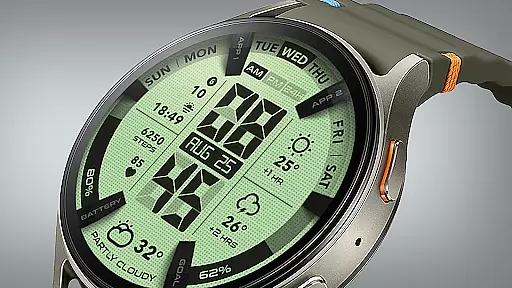
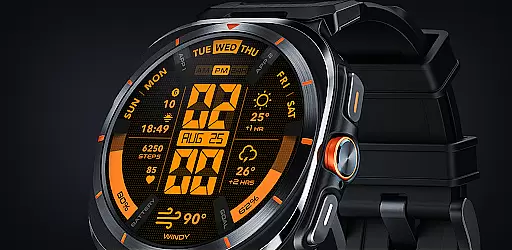
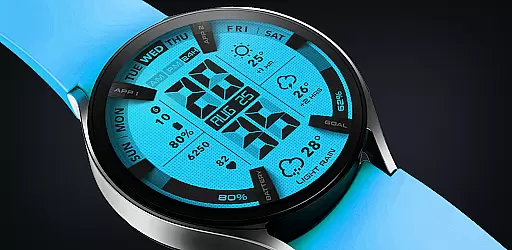
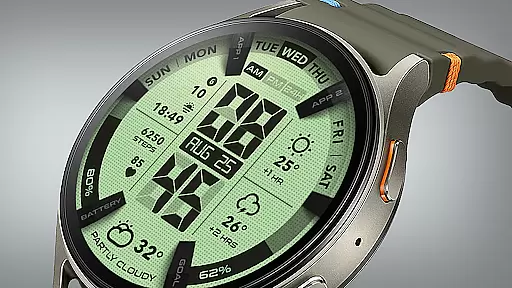
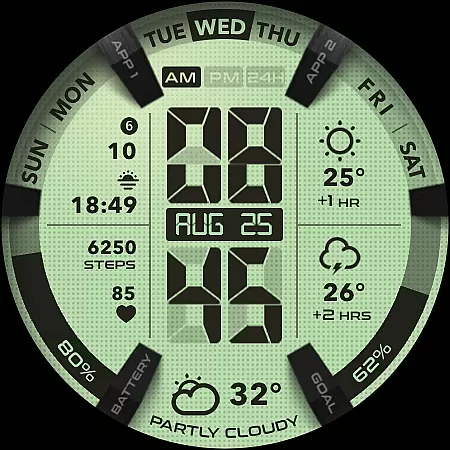
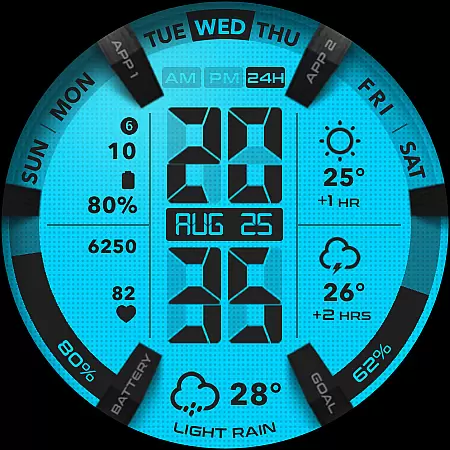
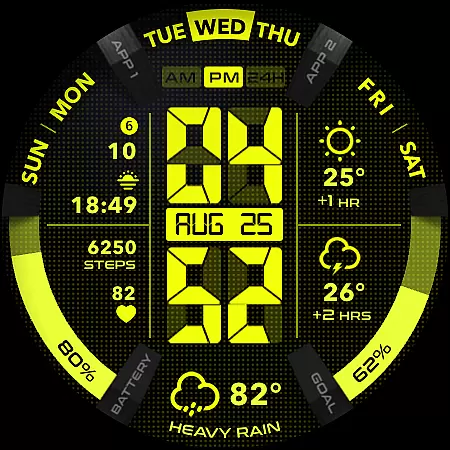
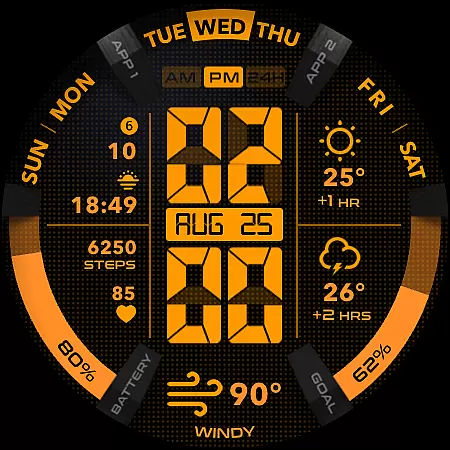
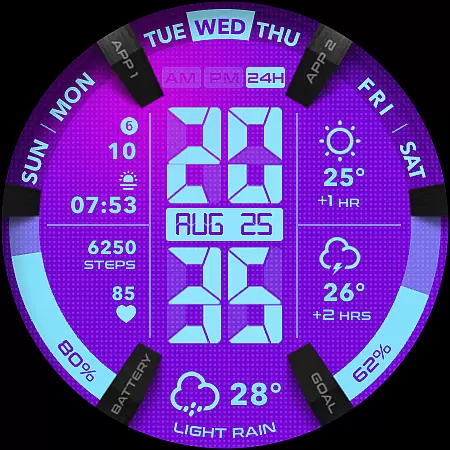
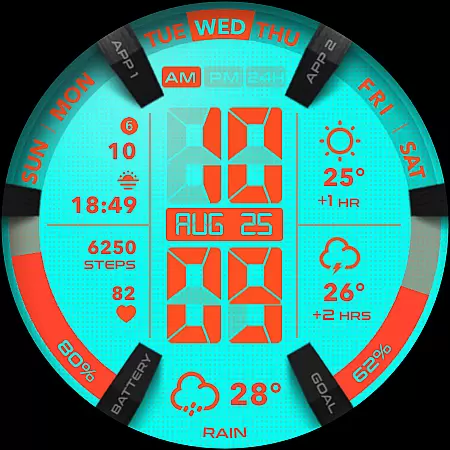
UsA LCD Weather Anim is a digital watch face designed for Wear OS devices, offering users an animated weather display alongside hourly forecasts. This lifestyle application stands out with its customizable color styles, allowing users to tailor the appearance to their personal taste. The app supports Wear OS API 34+ (Wear OS 5) and later, ensuring compatibility with the latest smartwatch models.
In addition to its core functionality as a timepiece, UsA LCD Weather Anim provides practical features such as a step goal gauge, battery gauge, and customizable complications. These elements make it not just a stylish accessory but also a useful tool for health and device management. Whether you're tracking your fitness goals or monitoring your watch's battery life, this app integrates seamlessly into your daily routine.
The unique Always On Display (AOD) feature offers users the convenience of checking the time and weather at a glance without waking the device. While this feature does consume more battery, its utility in providing instant information makes it a valuable addition to the overall user experience. With support for both 12-hour and 24-hour modes, UsA LCD Weather Anim caters to a global audience, adapting to individual preferences and regional standards.
UsA LCD Weather Anim boasts a rich set of features that enhance the smartwatch experience. One of its standout capabilities is the animated weather display, which provides users with real-time weather updates and forecasts for the next two hours. This feature transforms a simple watch face into a dynamic information hub, keeping users informed about changing weather conditions throughout the day.
Customization is at the heart of this app's appeal. Users can personalize nearly every aspect of the watch face, from color schemes to complications. The ability to adjust these settings ensures that each user's watch face is truly one-of-a-kind. Additionally, the inclusion of practical gauges for steps and battery life adds a layer of functionality that goes beyond mere aesthetics.
The specially designed Always On Display (AOD) mode represents another innovative feature. When enabled, this low-power display shows essential information even when the watch is idle. While it does increase battery consumption, the trade-off is minimal compared to the convenience of having immediate access to crucial data. Furthermore, the app's seamless integration with phone settings for 12/24-hour mode selection demonstrates its attention to user preferences and global usability standards.
UsA LCD Weather Anim offers a comprehensive lifestyle experience by integrating essential daily features into a wearable device. The app provides not only classic EL Light display digital watch functionalities but also animated weather updates and hourly forecasts, making it an all-in-one solution for users seeking both style and utility.
The customization options available in the app allow users to tailor their experience according to personal preferences. With customizable color styles, step goal gauges, battery gauges, and complications, this app ensures that each user can create a unique interface that suits their individual needs. This level of personalization enhances user engagement and satisfaction.
In addition to its aesthetic appeal, UsA LCD Weather Anim supports Wear OS API 34+ (Wear OS 5) and later, ensuring compatibility with the latest technology. By offering special designed Always On Display (AOD) features, the app maintains functionality even when idle, providing users with necessary information at a glance without compromising on battery life significantly.
The content delivered through UsA LCD Weather Anim is designed to be both accurate and reliable, enhancing the overall user experience. Animated weather updates and forecasts are powered by real-time data, ensuring that users receive the most current information regarding environmental conditions. This commitment to accuracy helps build trust between the app and its users.
Expertise in design is evident in every aspect of UsA LCD Weather Anim's interface. From the carefully crafted digital watch face to the intuitive customization options, the app reflects a deep understanding of user needs and technological trends. The inclusion of features such as step goal gauges and battery indicators demonstrates a thoughtful approach to integrating practical tools within a stylish framework.
Furthermore, UsA LCD Weather Anim fosters community engagement through platforms like Telegram, where users can join groups for live support and discussions. This direct line of communication allows for continuous improvement based on user feedback and establishes a credible relationship between developers and consumers. Such interactions reinforce the authenticity of the content provided by the app.
Customizable design
Animated weather
Battery gauge
Step tracker
Always On Display
Battery intensive
Limited to Wear OS
Complex setup
Premium cost
Weather only

Design and brew great homebrewing beer, mead, cider and wine recipes on the go!
 3.60
3.60
Unique informative Dial with Live Moon Phase at a glance!
3.60
Cute Adorable Animals now on your wrist with our Wear OS watch face!
4.40
The all-new Cync app. The simple, connected app for Cync and C by GE.
4.50
Take Hobby Lobby with you wherever you go!
3.40
Use your device sensors to detect energy and convert it into spoken words.
4.10
Connect to your Shark ROBOT™ from anywhere using the SharkClean™ App.
3.60
Made To Order Faves
4.70
Celebrate the holidays with Advent Calendar: daily surprises and festive fun!
4.5
Discover the "To Be a Christian" App: Your Guide to Deepening Faith!
5.00
Have your Tehillim with you at all times
4.70
Stay connected with your loved ones & vehicles | Share live GPS location updates
4.60
A smart Siddur with halachic times
4.50
The Work of Byron Katie— the mobile app for inner peace.
4.40
Spirit Communicator is a real paranormal ghost hunting app with many fun modes.
3.90
Easily manage your child's playtime, spending messaging and more.
3.50
View over 160,000 line dance stepsheets from the CopperKnob website.
3.30
The Miracle Box includes methods used by Steve Huff of Huff Paranormal.
3.20
Turn your watch into a key fob for your Tesla
2.90


User Reviews