
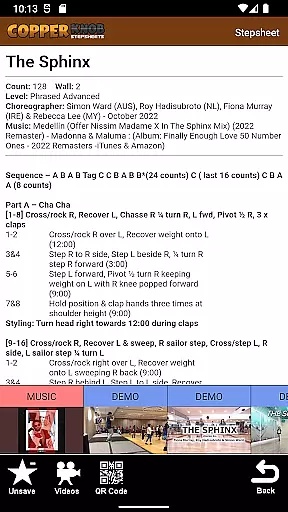
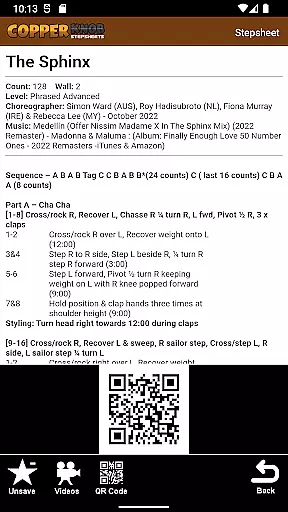
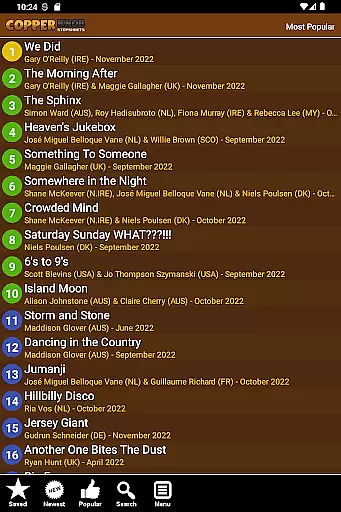
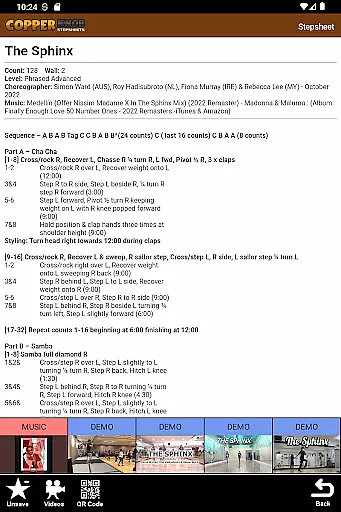
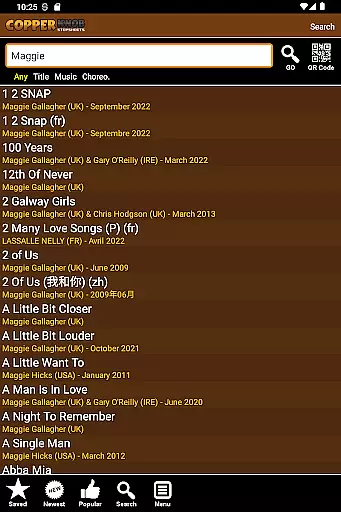
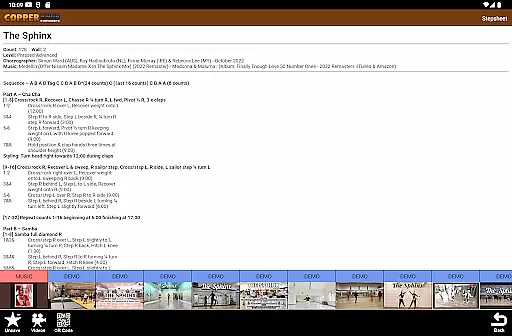
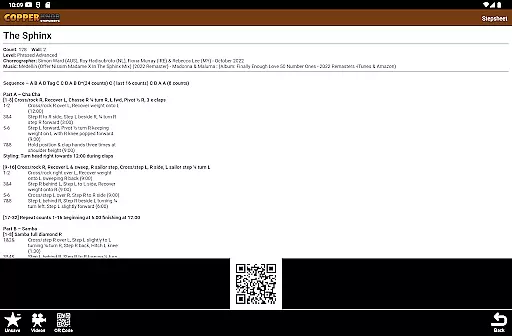
CopperKnob is a comprehensive lifestyle app designed for linedance enthusiasts, offering access to over 130,000 stepsheets from the CopperKnob website. This app allows users to browse and search for dance steps based on various criteria such as Title, Choreographer, or Music, making it easy to find specific content. One of its key features is offline access, enabling users to save stepsheets locally for use without an internet connection.
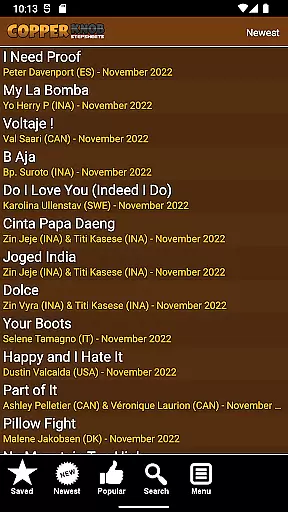
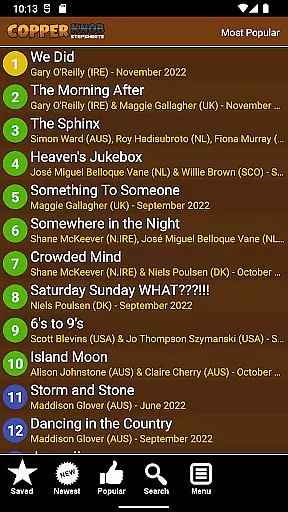
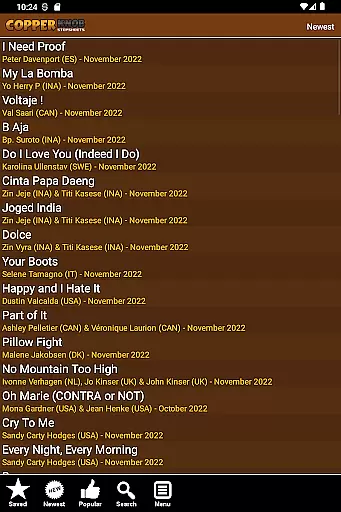
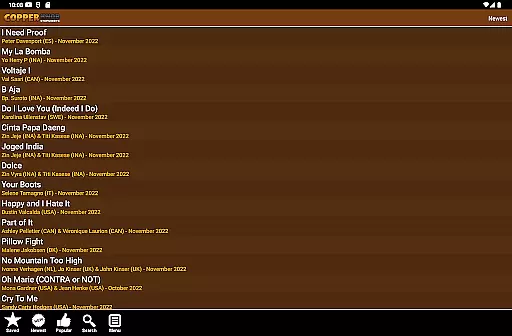
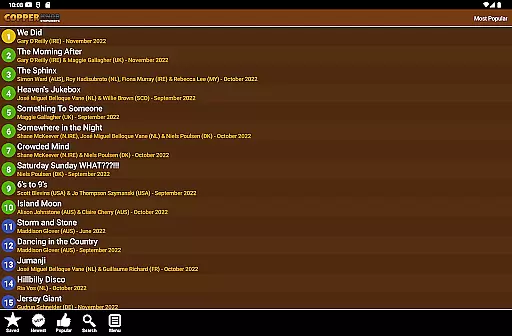
In addition to its extensive database, CopperKnob provides curated lists of the most recent and popular linedances, ensuring users stay up-to-date with trending routines. The app also integrates multimedia resources, including music tracks, demo videos, and tutorial guides for each stepsheet. These features make CopperKnob an essential tool for both amateur dancers looking to learn new routines and experienced choreographers seeking inspiration.
Whether you're practicing at home or teaching a class, CopperKnob enhances your linedancing experience by combining convenience, accessibility, and educational resources in one platform. Its ability to function offline ensures uninterrupted access to critical information, while the inclusion of video tutorials adds significant value for visual learners.
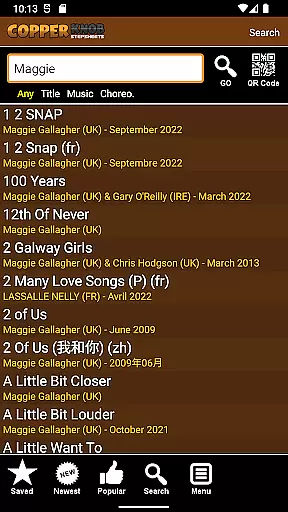
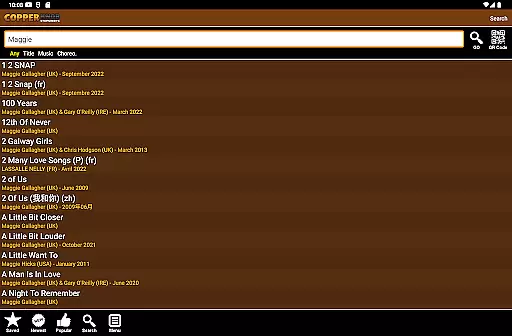
CopperKnob stands out due to its robust set of features tailored specifically for linedancers. At its core, the app provides seamless access to a vast archive of over 130,000 stepsheets, which can be filtered using multiple search parameters like Title, Choreographer, or Music. This advanced search functionality ensures that users can quickly locate their desired content without unnecessary hassle.
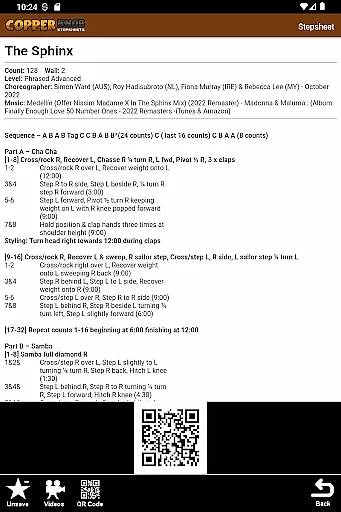
Another notable feature is the ability to save stepsheets locally, allowing users to practice even when they don't have internet access. For those interested in discovering new routines, CopperKnob offers curated lists highlighting the most recent and popular linedances. Furthermore, each stepsheet comes with supplementary materials such as music files, demo videos, and step-by-step tutorials, enriching the learning process.
The integration of multimedia elements sets CopperKnob apart from other lifestyle apps in this niche. By providing high-quality demo videos and instructional guides, the app caters to different learning styles, ensuring that every user can benefit regardless of their skill level. Overall, these features create a dynamic and engaging environment for anyone passionate about linedancing.
CopperKnob offers an extensive range of lifestyle content, specifically tailored for line dancing enthusiasts. With over 130,000 linedance stepsheets available, the app ensures that users have access to a vast library of dance resources.
The app's strength lies in its comprehensive organization, allowing users to search for stepsheets based on various categories such as Title, Choreographer, or Music. This detailed categorization enhances user experience by making it easy to find specific content.
In addition to stepsheets, CopperKnob provides lists of the most recent and popular linedances from its website. This feature helps users stay updated with trending dances while also having quick access to classic favorites.
By offering music, demo, and tutorial videos alongside each stepsheet, CopperKnob creates a complete learning environment for dancers of all levels, enriching their lifestyle through diverse dance content.
The authenticity of CopperKnob's content is guaranteed through its direct connection to the CopperKnob website, a trusted source in the line dancing community. All stepsheets are sourced from this reputable platform, ensuring high-quality and accurate information.
Each stepsheet is accompanied by official resources such as music tracks, demo performances, and tutorial videos. These materials are carefully curated to provide users with genuine learning tools that reflect professional standards in line dancing education.
While internet access is required to view the live stepsheet archive, users can save sheets locally for offline use. This feature maintains content integrity while providing flexibility for users without constant internet connectivity.
The combination of verified stepsheets and multimedia resources establishes CopperKnob as a credible authority in line dance education, supporting both casual learners and dedicated practitioners in their dance journey.
User-friendly interface
Extensive stepsheet database
Offline functionality
Multimedia integration
Curated content lists
Requires internet for initial setup
Limited to linedance enthusiasts
No social sharing options
Premium subscription needed
Occasional loading delays

Get roadside help, discounts, travel tools & more — AAA is with you everywhere.
 4.80
4.80
Pay your rent, submit work orders and much more with the RentCafe Resident App.
4.70
Designed to delight, impress and energize your festive spirit every single day
4.2
Spiritus Ghost Box is an Audio and Visual ITC tool for paranormal research.
4.00
Customize your Wear OS watch with festive Christmas figures and colors!
4.4
Made To Order Faves
4.70
Kasa Smart is your portal to your TP-LINK Smart Home.
4.70
DailyGift can help you record your habits and get rewards along the way!
4.60
Control your Tapo smart devices from anywhere.
4.60
Play. Earn. Repeat. Get rewarded for playing mobile games. Welcome to Mobius!
4.80
Digital smart watch face made for Wear OS.
4.70
Colorful minimal digital watch face for Wear OS
4.60
Discover your Nationality, Family Origin, and Ancestry from one selfie
4.50
This minimalist yet classic board design brings a futuristic twist to your wrist
4.20
SmartHQ: Your Connected Home Command Center
4.10
Discover how to help puppies stay calm around noise with this helpful app.
4.2
Cute animated Thanksgiving watchface for your WearOS smartwatch
4.2
The cutest Autumn watchface featuring the adorable Mr. Squirrel
4.5
Celebrate the holidays with Advent Calendar: daily surprises and festive fun!
4.4


User Reviews