
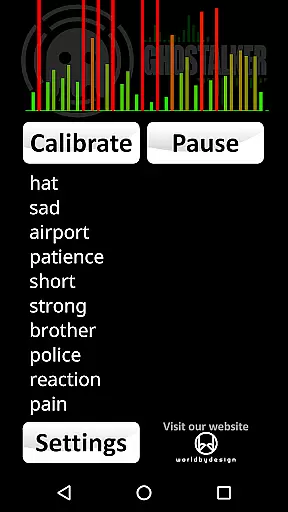


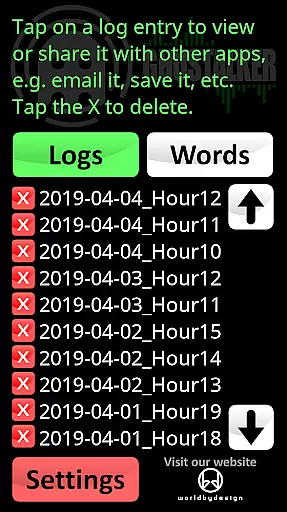
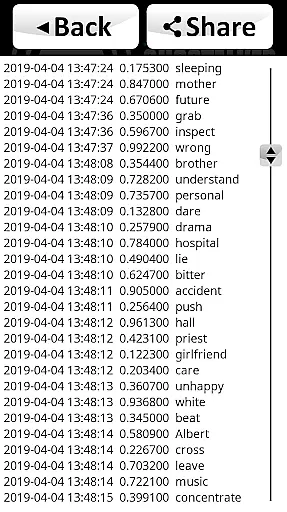

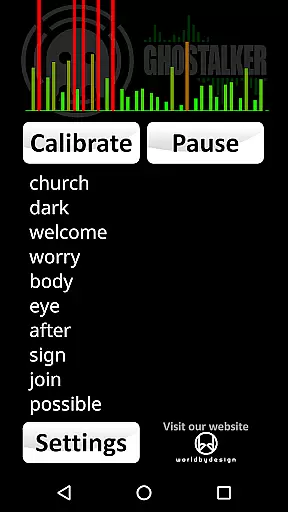


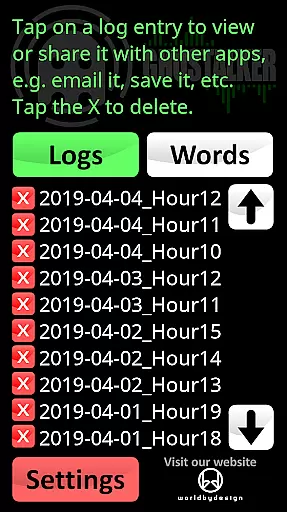
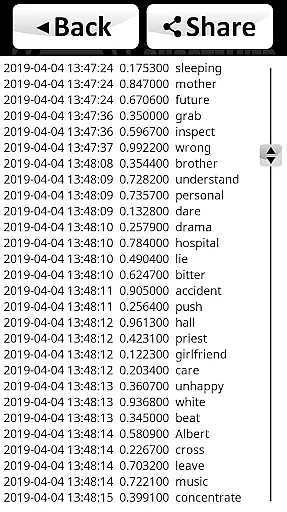

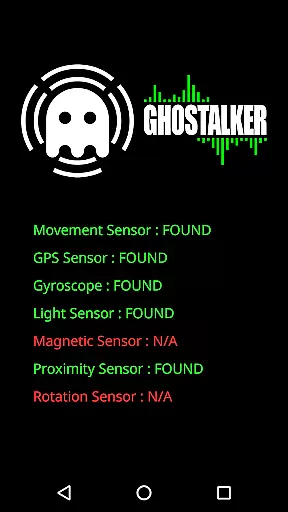
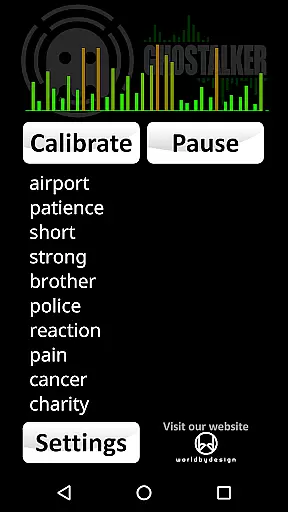
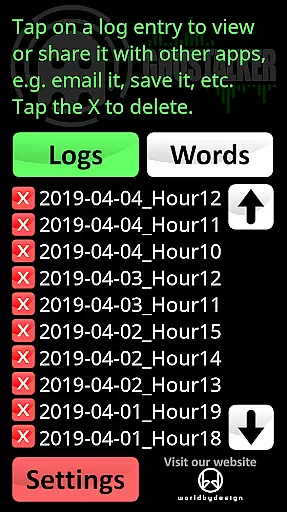
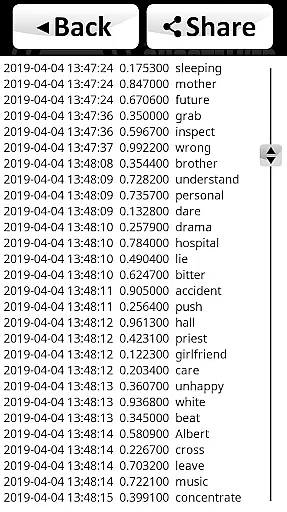
Ghostalker is a unique paranormal investigation app designed to convert environmental energy into spoken words, functioning as a digital 'Spirit Box'. With over a thousand commonly used words in its database, the app utilizes all available sensors on your device - including vibration, rotation, GPS, gyroscope, light, magnetic fields, and proximity sensors - to detect minute changes in energy and translate them into meaningful words. This full version offers advanced logging capabilities, allowing users to view, save, email, or delete spoken word logs in CSV format for future analysis.
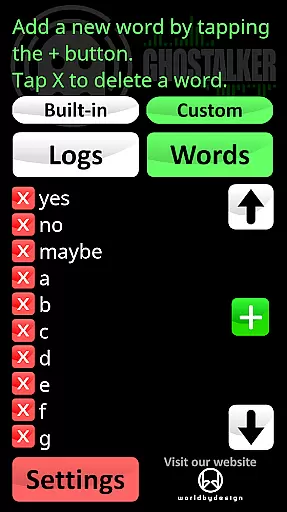
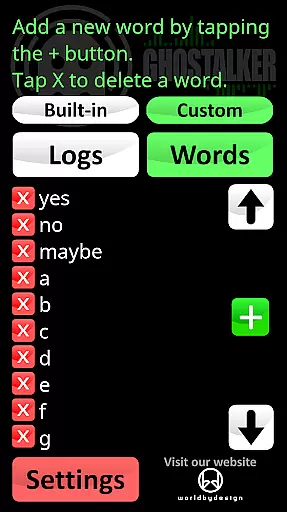
The app's standout feature is its customizable dictionary, which allows users to create their own specialized list of up to 10,000 words. Users can switch between the built-in dictionary, their custom dictionary, or a combination of both during sessions. Ghostalker also provides sensor management functionality, enabling users to enable or disable individual sensors to prevent interference issues. While not designed to form complete sentences, this tool proves valuable for paranormal investigators, hobbyists, and those seeking intriguing experiences with potentially supernatural communication.
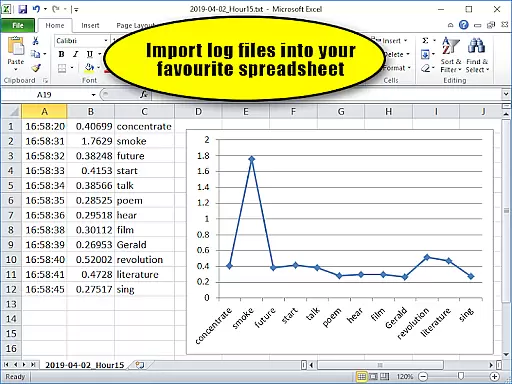
Ghostalker distinguishes itself through its comprehensive sensor utilization and sophisticated logging system. The app employs raw sensor data rather than random word selection, ensuring more authentic readings. Its logging feature records spoken words along with date, time, and sensor change data, providing valuable context for paranormal investigations. The CSV format makes it easy to import logs into popular spreadsheet applications like MS Excel or Google Sheets for further analysis.
The custom dictionary feature sets Ghostalker apart from similar apps, allowing users to create specialized response lists. Whether you're looking for simple yes/no/maybe answers or want to experiment with alphabetical responses or numerical predictions, the flexibility of the custom dictionary accommodates various investigation approaches. The app's calibration tools and sensor management system provide additional control, while its offline functionality ensures usability in remote locations without internet connectivity. These features make Ghostalker particularly suitable for professional paranormal researchers and enthusiasts alike.
Ghostalker offers a unique approach to lifestyle applications by bridging the gap between technology and paranormal exploration. This app is designed for those intrigued by the supernatural, providing tools that convert environmental sensor data into spoken words, thus covering an unconventional yet fascinating niche within the lifestyle category.
The application leverages over a thousand commonly used words and integrates device sensors such as GPS, gyroscopes, and magnetic field detectors to pick up on minute changes in energy. By doing so, it caters not only to professional paranormal investigators but also to hobbyists and individuals seeking an engaging experience, thereby broadening its appeal across different user groups interested in lifestyle enhancement through tech.
With features like logging, which allows users to save and review sessions, and a customizable dictionary supporting up to 10,000 words, Ghostalker ensures that each user's journey is personalized and well-documented. Such functionalities enrich the overall lifestyle application landscape by introducing elements of personal growth, entertainment, and exploration.
In terms of content authenticity, Ghostalker stands out by utilizing actual raw sensor data to determine responses rather than selecting words at random. This method provides a more genuine interaction with the app, as it reflects real-time environmental changes, thus enhancing the credibility of the experience offered to users fascinated by paranormal activities.
While Ghostalker does not claim scientific validation, it offers tips and guidance for users to interpret sensor readings meaningfully. The ability to calibrate the device and manage individual sensor inputs demonstrates an effort towards maintaining accuracy and reliability in how the app interacts with its environment, underlining a commitment to delivering authentic content.
Moreover, the developer's openness about the appu2019s limitations and their encouragement to use high-end devices for better sensitivity reflect transparency. By inviting feedback and offering support, they establish a level of trust and ongoing improvement, ensuring that while Ghostalker may explore unconventional territory, it remains grounded in user-centric values and continuous refinement.
User-friendly interface
Comprehensive sensor integration
Advanced logging capabilities
Customizable word dictionary
Offline functionality
No sentence formation
Sensor sensitivity varies
Occasional interference
Device compatibility issues
Steep learning curve

Big bold digital watch face with 30 colors, 6 complications and AOD.
 4.4
4.4
Premium floor cleaning robots
4.50
Immerse yourself in the serenity of lavender fields and white butterflies
4.3
Tap to the beat with interactive videos — warm up your reflexes & have fun
4.70
Unique "Isometric" style digital watch face for Wear OS
4.50
Customize your Wear OS watch with festive Christmas figures and colors!
4.0
See wait times and check into a hair salon ahead of time with Online Check-In.
4.80
The cutest Autumn watchface featuring the adorable Mr. Squirrel
4.2
The App can control Roborock vacuum cleaners from anywhere with rich features.
4.60
The all-new Cync app. The simple, connected app for Cync and C by GE.
4.50
This app is intended to support professional EMDR therapy.
4.50
Cute Adorable Animals now on your wrist with our Wear OS watch face!
4.40
Play fun games, complete quick surveys, and earn money. It's fun and easy!
4.40
Do you want to communicate with spirits?
3.80
Connect to your Shark ROBOT™ from anywhere using the SharkClean™ App.
3.60
BILT interactive 3D instructions help you get the job done right
3.50
An Eerie Musical Trigger Toy for Spirits to Play with!
3.50
Take Hobby Lobby with you wherever you go!
3.40
Healthy eating timer app to track meal pace, improve habits, and eat slowly.
4.4


User Reviews