
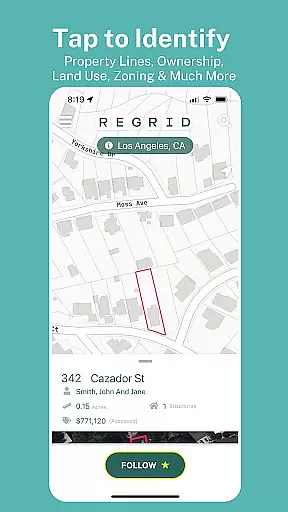
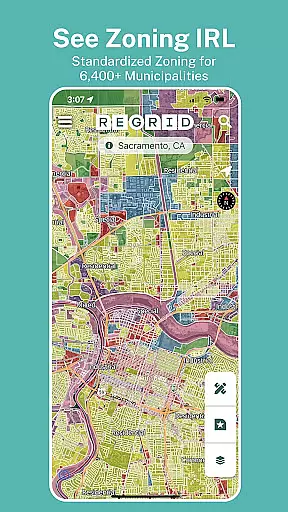
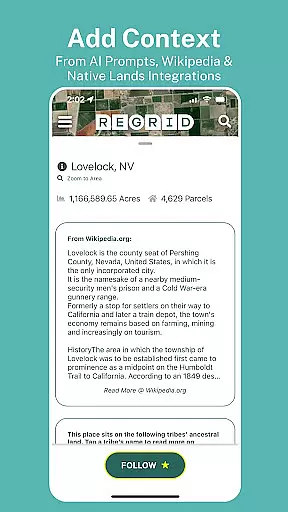
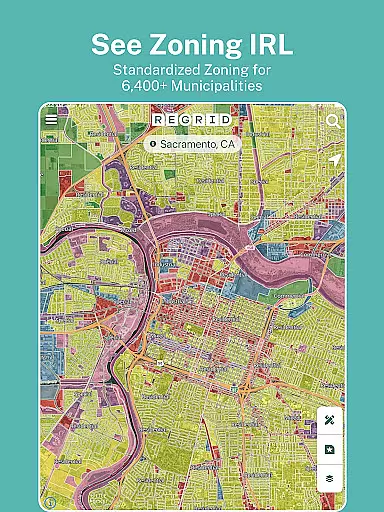
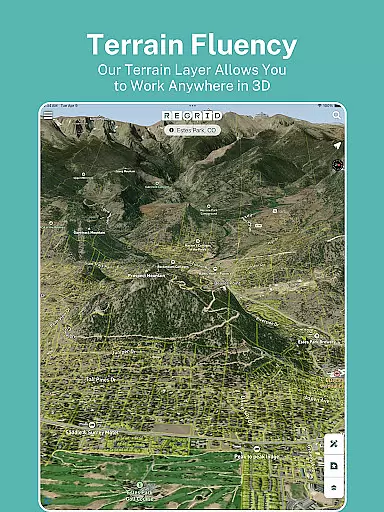
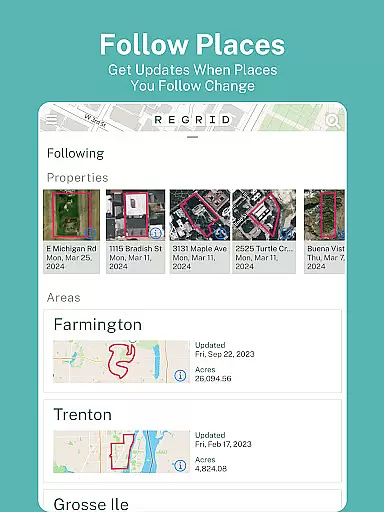
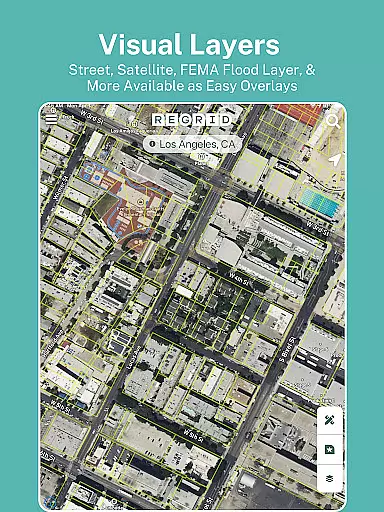
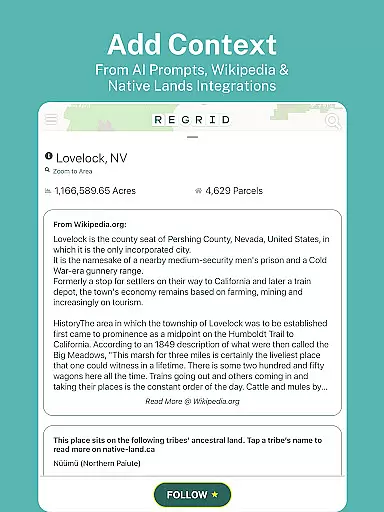
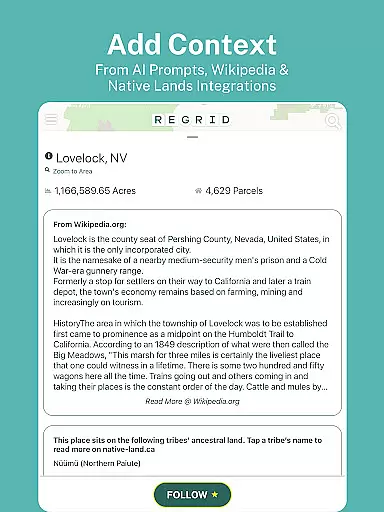
Regrid Property App is a leading map-based property information tool that provides users with detailed land and property data across the United States. With access to over 157 million parcels, it covers more than 99% of the US population, offering comprehensive insights into property boundaries, ownership details, and zoning information. The app is designed for individuals who need quick and reliable access to public record data, making it ideal for real estate professionals, landowners, and outdoor enthusiasts.
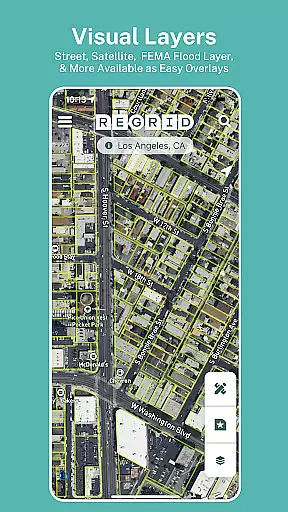
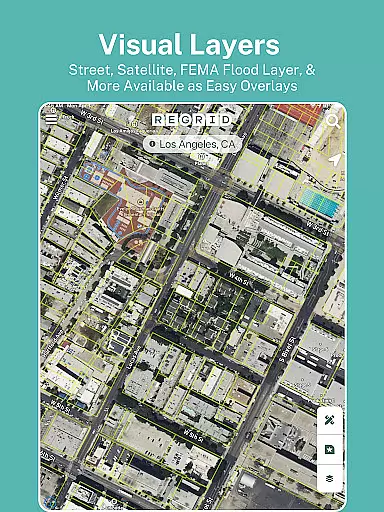
One of the standout features of Regrid Property App is its ability to display parcel boundaries and key property information such as lot lines, owner names, sale prices, and land use classifications. Available for free with an email sign-up, users can toggle between street and satellite maps, search properties by address, and share links to specific parcels. For advanced users, the Pro plan offers additional tools like automated property updates, measurement features, and access to premium data fields through the Regrid website.
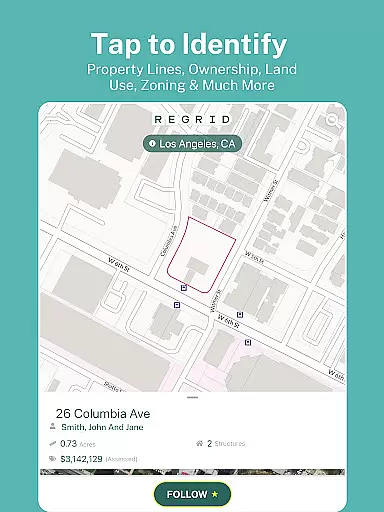
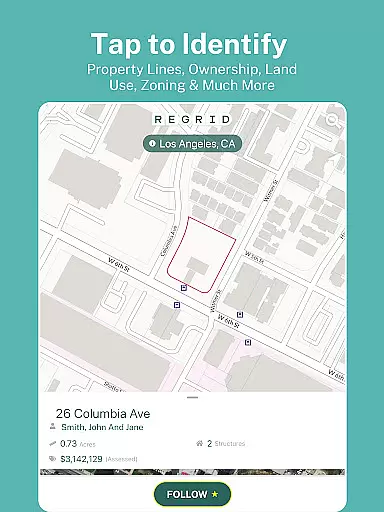
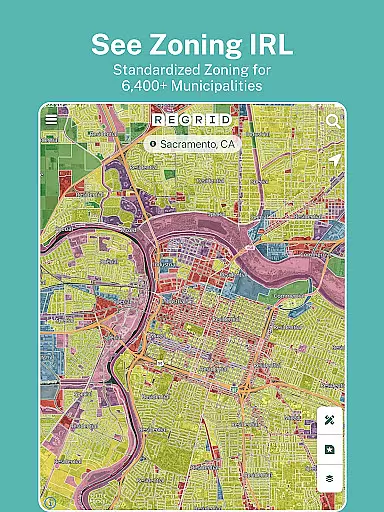
Regrid Property App stands out with its extensive feature set tailored for property research and analysis. The app's core functionality revolves around its interactive map interface, which allows users to tap on any property to view detailed parcel information. This includes property boundaries, APN/Parcel IDs, square footage, sale history, and even standardized zoning data. The intuitive design ensures that both casual users and professionals can easily navigate and extract valuable insights.
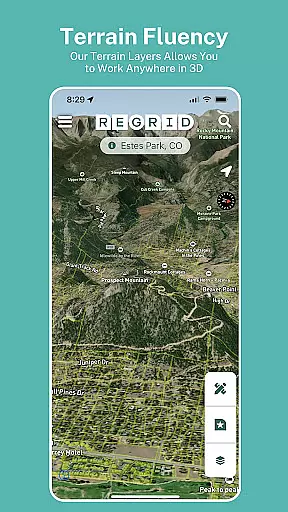
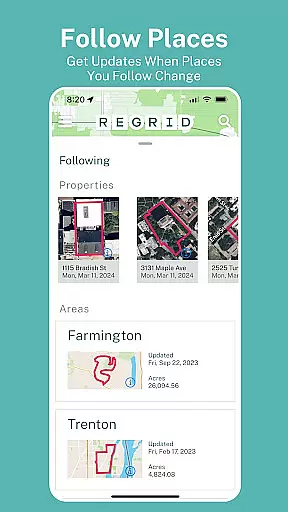
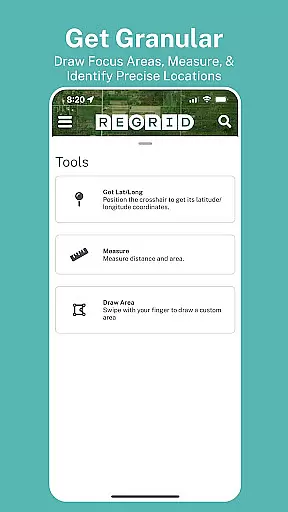
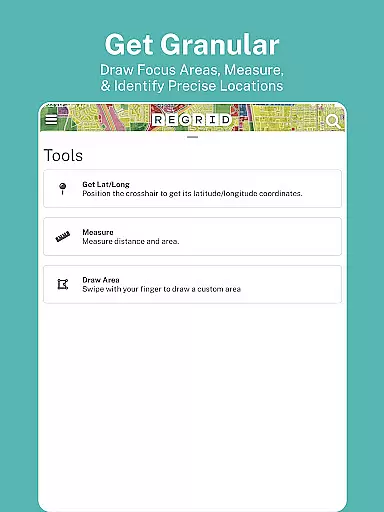
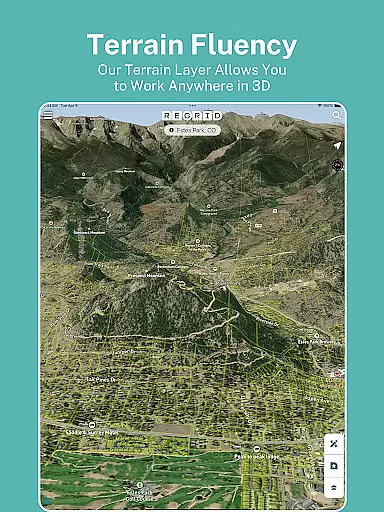
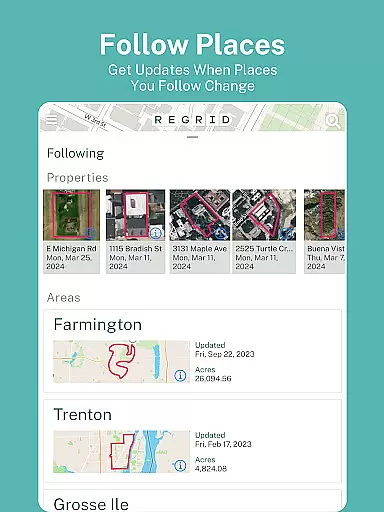
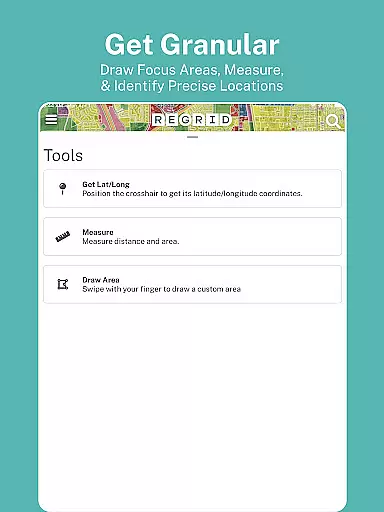
For power users, the Pro subscription unlocks advanced capabilities such as the Follow feature, which lets users track specific properties and receive automated updates on changes. Additional mapping layers, including building footprints and elevation contours, provide deeper geographic context. The Measure tool enables precise calculations of acreage and linear distances, while overlays for owner names and parcel IDs enhance map readability. These features make Regrid an indispensable tool for real estate analysis, land management, and outdoor planning.
Map accuracy is essential for any navigation or mapping application, and the Regrid Property App excels in this area. The app provides precise parcel boundaries and property data for over 157 million parcels, covering more than 99% of the US population. This extensive coverage ensures that users can access reliable and detailed information about properties across the country.
The app's accuracy is further enhanced by its integration of standardized zoning data and land use details, which are crucial for real estate professionals and enthusiasts alike. Users can toggle between street and satellite basemaps, allowing them to view properties from different perspectives and ensuring a comprehensive understanding of the terrain. This feature is particularly useful when planning routes or analyzing property layouts.
For those requiring even greater precision, the Pro plan offers additional tools such as building footprints and elevation contours overlaid on property boundaries. These advanced features provide a deeper level of insight into the topography and structural details of properties. With these capabilities, users can make informed decisions based on highly accurate and up-to-date map data.
While the Regrid Property App focuses primarily on property data, it also offers valuable route planning features that enhance the user experience. The app allows users to search for properties by address or place, making it easy to locate specific destinations. This functionality is particularly beneficial for real estate agents, surveyors, and anyone needing to visit multiple properties efficiently.
In addition to basic search capabilities, the app includes a measure tool available to Pro subscribers. This tool enables users to calculate linear feet, acreage, and square footage of drawn areas, which can be crucial when planning routes that involve large or irregularly shaped properties. By providing these measurements, the app helps users optimize their travel plans and manage time effectively.
Furthermore, the ability to overlay owner names and parcel IDs on the map adds another layer of utility for route planning. Users can quickly identify key properties and prioritize their visits accordingly. Whether you're a professional conducting site visits or an individual exploring potential investments, the Regrid Property App's route planning features ensure that you can navigate with confidence and efficiency.
User-friendly interface
Comprehensive property data
Free access to key features
Advanced Pro tools
Wide geographic coverage
Pro plan is subscription-based
Limited offline functionality
Premium features are costly
Requires internet connection
Some data may be outdated

The fastest and most convenient way to pay for parking on our lots.
 4.40
4.40
Route tracker, Speedometer, Odometer, Fuel, HUD mode, save route as .GPX
4.40
Find radar maps, GPS coordinates, altitude, offline maps, location, travel route
4.40
Ride CTA, Metra & Pace: Manage your fares, buy Metra tickets, get arrivals.
3.00
Drive safe with real-time speed camera radar, police, and traffic alerts
3.80
Explore Live Earth Map with 3D World Map & locate cites, mountains real time.
3.80
Park in Chicago, NYC, Boston, SF, Houston & more!
4.70
Get real-time bus and train schedules for easy, hassle-free city transportation.
3.90
Avoid delays. Get real-time GPS navigation, safety alerts and live traffic.
4.10
GPS Speedometer & Odometer: Track car, bike, truck speed & distance in real-time
4.70
Voice GPS with driving directions, offline maps navigation GPS for safe travel
4.50
Neshan: map & navigation app with 20M+ monthly active users
4.50
Number locator, real connection map
4.10
Find routes fast with GPS Maps, GPS Navigation & driving directions.
4.10
Navigate seamlessly with Real-Time Traffic, Offline Maps, and Voice Navigation.
4.10
Get route, find shortest path, near by places and weather update
3.90
Start your next adventure confidently using our Accurate Compass App
3.70
Navigate via GPS Maps of GPS Voice Navigation, driving directions to find routes
3.60
Off-Roading Navigation App With Trails, Public Lands, & Private Property Info
3.30


User Reviews