
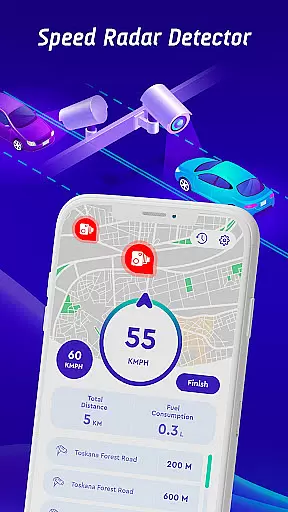
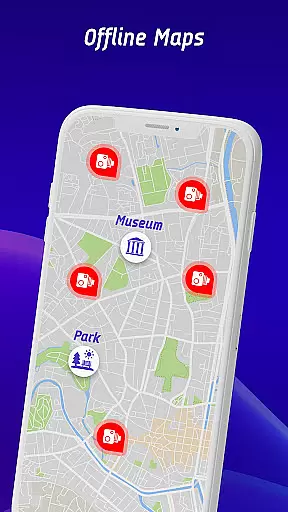
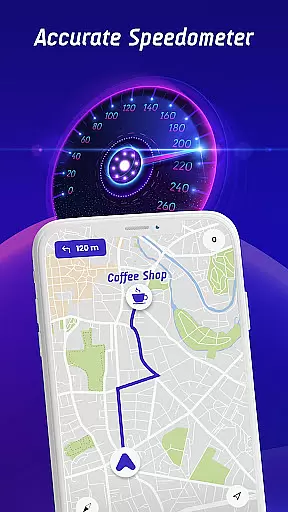

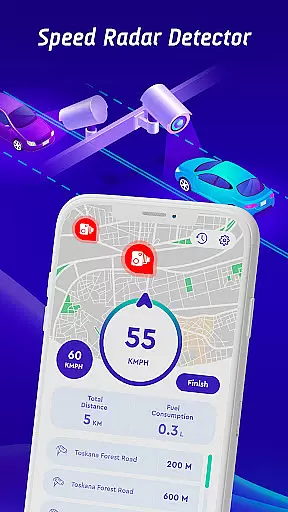
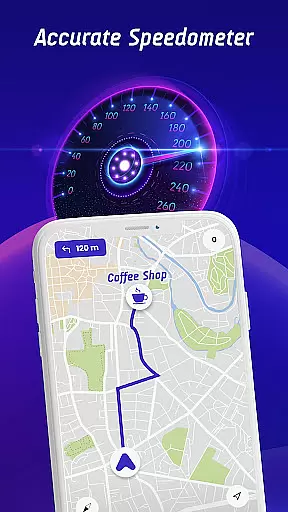

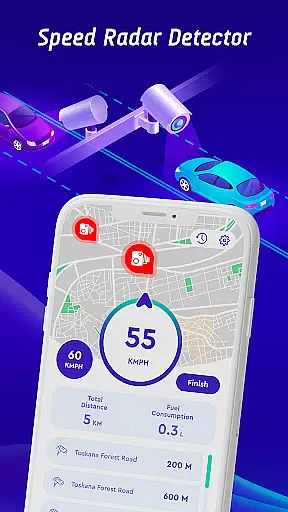
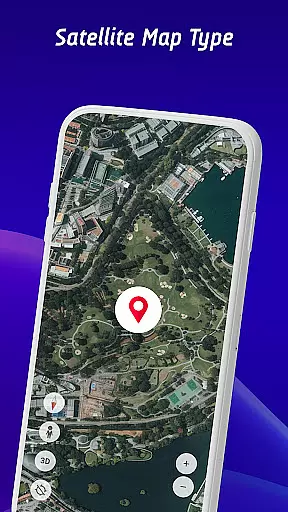
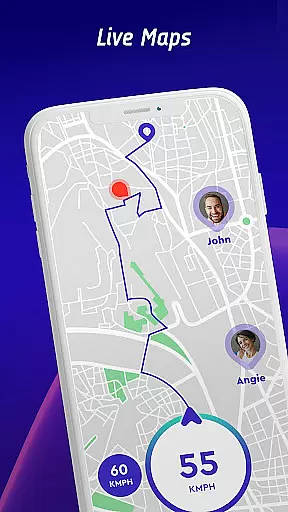
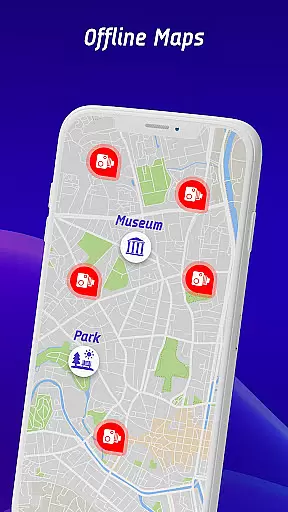
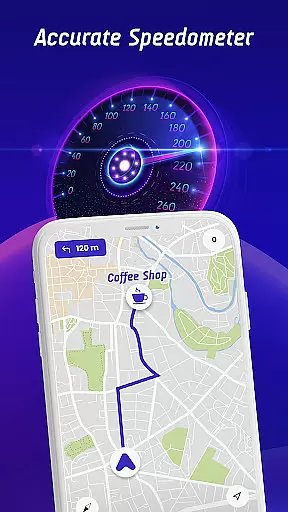

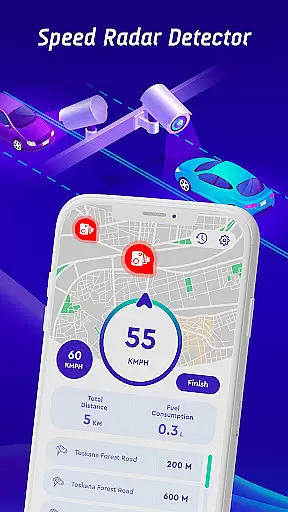
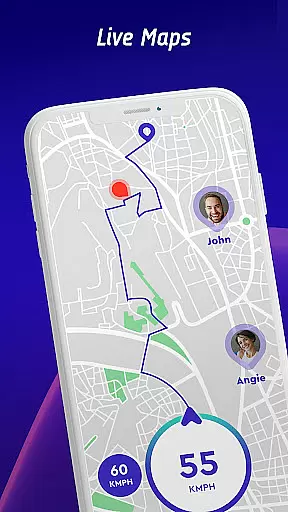
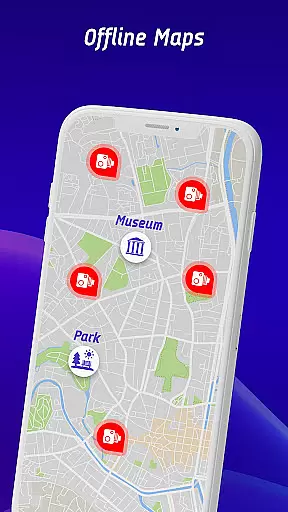
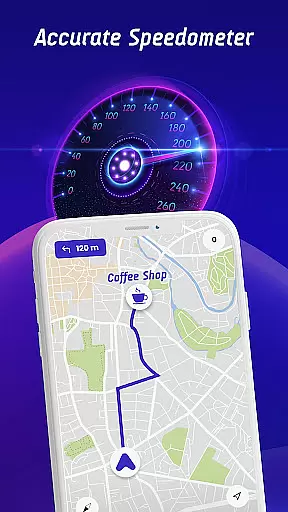

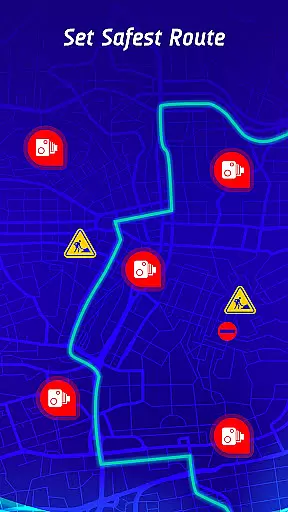
Offline Maps, GPS, Speedometer is a comprehensive driving companion app that integrates multiple essential features for safe and informed navigation. The app's core functionality revolves around speed camera detection and real-time alerts for various road hazards.
Beyond basic speed monitoring, the app provides vehicle-specific speed limit notifications for cars, bikes, and trucks. Its head-up display (HUD) projects crucial information directly onto your windshield, while the offline maps feature ensures uninterrupted navigation without mobile data.
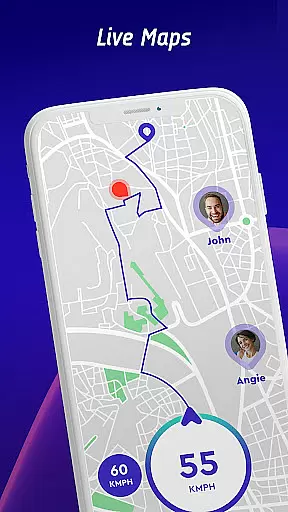
The application's value extends to its community-driven approach, allowing users to contribute to a shared database of speed checks and active hazards. This collaborative system creates a constantly updated network of road safety information, making it an indispensable tool for drivers who prioritize safety and efficiency.
The app distinguishes itself through several innovative features designed to enhance driver awareness and safety. Its comprehensive detection system covers fixed speed cameras, mobile radar guns, red light cameras, and average speed checks across more than 200 countries.
A standout feature is the augmented reality HUD that displays real-time traffic alerts, radar warnings, and speed information directly on the windshield. The app also includes advanced route planning capabilities that consider both speed camera locations and real-time traffic conditions to suggest optimal routes.
Additional notable features include a travel history log for tracking driving patterns, live world camera views from global landmarks, and a robust offline mapping system. These elements work together to create a complete driving solution that addresses both safety concerns and navigation needs while providing valuable insights into driving habits.
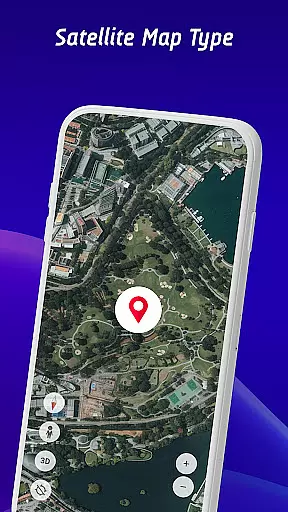
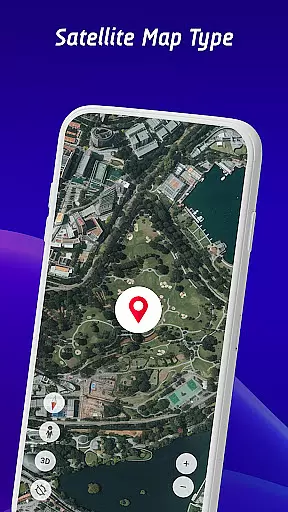
Map accuracy is essential for any navigation app, and the Offline Maps, GPS, Speedometer app excels in this area. The app provides real-time video streams from iconic locations worldwide, ensuring that users have access to current and precise visual data.
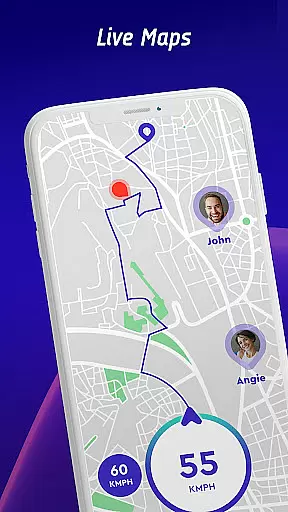
The integration of GPS navigation with real-time alerts for speed traps, fixed radars, and traffic cameras enhances the map's accuracy. This feature allows drivers to be aware of their surroundings and potential hazards, contributing to a safer driving experience.
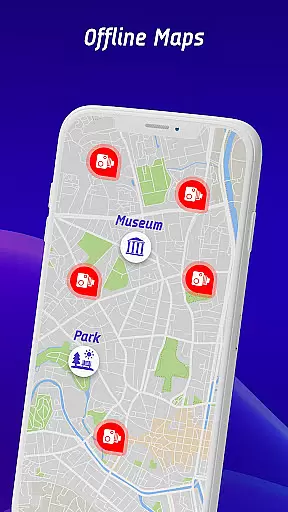
Additionally, the app supports offline map navigation, which means you can rely on accurate maps even without an internet connection. This ensures uninterrupted guidance regardless of mobile data availability.
By offering specific speed limit alerts for different vehicles and continuously updated radar information, the app maintains its mapping precision. Users can trust that the map data reflects real-world conditions, empowering them to make informed decisions while driving.
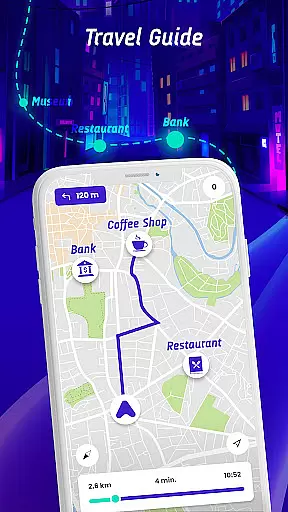
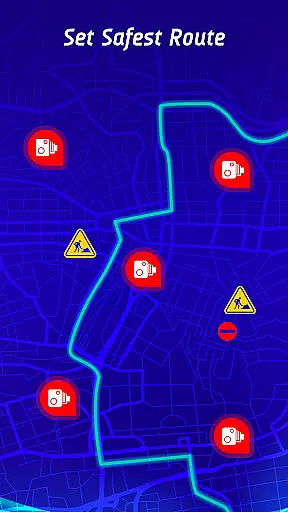
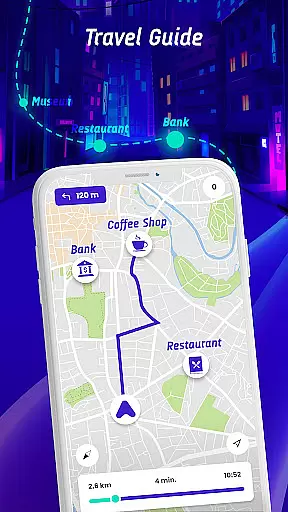
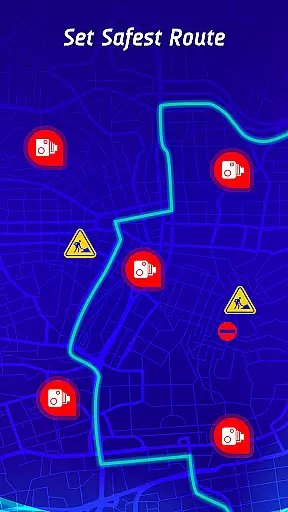
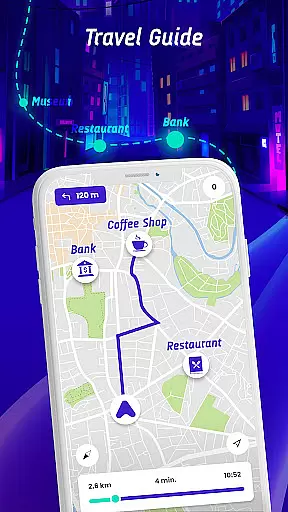
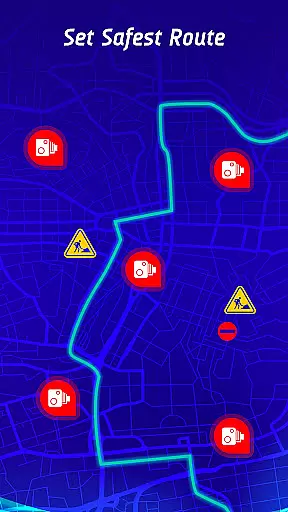
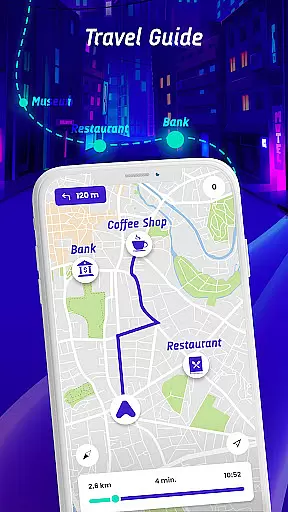
Route planning is a critical component of the Offline Maps, GPS, Speedometer app, providing users with the safest and fastest routes to their destinations. By factoring in real-time traffic conditions, speed camera locations, and reported active hazards, the app ensures optimal route selection.
The travel history feature further enhances route planning by allowing users to review past routes, speed statistics, and encountered speed checks. This long-term monitoring helps identify patterns in driving habits and informs future route choices.
Moreover, community contributions through user-reported speed cameras enrich the database, leading to more accurate and timely route suggestions. This crowdsourced data ensures that route planning remains dynamic and reflective of current road situations.
With the head-up display (HUD) projecting real-time traffic alerts and the speedometer onto the windshield, drivers can follow planned routes without distraction. This seamless integration of route information into the driving experience underscores the app's commitment to safety and convenience.
Comprehensive speed check coverage
Vehicle-specific alerts
Augmented reality HUD
Offline map functionality
Community-driven updates
Premium subscription required
Occasional false alerts
High battery consumption
Complex interface
Limited free features

Discover over 800 points of interest along the canal.
 3.70
3.70
GPX Viewer PRO shows tracks, routes and waypoints from gpx and kml files.
4.60
TACNAV-X: Precision MGRS navigation, built specifically for the military.
4.00
Instant diesel discounts - save big with each fill up!
4.40
Airport parking, with airport shuttle (TPS shuttle), reservations, and Spot Club
4.80
Voice GPS with driving directions, offline maps navigation GPS for safe travel
4.50
Order a cab online. An affordable taxi ride and driver in no time. What a bolt!
4.80
Park in Chicago, NYC, Boston, SF, Houston & more!
4.70
Avoid delays. Get real-time GPS navigation, safety alerts and live traffic.
4.10
Offline maps & GPS for hiking, travel, fieldwork & outdoor adventures
4.70
America’s largest public fast charging network, with over 500 charging stations.
4.50
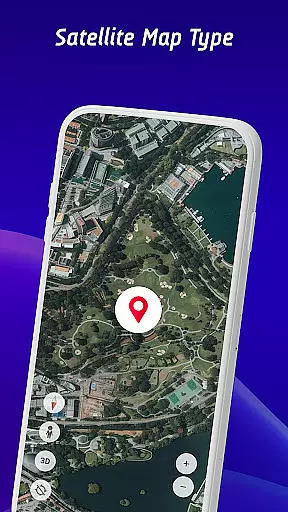
Lets explore the world's famous places by using Live Cams, GPS & Satellite View.
4.20
GPS phone tracker, family locator, secure location sharing app
4.20
Navigation, weather, offline maps & tools for smarter, safer travel planning.
4.00
Live Satellite view app for find GPS navigation Direction and live location map
3.70
Navigate via GPS Maps of GPS Voice Navigation, driving directions to find routes
3.60
Explore offline maps with radar, satellite view, and real-time alerts.
3.60
Turn your tablet or Android powered unit into a full blow Android Auto headunit.
2.30
Find 93 Octane Gas: Locate Gasoline Stations Selling Premium 93 Octane or Higher
4.3


User Reviews