
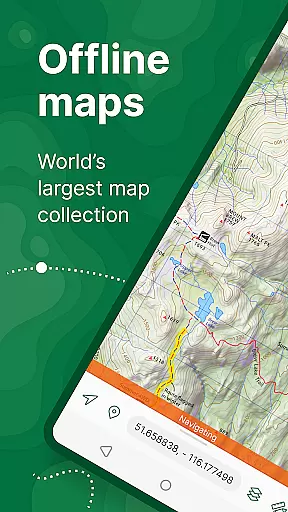
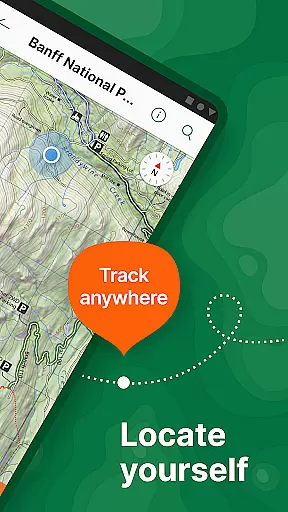
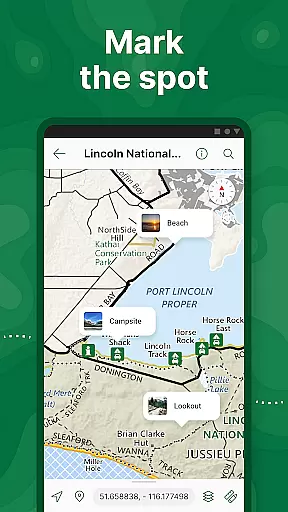
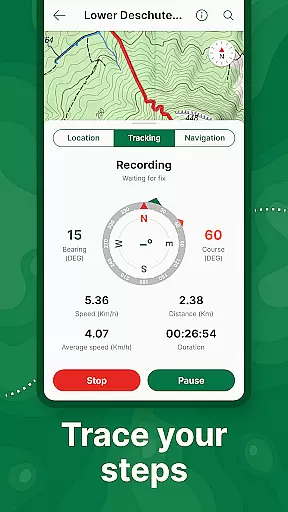
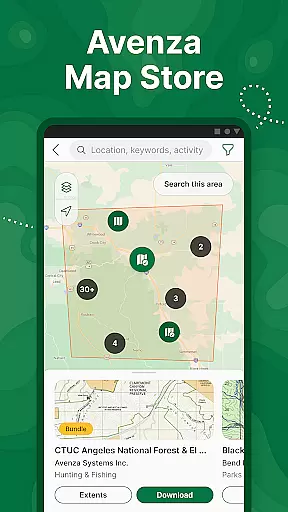
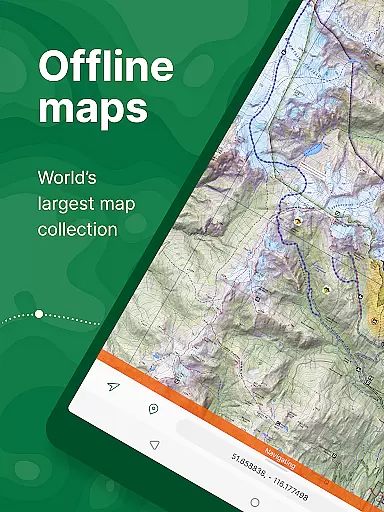
Avenza Maps is a premier offline mapping application designed for outdoor enthusiasts and professionals alike. This app provides access to an extensive library of topographic, nautical, and trail maps from renowned publishers such as National Geographic and the US Forest Service. Users can download maps for offline use, ensuring navigation even in areas without cellular service.
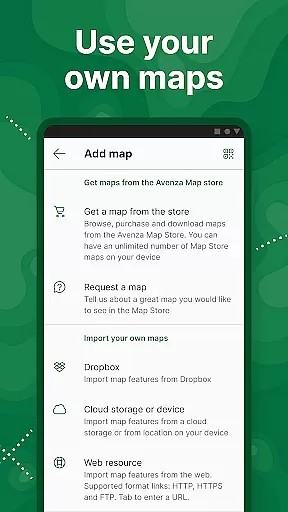
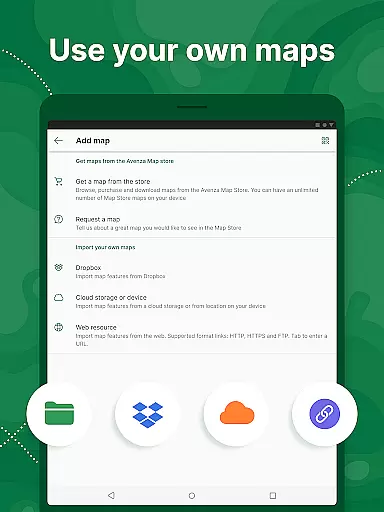
One standout feature is the ability to import custom maps, allowing users to tailor their experience for specialized activities or locations. Whether you're hiking, biking, or exploring backcountry trails, Avenza Maps enhances your adventures with precise GPS tracking and location identification through what3words technology. The app also supports various map formats including KML, GPX, and GeoTIFF, making it versatile for different user needs.
For those requiring advanced functionalities, Avenza Maps offers Plus and Pro subscription tiers. These unlock unlimited custom map imports, geofencing capabilities, and integration with high-accuracy GPS devices. With its comprehensive features and reliable offline performance, Avenza Maps is an essential tool for anyone needing detailed geographic information on the go.
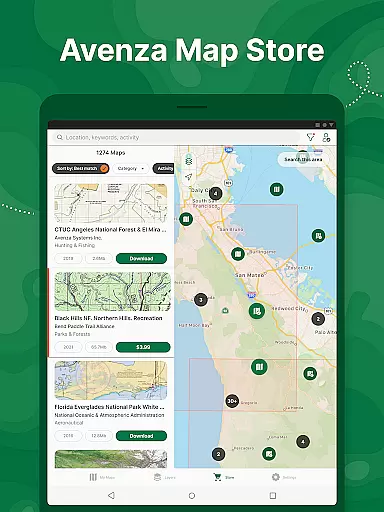
Avenza Maps stands out with its robust set of features tailored for both recreational and professional use. The app's core functionality revolves around its vast Map Store, which includes over thousands of maps from trusted sources like National Geographic and NOAA. This ensures that users have access to accurate and up-to-date geographic data for their specific activities, whether it's hiking, off-roading, or marine navigation.
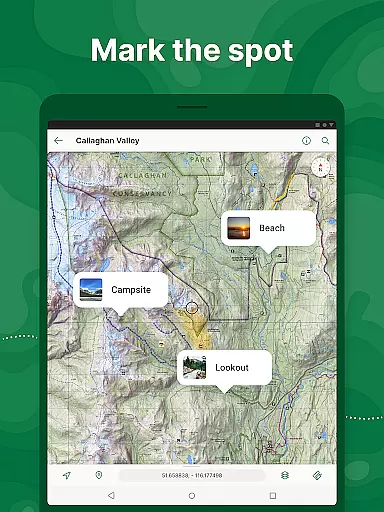
Beyond map availability, Avenza Maps incorporates powerful GPS tools. Users can track their routes, add placemarks with photos and notes, and measure distances directly on the map interface. The inclusion of compass tools and support for multiple coordinate display formats makes navigation intuitive and precise. Additionally, the app allows importing custom maps in various formats, catering to users who create their own geographic data.
For power users, the Plus and Pro subscriptions offer enhanced capabilities. These include unlimited imports of geospatial PDFs, creation of complex geofences, and integration with external GPS devices via Bluetooth. Professional users particularly benefit from advanced features like Esri Shapefile support and custom symbology management. Such comprehensive functionality positions Avenza Maps as a versatile solution for anyone requiring sophisticated mapping tools in offline environments.
Map accuracy is a cornerstone of Avenza Maps, ensuring users can navigate with confidence across diverse terrains and environments. The app offers an extensive collection of high-quality maps sourced from reputable publishers such as National Geographic, the US Forest Service, and NOAA.
These maps are meticulously crafted to deliver precise location data, whether you're exploring national parks, hiking trails, or off-road adventures. With support for offline use, Avenza Maps guarantees that even without an internet connection, your position remains accurately represented.
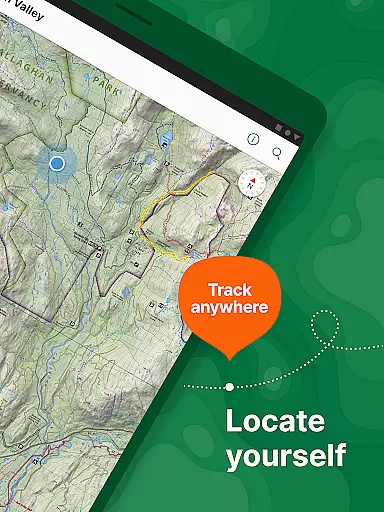
What sets Avenza Maps apart is its integration of advanced GPS features, allowing real-time tracking and pinpointing of locations. This functionality ensures that adventurers, researchers, and outdoor enthusiasts can rely on the app's mapping data for safe and efficient navigation in remote areas.
By providing access to thousands of detailed maps and supporting professional-grade formats like GeoPDFu00ae and GeoTIFF, Avenza Maps solidifies its commitment to delivering accurate and dependable cartographic resources.
Route planning in Avenza Maps empowers users to chart their courses with precision and ease, making it an invaluable tool for any journey. The app supports various map formats and provides essential tools for plotting routes tailored to specific activities such as hiking, biking, or off-roading.
With features like distance measurement and time estimation, users can plan their trips more effectively. Avenza Maps allows adventurers to mark waypoints, add placemarks, and utilize compass tools to ensure they stay on course throughout their travels.
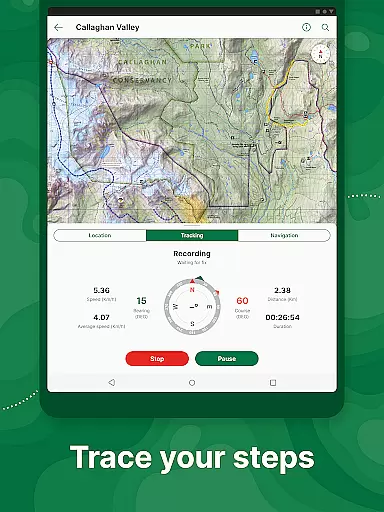
The inclusion of GPS track recording enhances route planning by enabling users to document their journeys and revisit successful paths. Additionally, the ability to import custom maps means personalized routes can be created for unique expeditions.
Whether navigating city streets or backcountry trails, Avenza Maps' robust route planning capabilities provide the reliability needed for both recreational explorers and professional navigators alike.
User-friendly interface
Extensive map library
Offline functionality
Custom map import
Precise GPS tracking
Advanced features locked behind paywall
Subscription cost may be high
Occasional syncing issues
Limited free map options
Steep learning curve for beginners

Start your next adventure confidently using our Accurate Compass App
 3.70
3.70
Route schedules, maps, and real-time tracking of MTA buses in New York City.
4.20
All of NHSA's trail information at your fingertips for the 2025-2026 season
4.0
LIRR and Metro-North tickets and trips
4.80
Drive safe with real-time speed camera radar, police, and traffic alerts
3.80
Navigate MTA, NJ Transit, MBTA, SEPTA, BART, MARTA, CTA & 900+ cities
4.60
Navigation, weather, offline maps & tools for smarter, safer travel planning.
4.00
Avoid delays. Get real-time GPS navigation, safety alerts and live traffic.
4.10
Rideshare, taxi cabs, and more for your airport travels and everyday trips.
4.50
Navigate confidently with our precise Digital Compass app & Direction Compass!
4.70
GPS Speedometer & Odometer: Track car, bike, truck speed & distance in real-time
4.70
Park in Chicago, NYC, Boston, SF, Houston & more!
4.70
Navigate with your watch and keep the phone in your pocket!
4.60
Track accurate speed & distance with GPS Speedometer. Check speed limit & time.
4.50
Turn your Android device into a real off-road GPS using off-line topo maps!
4.40
ParkWhiz, an Arrive Mobility brand, part of the Arrive Network
4.30
Get route, find shortest path, near by places and weather update
3.90
Explore Live Earth Map with 3D World Map & locate cites, mountains real time.
3.80
Find 93 Octane Gas: Locate Gasoline Stations Selling Premium 93 Octane or Higher
4.3


User Reviews