
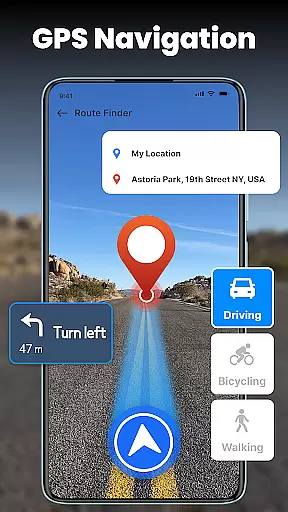
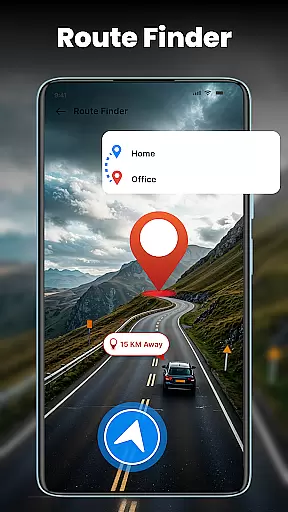
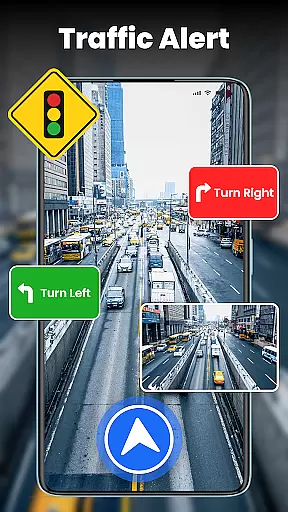

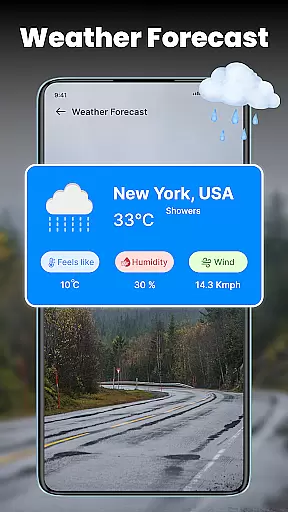
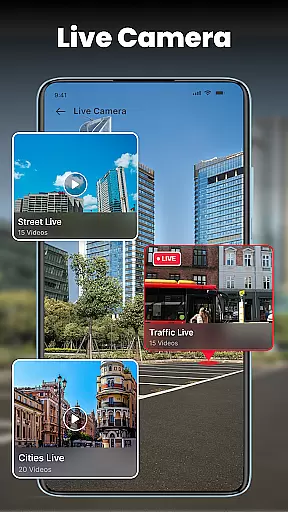

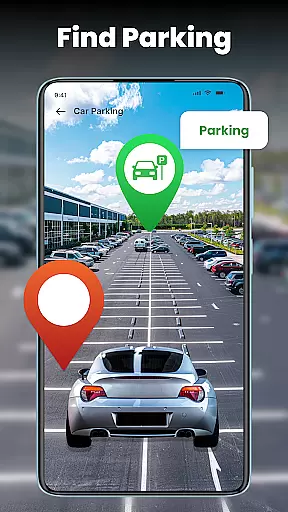
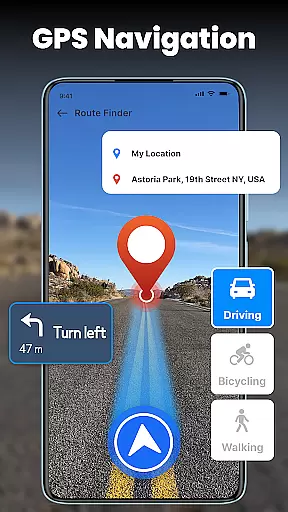
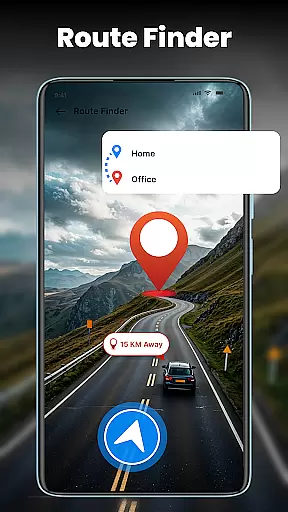


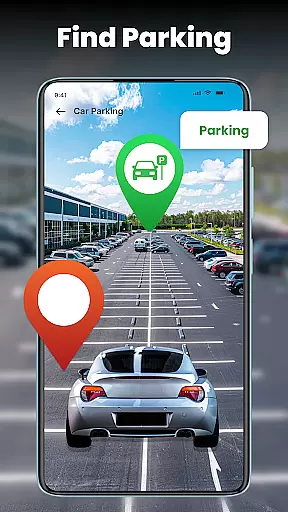
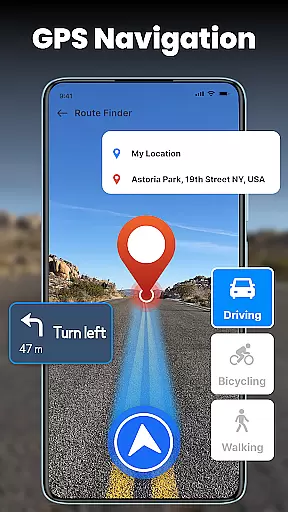
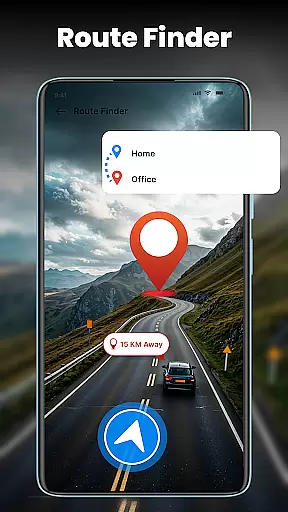
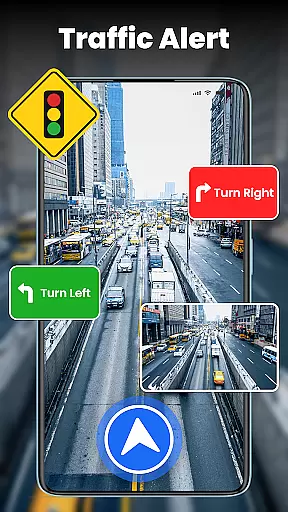

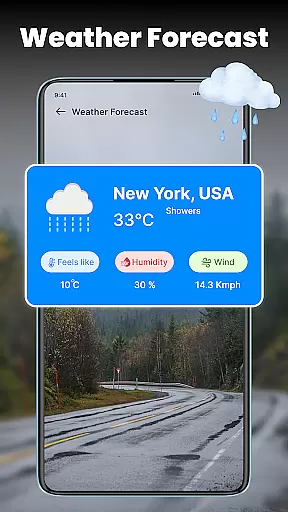
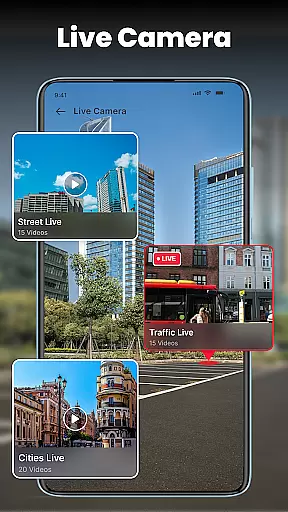

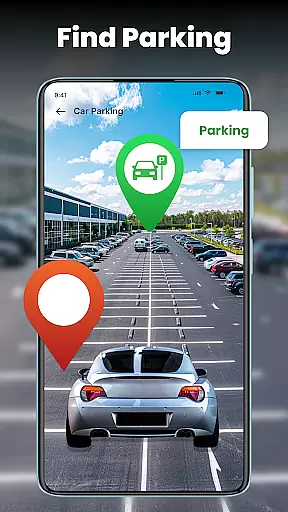
GPS Voice Navigation is a comprehensive navigation app designed to provide turn-by-turn directions and live traffic updates for efficient travel. The app excels in helping users find the shortest routes, avoid traffic jams, and locate nearby points of interest such as hospitals, hotels, and gas stations. With its voice-guided navigation feature, users can operate the app hands-free, making it safer and more convenient while driving.
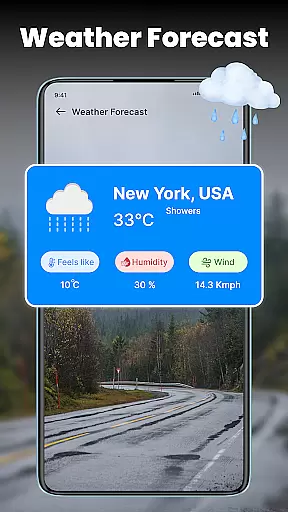
In addition to basic navigation, the app offers advanced features like live street view, compass alignment, and real-time weather updates. These functionalities ensure that users are well-prepared for any journey, whether traveling through busy city streets or exploring remote areas. Its ability to share your current location with family and friends adds an extra layer of safety, making it ideal for both everyday commutes and long-distance travel.
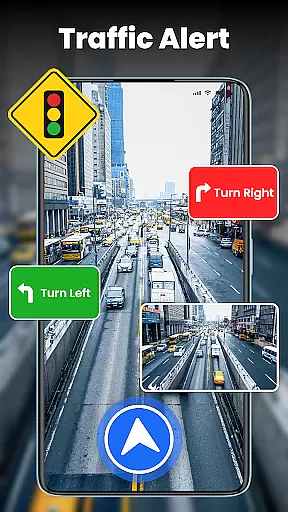
One of the standout features of GPS Voice Navigation is its robust set of tools that cater to various navigation needs. The app provides turn-by-turn voice navigation, ensuring users never miss a turn even when they cannot look at the screen. This feature is particularly useful in high-traffic areas where quick decisions are necessary. Additionally, the live traffic map helps users avoid congested routes by providing real-time updates on accidents, road closures, and slowdowns.
Beyond navigation, the app includes practical tools like a live street view for easier landmark spotting and a compass feature for maintaining directional accuracy. Users can also personalize their experience by choosing different map styles and route options. The inclusion of real-time weather updates ensures travelers are informed about changing conditions, allowing them to adjust their plans accordingly. Overall, these features combine to create a versatile and reliable navigation tool suitable for all types of journeys.
Map accuracy is essential for any navigation app, and GPS Voice Navigation excels in this area. The application provides precise location data, ensuring users can trust the route suggestions provided.
Utilizing advanced GPS technology, the app quickly detects the user's current location and aligns it with the digital map. This alignment ensures that users receive accurate directions, whether they are navigating through busy city streets or remote country roads.
The app's dedication to accuracy extends to its live traffic updates. By processing real-time traffic conditions, GPS Voice Navigation helps users avoid congestion, roadblocks, and slowdowns, making each journey as efficient as possible.
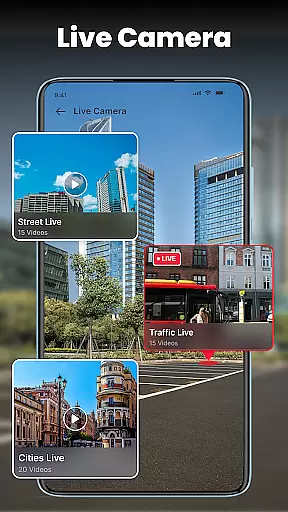
Moreover, the inclusion of a Live Street View feature allows users to visually confirm their surroundings against the map display. This function enhances the overall accuracy of the navigation experience, providing peace of mind that every turn and direction is correct.
Effective route planning is a cornerstone of GPS Voice Navigation, offering users optimized paths tailored to their travel needs. With an intuitive interface, the app simplifies the process of setting destinations and discovering the shortest routes.
Voice Navigation stands out by enabling hands-free operation, allowing drivers to focus on the road while receiving clear, audible directions. This feature not only streamlines route planning but also enhances safety by minimizing distractions.
In addition to basic routing, the app incorporates live traffic data to dynamically adjust suggested routes. Users benefit from up-to-date information about traffic conditions, accidents, and road closures, ensuring they always take the most efficient path available.
Personalization options further enrich the route planning experience. Users can tailor their journeys by selecting different map styles and saving preferred routes, making each trip not just a commute but a personalized travel experience.
User-friendly interface
Accurate GPS tracking
Live traffic updates
Voice-guided directions
Comprehensive POI database
Occasional voice lag
Heavy battery usage
Limited offline maps
Subscription fees
Complex settings

Find AI powered cameras, ALPRs, and other surveillance infrastructure near you
 4.70
4.70
The fastest and most convenient way to pay for parking on our lots.
4.40
Airport parking, with airport shuttle (TPS shuttle), reservations, and Spot Club
4.80
Find EV & Tesla charging stations with PlugShare
4.70
Number locator, real connection map
4.10
Ride CTA, Metra & Pace: Manage your fares, buy Metra tickets, get arrivals.
3.00
Route Planner is travel map to get turn by turn navigation & driving directions
3.90
Lets explore the world's famous places by using Live Cams, GPS & Satellite View.
4.20
Get there with the Waymo Driver — The World’s Most Experienced Driver™
4.90
LIRR and Metro-North tickets and trips
4.80
Voice GPS with driving directions, offline maps navigation GPS for safe travel
4.50
Instant diesel discounts - save big with each fill up!
4.40
Plan routes, share locations, and set custom alert zones
4.40
Route schedules, maps, and real-time tracking of MTA buses in New York City.
4.20
Find routes fast with GPS Maps, GPS Navigation & driving directions.
4.10
Use GPS Maps and GPS Voice Navigation to find your way and get directions
4.10
Get real-time bus and train schedules for easy, hassle-free city transportation.
3.90
MapQuest is your go-to app for maps, GPS, voice navigation & live traffic.
3.80
Play in the outdoors with Android as your Handheld GPS and offline topo maps!
3.50


User Reviews