
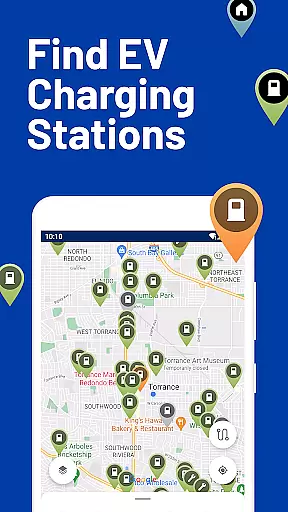
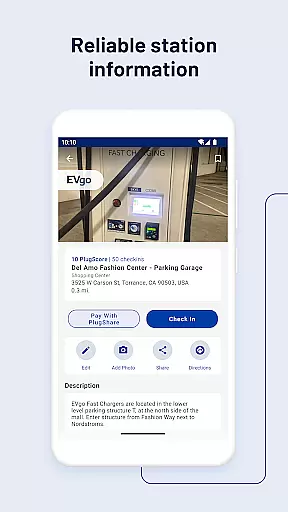
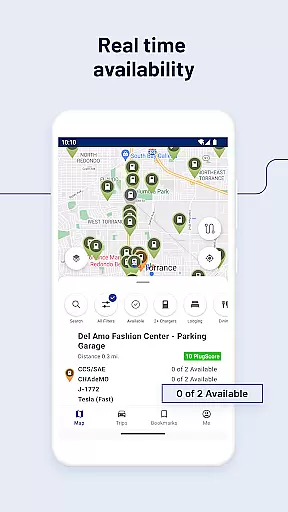
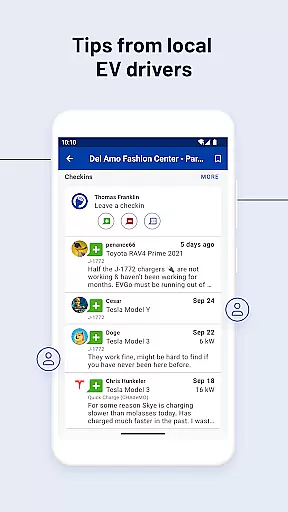
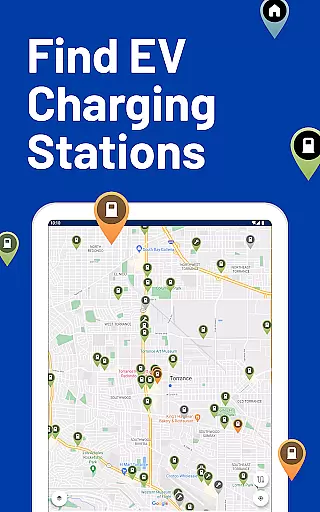
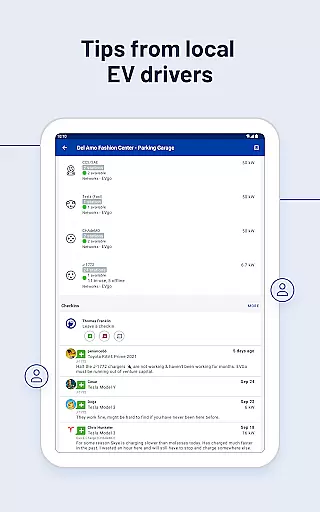
PlugShare is the world's largest EV driver community, offering an extensive map of electric vehicle charging stations across North America, Europe, and beyond. The app provides detailed station information for every major EV charging network, including ChargePoint, Tesla Destination, Electrify America, and many others.
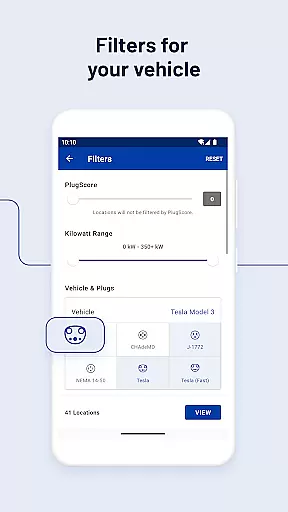
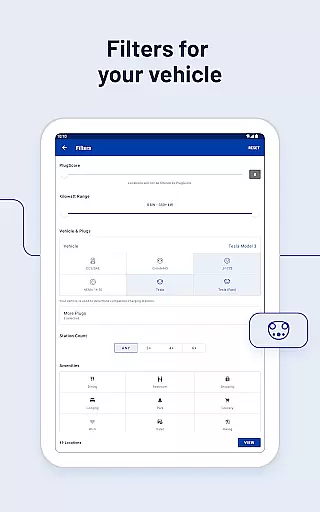
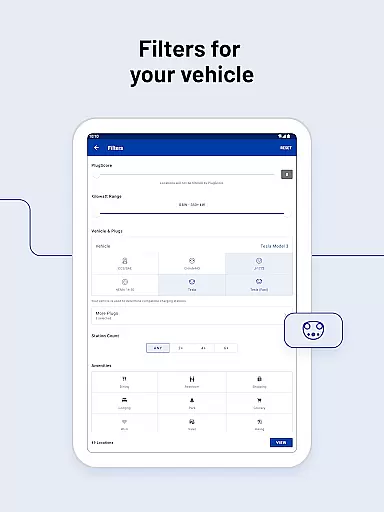
With PlugShare, users can filter the map by plug type (CHAdeMO, SAE/CCS), charging speed (Level 1, Level 2, DC Fast Chargers), and charging provider. This ensures drivers find public charging stations compatible with their specific EV models, such as Tesla Model X, Ford Mustang Mach-E, or Audi e-tron.
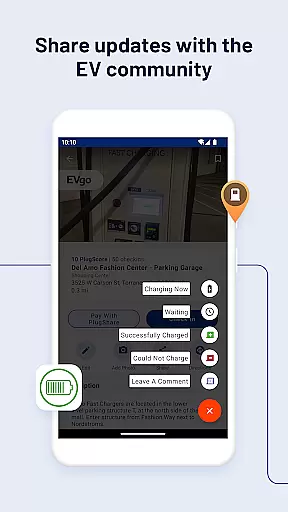
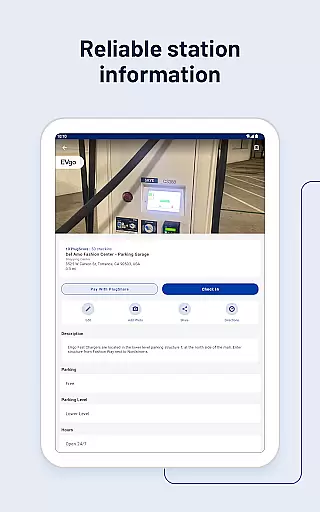
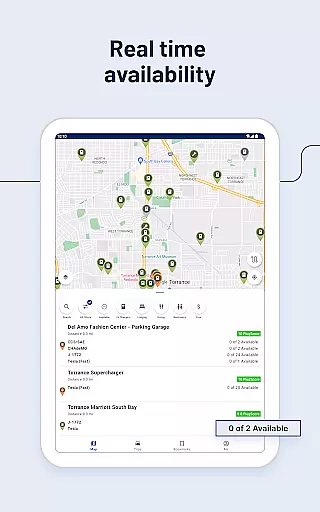
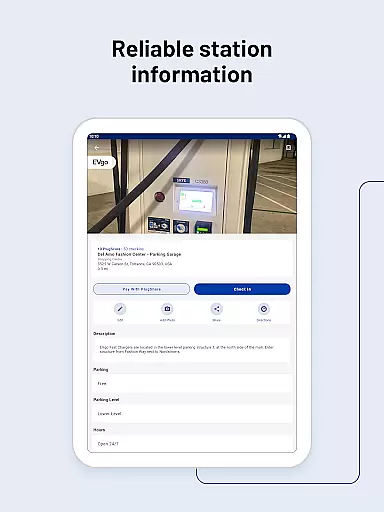
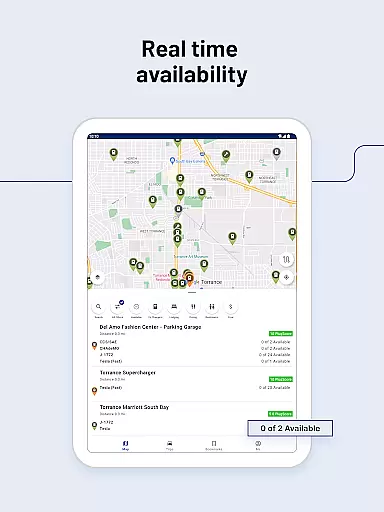
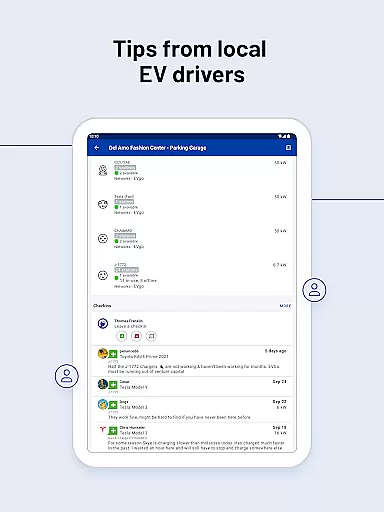
The app also allows users to check station functionality, current availability, and nearby amenities like food or bathrooms. Additionally, it supports navigation integration, payment processing via 'Pay with PlugShare', and notifications for newly installed chargers in the vicinity.
PlugShare stands out with its comprehensive filtering options that allow users to search for charging stations based on connector type, charging speed, and available amenities. This feature ensures that EV drivers can locate the most suitable charging points for their vehicles quickly and efficiently.
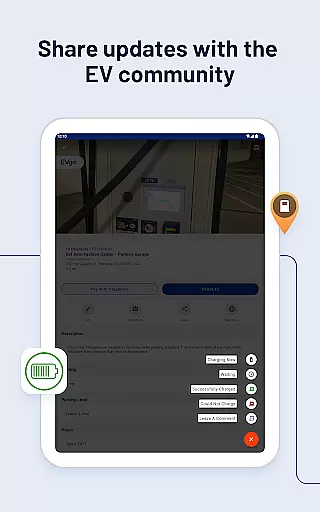
A key highlight is the 'Pay with PlugShare' functionality, enabling users to pay for charging sessions directly through the app at participating locations. Furthermore, the app offers real-time monitoring of charging sessions, ensuring users stay informed about their vehicle's charging status.
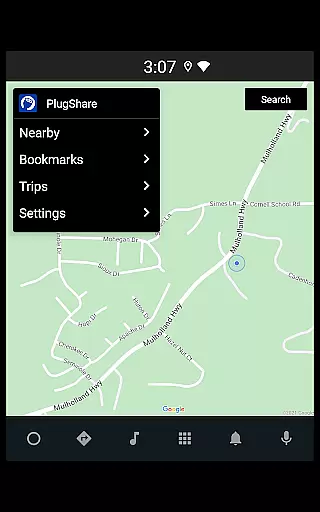
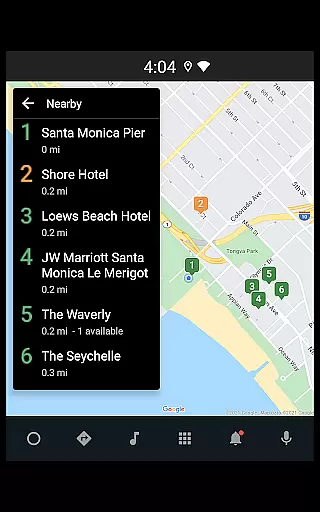
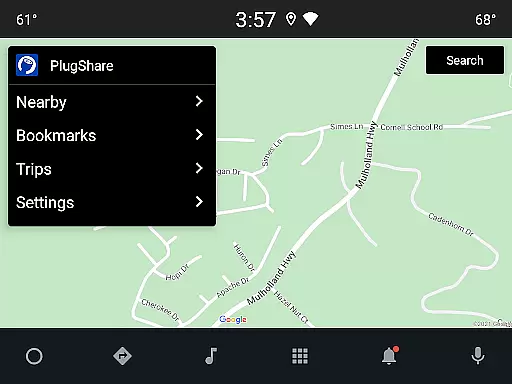
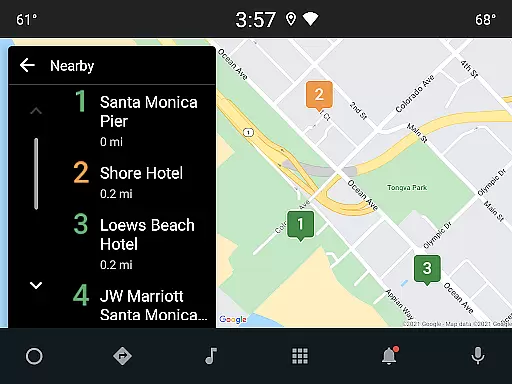
Another notable feature is the Android Auto compatibility, which allows drivers to browse nearby charging locations, bookmarked spots, and planned trips directly from their car's built-in display. This seamless integration enhances convenience and accessibility while on the road.
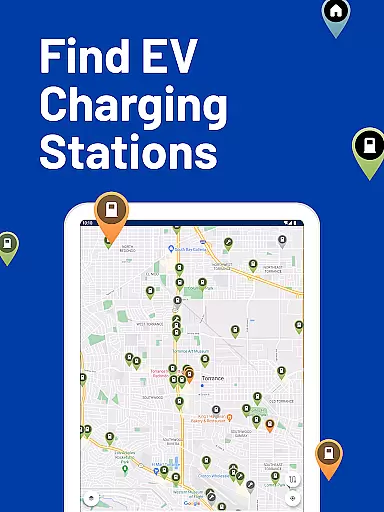
Map accuracy is essential for electric vehicle (EV) drivers who rely on precise location data to find charging stations. PlugShare excels in this area by offering the most accurate and comprehensive EV charging station map available. The platform aggregates data from multiple sources, including real-time contributions from its vast community of EV drivers.
PlugShare's map includes detailed information for every major EV charging network across North America, Europe, and much of the rest of the world. Users can filter the map by plug type, such as CHAdeMO and SAE/CCS, as well as by charging speed, which includes Level 1, Level 2, and DC Fast Chargers like Tesla Superchargers. This ensures that EV drivers can easily locate public charging stations compatible with their specific vehicle.
The value of PlugShare's accurate mapping is immense for EV drivers. It helps them make informed decisions about where to charge, check for station functionality and current availability, and link to their favorite navigation app for directions. With notifications for newly installed chargers nearby and integration with Android Auto, PlugShare keeps drivers updated and connected, enhancing both convenience and peace of mind.
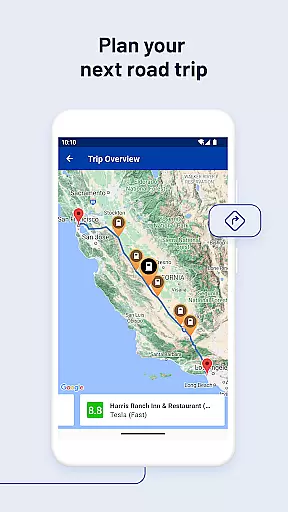
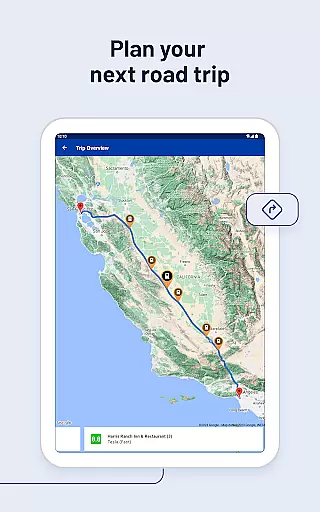
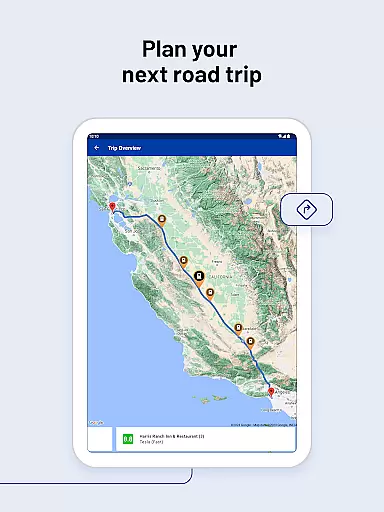
Effective route planning is crucial for EV drivers to ensure they can reach their destinations without running out of charge. PlugShare addresses this need by providing robust route planning features that incorporate the locations of charging stations along the way. This allows drivers to plan trips with confidence, knowing they can recharge as necessary.
PlugShareu2019s route planning tools are designed to cater to different preferences and requirements. Drivers can filter for connector types, charging speeds, and even amenities like food or bathrooms. This flexibility ensures that users can tailor their routes to include stops that best suit their needs, whether they require a quick charge or a more extended break.
By integrating with popular navigation apps, PlugShare makes it easy for drivers to get directions to their selected chargers. Additionally, features like Pay with PlugShare at participating locations allow users to monitor their charging sessions directly through the app. These capabilities not only streamline the journey but also enhance the overall driving experience, making long-distance travel in an EV more feasible and enjoyable.
User-friendly interface
Extensive charging network coverage
Real-time station availability
Payment integration
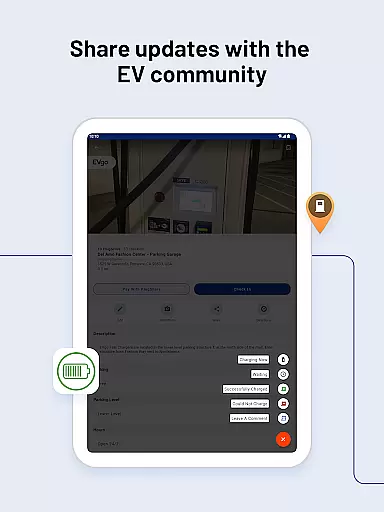
Active EV community
Limited rural area coverage
Occasional data inaccuracies
Some features are region-specific
Premium subscription required for advanced features
Dependent on user-generated content

Find AI powered cameras, ALPRs, and other surveillance infrastructure near you
 4.70
4.70
The fastest and most convenient way to pay for parking on our lots.
4.40
Navigate with your watch and keep the phone in your pocket!
4.60
Complete offline 1:50k South Island topo map including DOC Hunting Permit Areas
4.60
Navigate confidently with our precise Digital Compass app & Direction Compass!
4.70
Ride CTA, Metra & Pace: Manage your fares, buy Metra tickets, get arrivals.
3.00
Get directions, Maps, GPS navigation & GPS Maps using GPS App
4.10
Get route map navigation with 3D satellite view, and live earth camera streaming
3.70
MapQuest is your go-to app for maps, GPS, voice navigation & live traffic.
3.80
Get there with the Waymo Driver — The World’s Most Experienced Driver™
4.90
Airport parking, with airport shuttle (TPS shuttle), reservations, and Spot Club
4.80
Park in Chicago, NYC, Boston, SF, Houston & more!
4.70
GPX Viewer PRO shows tracks, routes and waypoints from gpx and kml files.
4.60
Track friends in real-time and explore worldwide live cameras.
4.60
Turn your Android device into a real off-road GPS using off-line topo maps!
4.40
Navigate seamlessly with Real-Time Traffic, Offline Maps, and Voice Navigation.
4.10
Use GPS Maps and GPS Voice Navigation to find your way and get directions
4.10
Route Planner is travel map to get turn by turn navigation & driving directions
3.90
Find 93 Octane Gas: Locate Gasoline Stations Selling Premium 93 Octane or Higher
4.3


User Reviews