
ReadEra is a versatile eBook reader app that supports an extensive range of formats including PDF, EPUB, Microsoft Word, Kindle, DJVU, FB2, TXT, ODT, and CHM. This application allows users to read books offline without any advertisements or in-app purchases. The app's core functionality lies in its ability to deliver a seamless reading experience across various document types, making it an all-in-one solution for readers.
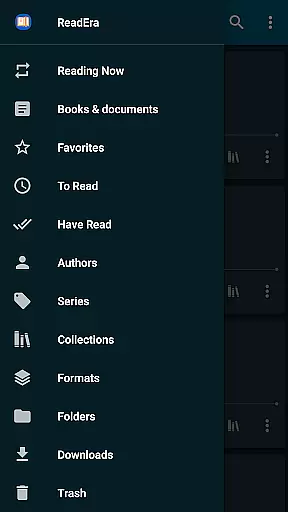
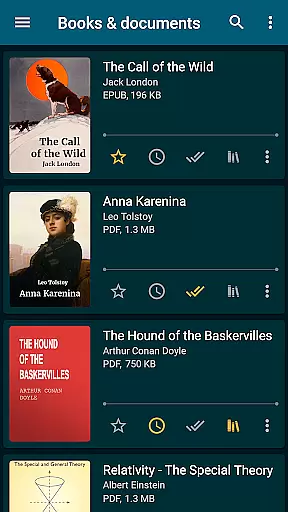
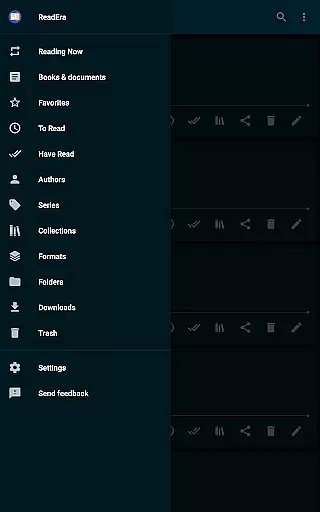
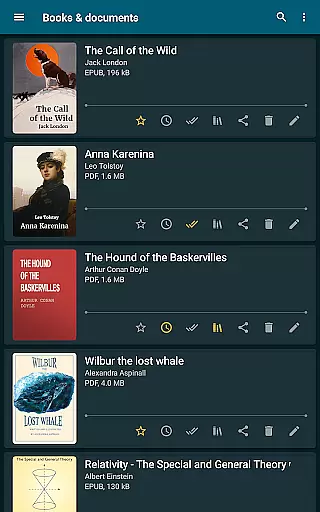
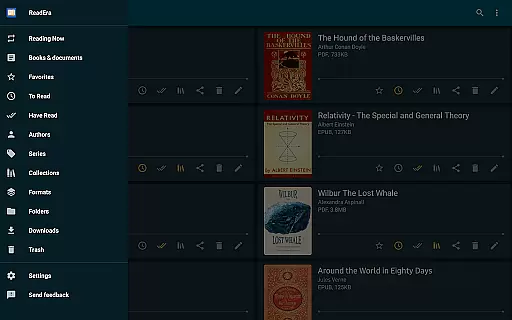
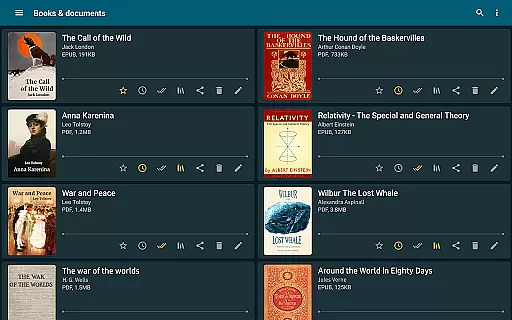
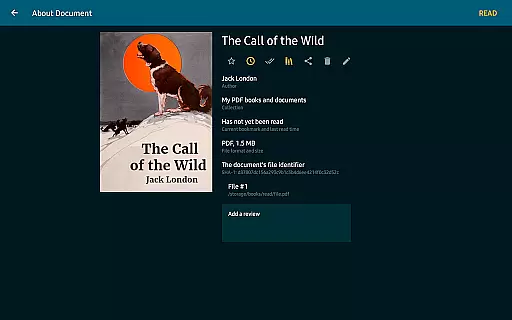
One of the standout features of ReadEra is its comprehensive book management system. It automatically detects books and documents on your device, organizing them into collections and lists such as To Read and Favorites. With options for easy navigation through folders and downloads, users can efficiently manage their digital libraries. Whether you're accessing a PDF journal or an EPUB novel, ReadEra ensures that your reading material is well-organized and easily accessible.
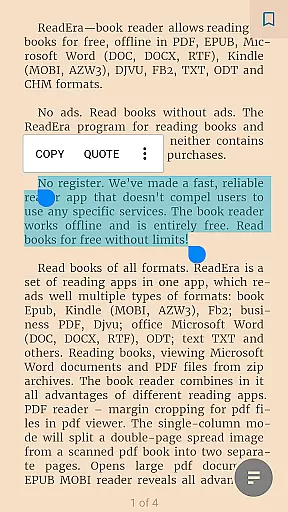
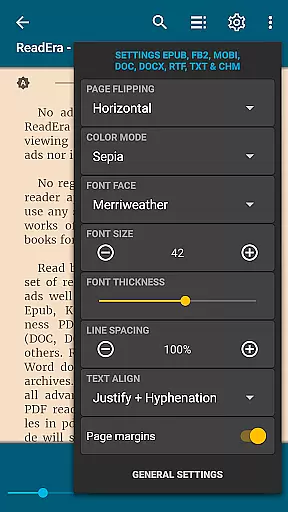
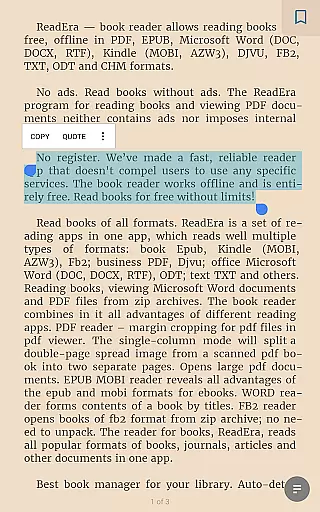
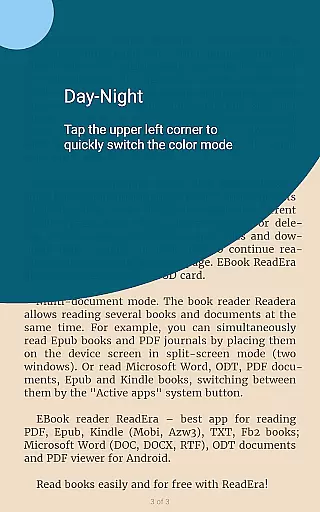
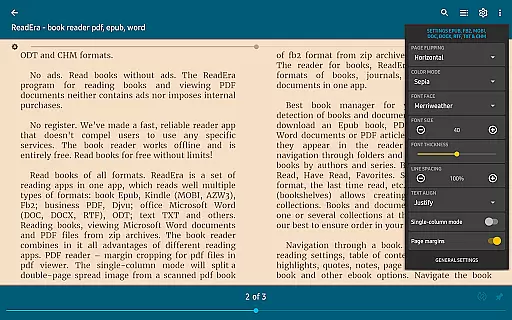
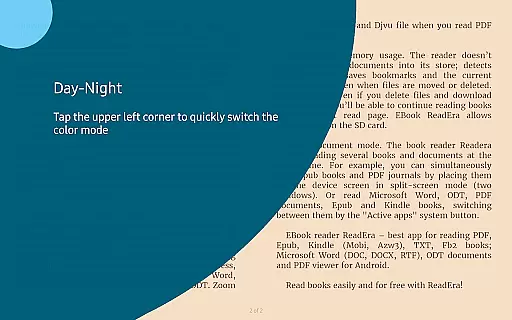
The app also offers advanced reading settings tailored to user preferences. From customizable color modes like day, night, and sepia, to flexible page flipping orientations, ReadEra provides a personalized reading environment. Additionally, features like margin cropping for PDFs and footnote display enhance usability. These capabilities make ReadEra particularly valuable for students, professionals, and avid readers who require efficient access to a variety of document formats.
ReadEra distinguishes itself with several key features designed to optimize the reading experience. First and foremost, it supports multiple document formats, which eliminates the need for separate apps for different file types. This consolidation simplifies the user's digital library management and enhances accessibility.
Another significant feature is the app's powerful book management system. ReadEra automatically detects and organizes books from various sources on your device. It groups books by author and series, and allows users to create custom collections. This organizational structure helps maintain order within large libraries and makes it easy to find specific titles quickly.
Additionally, ReadEra offers a multi-document mode that lets users read several books simultaneously. By utilizing split-screen functionality, readers can view different documents side-by-side. This feature is particularly useful for research or cross-referencing materials. Overall, these features combine to create a robust platform that caters to diverse reading needs while maintaining ease of use and efficiency.
ReadEra offers an extensive e-book library that supports multiple formats including PDF, EPUB, Microsoft Word, Kindle, DJVU, FB2, TXT, ODT, and CHM. This wide-ranging compatibility ensures users can access a vast collection of books and documents without restrictions.
The application guarantees copyright authenticity by allowing users to import their legally acquired files. It does not host or distribute any content directly, ensuring all materials accessed are the user's rightful property.
With ReadEra, you can organize your digital library with features like auto-detection of books, grouping by authors and series, and creating personalized collections. This makes managing and navigating your e-books effortless and efficient.
Additionally, ReadEra enhances your reading experience by providing convenient reading settings such as day, night, sepia, and console modes, adjustable fonts, sizes, and spacing, ensuring every book is easy on the eyes.
One of ReadEra's standout features is its exceptional format compatibility. The app supports a multitude of file types such as PDF, EPUB, Microsoft Word (DOC, DOCX, RTF), Kindle (MOBI, AZW3), DJVU, FB2, TXT, ODT, and CHM, making it a versatile tool for readers.
This broad format support means that users can enjoy books and documents from various sources without worrying about conversion issues. Whether it's a professional PDF document or an eBook in EPUB format, ReadEra handles them all seamlessly.
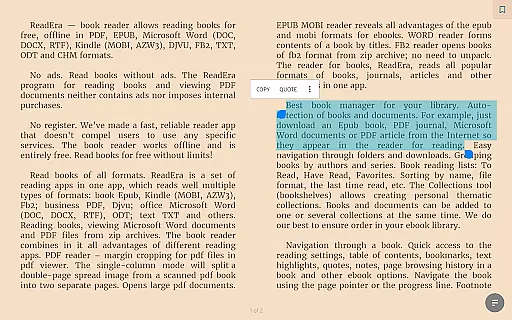
ReadEra also includes specialized functionalities for different formats. For instance, the PDF reader offers margin cropping and single-column modes, while the EPUB and MOBI readers highlight the advantages of these flexible eBook formats.
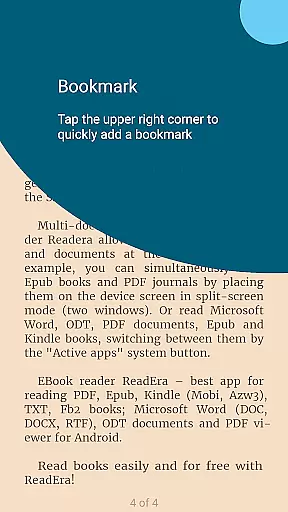
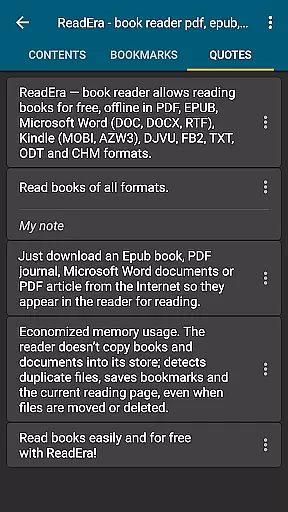
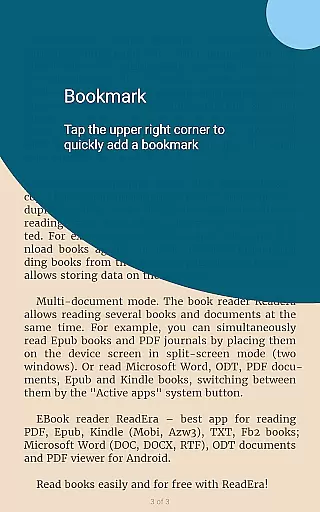
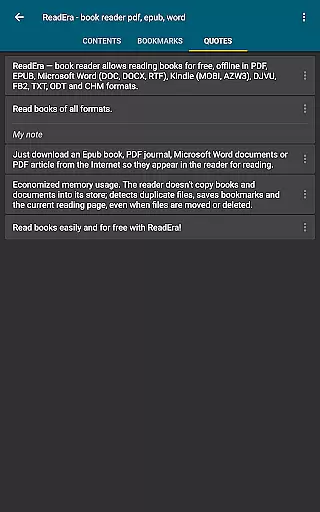
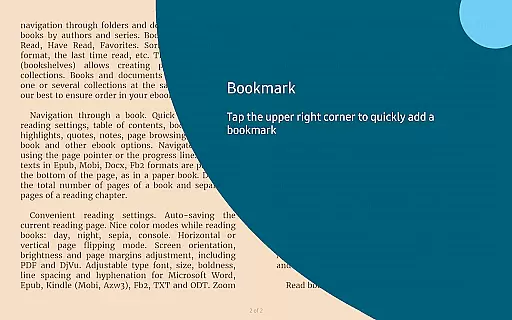
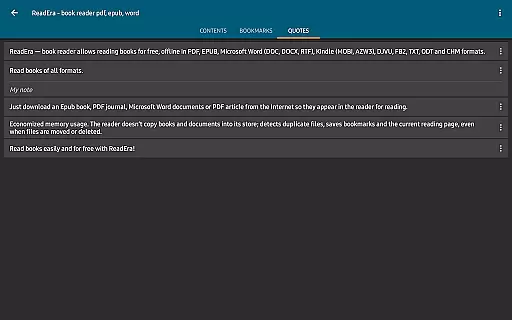
Moreover, the app provides practical navigation tools like quick access to table of contents, bookmarks, and text highlights, ensuring that no matter the format, users can efficiently browse and manage their reading materials.
User-friendly interface
Multi-format support
Offline reading capability
No ads or in-app purchases
Advanced customization options
Limited cloud integration
No built-in store for new books
Occasional performance lags
Complex settings for beginners
Interface may feel outdated

Read aloud texts, audiobooks, PDFs or any eBook with text to speech AI audio
 4.60
4.60
Enjoy your favorite books
3.50
Universal Zoom, learn about sizes & distances of the universe and microcosmos
4.80
Unlock unlimited access to bestselling ebooks, novels, stories, and audiobooks
4.60
King James Bible read offline, AI Priest, Bible Quiz, Guiding Prayers & Plans
4.80
Enjoy daily devotionals, Bible verses, audio courses, and more.
4.80
My Bible offers a comprehensive app by providing offline access, daily verses.
4.80
A Comprehensive Restoration of Sacred Scripture
4.50
ARC Raiders Companion: Map, Quests, ARC/Item Info. Track everything instantly!
4.00
Flora of Virginia Project (www.floraofvirginia.org)
5.00
"When tweetle beetles fight, it's called a tweetle beetle battle."
4.90
The dynamic dictionary/reference app for piano chords and scales!
4.80
Powerful Bible study tools linked to every verse in an easy-to-use Bible reader!
4.60
F9 Cookbook Mobile App
4.60
7 Languages, Google, Wiki, Vocabulary.com, Cambridge & Urban Dictionary!
4.50
Shop over 13 million new and used books at up to 80% off list price
4.20
Prime novels await! Fantasy & Romance on JoyRead. Immersive reads!
4.20
WebNovel - Read Solo Leveling novel and comic
4.10
All in one Calibre libraries on your phones and tablets.
3.80


User Reviews