
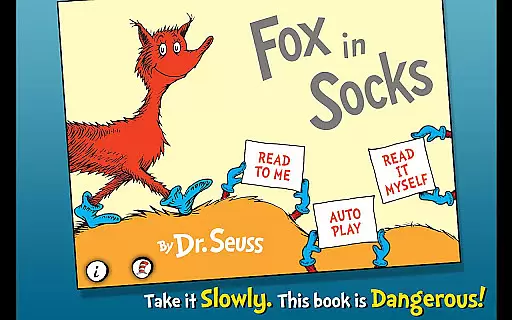
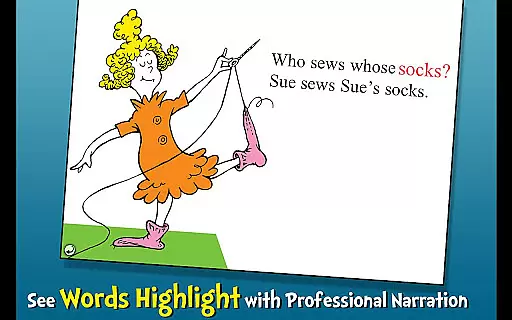
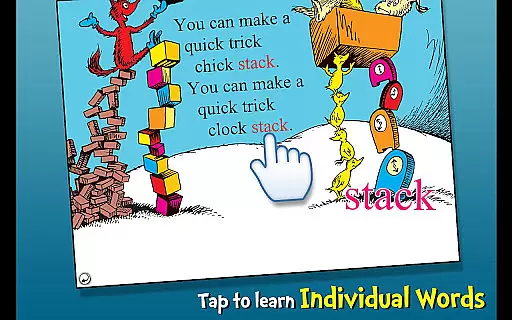
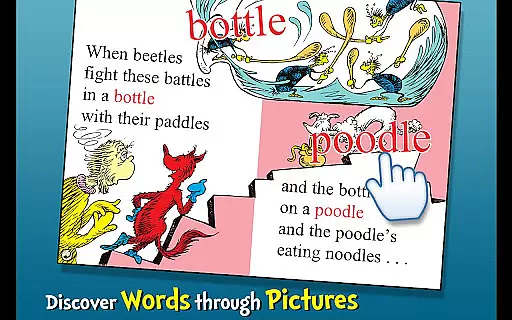
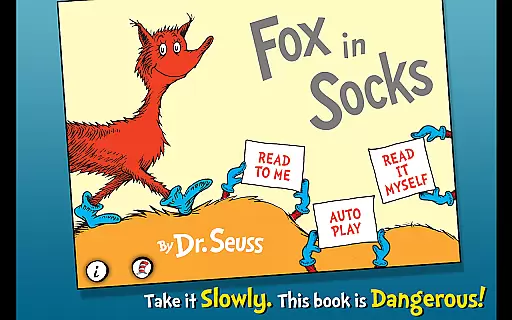
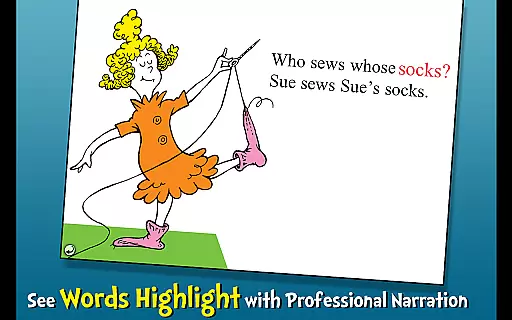
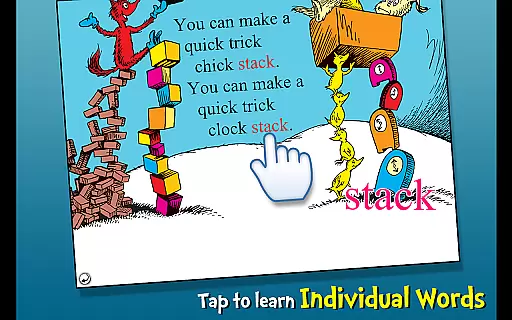
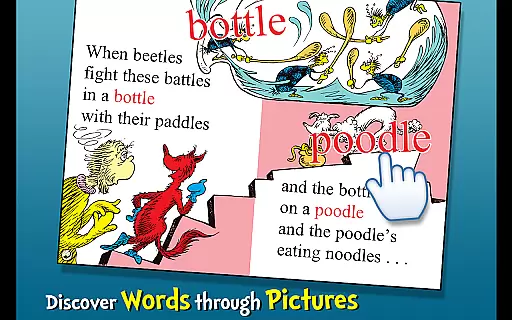
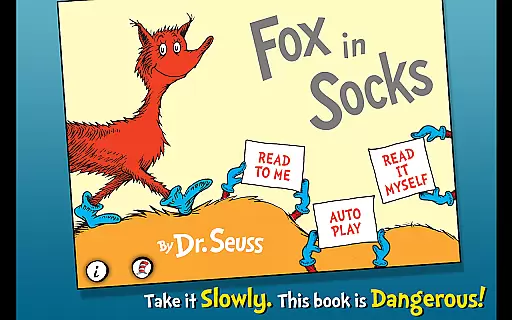
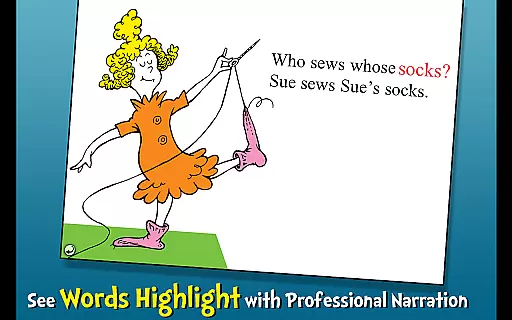
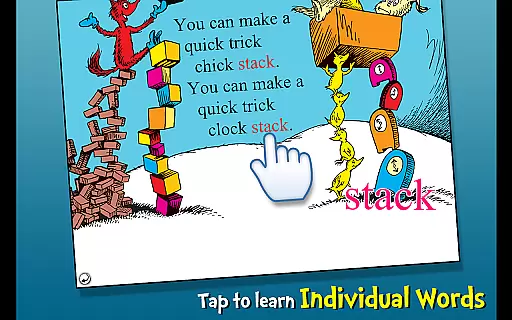
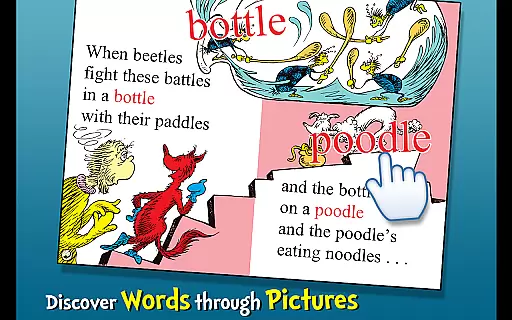
Fox in Socks is an interactive book app that brings Dr. Seuss's classic story to life for young readers. The app encourages literacy skills through highlighted narration and offers three different reading modes to engage children aged 2-6. With tappable words for vocabulary building and objects that speak their names when touched, it creates an immersive learning experience.
The app also features a tongue-twisting game with Fox and Mr. Knox, adding an element of fun to reading time. Designed as an educational tool, Fox in Socks helps children develop essential language skills while enjoying the playful rhymes and illustrations of the beloved book.
Fox in Socks offers a variety of features designed to enhance the reading experience for children. Highlighted narration supports literacy by helping kids follow along with the text as it is read aloud. Three reading options - Read to Me, Read Myself, and Auto Play - provide flexibility for different skill levels and preferences.
The app includes a dictionary feature where tapping on words reveals their meanings, expanding vocabulary in context. Interactive elements such as tap-responsive objects that name themselves when touched add another layer of engagement. These features work together to create an enjoyable and educational experience that promotes language development and reading comprehension.
Fox in Socks offers a rich digital library featuring the beloved Dr. Seuss book, ensuring an authentic reading experience for children ages 2-6. The app includes not just the story but also interactive elements that enhance engagement.
Every page is carefully rendered to preserve the original artwork and text, making certain that the essence of Dr. Seuss's creativity is maintained. Copyright authenticity is guaranteed as it is an official licensed app, providing peace of mind for parents and educators.
The e-book goes beyond merely displaying text by integrating highlighted narration and vocabulary-building features. This ensures young readers are not only entertained but are also learning while they enjoy the classic tale.
This interactive book app supports multiple reading formats, allowing children to engage with the story in three distinct ways. Whether following along with highlighted narration or exploring tappable words and objects, the app adapts to various learning styles.
Compatibility extends to the device level, ensuring smooth performance across different gadgets. Parents can download Fox in Socks on various Android devices without worrying about functionality issues.
Additionally, the app provides support for audio elements, enriching the storytelling experience. From hearing object names read aloud to enjoying sound effects, children receive a well-rounded introduction to literacy in a tech-friendly format.
User-friendly interface
Engaging content
Educational value
Vivid illustrations
Interactive elements
Limited age range
Single story focus
No offline mode
Ads for other apps
In-app purchases

"Five Dr. Seuss titles in one omBook!"
 4.60
4.60
“There was one last piece of cake. My little sister said ‘Me too!’”
4.00
Offline translator from english to spanish, and from spanish to english.
4.50
Discover Stars and Planets: Live Map Shows Current Constellations in Full Detail
4.70
Bible Study App with Audio Book, Verse of the Day, and Devotionals.
4.80
Scan. Price. Grade.
4.60
Enjoy your favorite books
3.50
F9 Cookbook Mobile App
4.60
Learn to tie more than 200 knots in 3D!
4.90
Personalized Chat with Bible
4.80
Read the KJV Bible with Strong’s offline: reading plans, audio Bibles, and more.
4.70
"Do you like green eggs and ham?"
4.70
Daily Devotional Widgets & Hourly Verses. Listen to Bible & Watch Holy Stories
4.70
Discover, track, and share your reading with friends & our community of readers
4.60
Build family tree & discover DNA, family history heritage, origins and ancestors
4.60
Pretty Moon information App with Complications and Tile
4.30
Mirror Bible - eye-opening paraphrase translation of the NT by Francois du Toit
4.30
Knots 360 Pro ( 3D ) shows you animated 192 knots in 3D perspective
4.10
America's best dictionary and thesaurus - with premium content and no ads
3.40


User Reviews