
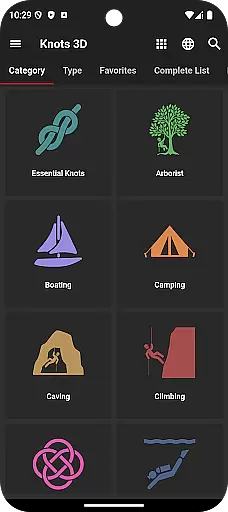
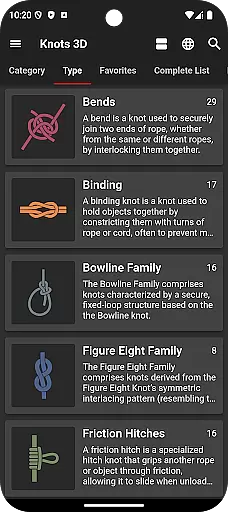
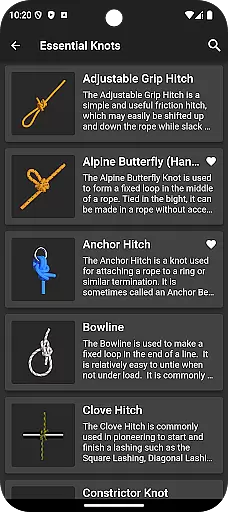
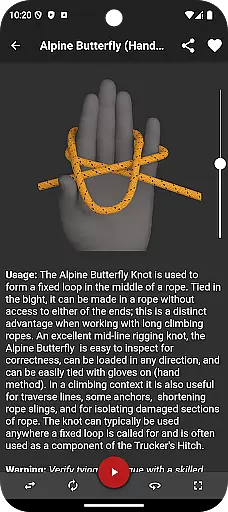
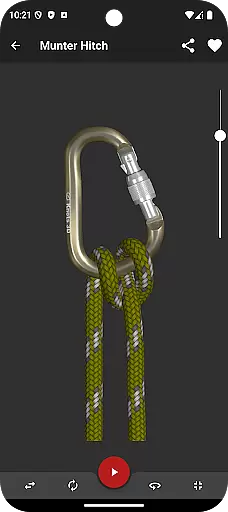

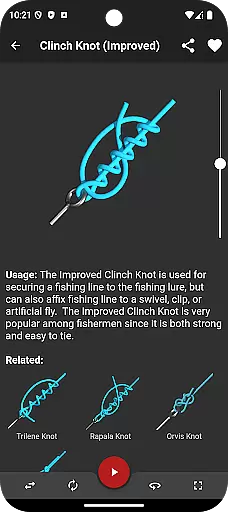
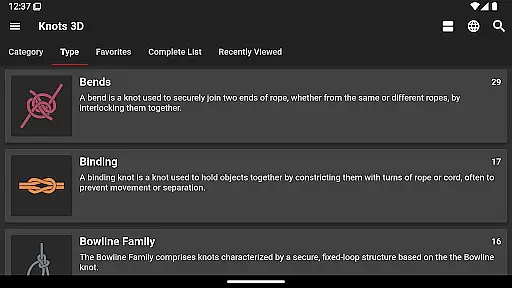
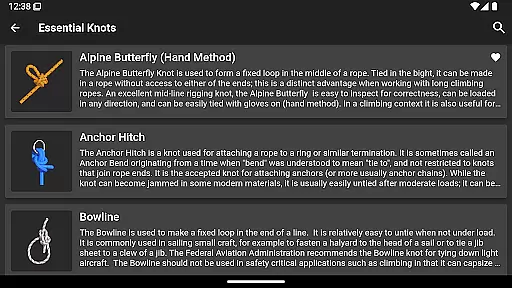
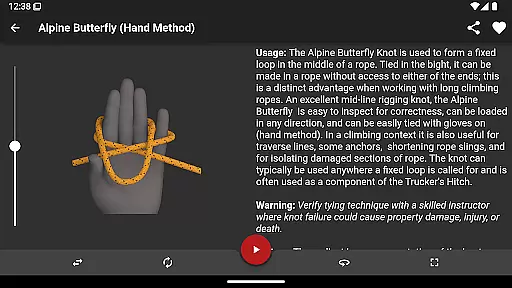
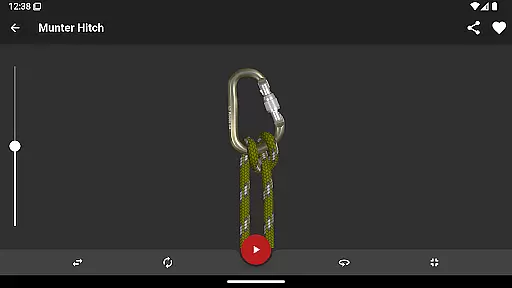
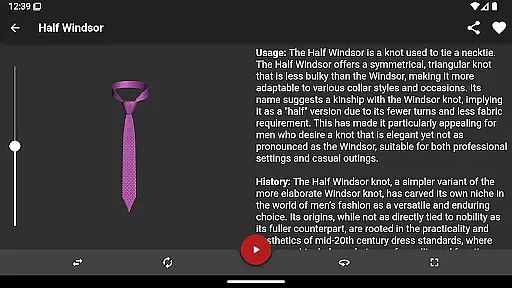
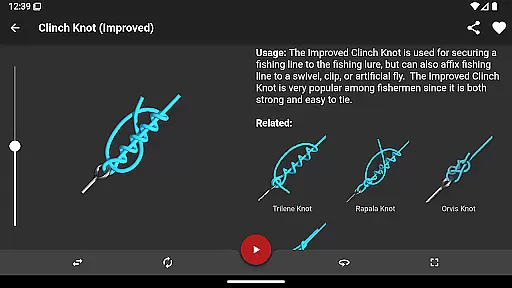
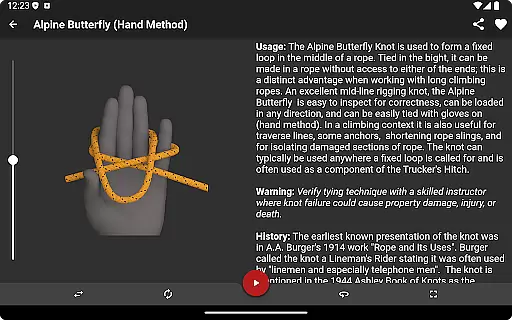
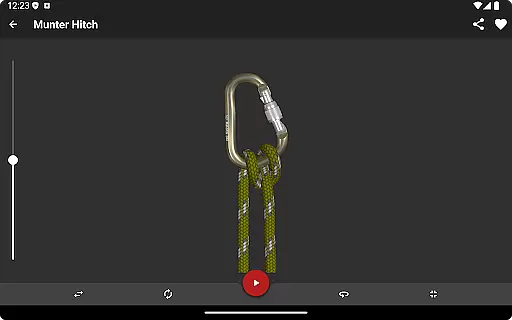
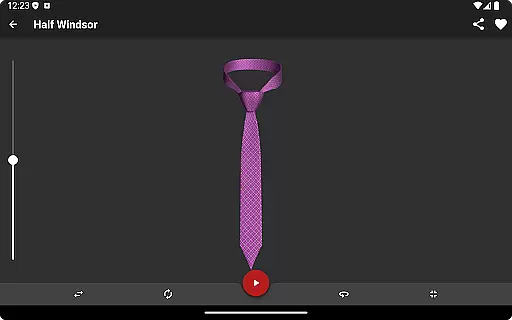
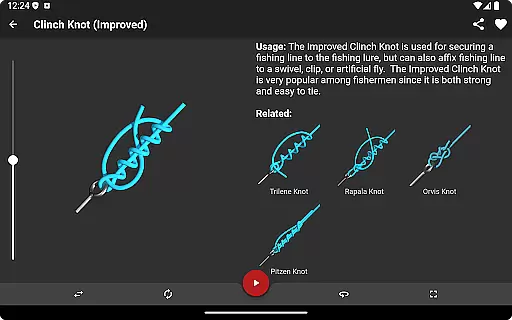
Knots 3D is a comprehensive knot-tying reference app designed for anyone interested in learning and mastering the art of tying knots. With over 200 unique knots, this app caters to arborists, fishermen, climbers, military personnel, and scouts worldwide. Its standout feature is the interactive 3D animations that allow users to view knots from any angle while they tie themselves on screen.
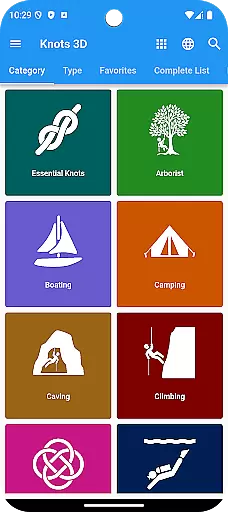
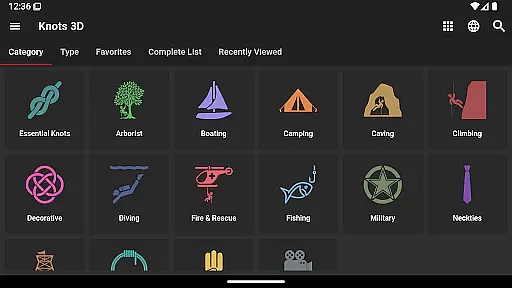
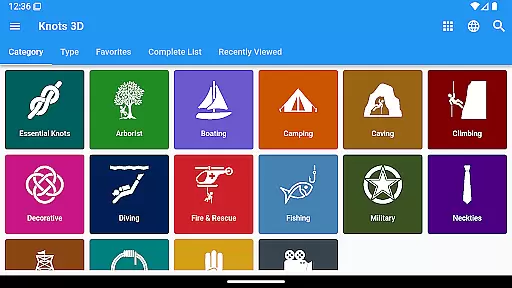
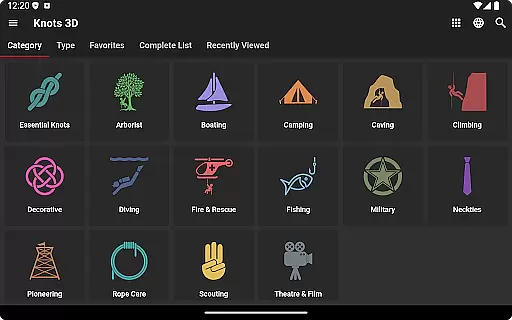
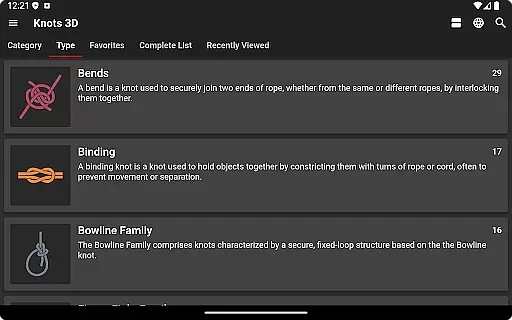
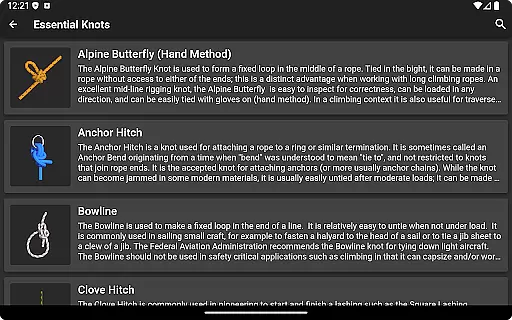
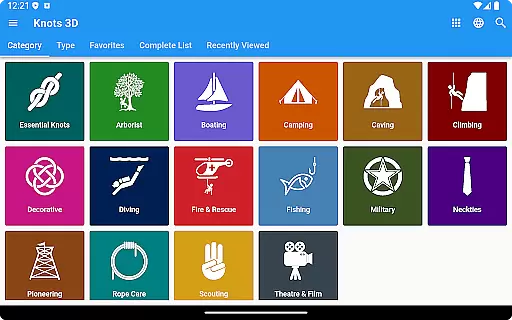
The app offers an intuitive browsing experience with categories like Boating, Climbing, Fishing, and more. Users can search by knot name, common synonym, or ABOK number. The self-contained design requires no internet connection, ensuring accessibility anytime, anywhere. Whether you're preparing for outdoor adventures or professional use, Knots 3D provides all the tools needed to become proficient at knot tying.
Knots 3D stands out with its advanced features tailored for both beginners and experts. One key highlight is the ability to rotate knots in full 360-degree 3D views, enabling users to study every detail from multiple angles. Additionally, the app allows users to control animation speed, pause, rewind, or fast-forward through simple touch gestures.
Functionality extends to include dark mode, landscape and portrait orientations, and zoomable full-screen views for enhanced detail. With frequent updates adding new knots and supporting 20 languages, including English, Spanish, French, and Japanese, Knots 3D ensures global accessibility. The absence of ads, in-app purchases, or subscriptions makes it a user-friendly choice for uninterrupted learning.
Knots 3D offers an extensive collection of over 200 unique knots, making it a comprehensive digital library for knot-tying enthusiasts. This vast repository ensures that users have access to a wide variety of knot types and categories, catering to different needs and skill levels.
The app guarantees copyright authenticity by providing original content developed by experts in arboriculture, fishing, firefighting, climbing, and military fields. Users can trust the accuracy and legitimacy of the knot-tying instructions, as they are verified and free from plagiarism or unauthorized reproductions.
With frequent updates and new knot additions, Knots 3D maintains a dynamic and up-to-date library. This commitment to growth and improvement ensures that users always have access to the latest knotting techniques and practices.
Knots 3D excels in format compatibility by offering multiple viewing modes, including landscape and portrait orientations, as well as a full-screen option. These features allow users to engage with the content in a way that best suits their device and personal preference, enhancing the overall user experience.
The app supports zoom functionality, enabling users to examine intricate knot details closely. This adaptability in presentation format ensures that even the most complex knots can be studied and understood easily.
Available in 20 languages, Knots 3D demonstrates exceptional linguistic format compatibility. This multilingual support makes the app accessible to a global audience, breaking language barriers and broadening its educational reach.
Interactive 3D animations
Wide variety of knots
No internet required
Multilingual support
Ad-free experience
Limited advanced tutorials
No social sharing options
Basic UI design
Few customization settings
Occasional bugs reported

“I am the Lorax. I speak for the trees.”
 4.80
4.80
Flora of Virginia Project (www.floraofvirginia.org)
5.00
A guide for the Court of Atonement spiritual healing process.
4.5
Cute bedtime story for kids
4.30
Essential Technical Rescue Field Operations Guide 6, the Industry Standard Guide
4.20
Discover Stars and Planets: Live Map Shows Current Constellations in Full Detail
4.70
Learn Thai with 195,000+ entries, crisp Thai sounds, big text; works offline.
4.80
Holy Bible, a KJIV Bible study, audios & daily verses, talk with God now.
4.80
Calculate, Knowledge, Homework
4.40
"When tweetle beetles fight, it's called a tweetle beetle battle."
4.90
Offline dictionary for learning Cantonese as a second language
4.90
Read the KJV Bible with Strong’s offline: reading plans, audio Bibles, and more.
4.70
Watch real short episodes in just minutes— addictive, you won't be able to stop!
4.70
Build family tree & discover DNA, family history heritage, origins and ancestors
4.60
Learn Electricians' Handbook PRO complete guide beginners to advance.
4.40
Bilingual dictionary with English translations of Modern Standard Arabic words.
4.30
Improve your vocabulary and grammar with the 15 biggest Oxford Dictionaries.
4.30
Novels, audiobooks, ebooks & fanfiction. Read anytime, anywhere!
3.40
Fast loot guide for ARC Raiders. Simple tips, stats, maps, and item details.
4.5


User Reviews