
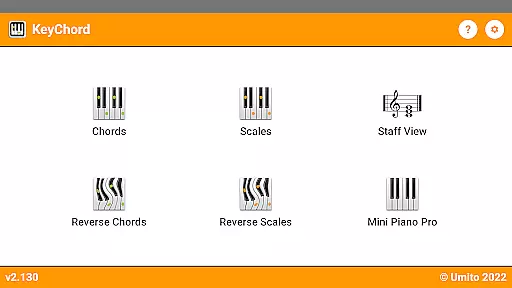
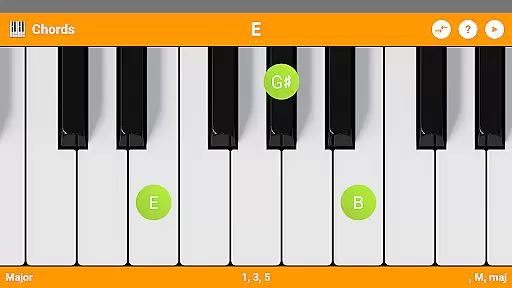
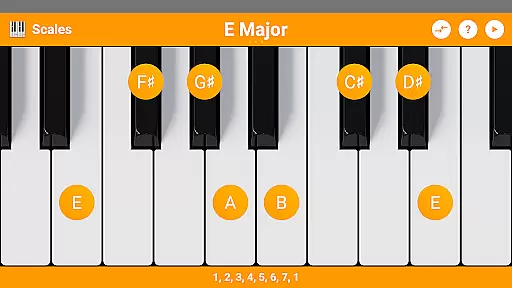
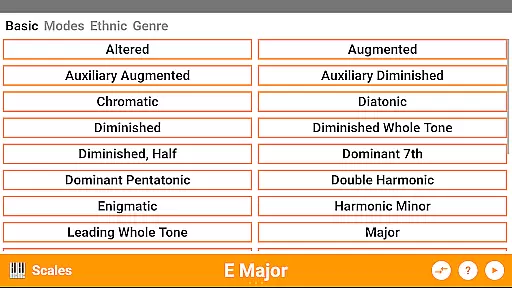
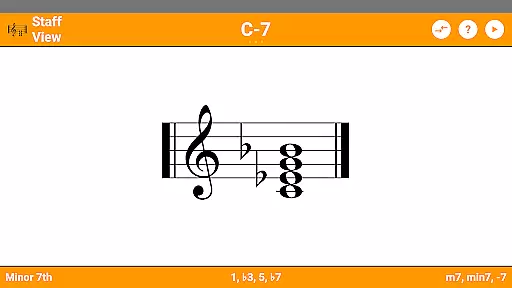
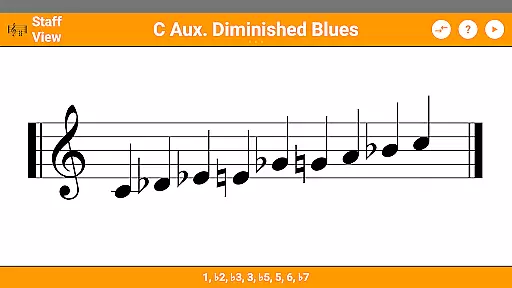
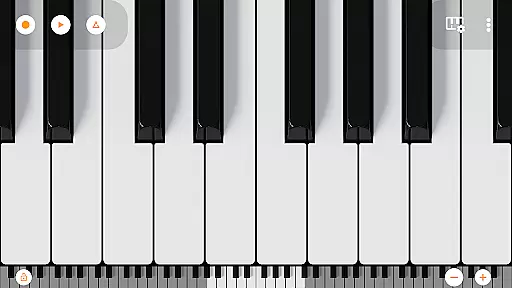
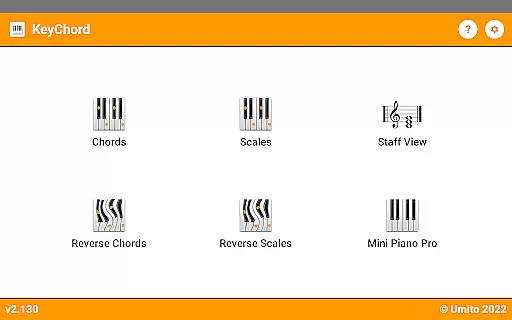
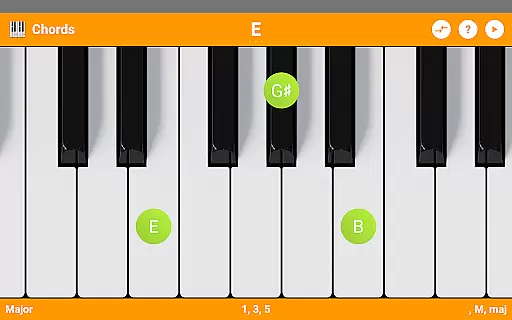
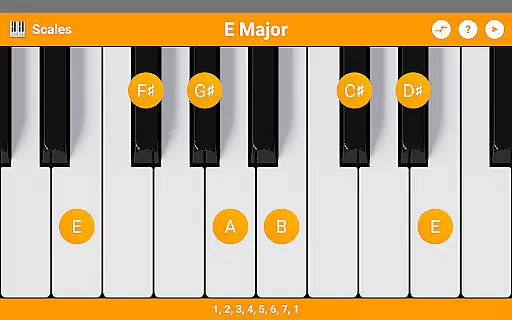
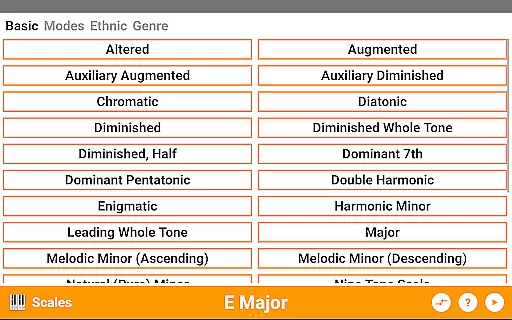
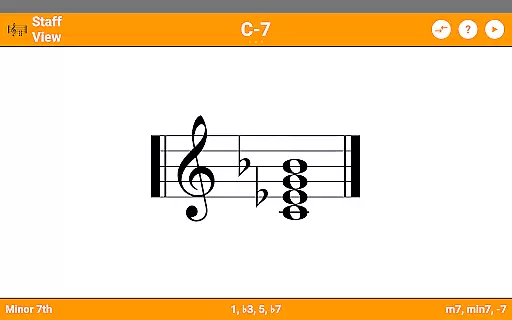
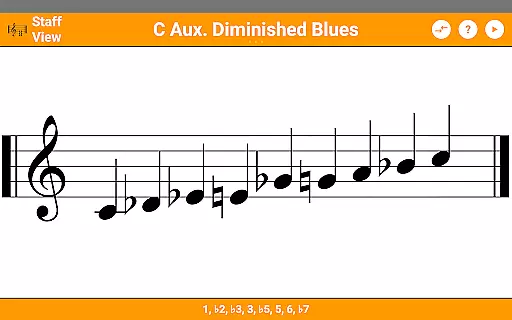
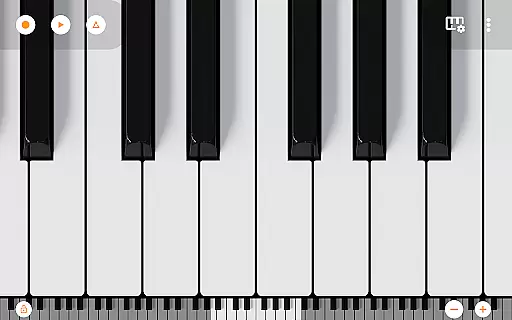
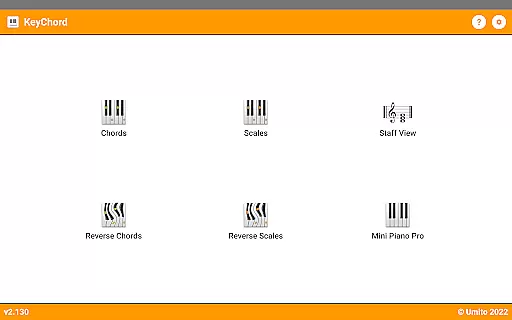
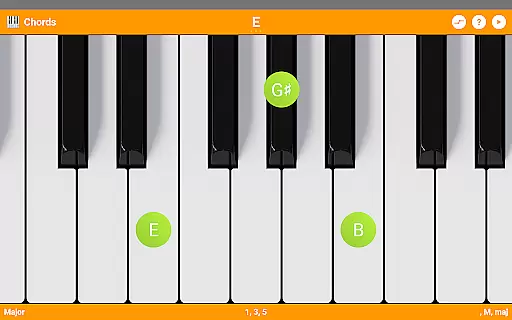
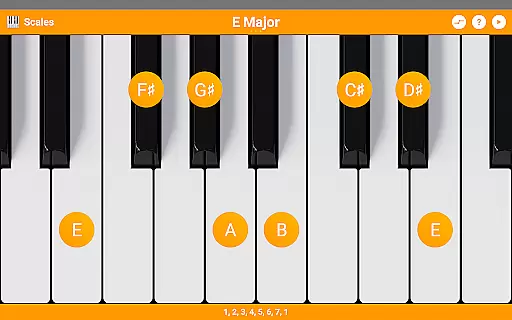
KeyChord is an innovative reference app designed for musicians and piano enthusiasts. This dynamic dictionary allows users to explore all scales and chords through an intuitive virtual keyboard interface. The app stands out with its 88-key multitouch piano feature, offering 128 different sounds from Mini Piano Pro.
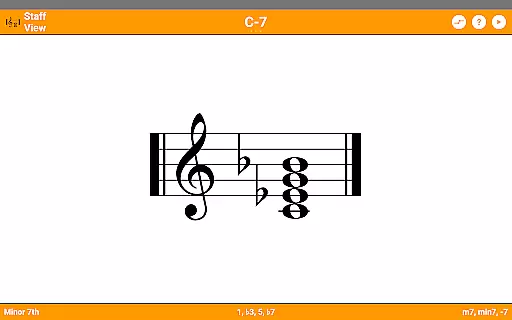
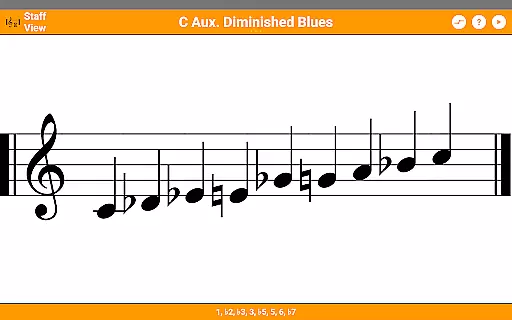
Beyond basic chord and scale lookup, KeyChord provides advanced functionality including reverse lookup, staff view, and inversion capabilities. Users can hear every chord and scale they create, making it an invaluable tool for music composition and learning. Its comprehensive features make it suitable for both beginners and professional musicians.
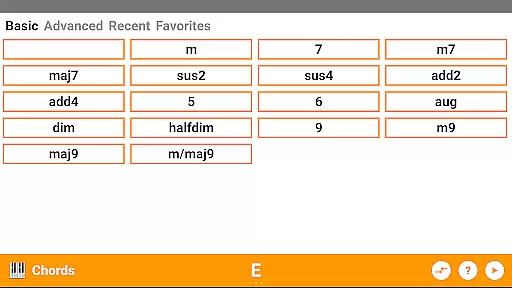
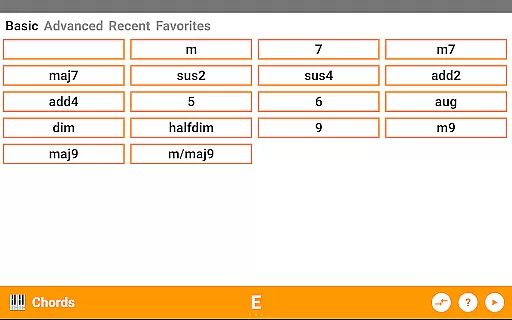
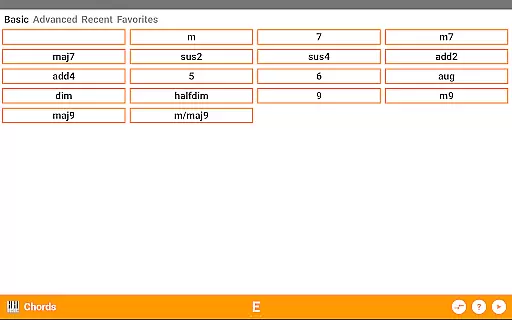
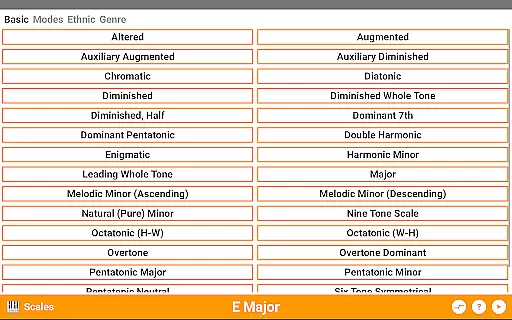
KeyChord distinguishes itself through its extensive musical database and interactive features. The app includes over 50 chord types and 100 scale types, complete with note names and component intervals. Its reverse lookup function supports partial chords and missing notes, providing flexibility in music exploration.
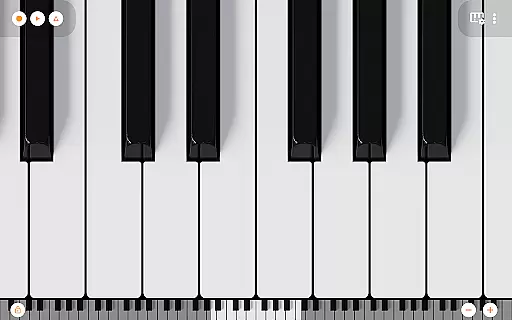
The app's virtual keyboard enables dynamic interaction with selected chord or scale types. Users can invert chords through simple gestures and switch between different information modes. Additional features include dark mode support, MIDI recording capabilities, and the ability to set compositions as ringtones, making it a versatile tool for modern musicians.
KeyChord offers an extensive virtual library of musical knowledge, featuring over 50 chord types and 100 scale types. This vast collection ensures that musicians of all levels have access to a comprehensive reference for their practice and performance needs.
The app's content is carefully curated and verified, ensuring the accuracy and authenticity of each chord and scale. By avoiding pre-defined entries and instead using dynamic calculations, KeyChord guarantees that every piece of information is both reliable and educationally valuable.
Users benefit from the assurance that all included chords and scales are derived from authoritative music theory principles. The absence of a static database means that the app can generate any conceivable chord or scale, providing limitless exploration opportunities.
This dedication to quality and authenticity makes KeyChord an indispensable tool for musicians seeking to expand their theoretical knowledge and practical skills.
KeyChord demonstrates exceptional versatility through its support for various musical formats and notations. Whether users need standard note names, interval components, or staff view representations, the app accommodates all these formats seamlessly.
The inclusion of features such as reverse lookup for chords and scales, inversions, and slashed chords showcases the app's comprehensive approach to format compatibility. Musicians can explore different representations of the same musical concept without limitations.
Practical benefits include the ability to switch between different information modes by simply interacting with the virtual keyboard. This flexibility allows users to visualize and understand musical structures in ways that best suit their learning style.
By supporting multiple formats and representations, KeyChord enhances the learning experience while maintaining professional standards expected in music education and reference materials.
User-friendly interface
Comprehensive chord library
High-quality audio playback
Reverse lookup functionality
Multitouch piano feature
Complex for beginners
Occasional performance lag
Limited visual customization
No social sharing options
Advanced features require learning

The Bible Audio Guide
 4.80
4.80
Crowd-sourced listing of businesses with anti-gun signs, and pro-2a alternatives
4.60
University of North Carolina Herbarium presents the flora of TN, AL, & MS.
4.2
Liturgy of the Hours totally off-line
4.80
The Original & Authentic Crystals, Gemstones, Rocks & Minerals Encyclopedia.
4.60
King James Bible read offline, AI Priest, Bible Quiz, Guiding Prayers & Plans
4.80
Watch real short episodes in just minutes— addictive, you won't be able to stop!
4.70
A story reading app: Read stories, novels and books, or write your own.
3.90
Follow complex state CCW permit laws and lawfully carry firearms in each state.
4.80
"When tweetle beetles fight, it's called a tweetle beetle battle."
4.90
Plan of Life that Saint Josemaría recommended
4.80
Read and study the Bible and other content in over 1,000 languages.
4.80
"Do you like green eggs and ham?"
4.70
Werewolf novels & romance stories in audiobooks for book lovers! Werewolf storie
4.60
Discover, track, and share your reading with friends & our community of readers
4.60
Learn Electricians' Handbook PRO complete guide beginners to advance.
4.40
Prime novels await! Fantasy & Romance on JoyRead. Immersive reads!
4.20
CleverBook Pro makes the popular guide for the game even better!
4.00
Guide for dōTERRA® Products
3.60


User Reviews