
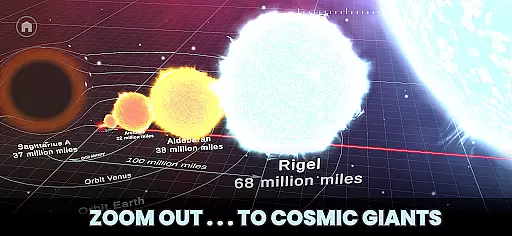
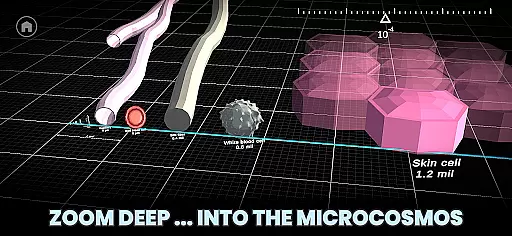
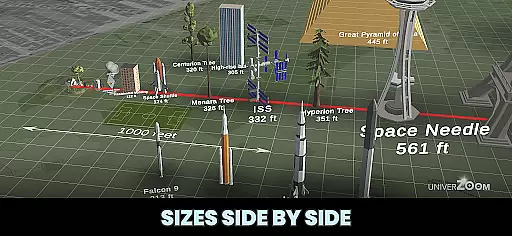
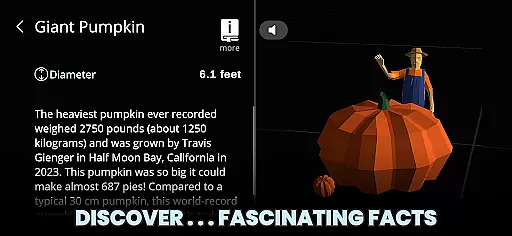
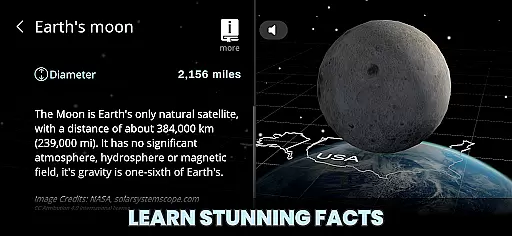
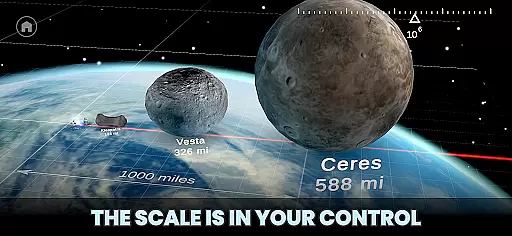
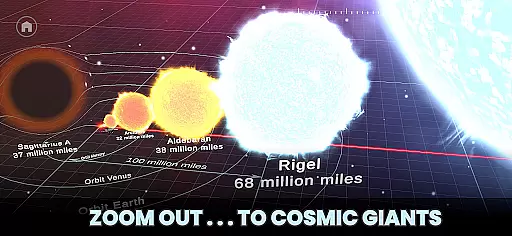
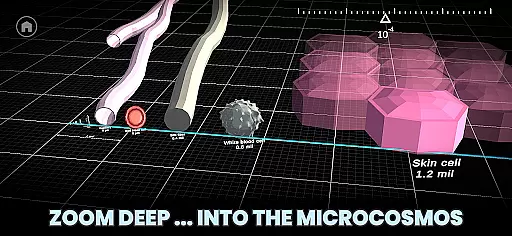
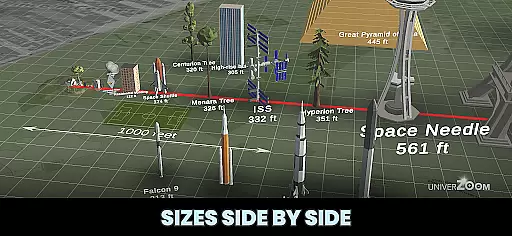
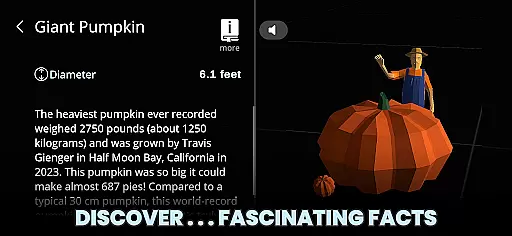
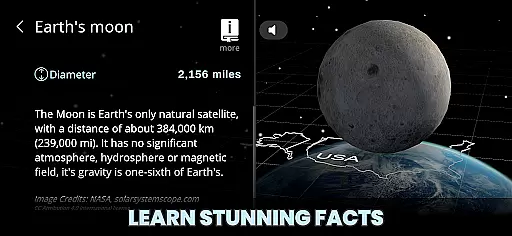
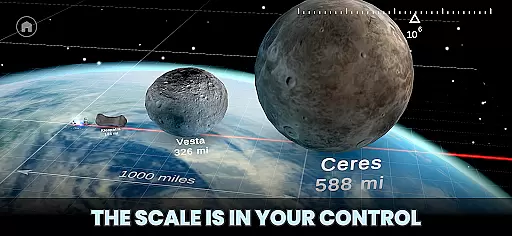
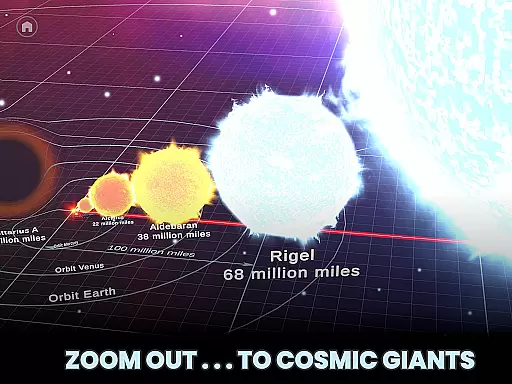
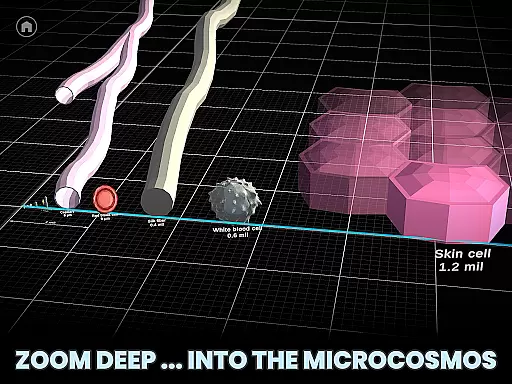
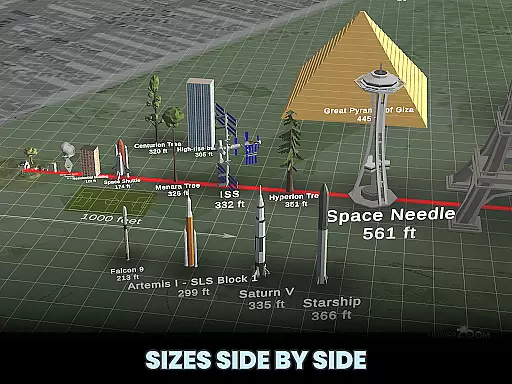
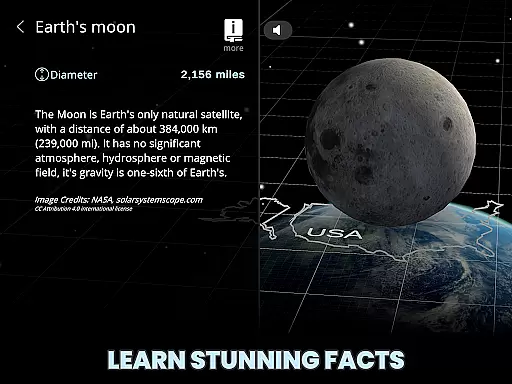
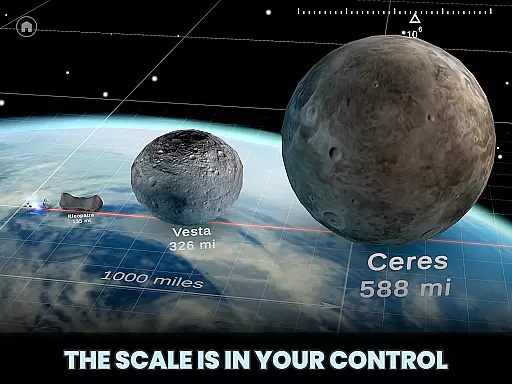
Univerzoom 3D is an interactive educational app that allows users to explore the vastness of the universe and microscopic worlds through intuitive 3D zooming. The app provides a unique perspective on celestial bodies, everyday objects, and subatomic particles, making it an ideal tool for students, educators, and science enthusiasts.
With its easy-to-use interface, Univerzoom 3D lets you compare sizes from the smallest atom to the largest stars with simple swipe gestures. The app also includes interesting facts about various objects, enhancing your understanding of the universe's scale and complexity.
Whether you're teaching a class, conducting research, or simply satisfying your curiosity, Univerzoom 3D offers an engaging way to visualize and comprehend the relative sizes of objects across the cosmos.
Univerzoom 3D stands out with its fully interactive 3D environment, allowing users to seamlessly zoom from the edge of the visible universe down to microscopic levels. This feature enables a hands-on learning experience where users can control the scale with intuitive gestures.
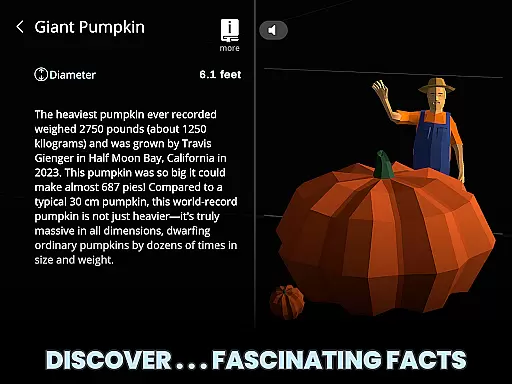
The app includes a comprehensive database of objects ranging from planets and stars to animals and atoms. Each object comes with fascinating facts and descriptions, which can be read aloud using Text-to-Speech functionality. This makes the app accessible to a wide audience, including children and those with visual impairments.
Additionally, Univerzoom 3D supports further exploration by linking to trusted external sources for more in-depth information. Its user-friendly design ensures that anyone from kids to grandparents can enjoy and benefit from this powerful educational tool.
Univerzoom 3D offers an extensive virtual library that spans from the vastness of the universe to microscopic dimensions, all enriched with fascinating facts and educational content. This interactive experience serves as a dynamic e-book, providing users with a rich collection of scientific knowledge at their fingertips.
The app ensures copyright authenticity by sourcing information from trusted external references, giving users access to reliable and accurate data about celestial bodies, everyday objects, and everything in between. This dedication to verified content makes it a credible tool for learning.
Users benefit from the app's wide-ranging scale of objects and phenomena, which are presented in an engaging 3D format. The ability to zoom in and out allows for an immersive exploration that static e-books cannot offer, making complex concepts more accessible and enjoyable.
Univerzoom 3D stands out not only for its content but also for its exceptional format compatibility. It supports various types of media, integrating text, 3D models, and audio seamlessly to cater to diverse learning preferences.
Whether you're reading detailed descriptions, listening to Text-to-Speech narratives, or interacting with 3D visualizations, the app provides a smooth and intuitive user experience across different formats. This ensures that all users can engage with the content in a way that suits them best.
By accommodating multiple formats within a single platform, Univerzoom 3D enhances accessibility and convenience, allowing learners of all agesu2014from kids to grandparentsu2014to explore the universe without any technical barriers hindering their journey through space and time.
User-friendly interface
Comprehensive object database
Interactive 3D zooming
Educational content
Text-to-Speech functionality
Limited offline functionality
Requires significant storage space
Occasional performance lags
Subscription fees apply
Some features need improvement

Novels, audiobooks, ebooks & fanfiction. Read anytime, anywhere!
 3.40
3.40
"BIG A, little a. What begins with A?"
4.10
Personalized Chat with Bible
4.80
Prime novels await! Fantasy & Romance on JoyRead. Immersive reads!
4.20
Enjoy your favorite books
3.50
Unlock unlimited access to bestselling ebooks, novels, stories, and audiobooks
4.60
Daily thoughts, meditations, and prayers for living a sober life in recovery.
4.90
Calculate, Knowledge, Homework
4.40
Learn to tie more than 200 knots in 3D!
4.90
What’s that bird? Just answer 5 questions, snap a photo, or record its song!
4.90
Plan of Life that Saint Josemaría recommended
4.80
Read the KJV Bible with Strong’s offline: reading plans, audio Bibles, and more.
4.70
Read unlimited novels, audiobooks, stories & Unlock ebooks, fanfiction and more!
4.70
Find, discuss, and organize your world of books and shows.
4.60
Read aloud texts, audiobooks, PDFs or any eBook with text to speech AI audio
4.60
Full text, sheet music, and recordings of the print edition
4.60
Pretty Moon information App with Complications and Tile
4.30
Knots 360 Pro ( 3D ) shows you animated 192 knots in 3D perspective
4.10
Read popular romance books and web novels on the fantastic ebook reader
3.50


User Reviews