
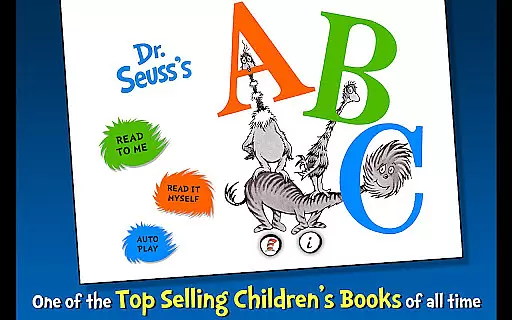
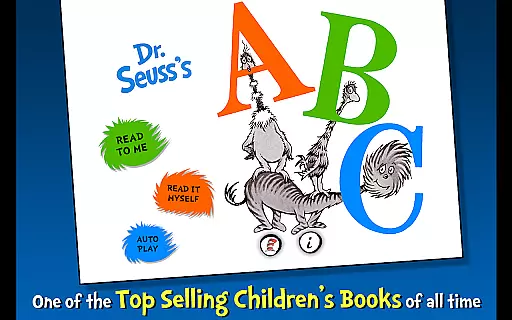
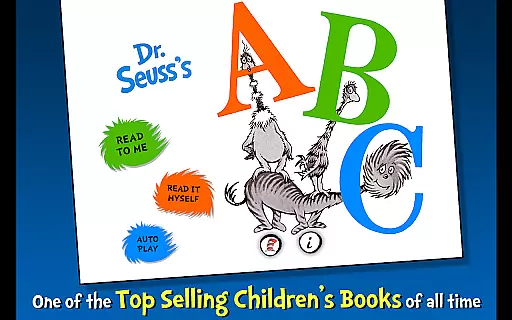
Dr. Seuss's ABC is an interactive book app designed to help young readers learn their ABCs in a fun and engaging way. This app offers three different reading modes, vocabulary building through tappable words, and object interaction that brings Dr. Seuss's whimsical world to life.
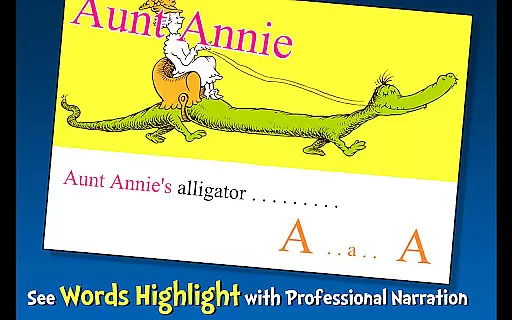
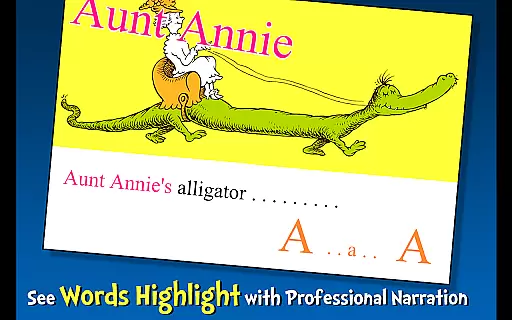
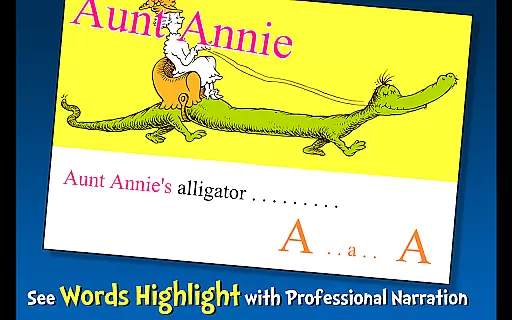
The app highlights literacy skills with its narration feature, making it ideal for children ages 2-6. Whether it's Aunt Annie riding an Alligator or the Zizzer-Zazzer-Zuzz, each page turns learning to read into an unforgettable adventure.
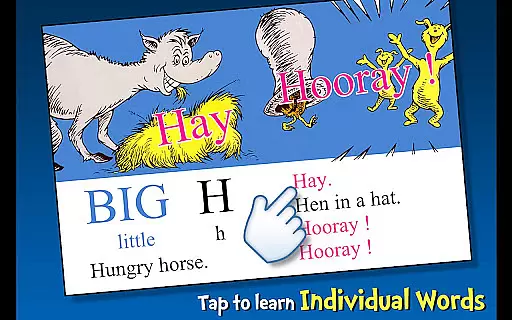
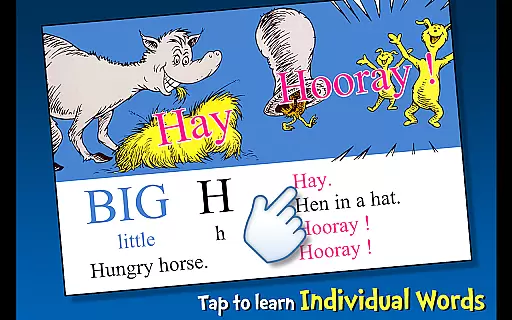
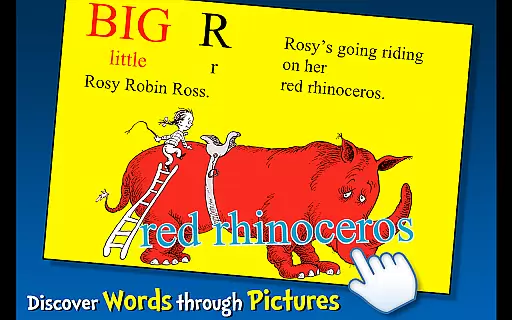
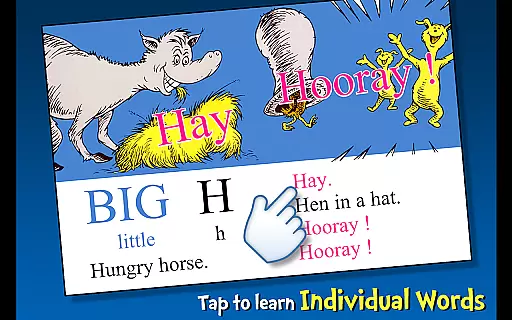
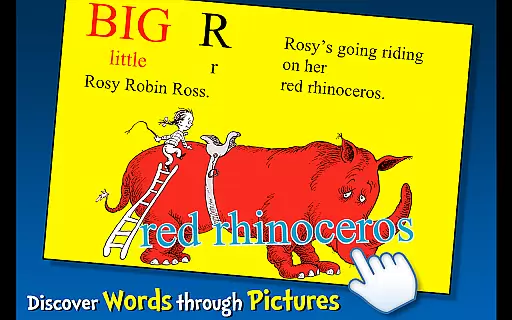
Dr. Seuss's ABC app stands out with its unique features tailored for early literacy development. The app includes highlighted narration to encourage literacy skills, three distinct reading methods for personalized learning, and interactive elements like tappable words and objects.
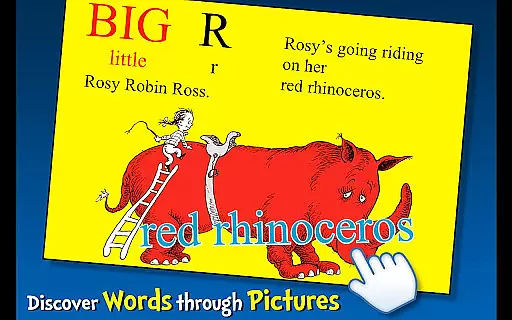
Each feature is crafted to enhance the reading experience. Children can tap on objects to hear them read aloud, expanding their vocabulary while having fun. With content officially licensed from Dr. Seuss Enterprises, this app ensures an authentic and educational journey through the imaginative landscapes of Dr. Seuss.
Dr. Seuss's ABC offers a rich e-book experience with its interactive features and authentic content. As an officially licensed Dr. Seuss app, it guarantees the highest level of copyright authenticity, ensuring that young readers are engaging with genuine material.
The app contains one complete book in its library, focusing on quality rather than quantity. This single book is packed with interactive elements, making it an ideal learning tool for children aged 2-6. The content is carefully curated to provide an immersive reading experience.
Parents can trust that their children are accessing legitimate educational content. The app's affiliation with Dr. Seuss Enterprises ensures that all materials are properly licensed and true to the original works. This commitment to authenticity extends to every aspect of the application.
While the library size may seem limited, the depth of interaction and educational value within this single book surpasses many larger collections. The app strikes a perfect balance between entertainment and education, making it a valuable addition to any child's digital library.
Dr. Seuss's ABC demonstrates excellent format compatibility across various devices, ensuring a seamless reading experience for young learners. The app is optimized for both smartphones and tablets, maintaining consistent performance and visual quality regardless of screen size.
The book's interactive elements are designed to work flawlessly with Android's native features. From touch interactions to audio narration, each component functions smoothly without requiring special plugins or additional software installations.
Technical support is readily available through multiple channels, including email support at support@omapp.com. This ensures that any compatibility issues can be quickly addressed by the development team. The app's presence on Facebook also provides an additional platform for user feedback and support.
Regular updates and maintenance guarantee that the app remains compatible with the latest Android versions. This commitment to technical excellence ensures that children can enjoy uninterrupted learning sessions, while parents benefit from peace of mind knowing their investment in educational content will remain functional over time.
Interactive learning
Engaging illustrations
Vocabulary expansion
Multiple reading modes
Official Dr. Seuss license
Limited to Dr. Seuss books
No offline access
Simple animations only
Higher price point
Age range limited

Contains the 365 daily readings and everything other thing needed for catholics
 4.70
4.70
Audiobook player with cross-device progress sync, playlists, and widget support.
4.80
Shop over 13 million new and used books at up to 80% off list price
4.20
Battle Royale Chapter 5 Season 2 HD Wallpapers Emotes Skins and BattlePass
3.00
Read popular romance books and web novels on the fantastic ebook reader
3.50
The Original & Authentic Crystals, Gemstones, Rocks & Minerals Encyclopedia.
4.60
Unlock more features in Lithium and show your support. Expand for details.
4.00
Unlock unlimited access to bestselling ebooks, novels, stories, and audiobooks
4.60
A story reading app: Read stories, novels and books, or write your own.
3.90
The Original Tropical Freshwater Aquarium Fish And Plant Care Guide
4.80
Universal Zoom, learn about sizes & distances of the universe and microcosmos
4.80
Read books PDF, EPUB, WORD, KINDLE, MOBI! Your ebook reader among reading apps.
4.80
"Do you like green eggs and ham?"
4.70
Read unlimited novels, audiobooks, stories & Unlock ebooks, fanfiction and more!
4.70
F9 Cookbook Mobile App
4.60
Provides location information of vehicle Shift Interlock releases.
4.30
KJV Bible works offline with Audio, Hebrew & Greek lexicon (concordance) & more!
4.20
Knots 360 Pro ( 3D ) shows you animated 192 knots in 3D perspective
4.10
Guide for dōTERRA® Products
3.60


User Reviews