
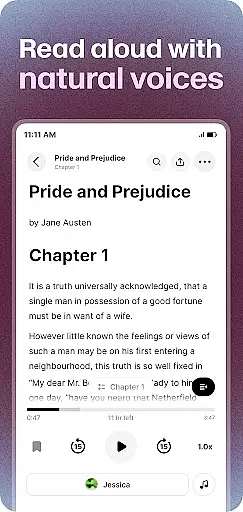
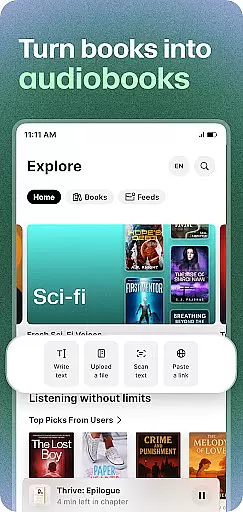
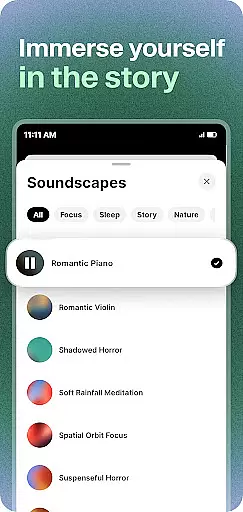
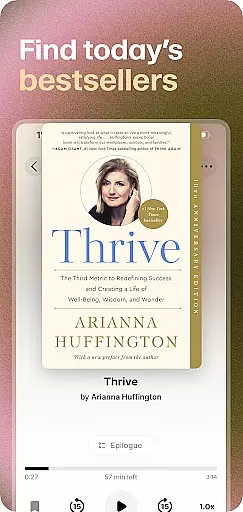
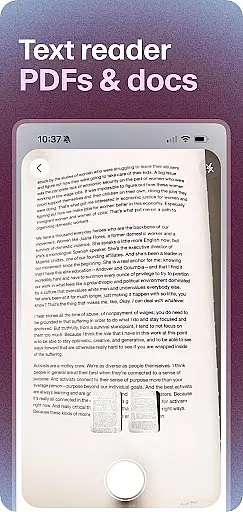
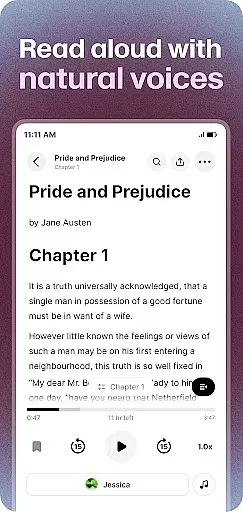
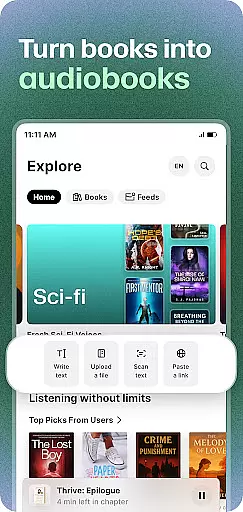
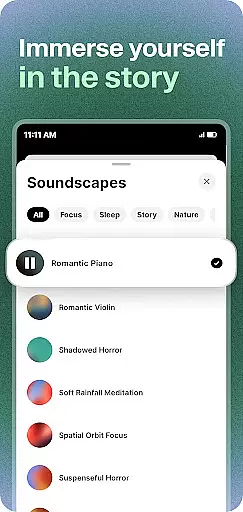
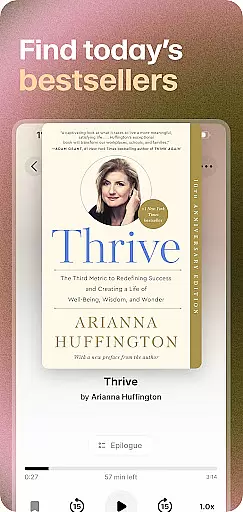
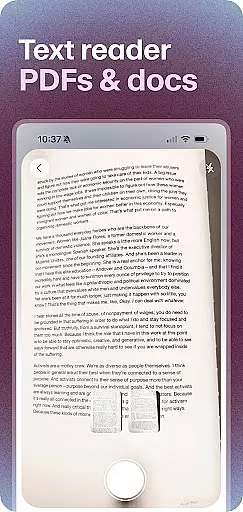
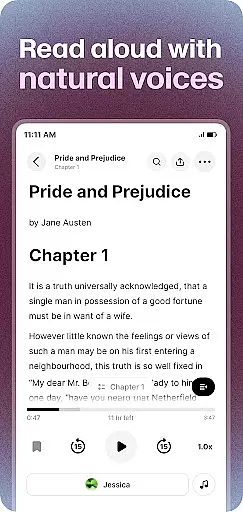
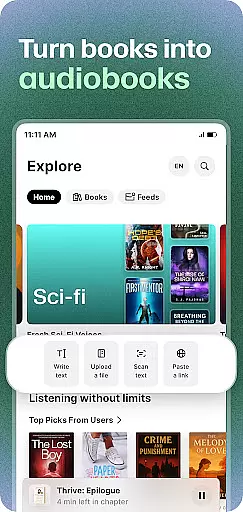
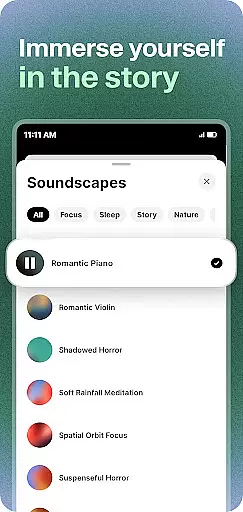
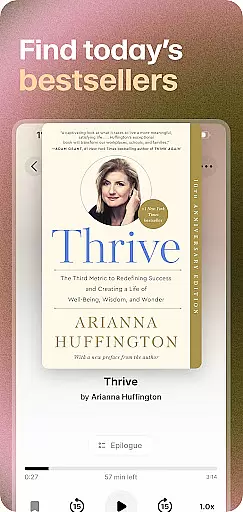
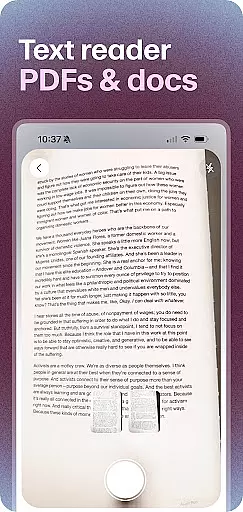
ElevenReader is an advanced AI-powered text-to-speech reader app that transforms any text into lifelike voice narration. With support for over 32 languages, it offers users a natural reading experience whether they are commuting, working out, studying, or relaxing at bedtime. The app allows you to upload documents, paste text, open web links, or import files, turning them into rich audiobooks with expressive and natural-sounding voices.
One of the standout features of ElevenReader is its ability to read aloud PDFs, news articles, books, and blogs with human-like clarity. It also provides tools like text highlighting, personalized playback speeds, and sleep timers, making it ideal for users with dyslexia, ADHD, or other learning needs. Whether you're exploring classic literature or staying updated with the latest news, ElevenReader brings written content to life in an engaging audio format.
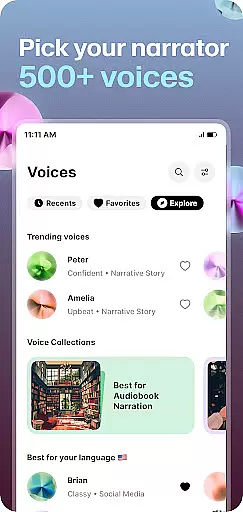
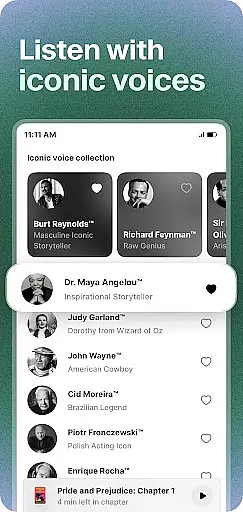
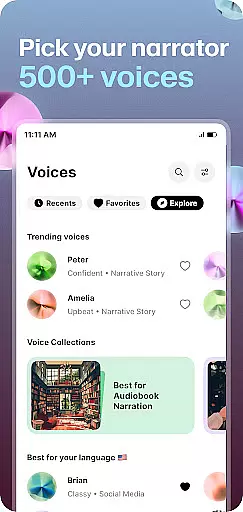
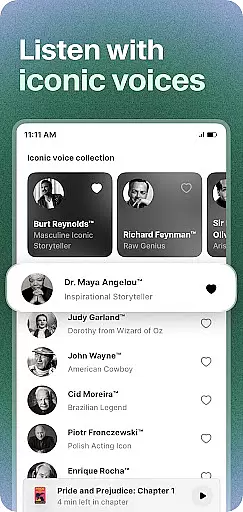
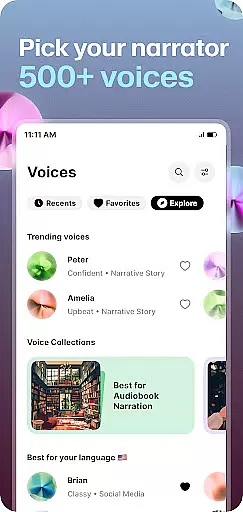
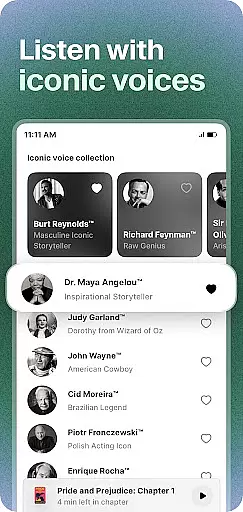
ElevenReader stands out with its cutting-edge TTS technology powered by ElevenLabs, delivering high-quality, natural-sounding voice narration. Users can enjoy iconic voices such as Burt Reynolds, Judy Garland, and James Dean, adding a unique touch to their listening experience. The app supports flexible playback speeds ranging from 0.25x to 3x, along with sleep timers for relaxed listening sessions.
Another remarkable feature is the personal TTS dictionary, allowing users to control pronunciations according to their preferences. Additionally, ElevenReader offers hundreds of free classic books, including works by F. Scott Fitzgerald, Jane Austen, and William Shakespeare. This makes it not only a practical tool but also a gateway to a vast library of literary treasures, enhancing every reading moment with performed words rather than just read text.
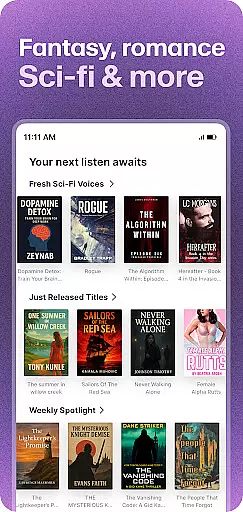
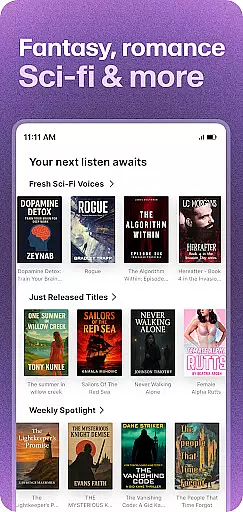
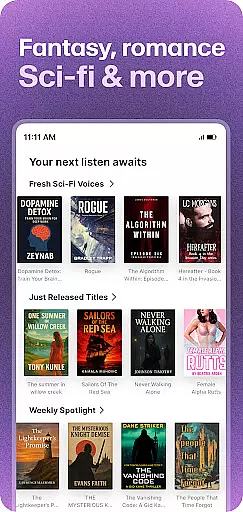
ElevenReader offers an extensive e-book library that includes hundreds of free classic books, making it a valuable resource for book enthusiasts. The app provides access to timeless works from renowned authors like F. Scott Fitzgerald, Jane Austen, and William Shakespeare, ensuring users have plenty of reading material at their fingertips.
In terms of copyright authenticity, ElevenReader ensures that all the texts available in its library are either public domain works or properly licensed content. This commitment to copyright compliance gives users peace of mind, knowing they are accessing legitimate reading materials without infringing on intellectual property rights.
The inclusion of both classic literature and contemporary texts means that readers can enjoy a diverse range of genres and styles. Whether you're interested in exploring historical novels or diving into philosophical treatises, ElevenReader's library has something to offer for every literary taste.
One of ElevenReader's key strengths is its exceptional format compatibility, allowing users to upload and read documents in various formats such as PDFs, DOCs, and web links. This versatility makes it easy for users to access and listen to their preferred content, regardless of its original format.
The app's ability to handle multiple file types extends to its text-to-speech functionality, which transforms any readable document into natural-sounding audio narration. Whether you need to review work reports, study notes, or online articles, ElevenReader can process these documents and read them aloud with impressive clarity.
This comprehensive format support enhances user convenience by eliminating the need to convert files before reading. Additionally, the app's seamless integration with different sources u2013 including direct web links and copied text u2013 streamlines the reading experience, making it more efficient and user-friendly across various devices.
User-friendly interface
High-quality TTS voices
Supports 32+ languages
Flexible playback options
Free classic books library
Limited free features
Subscription can be pricey
Occasional voice glitches
Large file uploads may lag
Learning curve for settings

“There was one last piece of cake. My little sister said ‘Me too!’”
 4.00
4.00
Powerful Bible study tools linked to every verse in an easy-to-use Bible reader!
4.60
Discover Stars and Planets: Live Map Shows Current Constellations in Full Detail
4.70
Bible Study App with Audio Book, Verse of the Day, and Devotionals.
4.80
“It is fun to have fun, but you have to know how!”
4.40
The Original & Authentic Crystals, Gemstones, Rocks & Minerals Encyclopedia.
4.60
Read books PDF, EPUB, WORD, KINDLE, MOBI! Your ebook reader among reading apps.
4.80
Premium reader for ePub, PDF, and more. TTS and translation. Great on any screen
3.50
Follow complex state CCW permit laws and lawfully carry firearms in each state.
4.80
A KJV Bible with Apocrypha and precept-based study concordance
5.00
Audiobook player with cross-device progress sync, playlists, and widget support.
4.80
Personalized Chat with Bible
4.80
Read unlimited novels, audiobooks, stories & Unlock ebooks, fanfiction and more!
4.70
Daily Devotional Widgets & Hourly Verses. Listen to Bible & Watch Holy Stories
4.70
Crowd-sourced listing of businesses with anti-gun signs, and pro-2a alternatives
4.60
Discover, track, and share your reading with friends & our community of readers
4.60
A companion for prayer, with Azan alarm, Quibla direction, and Holy Quran book
4.10
ISAIAH EXPLAINED with Avraham Gileadi Ph.D.
4.00
Sea tide predictions for all coastal U.S. locations.
4.5


User Reviews