

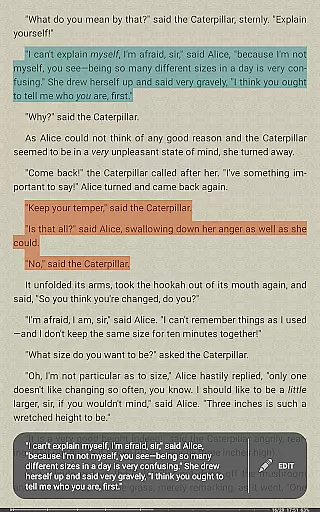
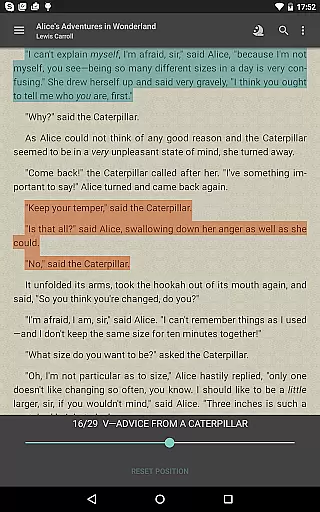
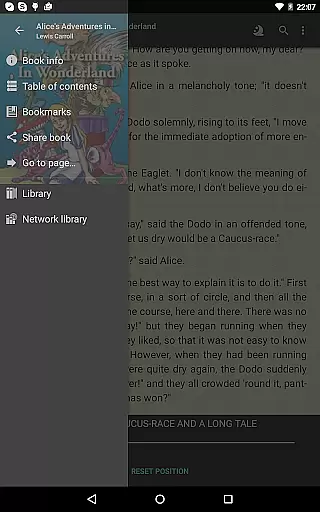
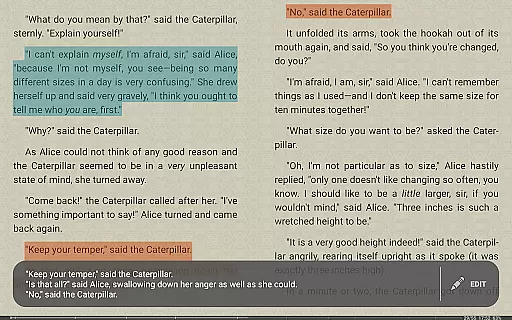
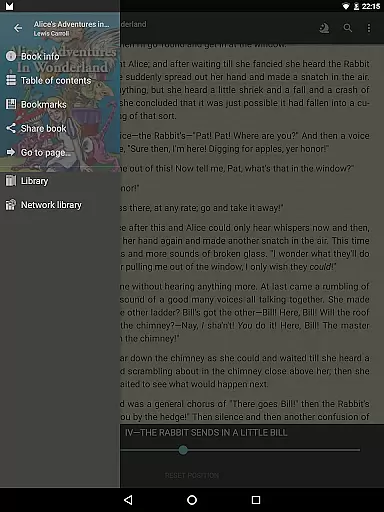
FBReader Premium is a comprehensive ebook reader designed for avid readers who demand flexibility and advanced features. This paid version offers an exceptional reading experience across various devices, including both LCD and e-ink screens. With support for numerous ebook formats and advanced reading tools, FBReader Premium caters to the needs of diverse readers worldwide.
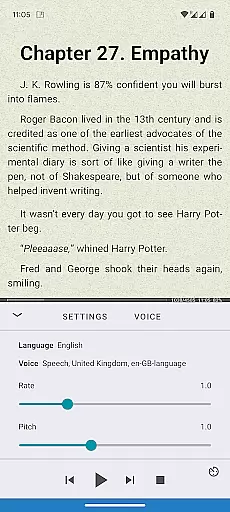
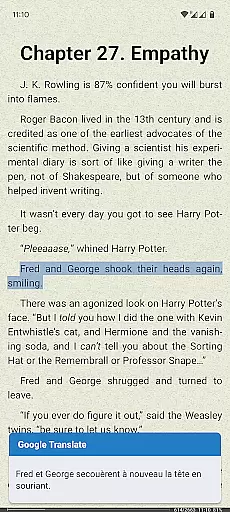
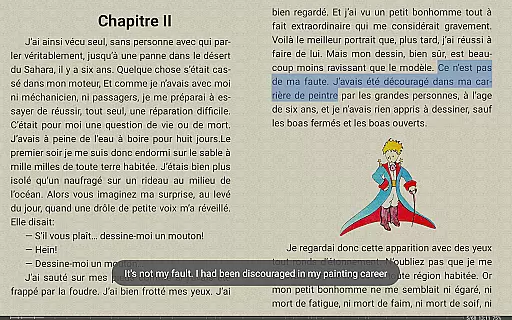
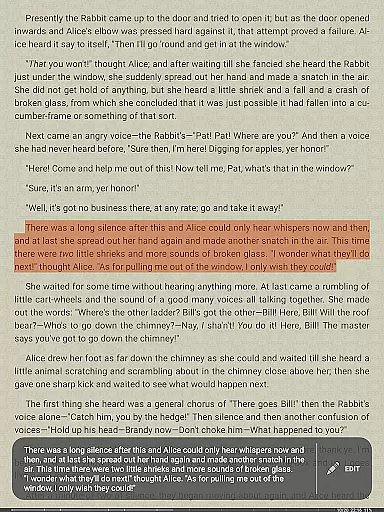
The application stands out with its smart integrations, such as Android text-to-speech for read-aloud functionality and instant translation via Google Translate or DeepL. It also includes built-in support for PDFs and comic books, making it a versatile choice for different types of digital content. Whether you're reading novels, academic papers, or graphic novels, FBReader Premium provides a seamless experience tailored to your preferences.
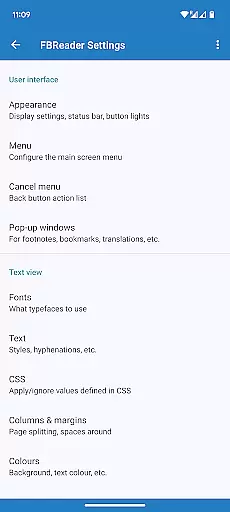
One of the key strengths of FBReader Premium is its customization options. Users can adjust brightness with a simple swipe, switch between day and night themes, and use their own fonts and backgrounds. These features ensure that readers can create a comfortable and personalized reading environment, enhancing their overall experience.
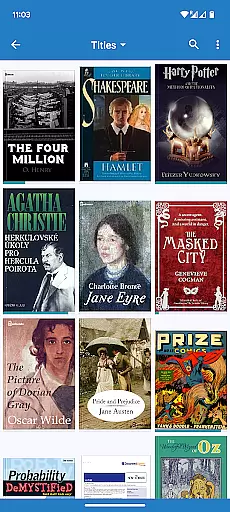
FBReader Premium boasts an array of features that cater to the modern reader's needs. One of its standout capabilities is the support for a wide range of ebook formats, including ePub, PDF, Kindle azw3, fb2(.zip), CBZ/CBR, DOC, RTF, HTML, and TXT. This extensive format compatibility ensures that users can access almost any ebook they own without compatibility issues.
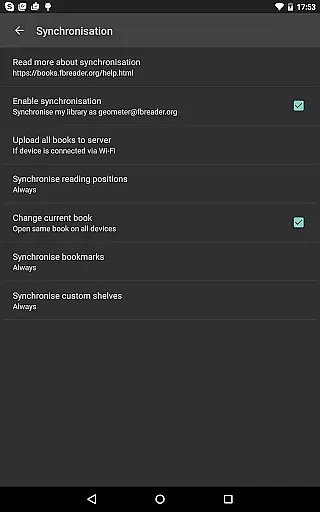
In addition to format support, FBReader Premium offers smart reading tools that enhance the reading experience. Quick dictionary lookups allow users to instantly find definitions using their preferred dictionary app, while optional cloud sync with the FBReader Book Network enables seamless library and reading position management across devices. The inclusion of Android text-to-speech and instant translation features further expands the app's utility, making it accessible to a global audience.
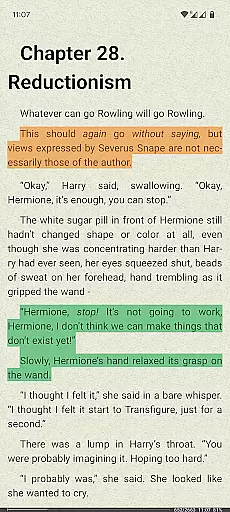
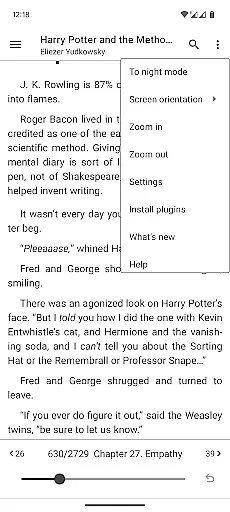
Customization is at the heart of FBReader Premium's design. The app allows users to personalize their reading experience with custom fonts, backgrounds, and themes. Extensive layout and gesture settings provide additional control over how content is displayed and navigated. These features collectively create a reading environment that adapts to individual preferences, ensuring maximum comfort and engagement.
FBReader Premium offers an extensive e-book library that supports a wide range of formats including ePub, PDF, Kindle azw3, fb2, and more. This ensures that readers have access to virtually any book they wish to read, making it a versatile choice for all their reading needs.
The application is committed to copyright authenticity by supporting DRM-free books as well as titles protected with Readium LCP. This dedication to legitimate content distribution provides users with peace of mind, knowing they are accessing books through legal and authorized means.
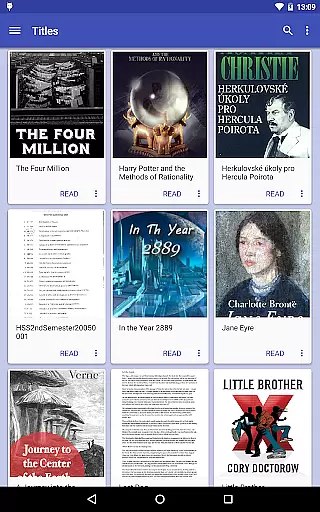
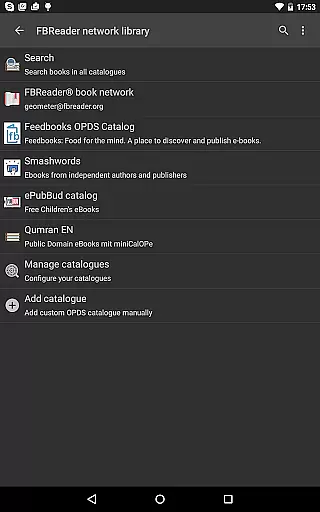
With built-in support for various formats and the ability to open files directly from the deviceu2019s Books folder or online catalogs, FBReader Premium makes it easy for users to manage and enjoy their personal library. The inclusion of OPDS store support further expands the availability of quality reading material.
Localized in 34 languages and featuring hyphenation patterns for 24 languages, this app caters to a global audience. Such comprehensive language support underscores its commitment to delivering an authentic and accessible reading experience across different regions and linguistic backgrounds.
One of the standout features of FBReader Premium is its exceptional format compatibility. It reads almost any ebook format you can think of, such as ePub (including ePub3), PDF, Kindle azw3, fb2(.zip), CBZ/CBR, DOC, RTF, HTML, and TXT. This versatility ensures that no matter what type of file a user has, they can open and read it without hassle.
In addition to supporting common text formats, FBReader also includes built-in support for PDFs and comic books. Whether you're reading academic papers or graphic novels, the app provides a seamless experience tailored to each format's unique requirements.
The app allows users to customize their reading experience by adjusting brightness with a simple swipe and using their own fonts and backgrounds. These options enhance format compatibility by ensuring that every document type looks its best on both LCD and e-ink devices.
Furthermore, FBReader's extensive layout settings let users fine-tune how different formats are displayed. From day and night themes to gesture controls, these features ensure optimal readability regardless of the ebook format being used.
Extensive format support
Advanced customization options
Smart reading tools
Global language support
Cloud sync capability
Paid version only
Complex for beginners
Limited free features
No native audiobook support
Interface may feel dated

Flora of Virginia Project (www.floraofvirginia.org)
 5.00
5.00
Shop over 13 million new and used books at up to 80% off list price
4.20
Read popular romance books and web novels on the fantastic ebook reader
3.50
Werewolf novels & romance stories in audiobooks for book lovers! Werewolf storie
4.60
Learn Electricians' Handbook PRO complete guide beginners to advance.
4.40
"When tweetle beetles fight, it's called a tweetle beetle battle."
4.90
Provides location information of vehicle Shift Interlock releases.
4.30
Daily Devotional Widgets & Hourly Verses. Listen to Bible & Watch Holy Stories
4.70
Follow complex state CCW permit laws and lawfully carry firearms in each state.
4.80
Daily rosary and gospel reflections for catholic
4.90
Offline dictionary for learning Cantonese as a second language
4.90
King James Bible read offline, AI Priest, Bible Quiz, Guiding Prayers & Plans
4.80
Enjoy daily devotionals, Bible verses, audio courses, and more.
4.80
The ultimate military vehicle identification (Equipment ID) guide.
4.40
Cute bedtime story for kids
4.30
Mirror Bible - eye-opening paraphrase translation of the NT by Francois du Toit
4.30
Prime novels await! Fantasy & Romance on JoyRead. Immersive reads!
4.20
Knots 360 Pro ( 3D ) shows you animated 192 knots in 3D perspective
4.10
Battle Royale Chapter 5 Season 2 HD Wallpapers Emotes Skins and BattlePass
3.00


User Reviews