
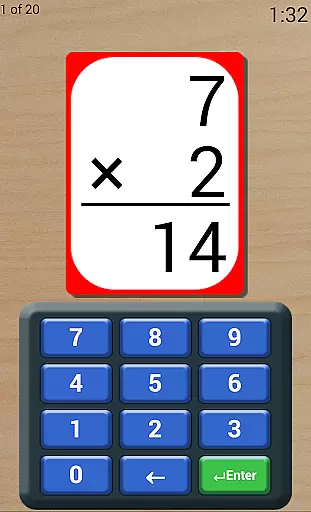
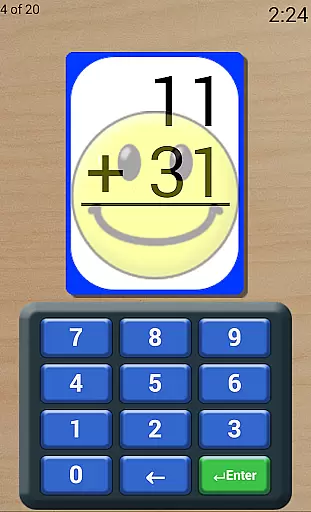
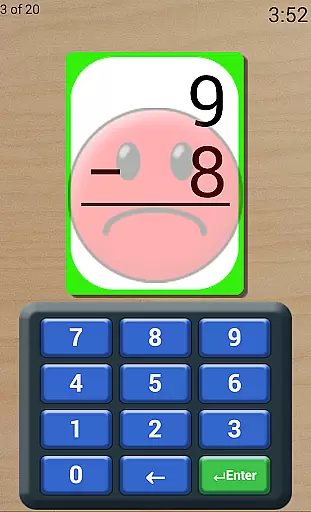
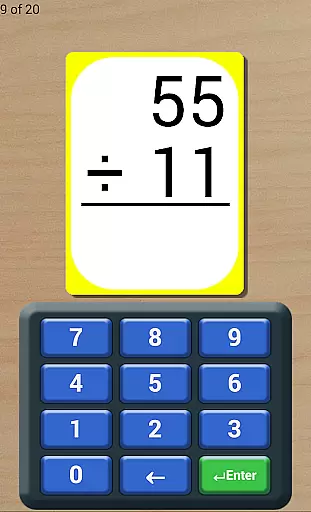
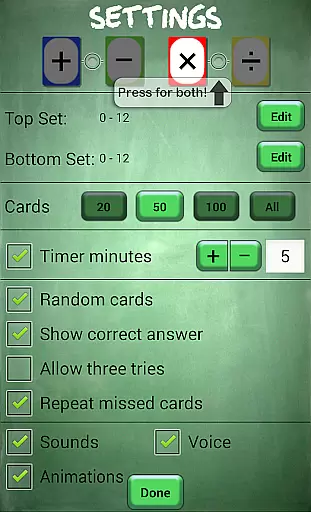
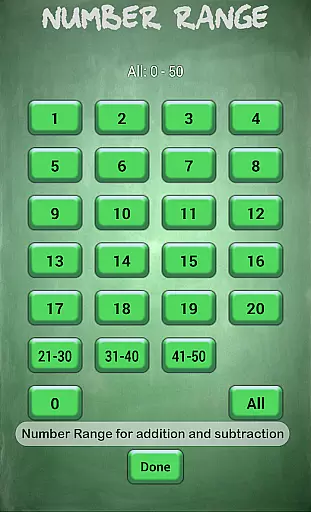
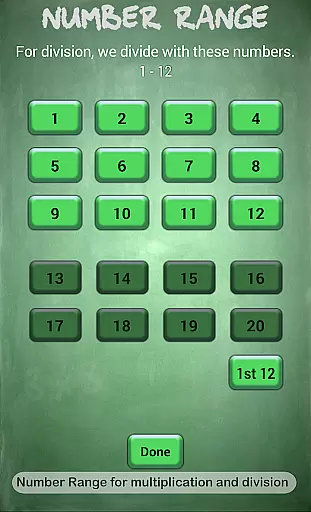
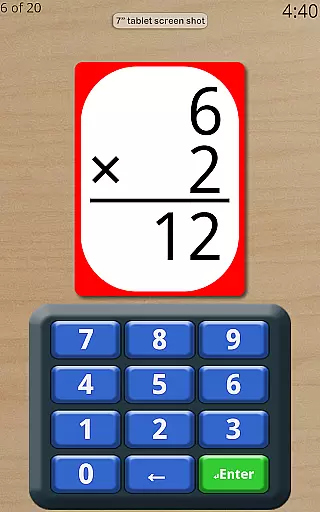
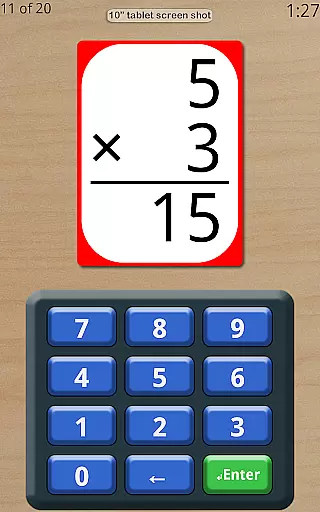
Math Flash Cards is an educational app designed to help children enhance their math skills in addition, subtraction, multiplication, and division. The app offers customizable number ranges for different operations, allowing parents and educators to tailor the difficulty level to each child's needs.
With features like adjustable countdown timers, options for ordered or random card display, instant feedback on incorrect answers, and repeated review of missed questions, this app creates a supportive learning environment. Its friendly voice encouragement and detailed score tracking make it an ideal tool for both classroom use and home practice.
Math Flash Cards stands out with its highly customizable settings. Users can set top and bottom number ranges for each operation, with specific limits of 0-50 for addition/subtraction and 0-20 for multiplication/division. The app allows selection of single or multiple math operations during practice sessions.
Advanced learning features include test-like conditions through an adjustable timer, three attempt options for challenging problems, and automatic review of missed cards. The app also provides flexible display options, enabling sequential card order for memorization or random presentation for varied practice. These comprehensive features create an adaptive learning experience suitable for different learning styles.
Math Flash Cards provides a comprehensive learning tool that ensures content accuracy through carefully structured math problems. The app covers essential arithmetic operations including addition, subtraction, multiplication, and division, all within validated number ranges.
Each math problem is generated based on the user's specified parameters, such as customizable number ranges and the ability to select specific operations. This guarantees that children are practicing with accurate and relevant content tailored to their learning needs.
The inclusion of adjustable settings like test-like countdown timers and options for ordered or random card presentation enhances the authoritative approach to math practice. These features help simulate real-life testing conditions while ensuring young learners develop both speed and accuracy.
One of Math Flash Cards' standout features is its ability to create personalized learning paths for each child. With customizable number ranges and the option to combine two math operations, parents and educators can tailor the difficulty level to match the learner's current skill set.
The app offers various supportive tools such as the option to show correct answers when a mistake is made, allowing three tries for each problem, and repeating missed cards for review. These adaptive features ensure that each child progresses at their own pace while receiving appropriate feedback and reinforcement.
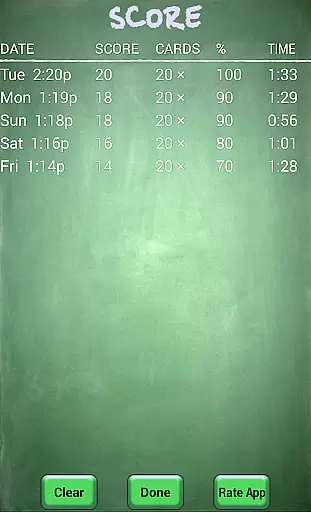
Additionally, the app tracks scores over time, providing a clear record of improvement and highlighting areas that may need further focus. This data-driven approach helps shape an individualized learning experience that evolves with the child's growing abilities.
User-friendly interface
Highly customizable settings
Instant feedback mechanism
Supports multiple operations
Detailed progress tracking
Limited to basic operations
No advanced math topics
Premium version required
Single user support
Offline only

Grazing Risk Monitoring Service
 4.3
4.3
Break Language Barriers with AI—Learn Language Anytime, Anywhere!
4.00
THE MOST COMPREHENSIVE JUMPMASTER STUDY RESOURCE AVAILABLE.
3.40
Flashnote Derby is the fun way for kids to learn music notes and memorize them.
3.40
MONOPOLY JUNIOR brings Hasbro's classic the board game to life.
3.00
Astronomy Guide To Night Sky
4.30
Animals pop up and make sounds—learn names and noises in Peekaboo Barn!
4.0
Learn Japanese in an immersive educational game set in Japan!
4.90
Snap a dog photo to identify its breed instantly. Fast, accurate and easy to use
3.40
Memorize anything efficiently with AnkiDroid! Many pre-built decks available.
4.80
Engage in learning science and math with the award-winning PhET simulations!
4.70
Perform physics experiments with your phone. (by the RWTH Aachen University)
4.70
Discover Your Place in the Universe
4.70
Learn Words Daily in Just Minutes - Boost Your Language Skills Fast!
4.60
Learn math, step-by-step
4.30
Listen, request and record pronunciations in more than 450 languages. Everywhere
3.90
FAR/AIM, FAR for Flight Crew and FAR for Aviation Maintenance Technicians
3.80
Study the questions most likely to be asked during the Oral & Practical Exams.
2.80
AR planetarium app that brings the solar system to you via XREAL Glasses.
4.2


User Reviews