
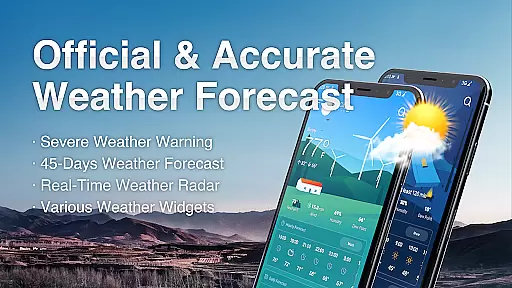
Live Weather is a professional-grade weather forecasting application that provides accurate and real-time weather updates for your exact location, anywhere in the world. The app offers detailed information on current temperature, rain, precipitation probability, snow, wind, daylight hours, and sunrise and sunset times.
With LIVE WEATHER AND REAL-TIME ALERTS, Live Weather delivers the most precise and reliable weather forecasts. It includes critical weather indicators such as sunrise and sunset times, humidity, UV index, wind speed, air quality, and precipitation. Whether you need minute-by-minute rain tracking or comprehensive 25-day forecasts, this app has got you covered.
The app's strength lies in its ability to provide users with instant access to vital weather data, ensuring they are prepared for any meteorological condition. Its customizable features and multiple language support make it an invaluable tool for travelers, outdoor enthusiasts, and anyone needing reliable weather information.
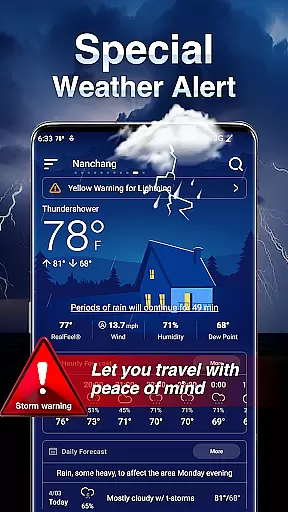
Live Weather stands out with its extensive range of features designed to offer users a complete weather experience. One of its key functionalities is the real-time weather alerts and natural disaster warnings, which display affected areas, start and end times, warning summaries, and data sources, color-coded by severity level.
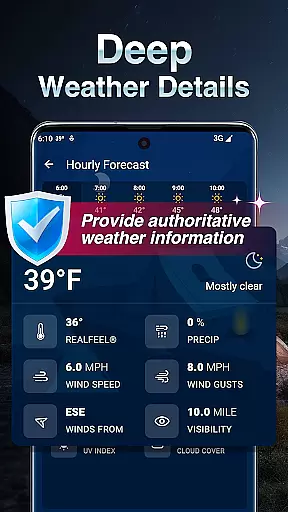
In addition to live weather conditions, the app provides detailed insights into today's weather, including body temperature, sunrise and sunset times, humidity, UV rays, visibility, dew point, altitude, and cloud cover. Users can also access 24/72-hour forecasts and extended 10/25-day outlooks, complete with daily temperatures, weather summaries, humidity levels, UV indices, and more.
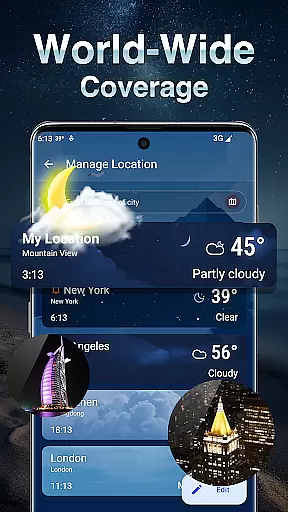
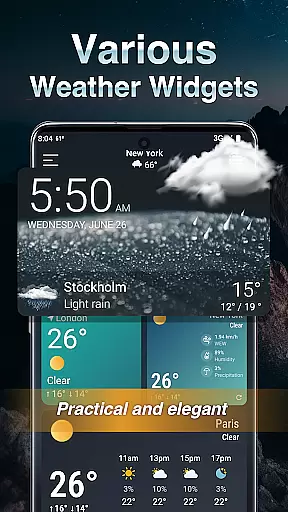
Unique features like the Rain Tracker, Air Quality Index, and enhanced real-time weather radar maps further enrich the user experience. The app allows customization of weather units and formats, management of multiple locations, and even offers widgets and clock displays for at-a-glance weather updates. With multi-language support and a flexible light/dark mode, Live Weather caters to a global audience seeking precision and convenience in weather forecasting.
For any weather application, forecast accuracy and data credibility are crucial factors that determine its reliability. Live Weather excels in this aspect by providing real-time meteorological data with precision. The app uses advanced algorithms and trusted data sources to ensure the information displayed is both accurate and up-to-date.
Users can access detailed current weather conditions for their exact location, anywhere in the world. This includes temperature, rainfall, precipitation probability, snow, wind, sunlight hours, and sunrise and sunset times. Such comprehensive data coverage ensures users have a clear understanding of the present atmospheric situation.
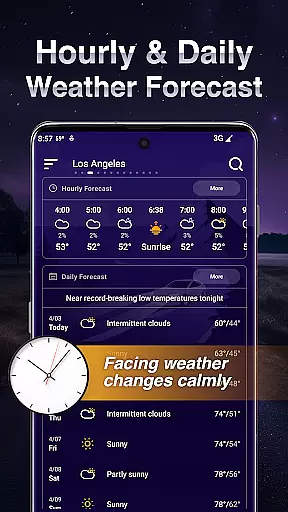
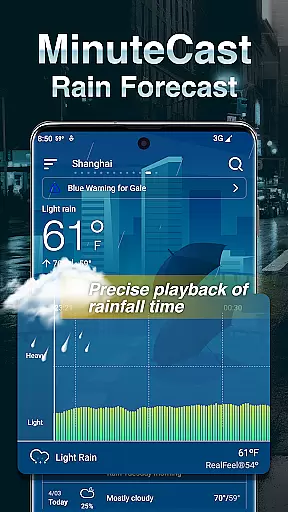
The application goes beyond basic forecasting by offering minute-by-minute rain tracking for the next two hours, 24-hour hourly forecasts, and extended outlooks for the next 10 to 25 days. This multi-layered approach to weather prediction provides users with reliable information to plan their activities effectively.
Moreover, Live Weather presents air quality indexes and UV levels, ensuring users are informed about not just the likelihood of rain or shine but also health-related environmental factors. With these features, the app establishes itself as a dependable tool for both daily convenience and safety planning.
Live Weather stands out in its ability to provide extensive temporal and spatial forecast ranges, making it an invaluable tool for planning and staying informed. The app offers a wide array of forecasting options that cater to immediate and long-term weather insights, covering both specific locations and broader geographical areas.
With features like real-time alerts on natural disasters and severe weather conditions, users receive timely notifications about affected areas, start and end times, warning summaries, and data sources. These alerts are color-coded to represent different severity levels, ensuring quick comprehension and appropriate action.
In addition to immediate weather concerns, the app delivers forecasts spanning the next 24 to 72 hours with hourly breakdowns, alongside predictions extending to 10 or 25 days ahead. This dual focus on short-term precision and long-term outlook helps users prepare for upcoming weather changes effectively.
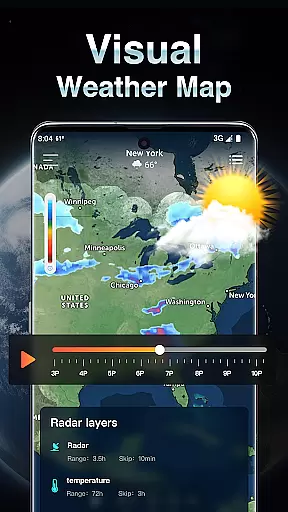
Furthermore, the enhanced radar maps displaying cloud cover, sun, rain, snow, hail, thunderstorms, and lightning zones offer a visual representation of weather dynamics across various locations. Users can track cloud movements, weather fronts, and active storms, gaining insights into how these elements might impact their area. This spatial awareness adds another layer of utility to the app's forecasting capabilities.
User-friendly interface
Accurate forecasts
Real-time alerts
Customizable settings
Multi-language support
Occasional ads
Premium features locked
Heavy on battery
Complex UI for new users
Limited free features

Get instant weather & temperature predictions right on your Wear OS smartwatch!
 4.5
4.5
Check forecasts, watch live news & track storms with FOX Weather.
3.80
Track rainfall totals with ease using our rain gauge app. Accurate rain tracker.
4.50
Super-res, real-time weather radar. Be prepared for extreme weather.
4.50
Digital Weather Watch Face for Wear OS 5+
4.0
Determine Best Hunting Times for any date, any location.
2.50
Advanced weather toolkit, providing detailed weather information for any season!
3.50
Prepare for severe weather with notifications, future radar, and live alerts.
4.60
All-in-one weather radar launcher with rain, temperature maps & local forecast.
4.30
The moon phases app for tracking the lunar calendar, blue moon and full moon.
4.80
Live Weather Forecast app with acu weather radar, weather alert & weather widget
4.80
Road weather, live radar, wind, snow, and conditions along your driving route.
4.70
Live weather forecast for your everyday life
4.60
Get the ad-free version of the highly rated WeatherBug app for accurate weather!
4.50
Accurate Weather App: various widgets, real-time storm radar, hurricane tracker.
4.50
Weather related custom complications for Wear OS. UV, Hi-Lo, AQI and more!
4.40
Accurate Local Weather Forecast, let you easily understand the nearby weather!
4.20
Your Personal Weather Assistant
4.00
An unofficial app version of the National Weather Service (Weather.gov)
3.90


User Reviews