
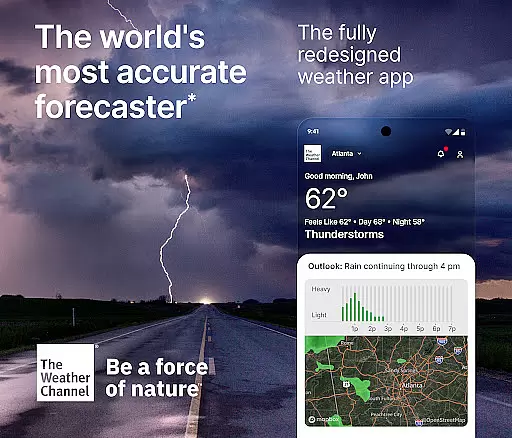
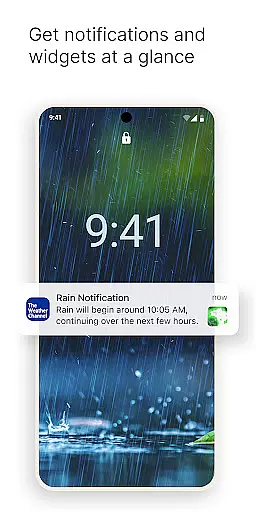
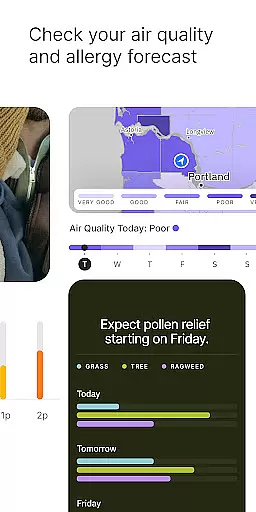
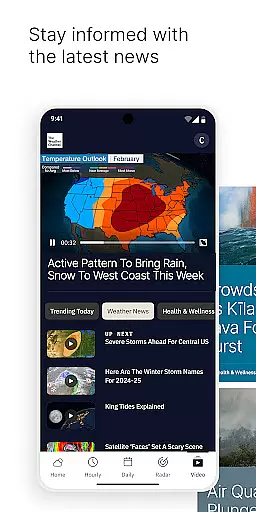
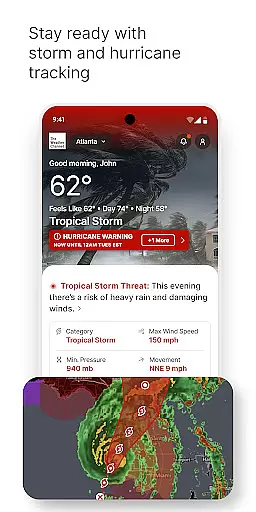
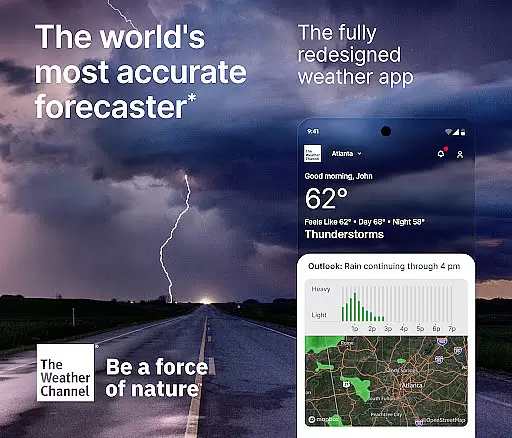
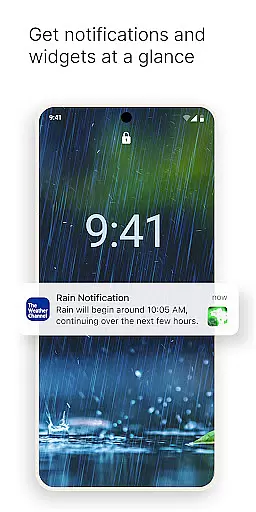
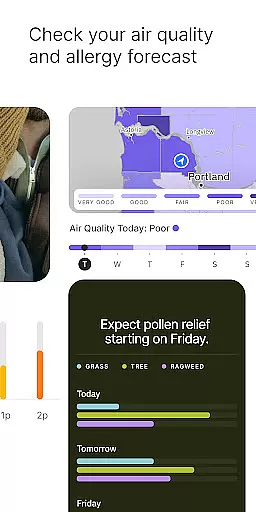
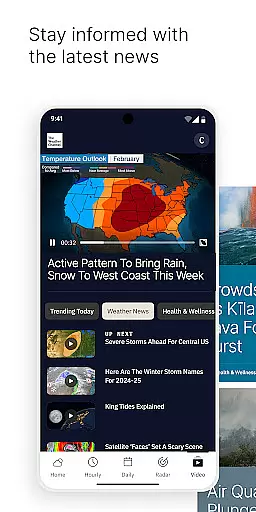
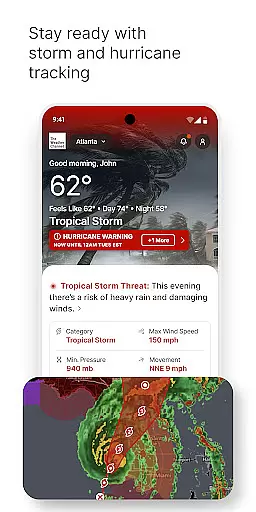
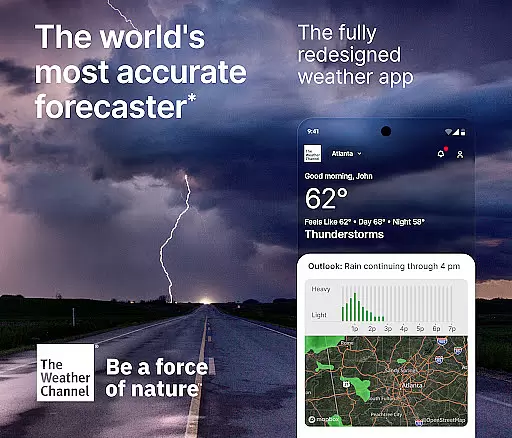
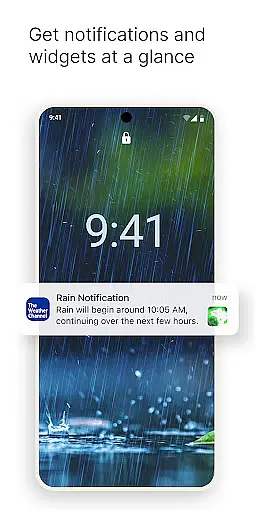
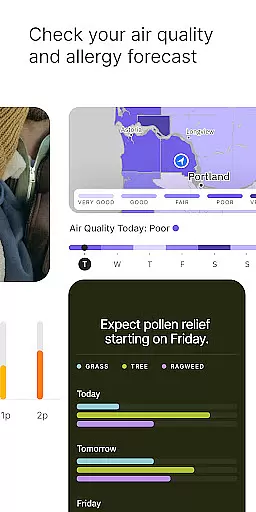
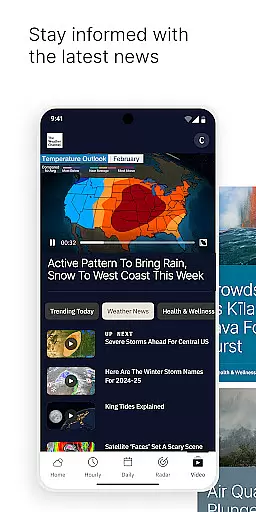
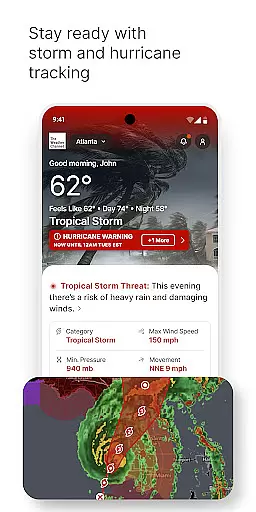
The Weather Channel app is the world's most accurate weather forecasting tool, providing users with essential weather information to stay prepared and safe. The app offers real-time notifications, local rain radar, and storm tracking features that help you plan for severe weather conditions like hurricanes, heavy rain, or snow. With its comprehensive weather data, including air quality index, allergy forecasts, and live Doppler radar updates, this app ensures you are always one step ahead in any weather condition.
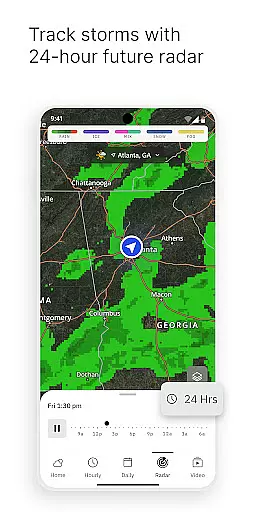
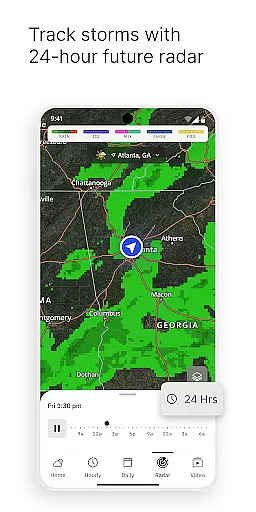
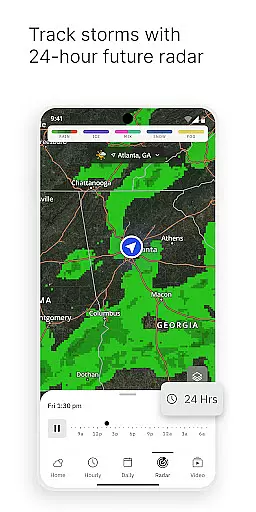
Designed for both everyday use and severe weather preparedness, The Weather Channel app provides detailed weather maps, 15-day forecasts, and customizable alerts. Whether you need to adjust your day based on the 'Feels Like' temperature or track incoming storms with hurricane maps, this app delivers reliable and actionable weather insights. Its user-friendly interface and advanced features such as 24-hour future radar and hourly rain trackers make it an indispensable tool for planning outdoor activities and staying informed about changing weather patterns.
The Weather Channel app stands out with its robust set of features tailored to meet all your weather-related needs. One of its core functionalities is the advanced storm and rain radar, which provides real-time updates and helps track precipitation, storms, and hurricanes. This feature is complemented by severe weather alerts that notify you of potential dangers such as heavy rain, snow, or high winds, ensuring you're always prepared for sudden weather changes.
In addition to its radar capabilities, the app offers a variety of specialized tools. The allergy tracker and air quality index are invaluable for those sensitive to environmental factors, while the 'Feels Like' feature helps you choose the right outfit based on how the weather will feel throughout the day. Users can also access detailed forecasts, including sunset times, pollen levels, and even 15-minute forecast increments with the premium version. These features collectively provide a dynamic and precise weather experience, making The Weather Channel app a must-have for anyone looking to stay informed and safe in any weather condition.
Forecast accuracy and data credibility are essential components of any reliable weather application. The Weather Channel stands out as the World's Most Accurate Forecaster, ensuring users receive precise weather predictions. This level of accuracy is achieved through advanced algorithms and comprehensive data analysis that consider various meteorological factors.
The app provides real-time alerts and a 24-hour future radar, keeping users informed about incoming weather changes. With an hourly rain tracker and detailed storm radar news, it equips users with the necessary tools to prepare for severe weather conditions. These features not only enhance user safety but also allow for better planning of daily activities around the weather.
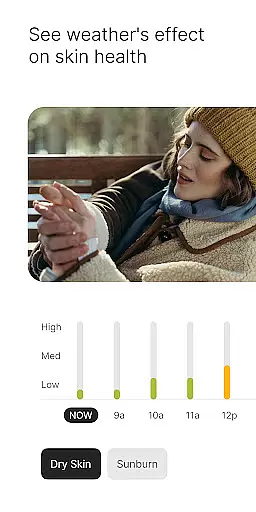
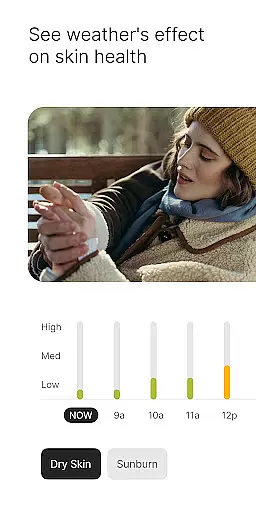
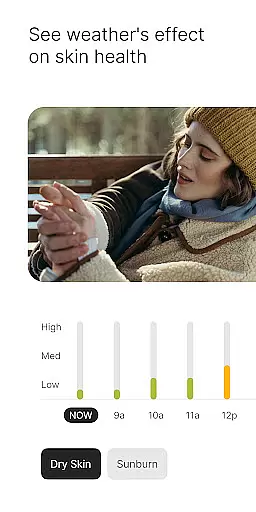
For those particularly sensitive to environmental changes, such as allergy sufferers, the app offers an allergy tracker and air quality index monitoring. This ensures that users stay updated on pollen levels and other allergens, providing them with crucial information to manage their health effectively. Such detailed and credible data empowers users to make informed decisions regarding their outdoor plans and overall well-being.
The temporal and spatial forecast range is a critical aspect of weather forecasting, allowing users to plan both short-term and long-term activities confidently. The Weather Channel offers an extensive forecast range, extending up to 15 days ahead, which is invaluable for strategic planning in both personal and professional contexts. This wide-ranging forecast capability ensures that users have ample time to prepare for various weather scenarios.
In addition to extended forecasts, the app provides localized weather updates that are crucial for immediate decision-making. Live Doppler radar updates and local weather maps deliver current precipitation info and storm warnings directly to the user's home screen. This localized approach ensures that users receive timely alerts relevant to their specific geographic location, enhancing their ability to respond quickly to changing weather conditions.
Furthermore, the inclusion of hurricane maps and severe weather alerts adds another layer of preparedness. Users can track incoming storms and heavy rain with precision, thanks to reliable storm radar features. This combination of broad temporal coverage and detailed spatial data makes The Weather Channel an indispensable tool for staying ahead of the weather, no matter where you are located.
Accurate Forecasts
Real-Time Alerts
User-Friendly Interface
Comprehensive Data
Allergy Tracker
Premium Subscription Required
Ad-Supported Free Version
Occasional Glitches
High Data Usage
Complex Navigation

Weather for Indiana, Kentucky and Ohio
 4.90
4.90
Arrive safely! Travel weather forecasts for your entire trip at time of arrival.
3.60
Your Trusted Weather Companion
4.40
Powerful US and worldwide earthquake feed with earthquake alerts and maps.
4.60
Stay ahead of the weather with Daily Weather
4.10
Accurate Local Weather Forecast, let you easily understand the nearby weather!
4.20
Advanced weather toolkit, providing detailed weather information for any season!
3.50
Weather Forecast, Trending News, Hurricane & Storm Tracker, Alerts & Live Radar.
4.80
Weather radar map, storm tracker, local forecast, live rain alerts & daily news.
4.60
A professional, comprehensive and accurate weather forecast app
4.90
Live Weather Forecast app with acu weather radar, weather alert & weather widget
4.80
Check room temperature with this indoor thermometer. thermostat & hydrometer
4.70
Your ultimate app for real-time weather information!
4.70
NOAA radar, weather forecasts, hurricane tracking & customizable alerts.
4.50
Super-res, real-time weather radar. Be prepared for extreme weather.
4.50
All-in-one weather radar launcher with rain, temperature maps & local forecast.
4.30
Accurate weather forecast and beautiful weather & clock widgets
4.20
Weather watch face for Wear OS 5+
4.10
An unofficial app version of the National Weather Service (Weather.gov)
3.90


User Reviews