
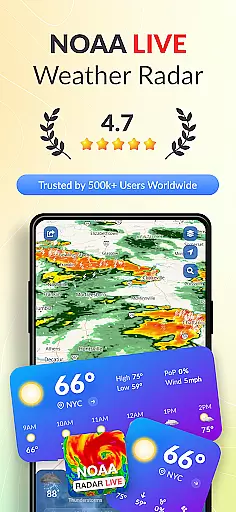
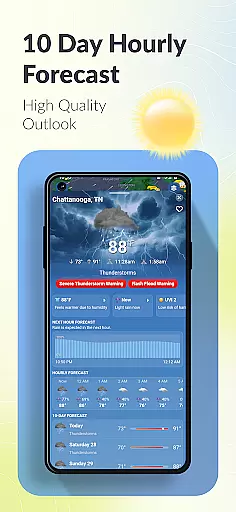
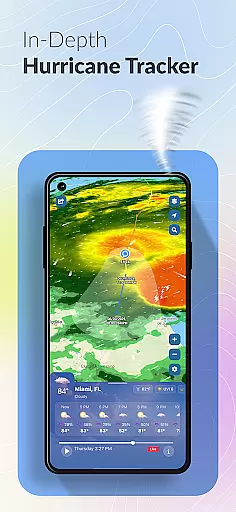

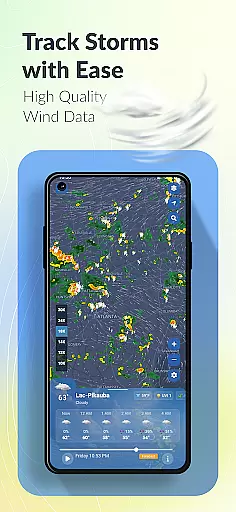
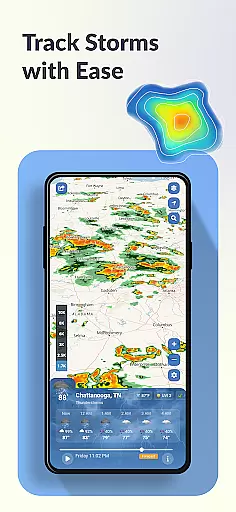
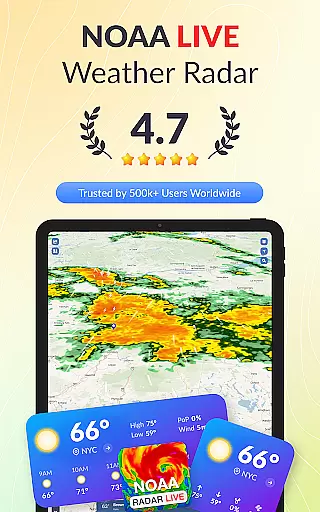
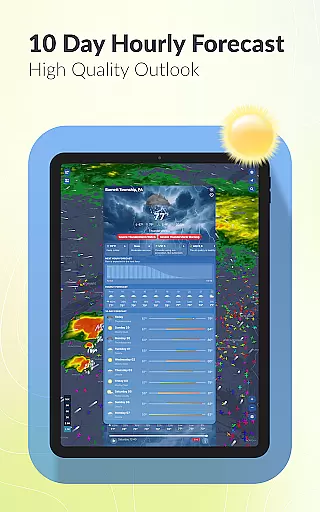
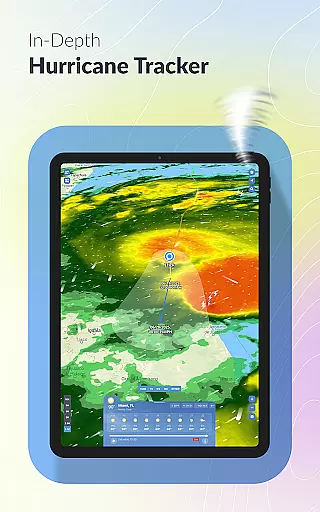
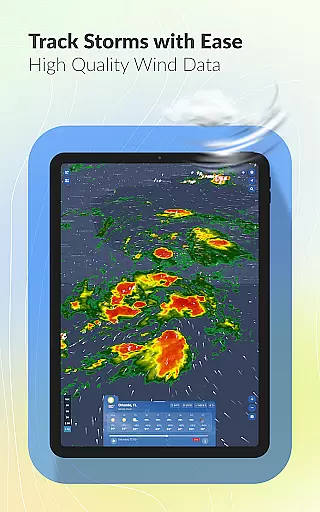
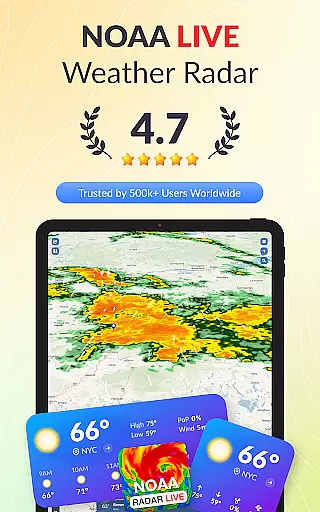
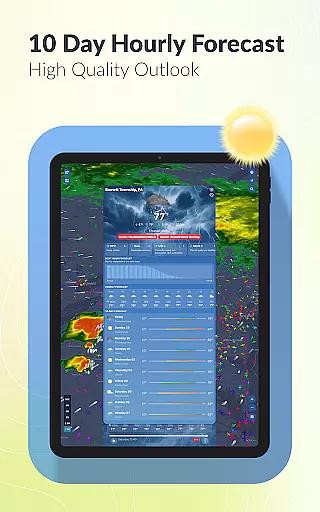
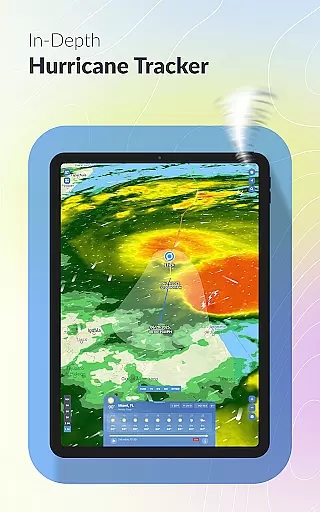
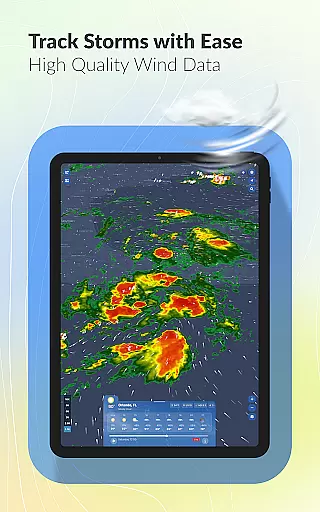
Weather Scope NOAA Live Radar is a comprehensive weather application that provides users with accurate and up-to-date weather information. Powered by NOAA radar, the app offers real-time weather tracking, including minute-by-minute updates and 10-day forecasts. Users can monitor hurricanes and severe storms through an integrated hurricane tracker, receiving detailed updates on storm paths and wind speeds.
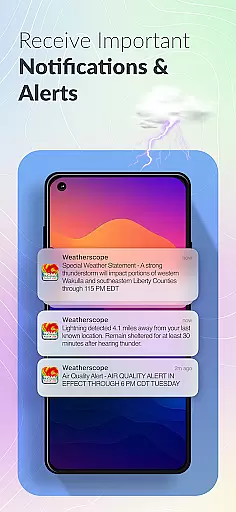
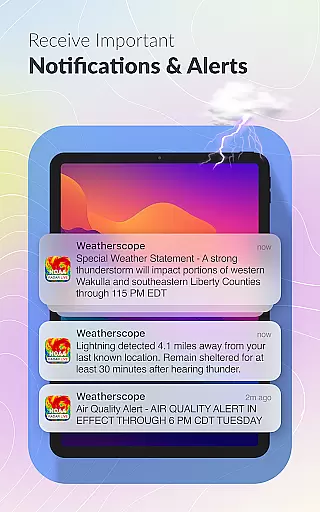
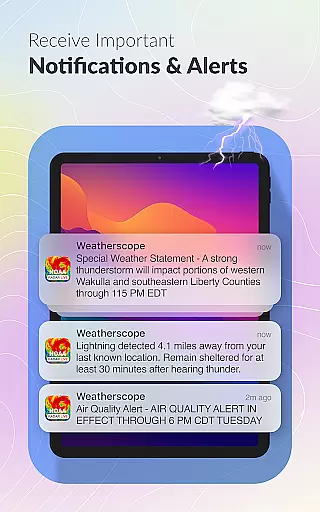
In addition to its robust tracking capabilities, Weather Scope features customizable alerts tailored to individual preferences. The interactive weather map allows users to explore various weather patterns, while lightning alerts ensure safety during thunderstorms. With local weather forecasts, aviation weather data, and rain radar functionality, this app caters to a wide audience, from everyday users to aviation enthusiasts.
Whether planning daily activities or tracking significant weather events, Weather Scope equips users with essential tools to stay informed and prepared. Its patent-pending radar animation enhances user experience, making it a reliable choice for accessing critical weather data anytime, anywhere.
Weather Scope stands out with its diverse range of features designed to enhance user engagement with weather data. One of its core functionalities is the NOAA radar integration, which delivers real-time weather updates and forecasts. This feature allows users to track storms, rainfall, and other meteorological conditions accurately. Additionally, the app includes a hurricane and storm tracker, providing crucial information sourced from the National Hurricane Center.
The app also offers customizable alerts, enabling users to choose notification tones that suit their preferences. Its interactive weather map is another highlight, allowing users to visualize live radar, storm tracking, and forecast overlays in one interface. For those concerned about safety during inclement weather, lightning alerts notify users of nearby lightning strikes.
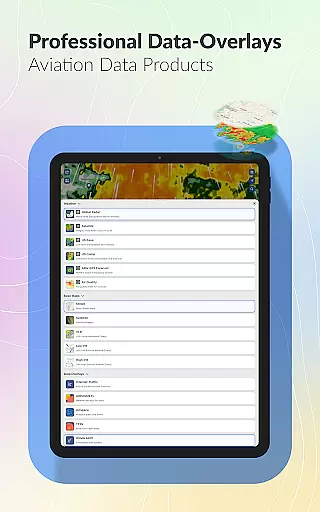
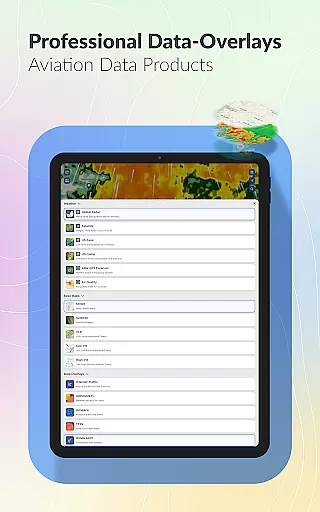
Furthermore, Weather Scope provides specialized tools such as aviation weather data and customizable radar themes. These features cater to niche audiences, ensuring that pilots and weather enthusiasts have access to relevant information. Overall, Weather Scope's innovative features and user-centric design make it a standout choice in the weather app category.
Forecast accuracy and data credibility are essential components of any reliable weather application. Weather Scope NOAA Live Radar excels in this area by providing real-time updates sourced directly from the National Oceanic and Atmospheric Administration (NOAA). This ensures that users receive the most accurate and up-to-date weather information available.
The app integrates NOAA's trusted weather data, which is renowned for its precision and reliability. Whether you're tracking hurricanes, monitoring rainfall, or checking local forecasts, Weather Scope offers minute-by-minute updates and a 10-day outlook, empowering users to plan their days with confidence.
Furthermore, the inclusion of aviation weather data makes it an invaluable tool for pilots and aviation enthusiasts. The comprehensive data set includes real-time air traffic tracking, ensuring that all weather-related decisions are based on credible and timely information.
Weather forecasting isn't just about knowing if it will rain tomorrow; it's also about understanding weather patterns over time and space. Weather Scope NOAA Live Radar provides extensive temporal and spatial forecast ranges, allowing users to track weather conditions across different geographies and timelines.
With features like the hurricane and storm tracker, users can monitor severe weather events as they develop. Real-time updates from the NOAA ensure that you have the latest information on storm paths, wind speeds, and potential impacts, helping you stay prepared for any eventuality.
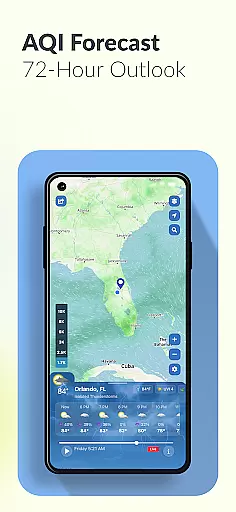
In addition to large-scale weather events, the app offers localized forecasts and radar overlays. Users can access detailed local weather information including temperature, humidity, and wind speed, making it easier to plan daily activities. This broad yet detailed coverage ensures that whether you're looking at weather in Florida or beyond, Weather Scope has you covered.
Real-time NOAA data
Customizable alerts
Interactive weather map
Patent-pending radar animation
Comprehensive aviation tools
Location permissions required
Premium features may cost extra
Occasional data delays
Limited offline functionality
Interface can be complex for beginners

Personal Weather Station PRO - Meteo monitor to check your WU info and charts.
 4.20
4.20
Room Temperature Thermometer meter shows indoor, outdoor temperature, humidity.
4.40
The reliable and trusted global air quality, wildfire, pollen, PM2.5 forecast
4.70
Global weather forecast, powered by layered radar & hourly weather updates
4.10
View weather widget and map. Wind direction and speed. Tides times and waves
4.70
Local Weather provides accurate and current hourly and daily forecasts.
4.80
Digital Weather Watch Face for Wear OS 5+
4.3
Determine Best Hunting Times for any date, any location.
2.50
Track lightning strikes with our thunderstorms map, radar and lightning alarm.
4.70
Accurate weather forecast, daily weather changes are easy to grasp
4.90
Hurricane Tracker, Rain Map
4.80
Live local weather updates: various widgets & radar maps & hourly forecast.
4.70
Weather radar map, storm tracker, local forecast, live rain alerts & daily news.
4.60
Accurate Thermometer: indoor & outdoor temperature, humidity, pressure, and wind
4.50
Your Trusted Weather Companion
4.40
All-in-one weather radar launcher with rain, temperature maps & local forecast.
4.30
Instant weather updates, easy to check anytime on your home screen.
3.50
Magnetic Compass meets smart tech: Get directions and weather alerts seamlessly
3.30
Get instant weather & temperature predictions right on your Wear OS smartwatch!
4.5


User Reviews