
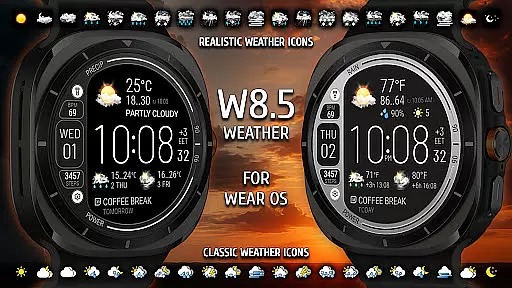
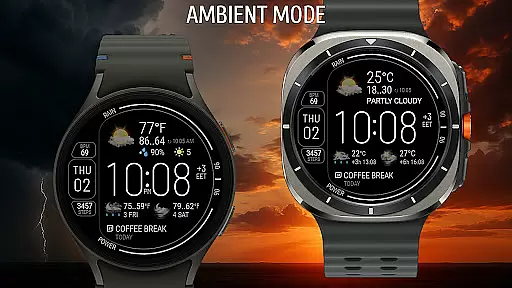
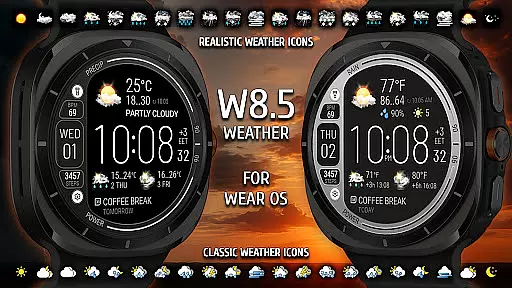
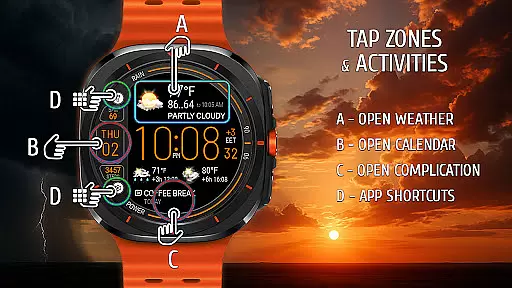
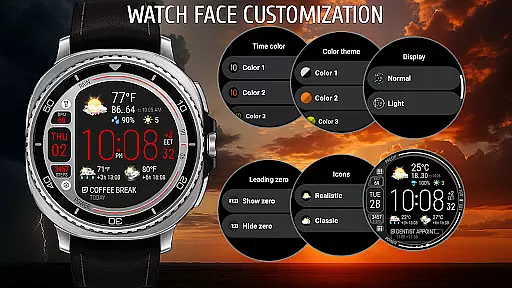
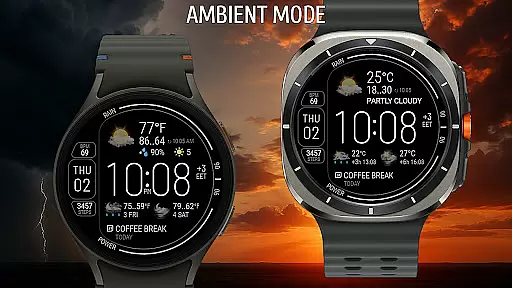
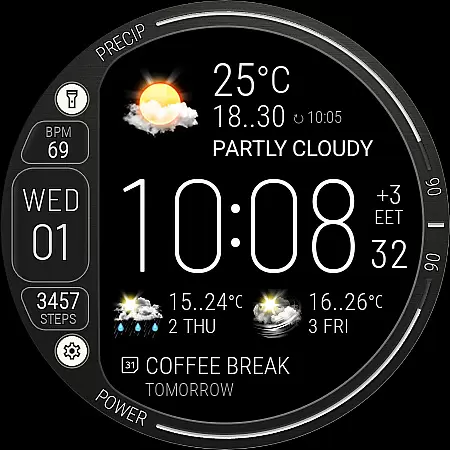
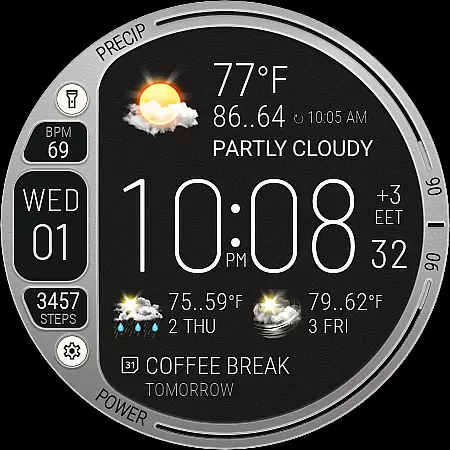
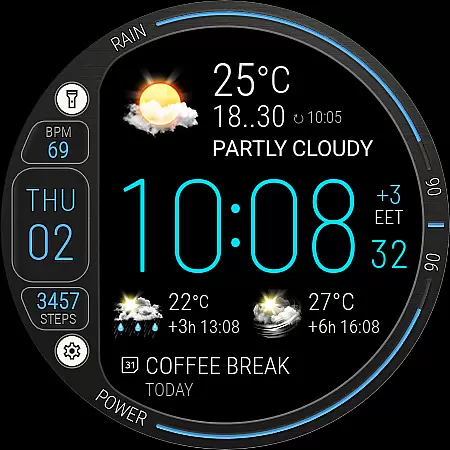
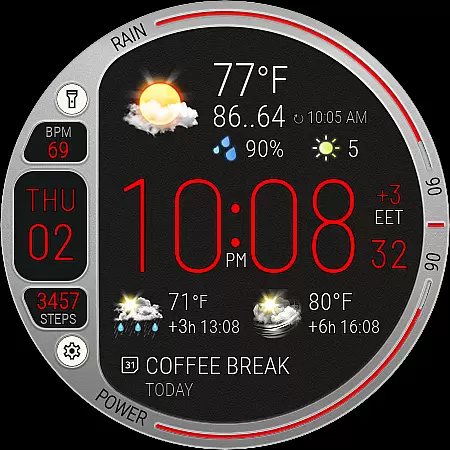
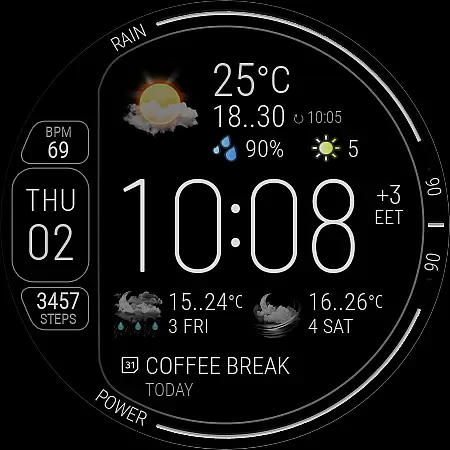
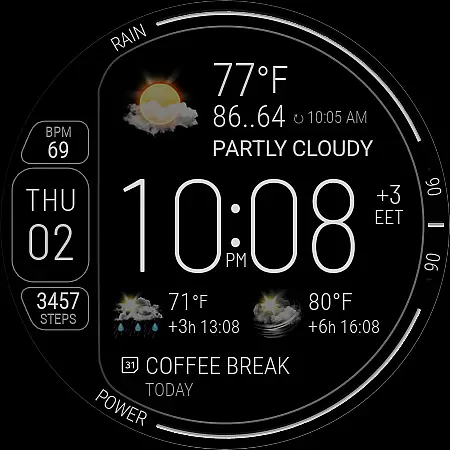
Weather Watch Face W8.5 is a sophisticated digital interface designed exclusively for Wear OS 5+ smartwatches, including the latest Galaxy Watch and Pixel Watch models. This application transforms your watch face into an elegant, information-rich display that emphasizes real-time weather tracking alongside essential health statistics.
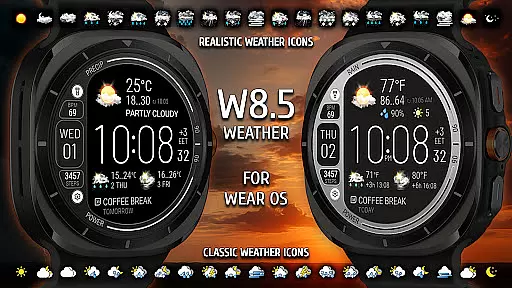
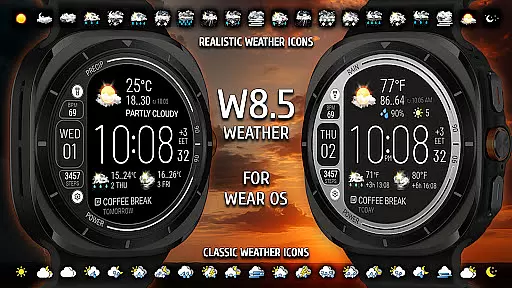
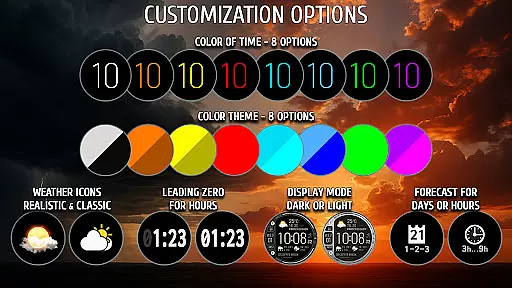
The watch face stands out with its seamless integration of classic design elements and modern functionality. Users can access live weather updates, view 2-day forecasts, and check hourly predictions at 3 and 6-hour intervals. Additionally, it provides crucial data points such as precipitation chances, temperature, UV index, and more, all presented through realistic and classic weather icons tailored to user preferences.
Beyond weather, this app offers powerful customization options and quick access to vital smartwatch information like step counts, heart rate, battery levels, and date-time zones. Its compatibility with The Weather Channel ensures accurate and reliable data presentation, making it an indispensable tool for smartwatch users seeking both style and substance on their wrists.
Weather Watch Face W8.5 boasts an array of features crafted to enhance user experience through personalization and precision. One of its standout characteristics is the comprehensive weather feature set, which includes live updates, 2-day forecasts, and hourly predictions in 3 and 6-hour intervals. This ensures users are always informed about upcoming weather conditions.
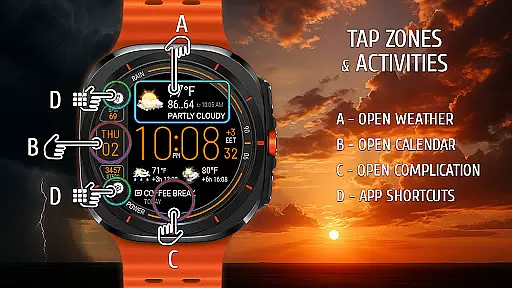
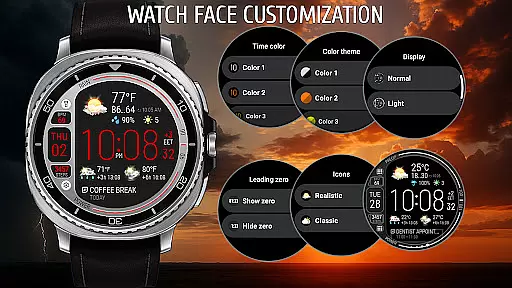
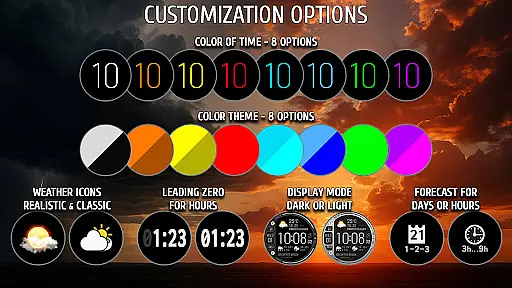
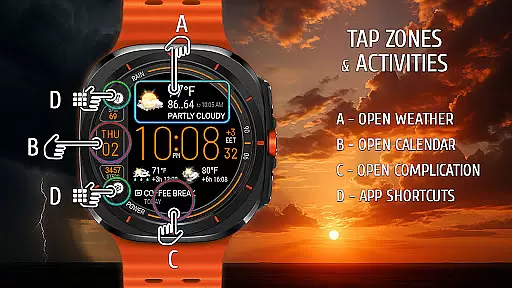
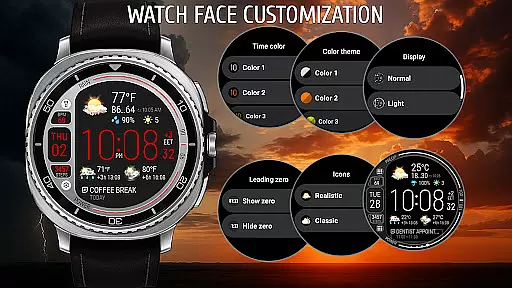
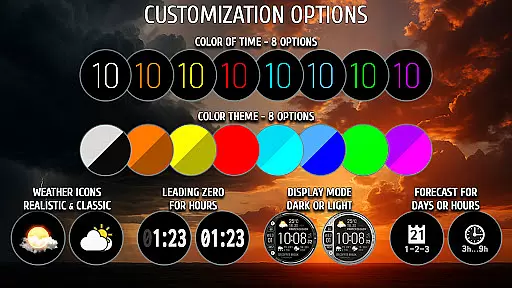
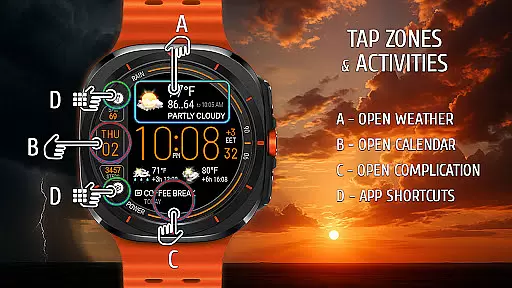
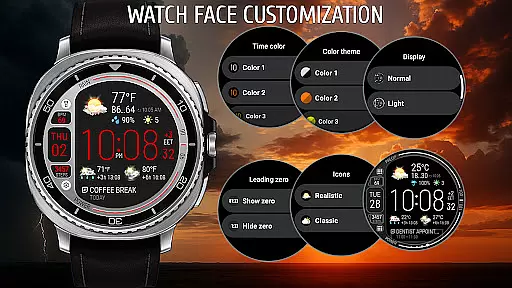
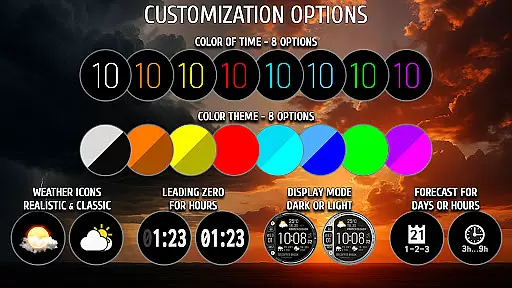
In addition to weather tracking, the application offers extensive customization capabilities. Users can choose from eight distinct color themes and switch between battery-saving dark mode or a bright exclusive mode based on their preferences. The ability to set up two app shortcuts and customize three complication areas allows for a personalized and efficient interface tailored to individual needs.
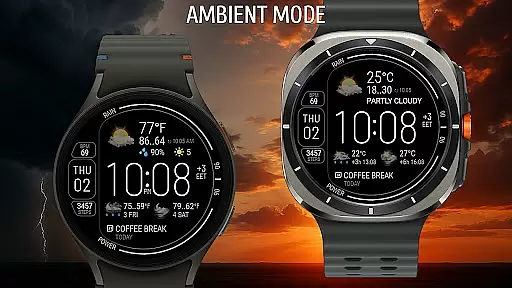
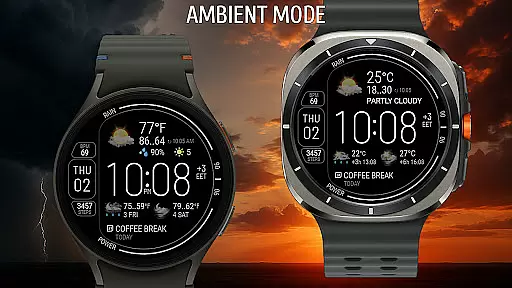
Furthermore, the watch face displays useful smartwatch information at a glance, such as step counters, heart rate monitors, battery levels, and date-time zones. Optimized for AMOLED screens, its compact layout ensures clarity and readability while maintaining aesthetic appeal. These features collectively deliver a versatile and user-centric experience, setting Weather Watch Face W8.5 apart in the realm of wearable technology.
Weather watch face W8.5 provides highly accurate weather forecasts powered by The Weather Channel, ensuring users receive reliable and up-to-date information directly on their smartwatch. This precision is achieved through seamless integration with trusted weather data providers, offering real-time updates that users can depend on.
The application supports detailed forecasting, including live weather updates, 2-day forecasts, and hourly predictions at 3 and 6-hour intervals. These features allow users to plan their day with confidence, knowing they have access to credible weather data such as precipitation chances, temperature variations, and UV index levels.
By delivering trustworthy weather information in an elegant and user-friendly interface, this watch face enhances the overall user experience. Whether you need to know the current temperature or want to prepare for changing weather conditions over the next few days, Weather watch face W8.5 ensures you stay informed and prepared.
One of the standout features of Weather watch face W8.5 is its ability to provide comprehensive temporal and spatial forecast ranges. Users can access not only current weather conditions but also detailed forecasts spanning today and the next two days. This extensive range helps individuals plan both short-term activities and longer outings with greater assurance.
In addition to temporal coverage, the app offers spatial accuracy by leveraging location-based services. It delivers localized weather updates tailored to the user's specific geographic area, ensuring relevance and precision. The inclusion of realistic and classic weather icons further enhances spatial understanding by visually representing weather patterns.
This combination of temporal and spatial forecasting makes Weather watch face W8.5 a versatile tool for anyone looking to stay ahead of weather changes. With clear and concise information readily available on your smartwatch, you can make informed decisions about your daily schedule and outdoor plans.
Real-time weather updates
Customizable color themes
Comprehensive health stats
User-friendly interface
Wide device compatibility
Limited to Wear OS 5+
No support for older versions
Premium features may cost extra
Dependent on external weather providers
Complex setup for beginners

Get the ad-free version of the highly rated WeatherBug app for accurate weather!
 4.50
4.50
Personal Weather Station PRO - Meteo monitor to check your WU info and charts.
4.20
Dynamic weather watch face with glass effect, bold time & 7 complications.
4.5
Stay ahead of the weather with Daily Weather
4.10
Download now and give your smartwatch a fresh, premium look!
4.20
Weather watch face for Wear OS 5
4.40
Powerful US and worldwide earthquake feed with earthquake alerts and maps.
4.70
Weather Forecast, Trending News, Hurricane & Storm Tracker, Alerts & Live Radar.
4.80
Your ultimate app for real-time weather information!
4.70
Local weather forecast app, your personal 7*24 local weather forecast assistant.
4.90
Aviation weather made simple. Visual decoder for METAR & TAF
4.90
Live local weather updates: various widgets & radar maps & hourly forecast.
4.70
Thermometer shows indoor and outdoor temperature
4.70
Live weather forecast for your everyday life
4.60
Powerful US and worldwide earthquake feed with earthquake alerts and maps.
4.60
Your Trusted Weather Companion
4.40
Accurate weather forecast and beautiful weather & clock widgets
4.20
Magnetic Compass meets smart tech: Get directions and weather alerts seamlessly
3.30
Quickly check the Hanalei river gauge height during heavy rains on Kaua'i.
4.0


User Reviews