
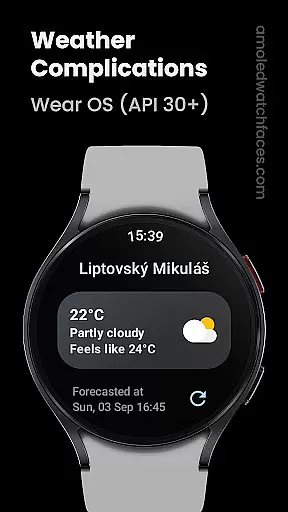
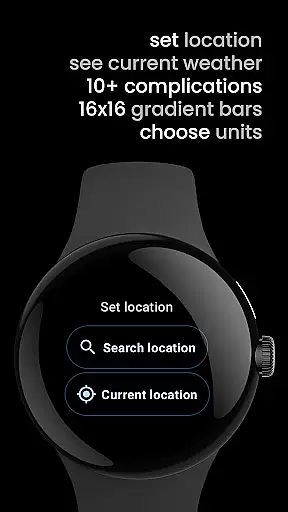
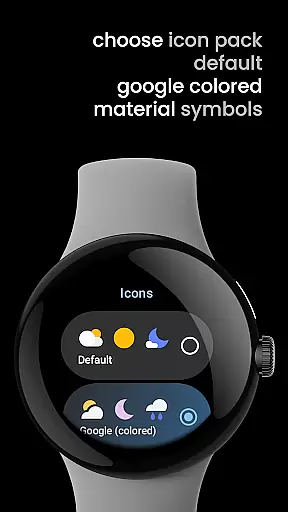
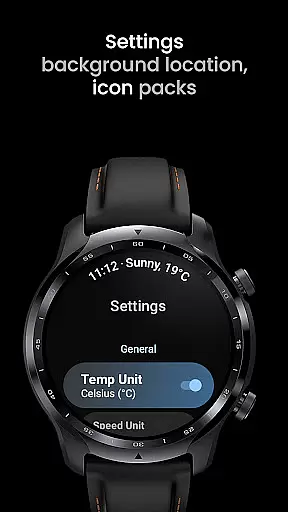
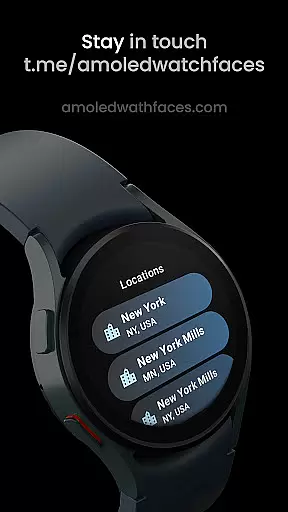
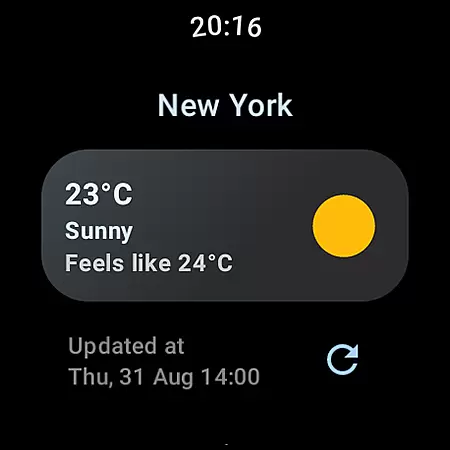
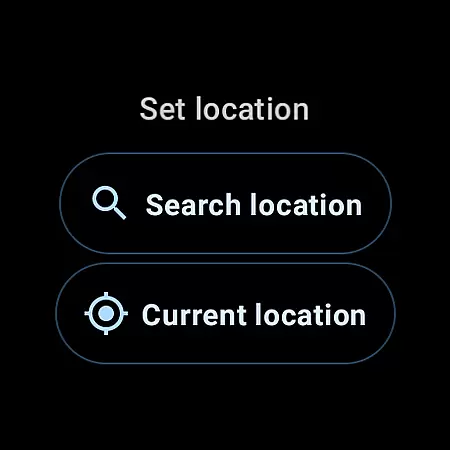
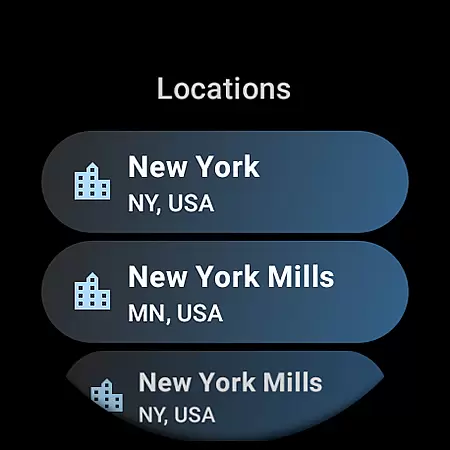
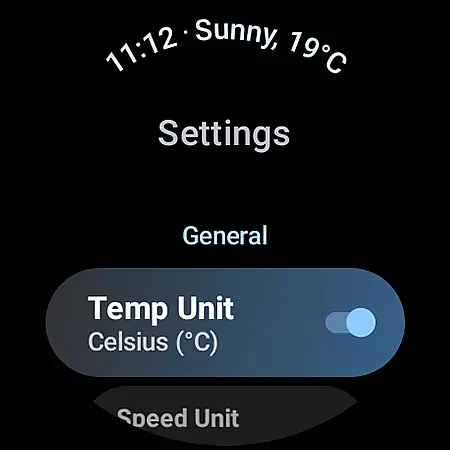
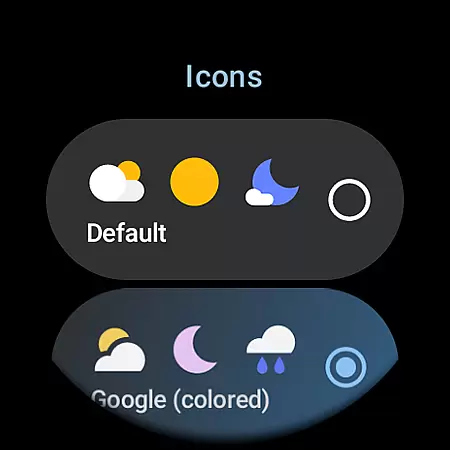
Weather Complications is a comprehensive weather app designed specifically for Wear OS API 30+ devices. This application consolidates all weather-related custom complications into one place, providing users with essential weather data such as temperature, humidity, and air quality index. The app refreshes its complications every 35 minutes to optimize battery life while maintaining up-to-date information.
One of the key features of Weather Complications is its ability to use forecasted data when there's no internet connection, ensuring that users always have access to critical weather information. With support for multiple data types and sources like WeatherAPI.com and OpenWeatherMap, this app delivers accurate and timely weather updates directly to your smartwatch, making it an indispensable tool for outdoor activities.
Weather Complications offers a wide array of features tailored for weather enthusiasts using Wear OS devices. It supports various custom complication types including SHORT_TEXT, LONG_TEXT, RANGED_VALUE, ICON, and SMALL_IMAGE, covering everything from atmospheric pressure to UV Index. These complications provide detailed insights into current weather conditions and forecasts, enhancing user experience by delivering personalized and relevant information.
The app leverages advanced APIs such as Google's Places API for location information and integrates seamlessly with popular weather data providers. Users can choose between default or custom provider keys for weather data, allowing flexibility and precision in how information is sourced and displayed. Additionally, the app's integration with AMOLED Watch Faces expands its utility, offering a cohesive ecosystem for managing and viewing weather data on your smartwatch.
Weather Complications for Wear OS provides highly accurate weather forecasts by sourcing data from reliable providers like WeatherAPI and OpenWeatherMap. These sources are renowned for their precision in delivering real-time and forecasted weather information.
The app refreshes its complications every 35 minutes, ensuring that users receive the most up-to-date weather details without compromising battery life. Even when offline, it continues to display forecasted data for the current hour, maintaining a dependable information flow.
By integrating Google's Places API, the app ensures location accuracy, which is crucial for providing relevant weather updates. This meticulous approach to data sourcing and location services enhances the overall credibility of the weather information presented to users.
One of the standout features of Weather Complications for Wear OS is its ability to provide comprehensive temporal and spatial forecast ranges. Users can access detailed weather forecasts that extend over various timeframes, allowing for better planning and preparedness.
The app supports multiple custom complications, such as Air Quality Index, UV Index, Humidity, and more. Each of these offers both short-term and long-term insights, covering immediate conditions as well as extended forecasts.
With a variety of supported types including SHORT_TEXT, LONG_TEXT, RANGED_VALUE, ICON, and SMALL_IMAGE, users can customize their watch faces to display exactly the kind of weather information they need. This flexibility ensures that whether you're checking current temperatures or planning for upcoming weather changes, this app has got you covered.
User-friendly interface
Comprehensive weather data
Optimized battery usage
Supports multiple data types
Offline functionality
Limited to Wear OS
No BOGO promo availability
Requires API 30+
Dependent on third-party APIs
Premium features may require payment

Accurate Thermometer: indoor & outdoor temperature, humidity, pressure, and wind
 4.50
4.50
Arrive safely! Travel weather forecasts for your entire trip at time of arrival.
3.60
Live weather forecast for your everyday life
4.60
Check forecasts, watch live news & track storms with FOX Weather.
3.80
The reliable and trusted global air quality, wildfire, pollen, PM2.5 forecast
4.70
Accurate Local Weather Forecast, let you easily understand the nearby weather!
4.20
14-day & 24-hour Forecast | Real-time Alert | Accurate & Fast
4.40
Weather radar map, storm tracker, local forecast, live rain alerts & daily news.
4.60
Prepare for severe weather with notifications, future radar, and live alerts.
4.60
NOAA forecast & radar for your exact location.
4.80
The weather channel, tiempo weather forecast, weather radar & weather map
4.70
Industry leading whitetail movement predictor & hunting app.
4.60
Weather watch face for Wear OS 5
4.40
All-in-one weather radar launcher with rain, temperature maps & local forecast.
4.30
Personal Weather Station PRO - Meteo monitor to check your WU info and charts.
4.20
Global weather forecast, powered by layered radar & hourly weather updates
4.10
Your Personal Weather Assistant
4.00
A powerful weather forecast to get real-time weather information
3.60
Dynamic weather watch face with glass effect, bold time & 7 complications.
4.5


User Reviews