
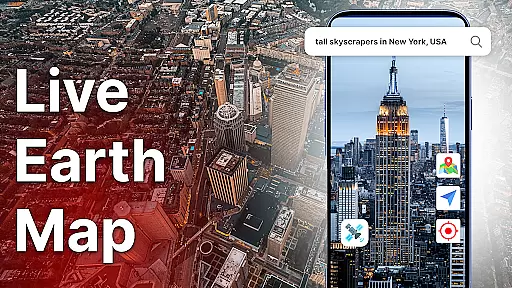
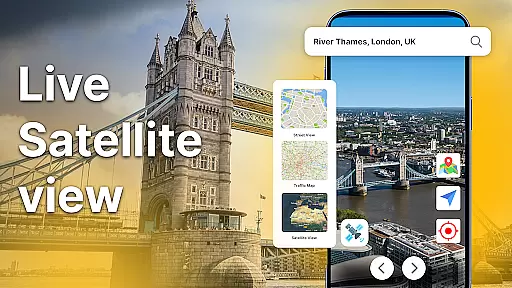
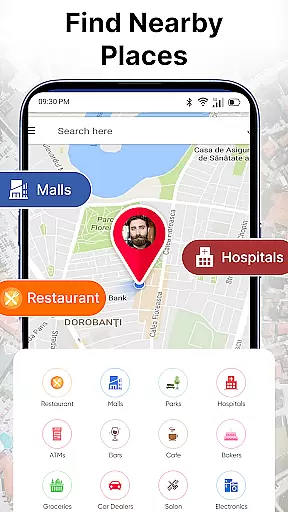
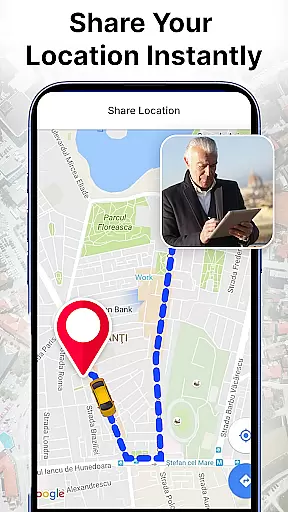

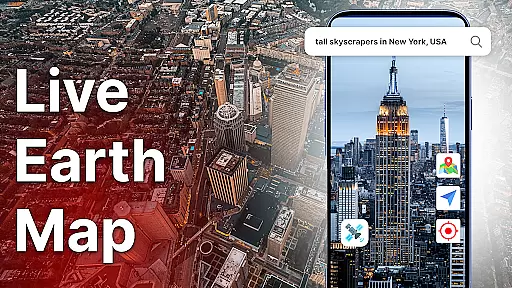
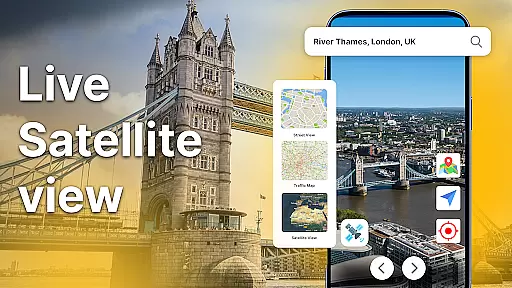
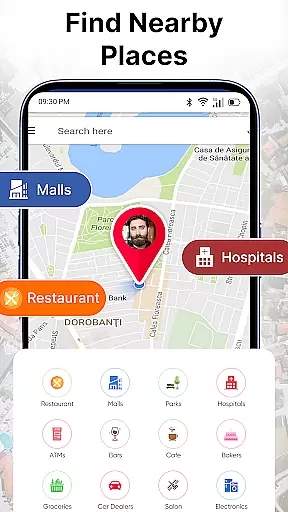
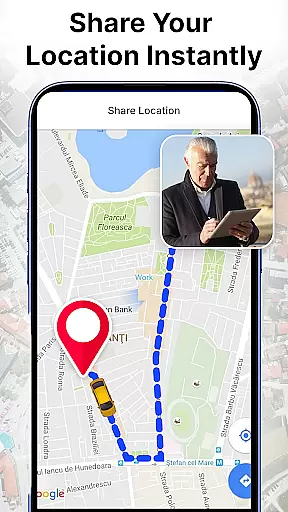


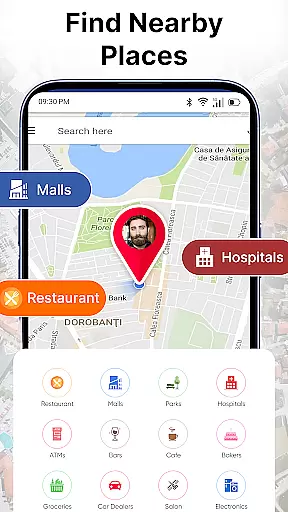
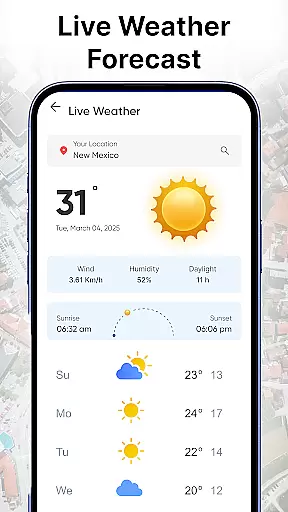
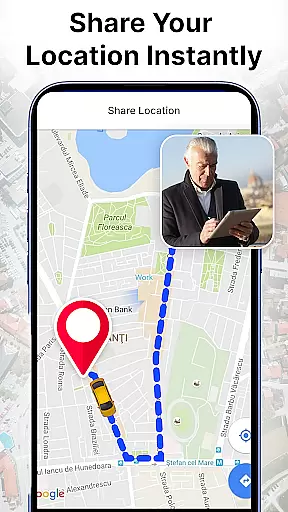
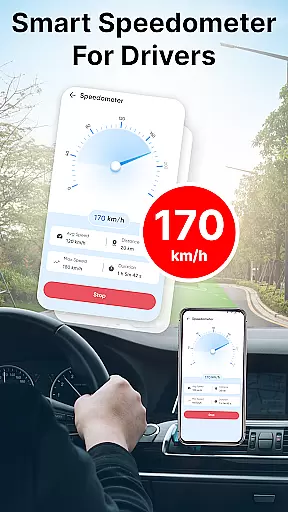

Live Earth Map: Satellite View is a comprehensive mapping application that allows users to explore the world through real-time satellite imagery and GPS navigation. The app provides an immersive experience by offering live satellite views, detailed maps, and virtual tours of any location on Earth.
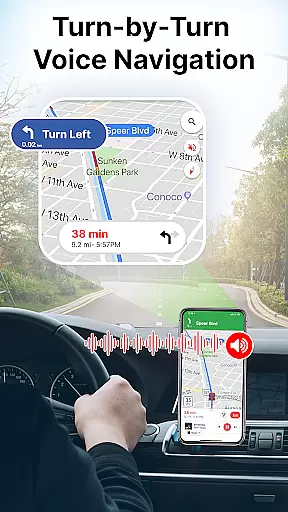
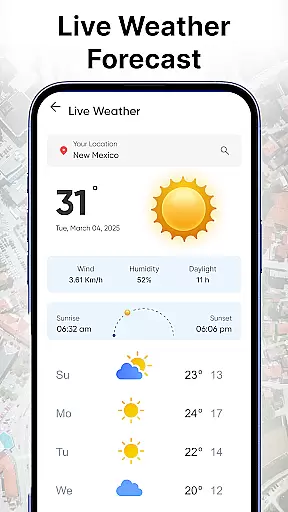
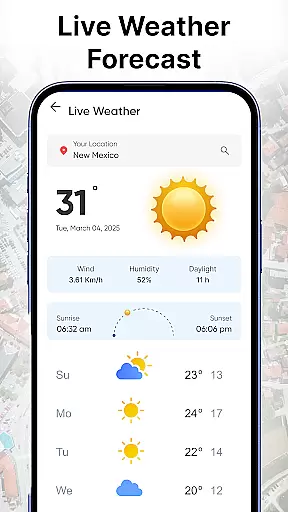
Key features include smart GPS navigation with route finding capabilities, live traffic updates, and voice navigation for hands-free use. Users can switch between 2D and 3D map views, access live weather updates, and even view real-time street scenes through live cams. Whether you're planning a trip or simply exploring from home, this app delivers powerful tools for navigation and discovery.
The application's value extends beyond basic navigation. It includes environmental analysis tools such as oxygen level monitoring, altitude measurement, and area calculation. These features make it particularly useful for both casual users and professionals who require precise geographical information. With its user-friendly interface and comprehensive feature set, Live Earth Map serves as an essential tool for anyone interested in global exploration.
Live Earth Map stands out with its extensive feature set designed for both navigation and global discovery. The app's core functionality revolves around its powerful GPS system and real-time satellite imaging capabilities. Users can zoom into any region with high-resolution satellite views, making it perfect for virtual exploration or research purposes.
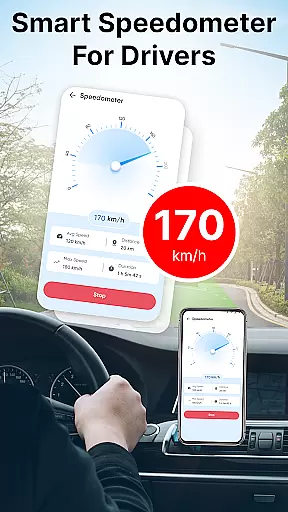
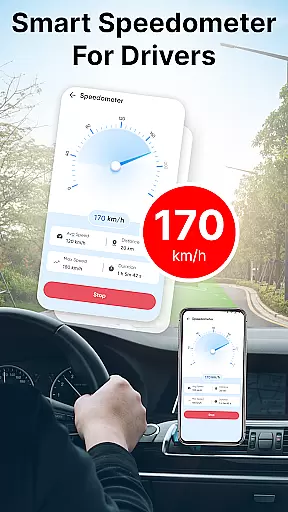
Beyond basic mapping, the application offers advanced tools including a built-in speedometer, magnetic compass, and various environmental measurement features. The live traffic updates and route finding capabilities help users navigate efficiently, while the voice navigation feature ensures safe travels. Unique analytical tools allow users to measure area, check altitude, and monitor oxygen levels at specific locations.
What truly sets this app apart is its educational value. Users can explore the Seven Wonders of the World, access global information about countries, and view live street scenes from around the globe. The combination of practical navigation tools with educational content makes Live Earth Map a versatile application suitable for various use cases, from travel planning to geographical research.
Map accuracy is essential for any navigation app, and Live Earth Map: Satellite View excels in this area. The application provides real-time satellite map views that allow users to zoom into any region with precision. This feature ensures that the maps are not only visually appealing but also geographically correct, making it easier for users to explore and navigate.
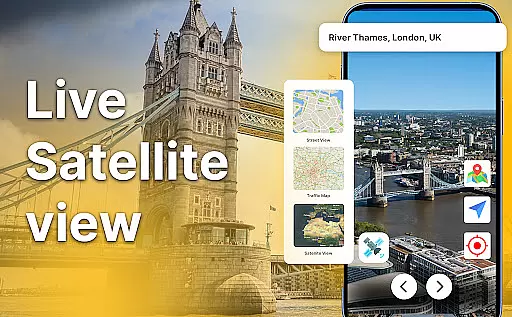
The app's live satellite view offers clear images of any place on Earth, enhancing the user's ability to understand their surroundings better. With frequent data updates, the app maintains its map accuracy, ensuring that users have access to the most current geographical information. This level of detail is crucial for virtual tours or global discovery, where exact locations matter.
Live Earth Map stands out by offering both 2D and 3D map views, allowing users to switch between these modes for an enhanced exploration experience. Whether you're planning a journey or satisfying your curiosity from your device, the accurate depiction of Earth's surface adds significant value. This functionality supports various use cases, from casual browsing to detailed geographical analysis.
Effective route planning is a cornerstone of the Live Earth Map: Satellite View app, empowering users to find the best paths to their destinations. By leveraging smart GPS navigation, the app provides precise routing options that help avoid delays and ensure timely arrivals. This feature is particularly beneficial for drivers and travelers who require reliable navigation support.
In addition to basic route finding, the app offers live traffic updates directly on the satellite map. These updates keep users informed about current road conditions, enabling them to choose the optimal route. Real-time traffic data is crucial for dynamic trip planning, as it allows users to adapt their journeys based on the latest information, thus saving time and reducing stress.
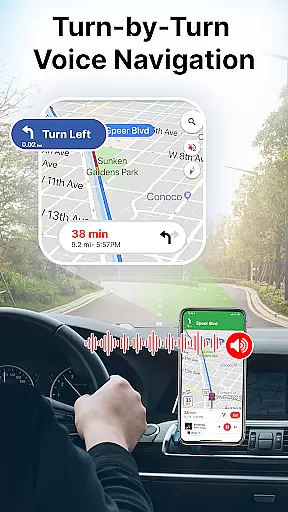
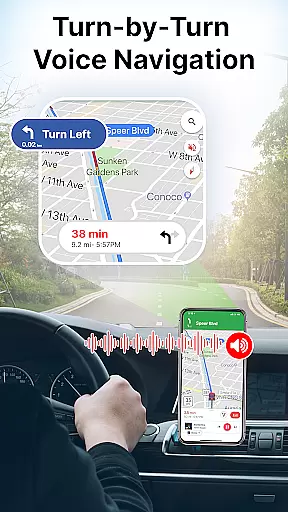
Voice navigation further enhances the route planning experience by providing hands-free directions. Clear voice guidance makes it safer and simpler for users to follow their planned routes without needing to look at the screen constantly. This combination of accurate GPS navigation, live traffic updates, and intuitive voice commands creates a comprehensive route planning solution that caters to various travel needs.
User-friendly interface
Real-time satellite views
Comprehensive GPS tools
Environmental analysis features
Global educational content
Requires constant internet
High battery consumption
Limited offline functionality
Some features need subscription
Occasional loading delays

Offline maps for phone and smart watch: topographic maps, satellite images...
 3.30
3.30
This app is military GPS coordinate systems helper. (MGRS, UTM & DMS Maps)
4.80
Discover over 800 points of interest along the canal.
3.70
Fully offline 1:50k New Zealand topographical map North Island
4.4
Instant diesel discounts - save big with each fill up!
4.40
Parcel map, property lines, owner, acres, land use, zoning and more from Regrid.
4.60
Affordable rides and food delivery with incredible discounts in just one app.
4.50
Off-Roading Navigation App With Trails, Public Lands, & Private Property Info
3.30
Get there with the Waymo Driver — The World’s Most Experienced Driver™
4.90
Airport parking, with airport shuttle (TPS shuttle), reservations, and Spot Club
4.80
LIRR and Metro-North tickets and trips
4.80
Find trails, organize your locations and navigate with offline maps.
4.60
Track friends in real-time and explore worldwide live cameras.
4.60
Find routes fast with GPS Maps, GPS Navigation & driving directions.
4.10
TACNAV-X: Precision MGRS navigation, built specifically for the military.
4.00
GPS Navigation: Get map directions and find the shortest routes to avoid delays!
4.00
NJ TRANSIT information and ticketing at your fingertips
3.70
Navigate via GPS Maps of GPS Voice Navigation, driving directions to find routes
3.60
Turn your tablet or Android powered unit into a full blow Android Auto headunit.
2.30


User Reviews