
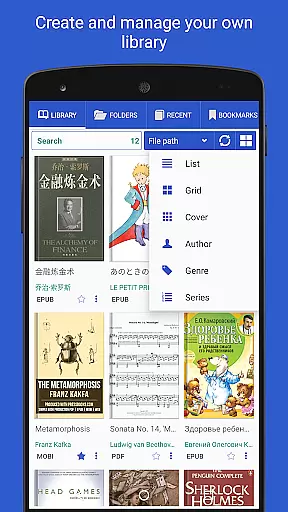
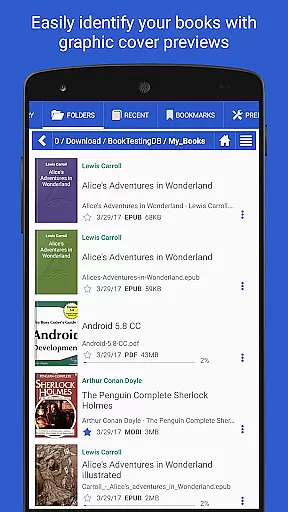
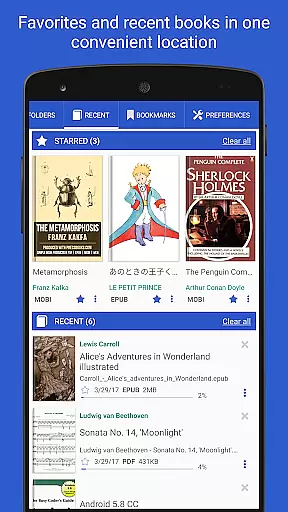
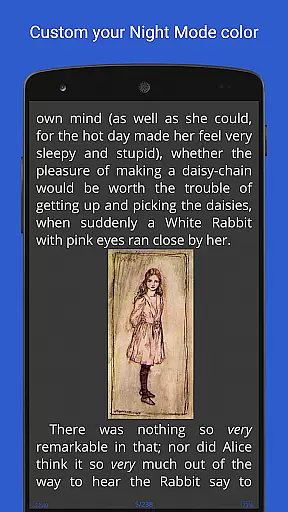
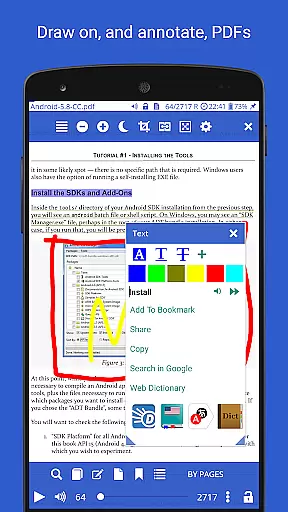
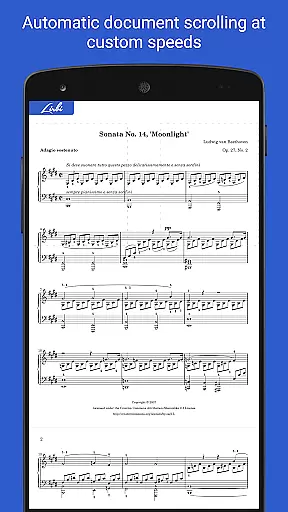
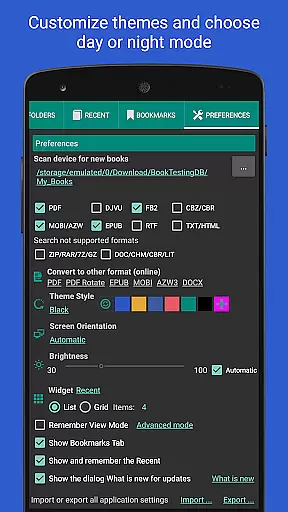
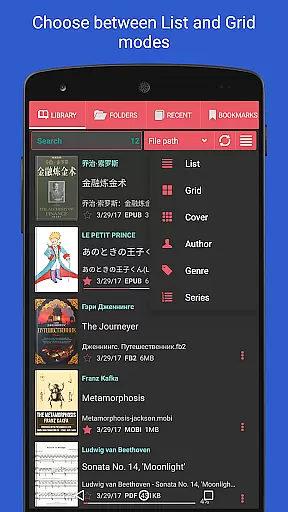
Librera PRO is a versatile and feature-rich reading application designed for book enthusiasts who require support for multiple document formats. This app supports PDF, EPUB, MOBI, DjVu, and many more, making it an all-in-one solution for digital reading. Its user-friendly interface offers both Day and Night modes, customizable reading settings, and even a unique Musician's mode for auto-scrolling at adjustable speeds.
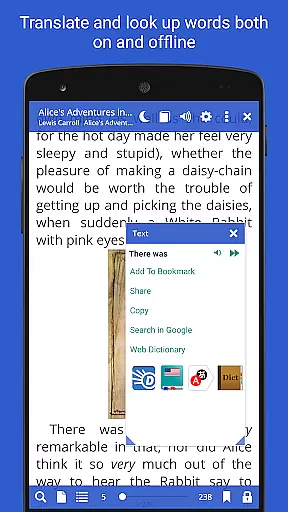
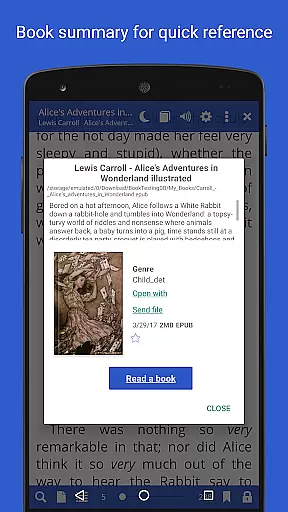
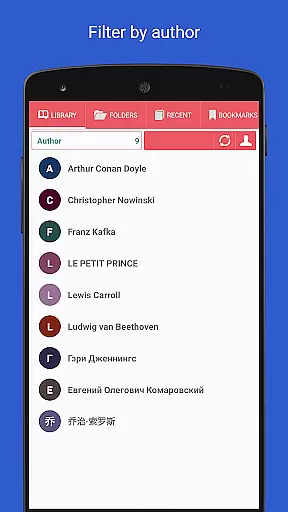
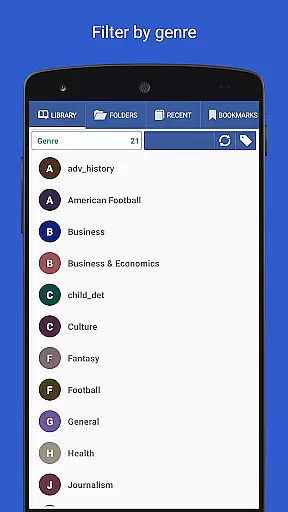
Beyond basic reading, Librera PRO allows users to create personalized libraries by scanning specified folders and organizing documents with tags, filters, and progress tracking. The app also integrates online translators and offline dictionaries, ensuring that language barriers won't hinder your reading experience. Whether you're flipping through pages of an eBook or annotating a PDF, Librera PRO provides tools like text reflow, vertical scrolling lock, and custom CSS for an optimal reading experience.
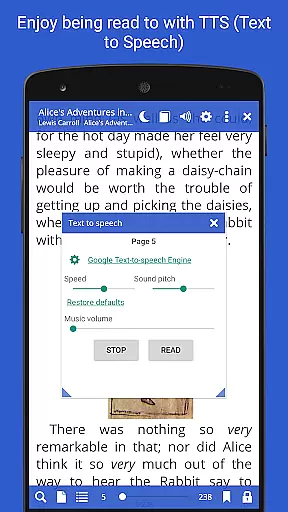
For those who value productivity, the app includes advanced features such as read-aloud functionality via TTS engines, word search across multiple documents, and syncing capabilities across devices. With its extensive format compatibility and customization options, Librera PRO is ideal for students, professionals, and casual readers alike.
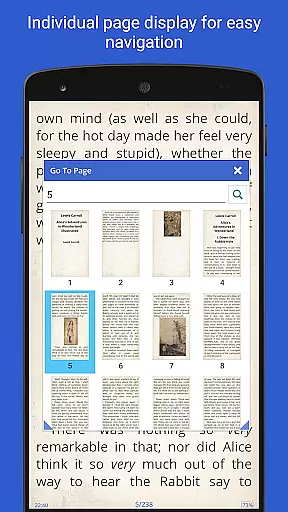
Librera PRO stands out due to its comprehensive set of features tailored for diverse reading needs. One of its core strengths is the ability to handle numerous document formats, including PDF, EPUB, and DjVu, while offering specialized viewing modes such as single-page layouts for dual-paged documents and vertical-scroll lock for easier navigation. These features ensure that users can access their preferred content without format restrictions.
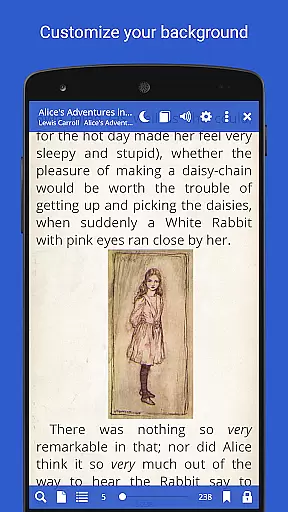
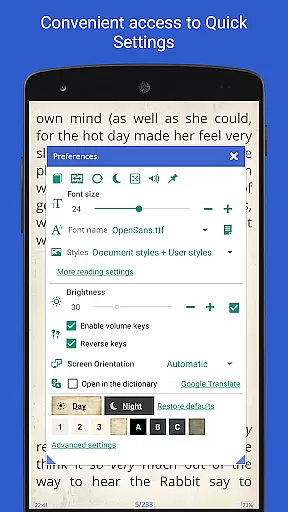
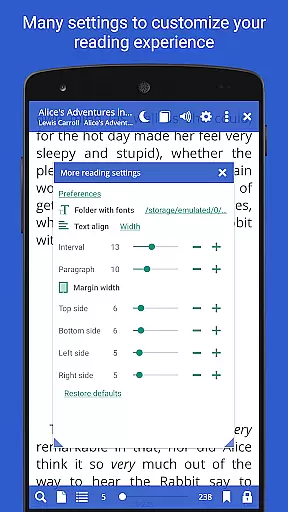
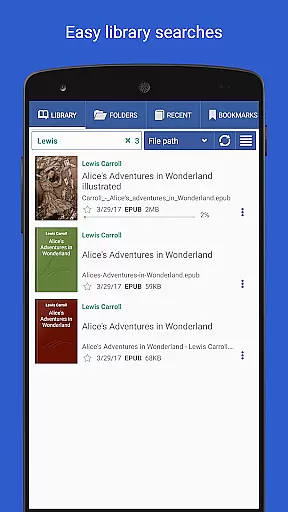
The app also excels in personalization, allowing users to configure individual reading environments with custom CSS, textured backgrounds, and adjustable volume key functions. Advanced functionalities like RSVP reading (similar to Spritz), annotations, and bookmarking provide a richer reading experience. Additionally, the inclusion of online catalogs (OPDS) and multi-document search capabilities makes it simple to manage large libraries efficiently.
Another notable aspect is the read-aloud feature powered by TTS engines, which caters to auditory learners or those multitasking. Syncing options across devices further enhance convenience, enabling seamless transitions between smartphones, tablets, or other gadgets. Overall, these robust features make Librera PRO a top choice for anyone seeking a powerful yet flexible e-reader.
Librera PRO offers an extensive e-book library that supports a wide array of document formats including PDF, EPUB, MOBI, and more. This ensures users have access to a vast collection of reading materials tailored to their preferences.
The app's dedication to copyright authenticity is evident through its support for legally purchased e-books and documents. Users can confidently source their reading materials knowing the platform respects intellectual property rights.
With features like online document format conversion and integration with online catalogs (OPDS), Librera PRO facilitates a seamless experience in acquiring and enjoying copyrighted content. These tools empower readers to manage their libraries efficiently while ensuring legal compliance.
Additionally, the ability to sync reading progress across multiple devices underscores the app's commitment to providing a trustworthy and user-centric e-reading environment. Readers can enjoy their collections anytime, anywhere, without compromising on copyright standards.
One of Librera PRO's standout features is its exceptional format compatibility, accommodating over ten document types such as PDF, EPUB, DjVu, and TXT. This versatility allows users to access a diverse range of content without worrying about format restrictions.
The inclusion of advanced functionalities like text reflow and annotations for PDFs enhances the reading experience significantly. These capabilities ensure that even complex documents are easy to navigate and interact with, maintaining the original layout and quality.
Moreover, the app supports archived books (.zip) and right-to-left languages, catering to a global audience with varied reading needs. Such comprehensive format support positions Librera PRO as a universal reader suitable for different types of literature and documentation.
By prioritizing format compatibility, Librera PRO enables readers to focus on content consumption rather than technical limitations. The result is an intuitive and uninterrupted reading journey that adapts to individual preferences and requirements.
User-friendly interface
Wide format support
Customizable settings
Advanced library management
Cross-device syncing
Paid PRO version required
Complex for beginners
Occasional bugs reported
High system resource usage
Limited free version features

Bilingual dictionary with English translations of Modern Standard Arabic words.
 4.30
4.30
Battle Royale Chapter 5 Season 2 HD Wallpapers Emotes Skins and BattlePass
3.00
Bible Study App with Audio Book, Verse of the Day, and Devotionals.
4.80
Read aloud texts, audiobooks, PDFs or any eBook with text to speech AI audio
4.60
Scan. Price. Grade.
4.60
The dynamic dictionary/reference app for piano chords and scales!
4.80
Unlock more features in Lithium and show your support. Expand for details.
4.00
King James Bible read offline, AI Priest, Bible Quiz, Guiding Prayers & Plans
4.80
A companion for prayer, with Azan alarm, Quibla direction, and Holy Quran book
4.10
Learn Thai with 195,000+ entries, crisp Thai sounds, big text; works offline.
4.80
A lightweight reader for comics and mangas files (.cbr, .cbz, .cbt, .pdf, ...)
4.80
Discover Stars and Planets: Live Map Shows Current Constellations in Full Detail
4.70
Watch real short episodes in just minutes— addictive, you won't be able to stop!
4.70
Full text, sheet music, and recordings of the print edition
4.60
Discover, track, and share your reading with friends & our community of readers
4.60
Build family tree & discover DNA, family history heritage, origins and ancestors
4.60
Read the romance stories on the go. Take my breath away, The Spoiled Girl
4.30
“There was one last piece of cake. My little sister said ‘Me too!’”
4.00
University of North Carolina Herbarium presents the flora of TN, AL, & MS.
4.3


User Reviews