
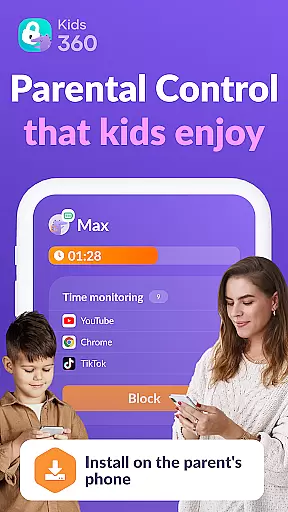


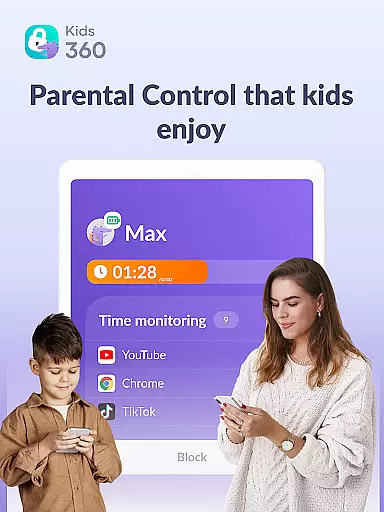

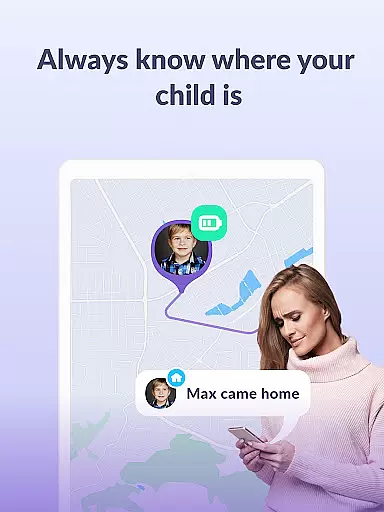

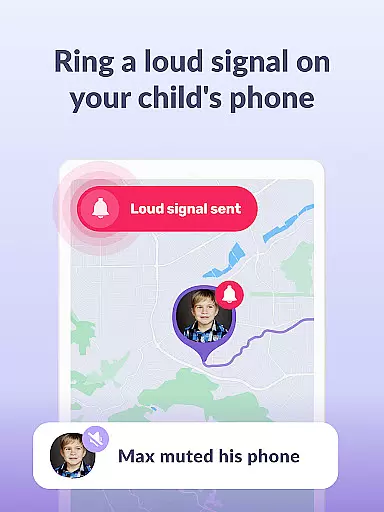
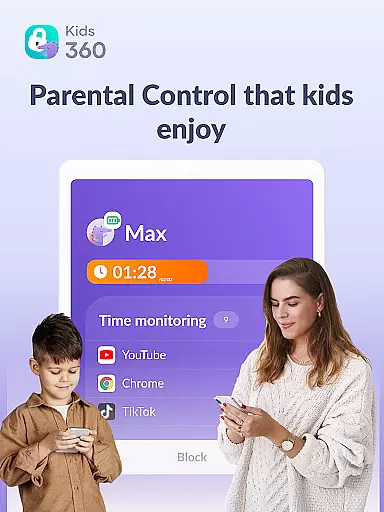
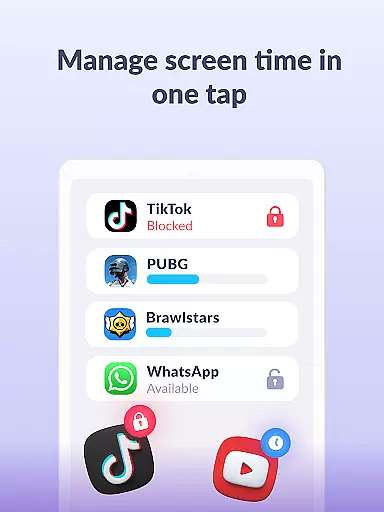

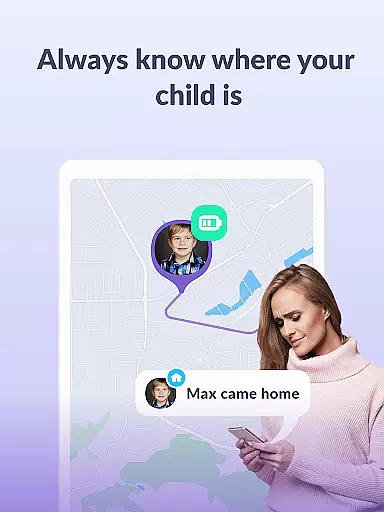

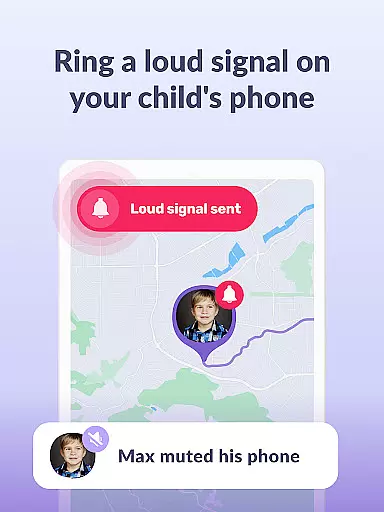
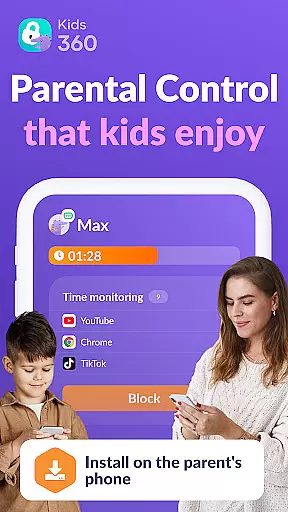

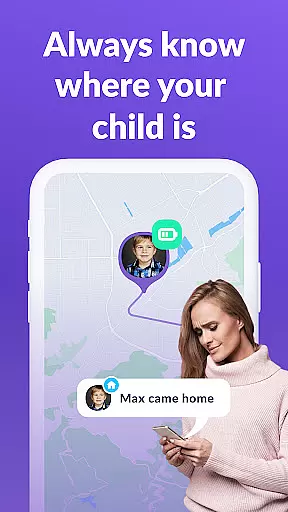

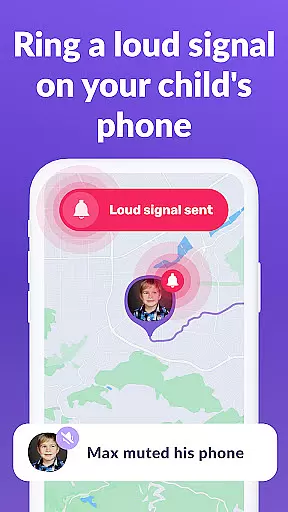
Kids360 is a comprehensive parental control app designed to help parents manage their children's device usage effectively. The app offers essential features like screen time management, app blocking, and GPS tracking, ensuring a safe digital environment for kids. With its child lock functionality and detailed usage statistics, parents can monitor and regulate their children's phone activities.
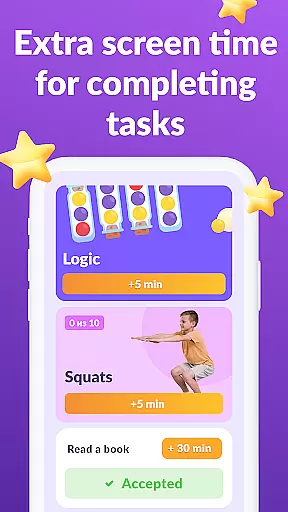
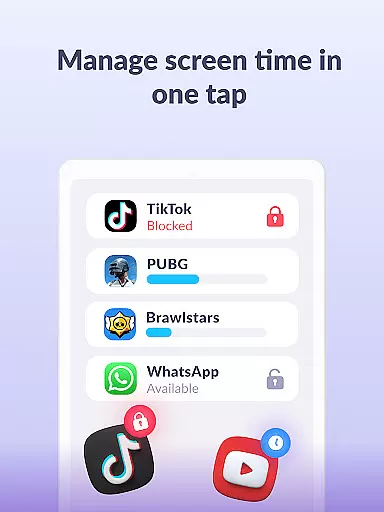
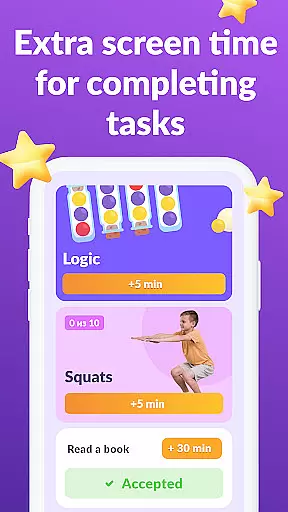
One of the standout features of Kids360 is its ability to set specific time limits on apps, games, and social media platforms, promoting healthier device habits. Additionally, the app provides educational games and ensures that vital communication apps remain accessible at all times. This combination of control and safety makes Kids360 an invaluable tool for modern parenting.
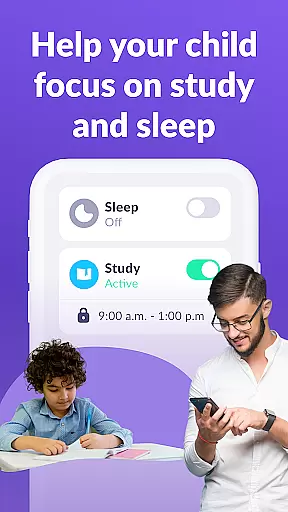
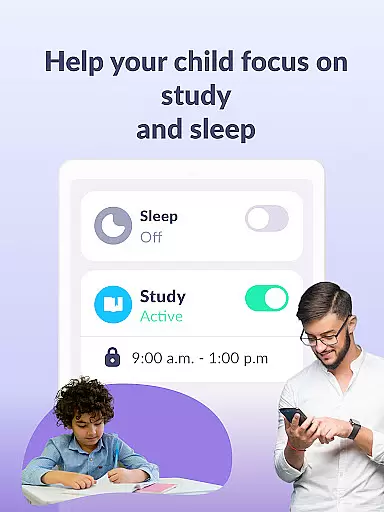
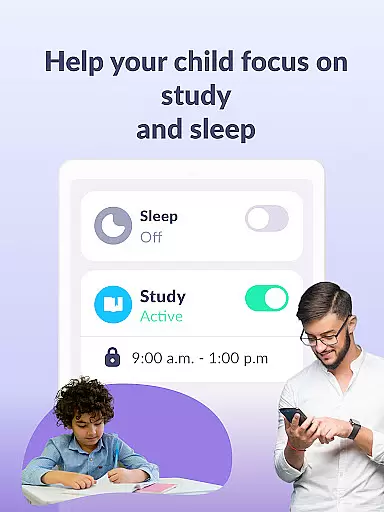
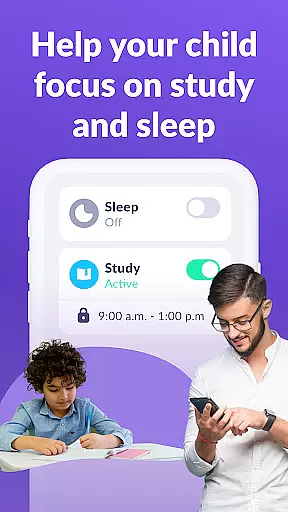
Parents can use Kids360 to create a balanced schedule for their children, allowing productive study time and restful sleep periods. By tracking app usage patterns and setting appropriate boundaries, families can enjoy peace of mind knowing their children are protected online. The app requires explicit consent from the child for installation and adheres strictly to GDPR policies, safeguarding user data with utmost care.
Kids360 boasts an impressive array of features tailored specifically for parental control needs. The app usage limiter allows parents to restrict access to distracting applications, effectively functioning as a child lock during designated hours. This feature supports creating a focused environment for schoolwork and rest, enhancing children's overall well-being.
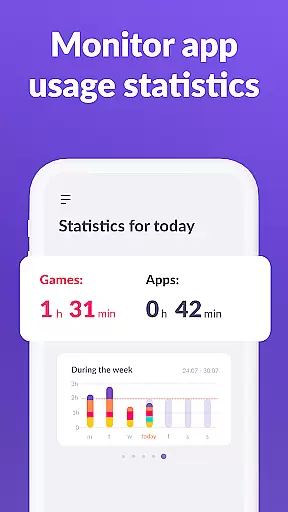
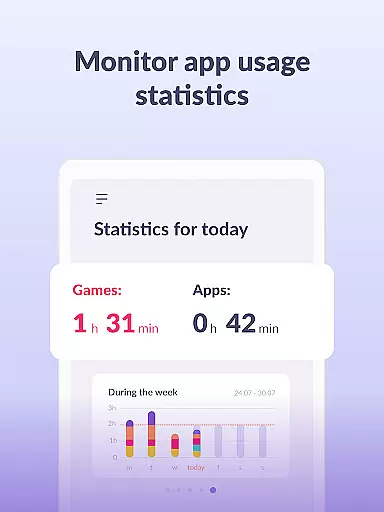
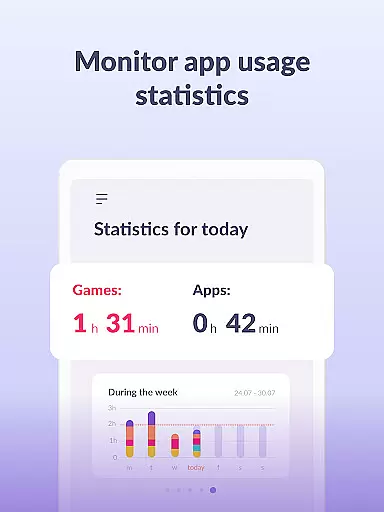
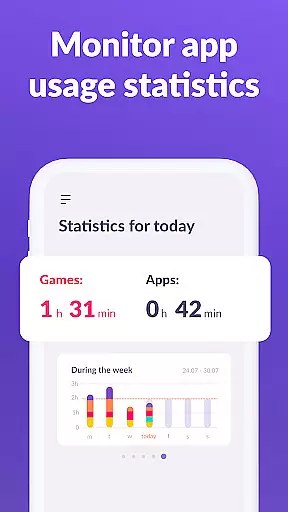
The usage schedule capability enables parents to establish structured routines for their children's device usage. By defining specific time slots for education, leisure, and sleep, Kids360 helps maintain a healthy balance between digital engagement and real-world activities. Furthermore, the app statistics feature provides detailed insights into children's app preferences and usage duration, empowering parents to make informed decisions about screen time management.
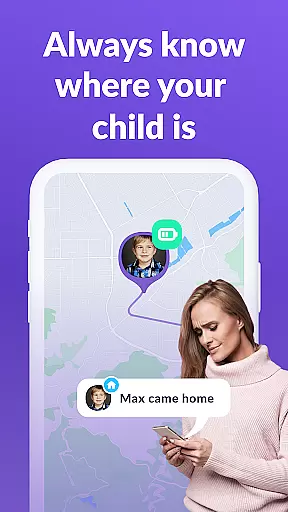
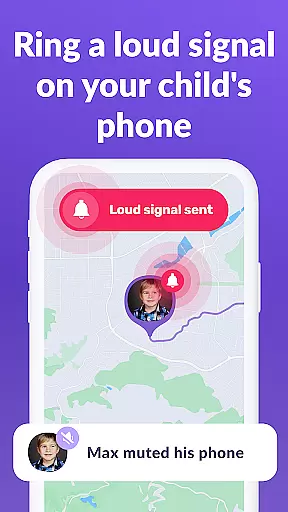
Another remarkable aspect of Kids360 is its robust monitoring system, which includes GPS tracking and continuous app activity surveillance. These tools ensure that parents remain connected with their children's whereabouts and digital behavior. The app also facilitates open communication channels by keeping essential contact applications always accessible, fostering both safety and trust within families.
When it comes to parenting applications, the credibility of content and expert validation play pivotal roles in ensuring that parents receive reliable guidance. Kids360 stands out by offering features that are not only designed by professionals but also comply with legal standards including GDPR policies. This ensures that every functionality, from setting screen time limits to monitoring app usage, is rooted in expert knowledge and best practices for child development.
The application provides a comprehensive suite of parental control tools, each validated by child safety experts. For instance, the app usage limiter and child lock functions are crafted based on research into healthy device habits for children. By allowing parents to schedule productive school times and restful sleep periods, Kids360 incorporates expert-endorsed strategies for balancing digital engagement with offline activities.
Parents using Kids360 can trust that they are implementing scientifically-backed methods to manage their children's screen time. The app's ability to track GPS, monitor app activity, and provide educational games has been scrutinized and approved by specialists in child psychology and digital wellness. This expert validation gives parents peace of mind, knowing that their efforts to keep children safe online are supported by authoritative knowledge.
Growth tracking accuracy is essential for understanding a child's developmental progress over time. Kids360 excels in this area by providing precise data on how children interact with their devices. The app meticulously records usage statistics, giving parents clear insights into which apps their children use most frequently and for how long, thus enabling informed discussions about digital habits.
With features like detailed screen time reports and app usage statistics, Kids360 allows parents to monitor their childu2019s growth in terms of digital literacy and responsibility. These analytics help identify patterns such as excessive gaming or social media use during class hours, prompting timely interventions. Such accurate tracking empowers parents to guide their children towards healthier tech habits effectively.
Moreover, Kids360 supports growth tracking through its integration with Alli360, creating a robust system for observing behavioral trends over extended periods. Parents can adjust settings based on these insights, fostering an environment where children learn to balance technology use with other life activities. This ongoing assessment ensures that parental controls evolve alongside the childu2019s needs, maintaining both safety and developmental support.
User-friendly interface
Comprehensive monitoring tools
Customizable time schedules
Effective app blocking capabilities
GDPR-compliant data protection
Requires child's consent for installation
Limited free trial period
Paid subscription for advanced features
Dependent on Alli360 companion app
Device administrator permissions needed

Happiest Baby App replaces the SNOO App (the mobile companion to SNOO & SNOObie)
 3.20
3.20
Cherish every beat - capture your baby's heart sounds with our app
4.30
Track your pregnancy, kick & contraction counter, baby & mom's heartrate monitor
4.60
Magic chalkboard coloring and drawing!
4.20
Pinardin - Smart Parental Control, Online Safety & GPS Tracking!
4.80
Track your labor contractions
4.90
Findnumber: Real-time location tracker for ultimate family security
4.20
The Most Trusted Co-Parenting App.
4.60
Monitor screen time and build healthy habits with Family Safety
3.90
Advanced baby tracking, expert sleep help & parenting support for every stage.
4.80
FamilyAlbum helps you share, save, and remember your child's special moments.
4.80
Kids story books for children. Baby reading books with audio for pre-k toddlers
4.70
It is a screen time management tool for games and mobile applications
4.50
Family parental control app: limit screen time, block apps, GPS tracker.
4.20
Affirmations | Stories | Bible
4.10
Watching baby, helping parents
4.10
The Baby’s Bounty App is your hub to register for our diaper banks in Nevada
3.70
Discover fun videos, kids songs, bedtime stories and games
3.60
A Coloring for the Whole Family! Discover the Joy of Family Love Through Colors!
3.60


User Reviews