
Pinardin: Parental Control is a comprehensive safety and monitoring solution designed for parents who want to ensure their children's well-being in the digital age. The app provides real-time location tracking, digital habit monitoring, and various security features such as Live Monitoring, App Block, and Sensitive Content Detection. With Pinardin, parents can foster healthy phone usage habits while ensuring their child's safety both online and offline.
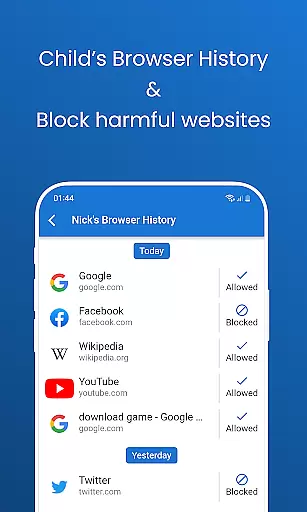
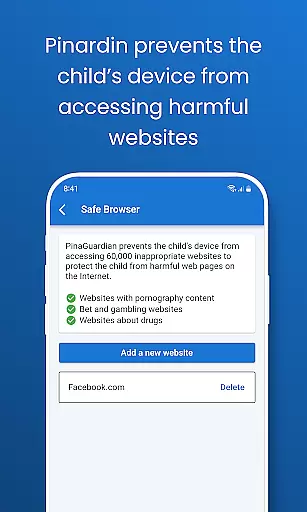
The application offers advanced tools like remote camera access, one-way audio monitoring, and automated screenshots of the child's phone screen. It also includes social media monitoring across platforms like TikTok, YouTube, and Instagram, website blockers for inappropriate content, and screen time controls to manage device usage schedules. These features work together to create a secure environment that promotes responsible digital behavior.
Pinardin stands out by emphasizing family bonding and open communication rather than secretive spying. It requires the child's knowledge and consent for installation, promoting trust and transparency. This approach not only protects children but also helps parents understand their digital activities better, guiding them towards developing good tech habits. Suitable for modern families, Pinardin ensures peace of mind for parents while empowering kids to navigate the digital world safely.
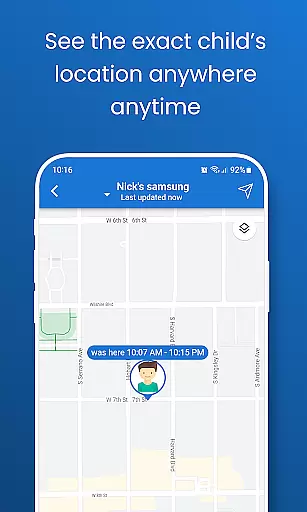
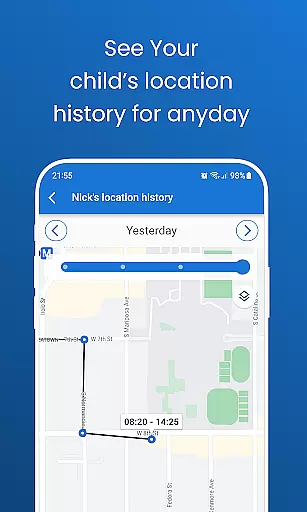
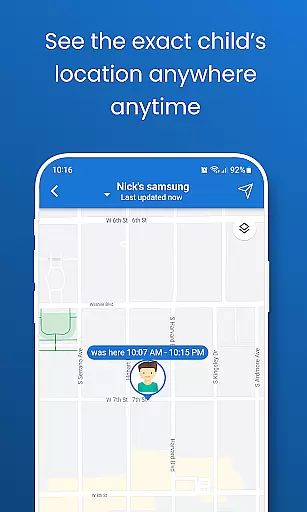
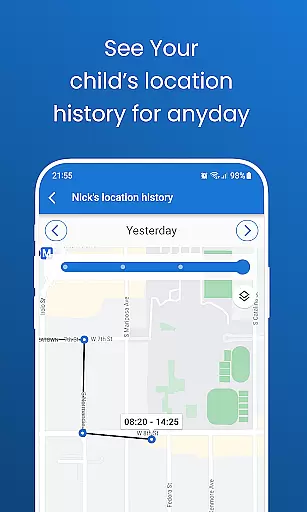
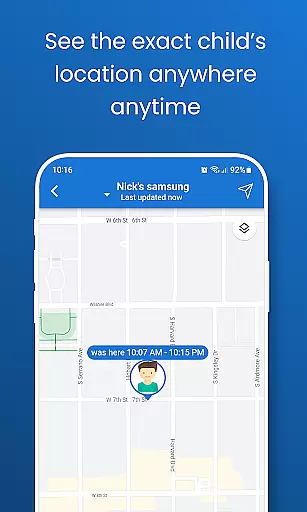
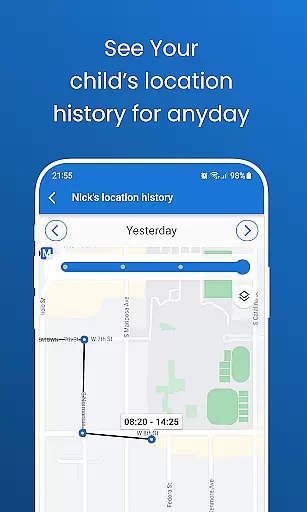
Pinardin boasts an impressive array of features tailored specifically for parental control and child safety. One of its standout capabilities is Live Location Tracking, which uses high-precision GPS to monitor the child's whereabouts in real time. Parents can review past routes, set up geo-fencing alerts, and receive instant notifications when boundaries are crossed. This feature acts as a virtual bodyguard, providing 24/7 protection and peace of mind.
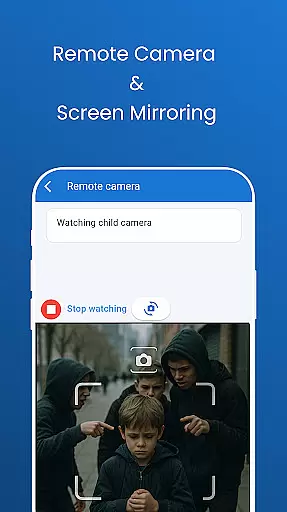
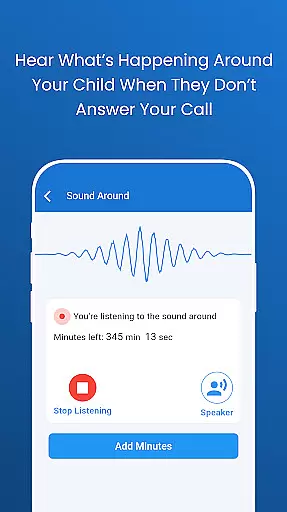
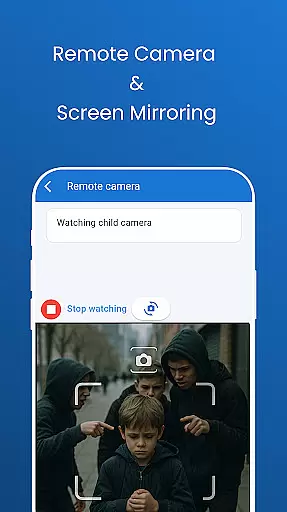
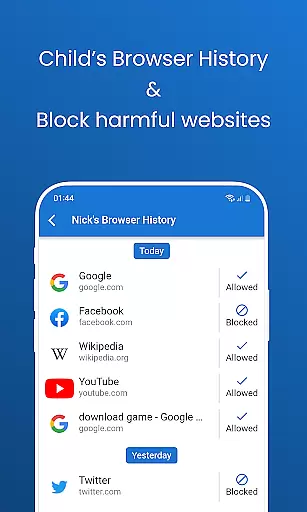
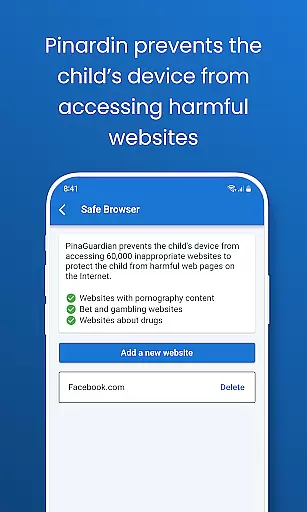
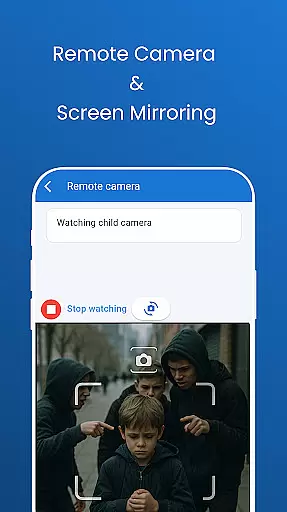
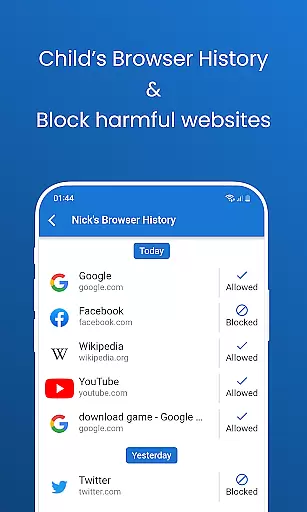
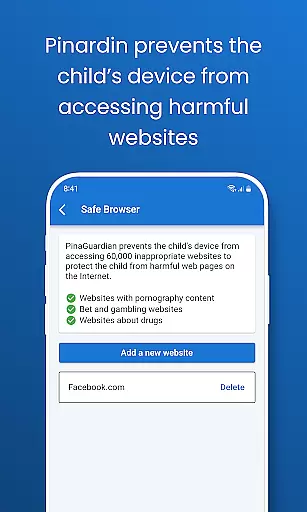
In addition to location services, Pinardin offers Remote Camera & One-Way Audio functionality, allowing parents to see and hear what's happening around their child at any given moment. Automated Screenshots provide live updates of the child's phone screen, helping parents identify unsafe apps or behaviors. Social Media Monitoring scans platforms like TikTok, WhatsApp, and Instagram for sensitive content, while Website Blocker ensures safe browsing by restricting access to inappropriate sites.
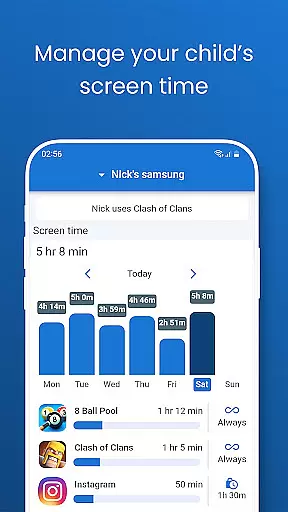
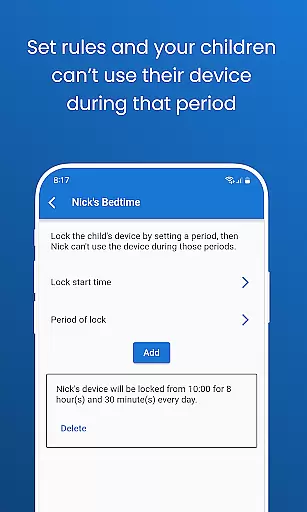
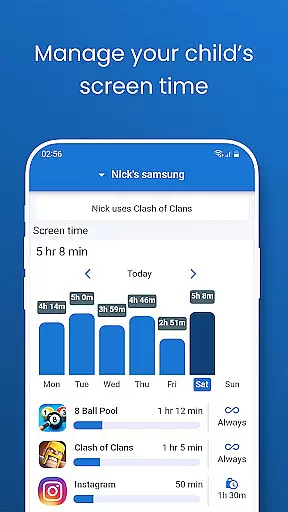
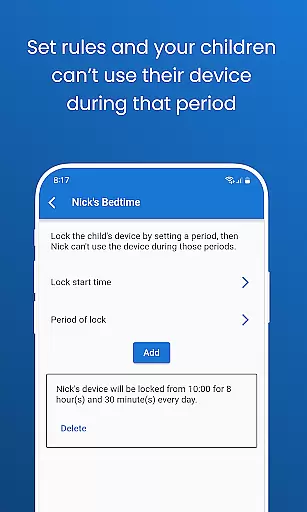
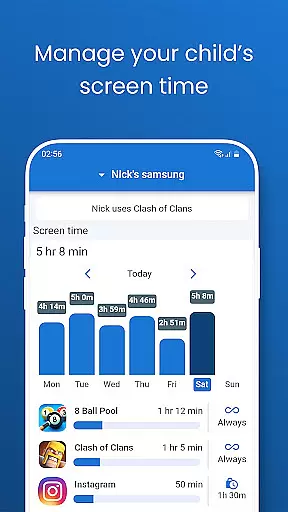
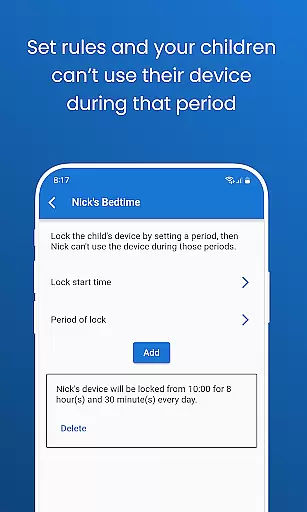
Other notable features include Screen Time Limits, Bedtime Mode, and App Notification Sync. These tools help regulate device usage during school hours, prevent late-night scrolling, and keep parents informed about their child's online interactions. By combining these innovative features with a focus on privacy and security, Pinardin creates a balanced ecosystem where children can explore the digital world safely under parental guidance.
Pinardin offers a comprehensive parental control solution that is both credible and validated by experts in child safety and digital wellness. The app's features are designed based on thorough research into the digital habits of children and the potential risks they face online.
The app includes functionalities such as Live Monitoring, App Block, and Sensitive Content Detection, which are developed with the guidance of child psychologists and digital safety experts. This ensures that parents have access to tools that are not only effective but also promote healthy digital habits among children.
Parents using Pinardin can be confident that the app's capabilities, including remote camera access, one-way audio, and social media monitoring, are intended to protect their children while respecting privacy boundaries. These features help parents stay informed about their children's online activities without being intrusive.
By choosing Pinardin, parents are leveraging a tool that has been crafted with care, ensuring that their efforts to safeguard their children are supported by reliable and expert-endorsed methods.
Pinardin provides accurate growth tracking for children's digital behavior, allowing parents to monitor changes and developments over time. This feature is crucial for understanding how children interact with technology and identifying areas where guidance may be needed.
The app meticulously records data related to app usage, location history, and screen time, presenting it in an accessible format for parents. With this information, parents can track patterns in their children's digital habits and make informed decisions about setting appropriate limits.
Through features like Automated Screenshots and Live Location Tracking, Pinardin enables parents to review their child's phone screen activity and past routes taken. This level of detail supports precise tracking of behavioral trends and helps establish a clear picture of a child's daily digital journey.
With Pinardin's accurate growth tracking, parents gain insights that foster open discussions with their children about responsible device use, ultimately promoting a balanced approach to technology within the family environment.
Comprehensive monitoring
User-friendly interface
Real-time alerts
Encourages family trust
GDPR compliant
Premium features costly
Requires child consent
Limited without subscription
Dependent on internet
Setup can be complex

Free symptom & med tracker with expert-reviewed tips.
 4.30
4.30
Track your pregnancy & your baby's growth in 3D. Get support from our community
4.60
Track Pregnancy, Baby Feeding, Sleep, Diaper Changes, Postpartum Health & More!
4.80
Fake call application designed for parents and adults to discipline their children through the children's police.
4.20
Parental Control including Screen time control, GPS tracking, App/Game blocker.
3.90
Protect kids online safety through GPS tracking,screen time control,app blocking
4.20
Save money on diapers. Get the Pampers Rewards app.
3.90
GPS tracker app: Simple GPS phone tracker for fast family location tracking
4.60
The Most Trusted Co-Parenting App.
4.60
All-In-One Pregnancy Tracker, Your Baby's Milestones, Growth Stages & Parenting.
4.90
Sleep better with white noise app! Discover rain sounds, fan noise and more.
4.70
Kids story books for children. Baby reading books with audio for pre-k toddlers
4.70
App/Game blocker & GPS tracker
4.50
Real-time family location with consent, check-ins & SOS—private by default.
4.40
Babysitting video camera - Turn your two phones or tablets into a single nanny.
4.40
Parental control: child monitoring app, screen time control, GPS child tracker
4.40
Find unique + popular baby names for your little peanut.
4.30
Cherish every beat - capture your baby's heart sounds with our app
4.30
Screen Time, App and Web Block & Monitoring, Location Tracker
3.60


User Reviews