
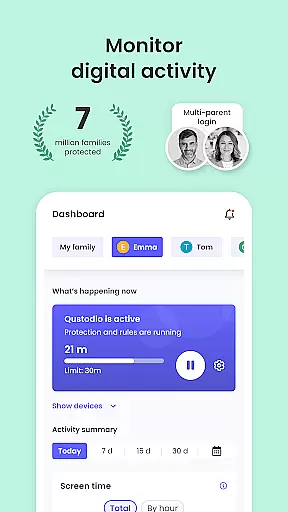
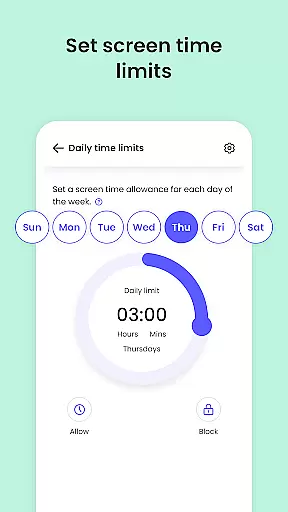
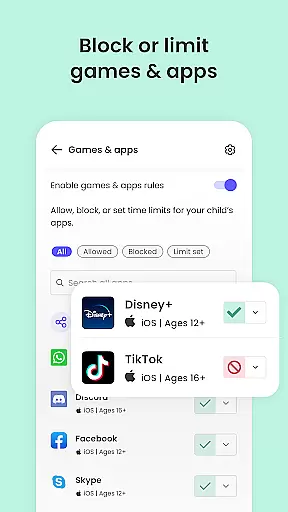
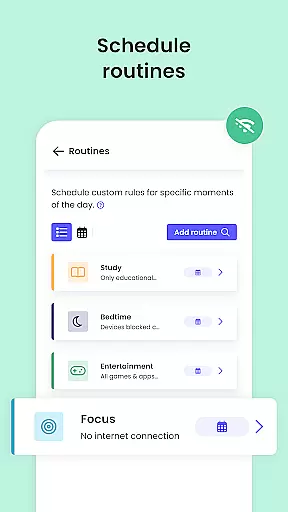
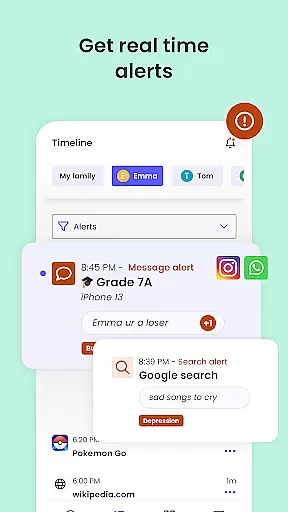
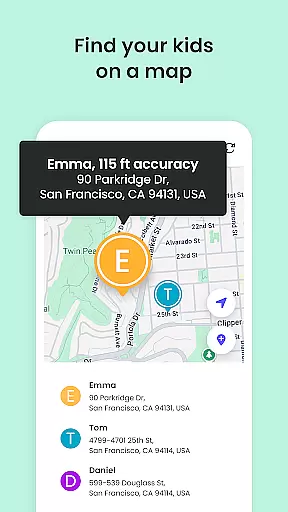
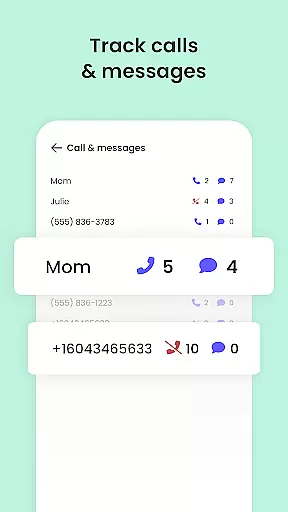
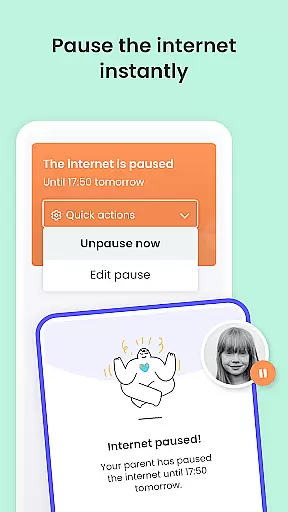
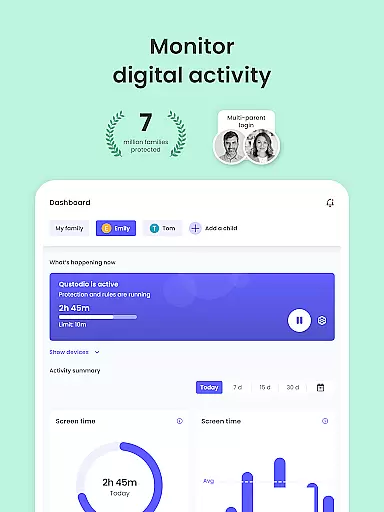
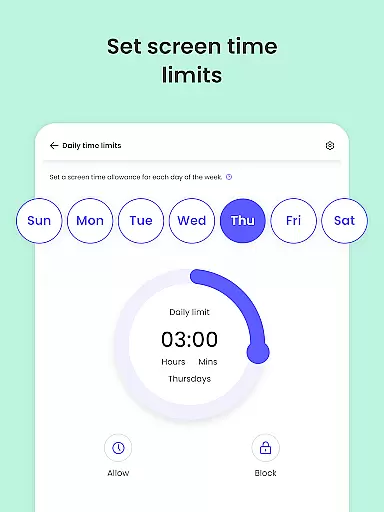
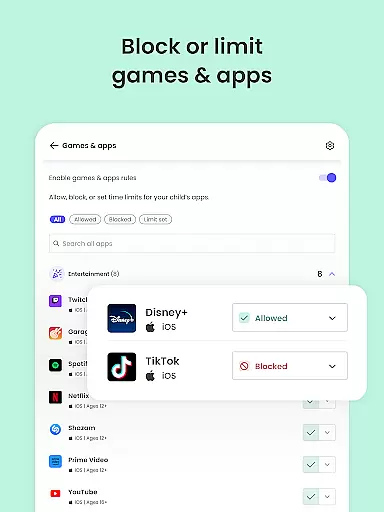
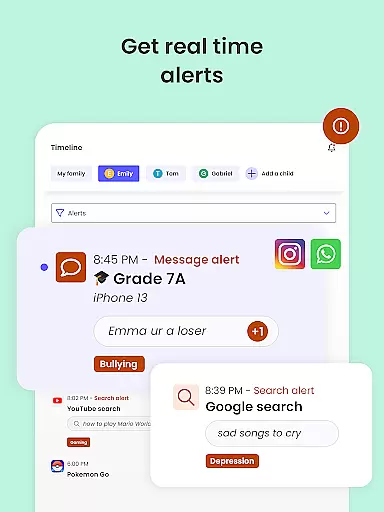
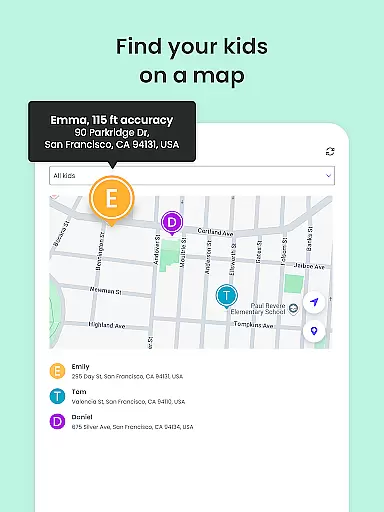
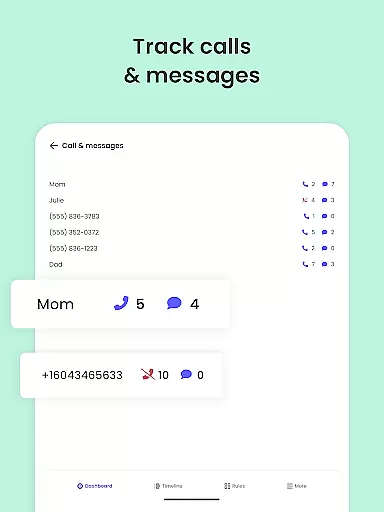
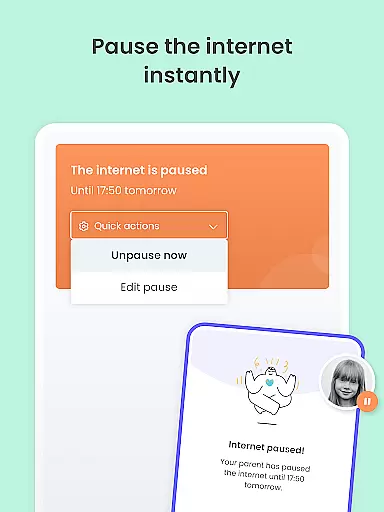
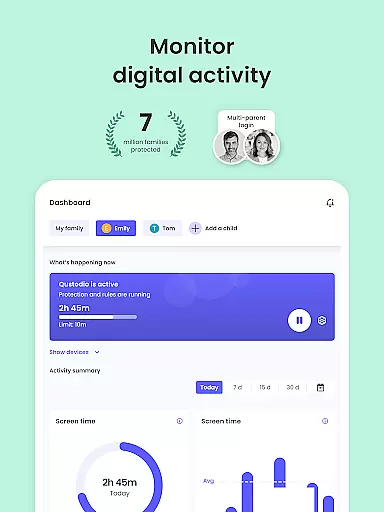
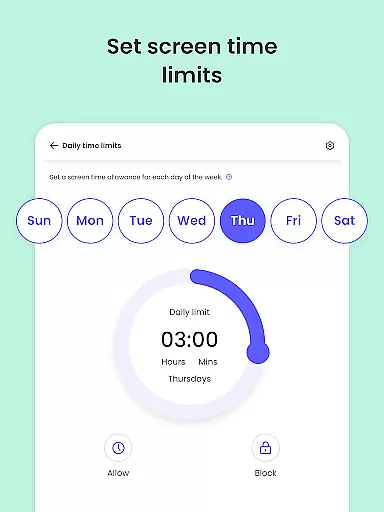
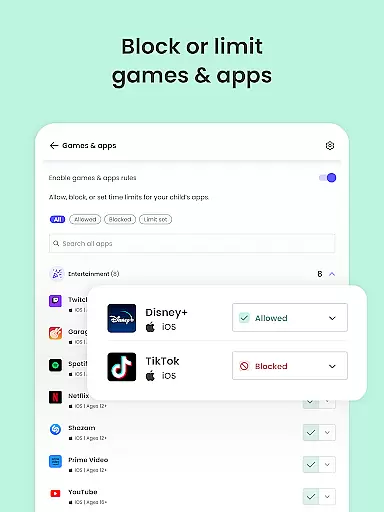
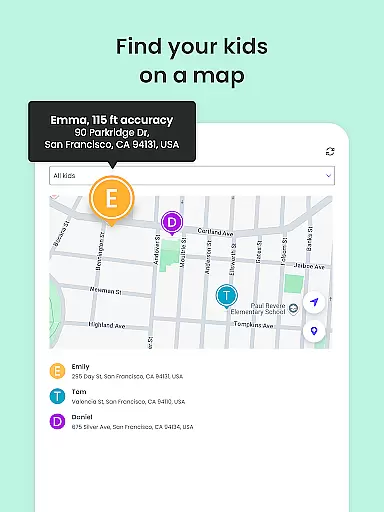
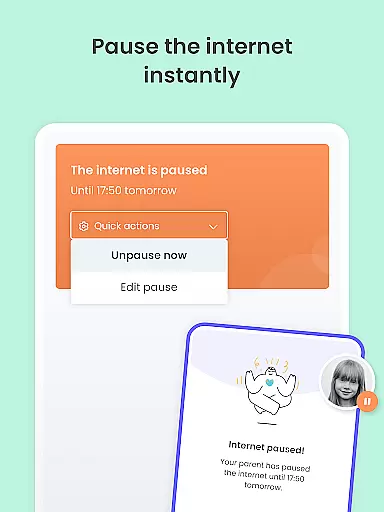
Qustodio Parental Control App is a comprehensive digital parenting solution designed to ensure children's online safety while promoting healthy device usage habits. The app offers robust features including screen time management, real-time location tracking, and AI-powered monitoring of web searches and messages. Parents can set daily time limits on app usage, block inappropriate content, and receive detailed activity reports.
This parental control tool stands out with its cross-platform compatibility, working seamlessly on Android, iOS, Windows, Mac, and Kindle devices. By installing the companion Kids App Qustodio on children's devices, parents gain centralized control through their own Qustodio app or web dashboard. This allows for real-time monitoring and adjustment of digital boundaries, making it an essential tool for modern families.
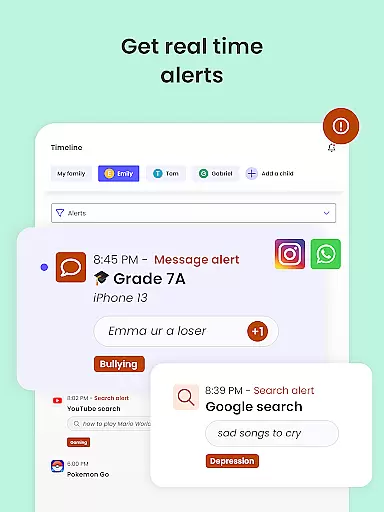
The application's value extends beyond simple screen time tracking. Its sophisticated alert system notifies parents about suspicious online behavior, app downloads, and social media activity across platforms like WhatsApp and Instagram. With features such as panic buttons, location sharing, and call blocking, Qustodio provides peace of mind while helping children develop responsible digital habits.
Qustodio distinguishes itself through its comprehensive feature set that addresses multiple aspects of digital parenting. The app's AI-powered monitoring system scans both web searches and text messages for potentially harmful content, providing real-time alerts to parents. Its sophisticated filtering capabilities allow precise control over accessible content, blocking inappropriate websites, games, and even specific keywords across different platforms.
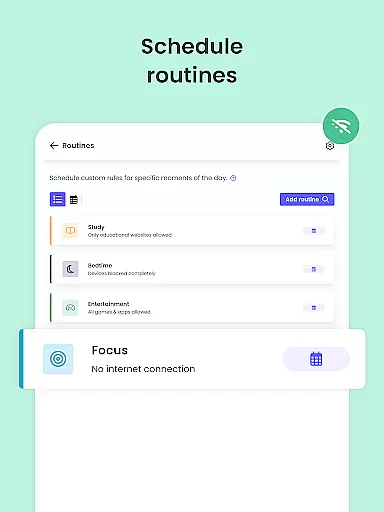
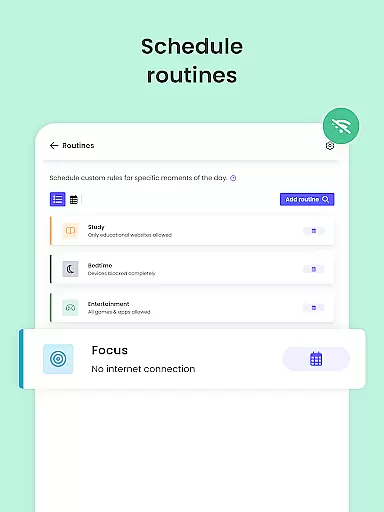
The application's strength lies in its granular control options and cross-platform functionality. Parents can establish custom routines for app usage, enforce safe search protocols, and manage permissions across various device types. The GPS tracking feature includes geofencing capabilities, enabling parents to receive notifications when children leave designated safe areas. Additionally, the co-parenting feature facilitates collaborative rule-setting between guardians.
What sets Qustodio apart is its ability to provide detailed analytics and reporting. The app generates comprehensive 30-day activity reports alongside daily and weekly summaries, offering insights into children's digital behavior patterns. These reports include information about app usage duration, website visits, and YouTube activity, empowering parents to make informed decisions about their children's digital environment.
When it comes to parenting apps, the credibility of content and expert validation are paramount. Qustodio Parental Control App excels in these areas by providing features that are designed and endorsed by child safety experts. The app's functionalities, such as screen time management, web filtering, and social media monitoring, are developed based on extensive research into digital safety and online child protection.
The app offers a comprehensive suite of tools that have been validated by professionals in child psychology and digital wellness. These include AI-powered alerts for suspicious activities, real-time location tracking, and detailed activity reports. Each feature is crafted not only to inform parents but also to educate them on fostering healthy digital habits for their children.
Users benefit from the peace of mind that comes with knowing they are utilizing a service that is recognized for its reliability. With Qustodio, parents can set safe boundaries for their children's device usage while receiving expert-backed insights into their online behavior. This ensures that the protective measures taken are both effective and grounded in professional expertise.
Growth tracking in parenting applications refers to the ability to monitor and analyze a child's developmental progress through various metrics. Qustodio achieves this through precise data collection and reporting mechanisms that provide an accurate picture of a child's digital habits over time.
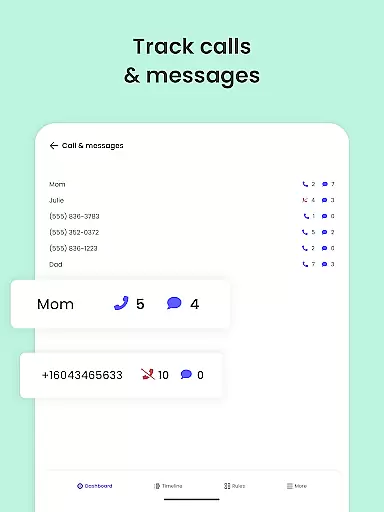
The app employs advanced algorithms to track usage patterns across different platforms and devices. It records activities such as app usage duration, website visits, and even social interactions. This data is then compiled into easy-to-understand reports that help parents identify trends and make informed decisions about their child's digital environment.
Parents using Qustodio can expect reliable growth tracking that aids in nurturing balanced tech consumption. By having access to consistent and accurate data, caregivers can establish routines that promote healthier lifestyles while ensuring their children remain protected from potential online risks. This level of precision empowers parents to guide their children's development effectively.
Comprehensive protection
AI-powered alerts
Cross-platform support
Detailed activity reports
Real-time location tracking
Premium features costly
Complex setup process
Limited free version
Device compatibility issues
Resource intensive

Find unique + popular baby names for your little peanut.
 4.30
4.30
Educational resource for parents to inspire creativity in their children.
4.00
With BabyCam you can monitor your baby using your mobile phone, tablet, PC or TV
4.40
Sleep better with white noise app! Discover rain sounds, fan noise and more.
4.70
Family GPS locator app — child location tracker. GPS kids tracker, family safety
4.70
A simple way to track your baby’s breastfeeding, diaper changes, sleep patterns.
4.90
Live Location, Alerts & 2-Way Voice for Kids and Adults with Special Needs
4.60
Limit screen time, Block Apps & Games, Monitor with Parental control app
4.20
Monitor screen time and build healthy habits with Family Safety
3.90
Introduce real food to baby with First Foods® Database, baby led weaning BLW
4.80
SENSORYSOOTHE and SENSORSAFE: Making car seats smarter and families safer.
4.70
All-in-one pregnancy app, contraction timer, kick counter & due date calculator
4.40
Comprehensive Parental Control & Child Safety — Hear & Protect Your Child World
4.30
Free symptom & med tracker with expert-reviewed tips.
4.30
Cherish every beat - capture your baby's heart sounds with our app
4.30
FamilyMode helps you manage your family’s digital lives—at home or on the go.
4.30
Magic chalkboard coloring and drawing!
4.20
Affirmations | Stories | Bible
4.10
SemLog aims to raise awareness among families and their children
3.40


User Reviews