
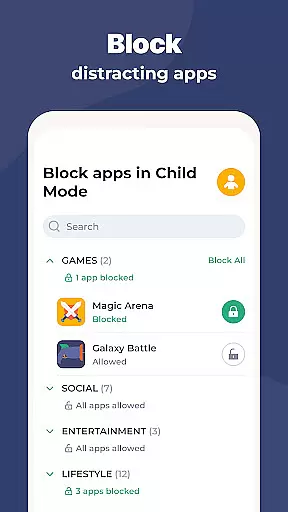
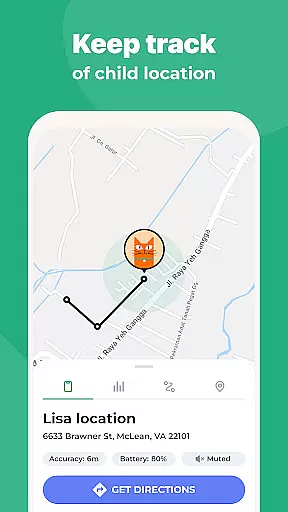
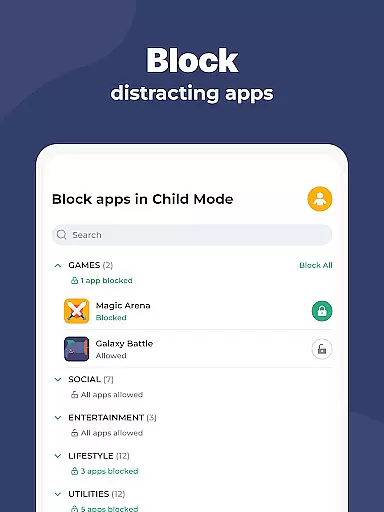
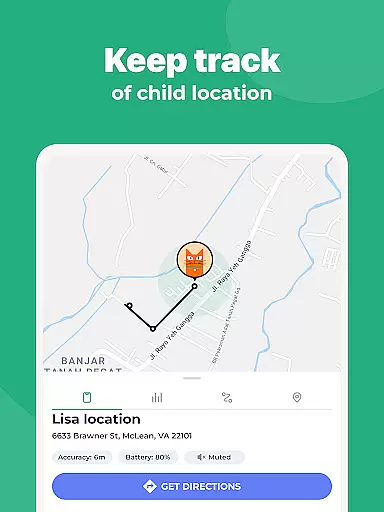
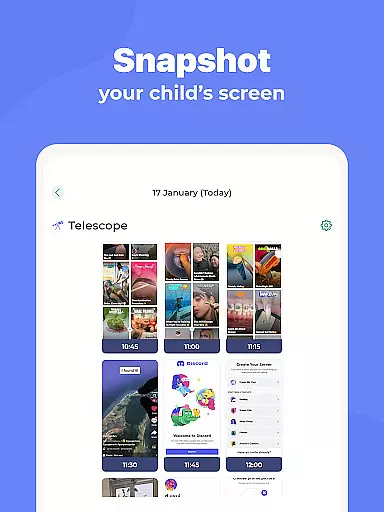
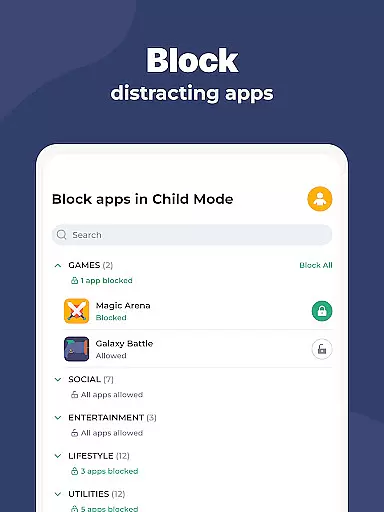
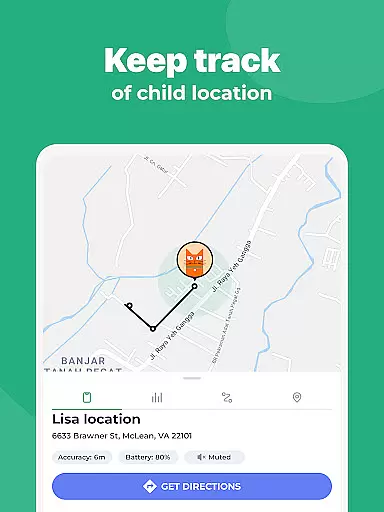
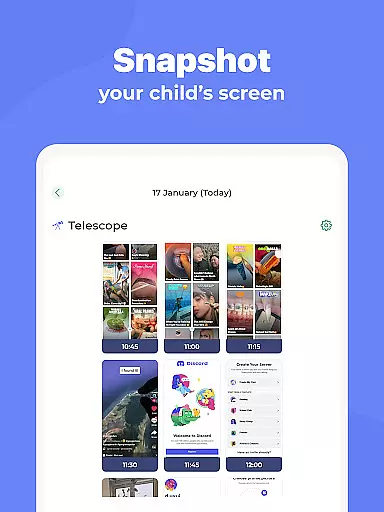
Kidslox Parental Control App is a comprehensive solution for parents seeking to manage their children's digital activities. This secure parental control app allows parents to regulate screen time, track location, block inappropriate apps, and monitor overall app usage on both Android and iOS devices.
The app provides essential features such as instant lock for remotely disabling apps, customizable screen time schedules, daily time limits, and activity monitoring. It also includes location tracking through GPS and geo-fencing alerts. With cross-platform support including mobile, desktop, and browser-based access, Kidslox offers a versatile and robust parental control solution.
Parents can utilize Kidslox to establish healthy digital habits while ensuring their children's online safety. The app's multiple control approaches cater to different parenting styles, making it suitable for families with varying needs.
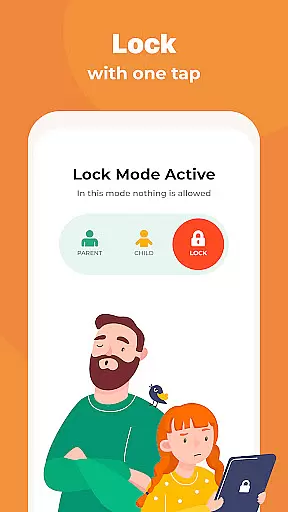
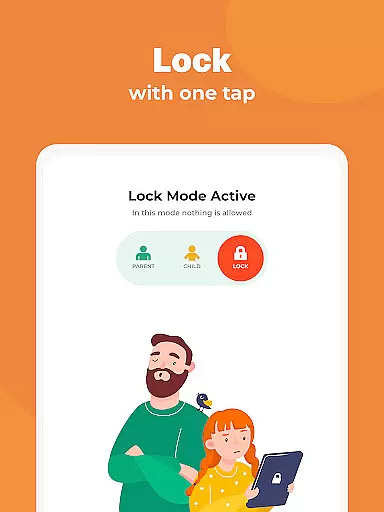
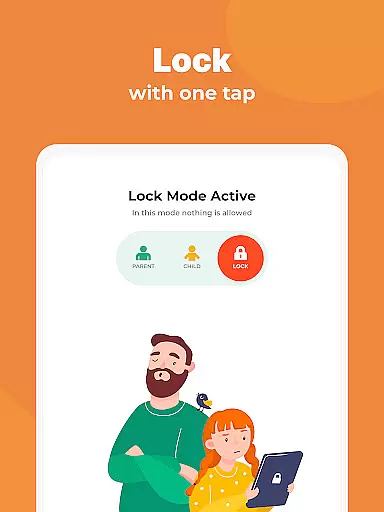
Kidslox stands out with its extensive range of parental control features designed to address various aspects of digital parenting. The app enables real-time control through its instant lock feature, allowing parents to remotely block apps on both Android and iPhone devices.
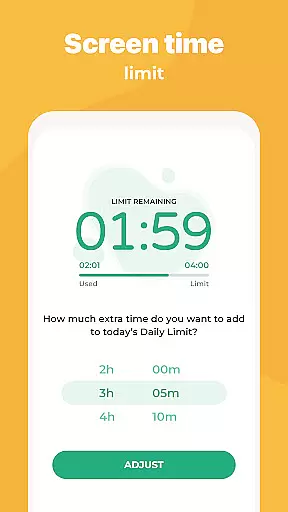
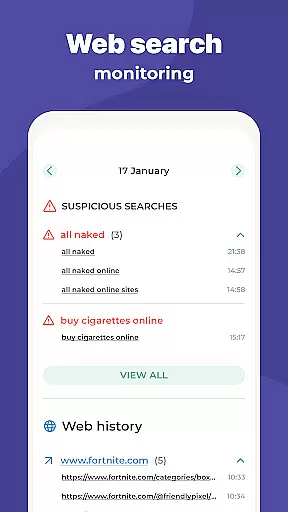
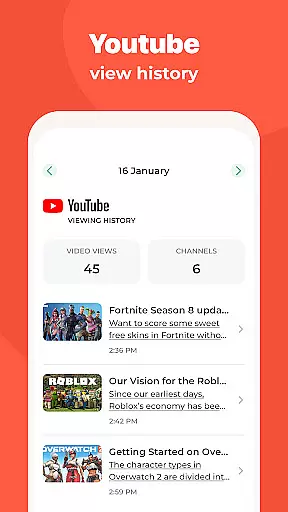
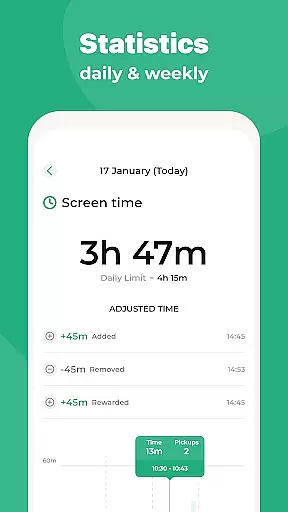
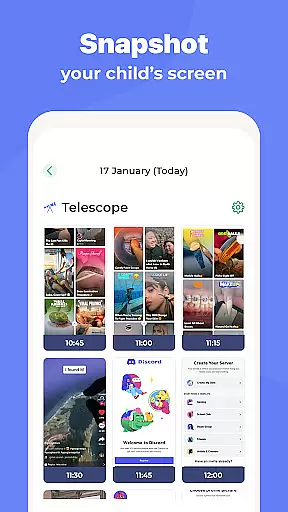
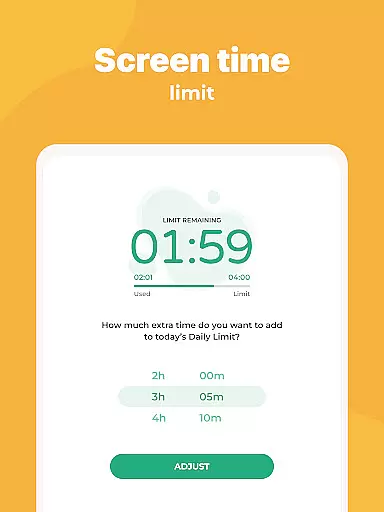
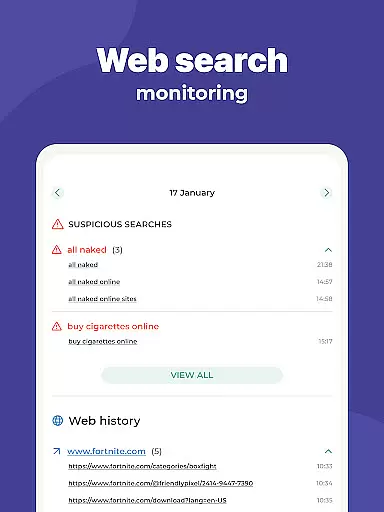
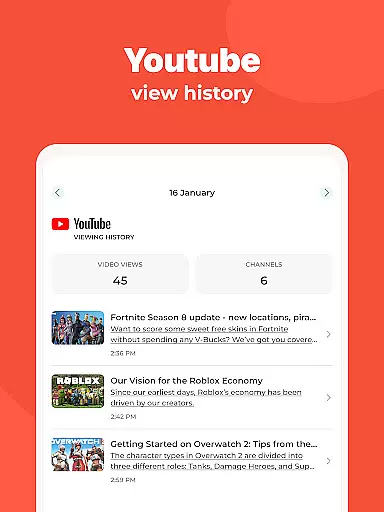
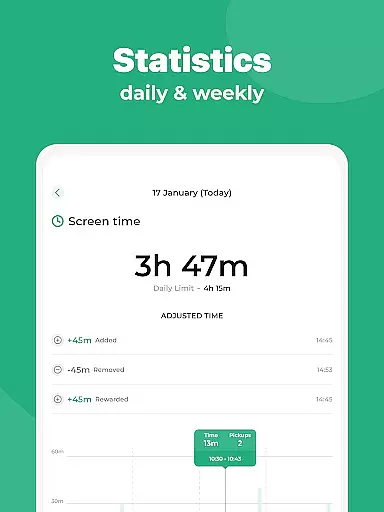
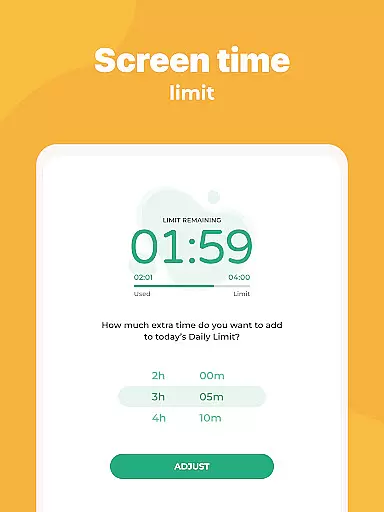
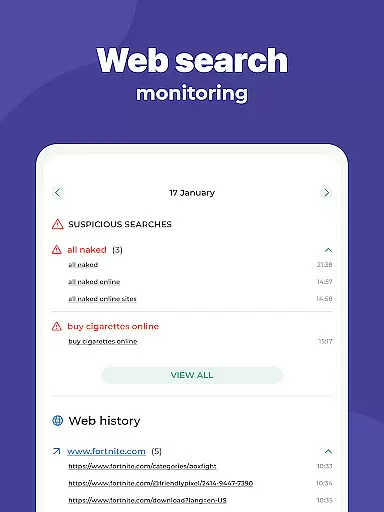
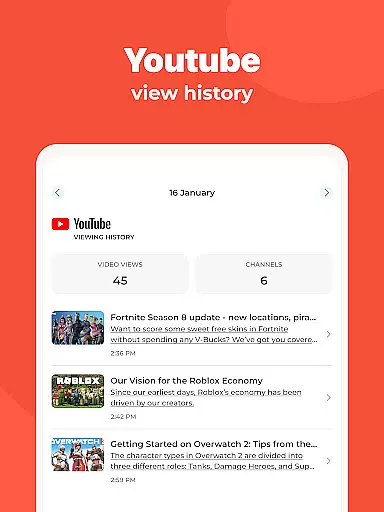
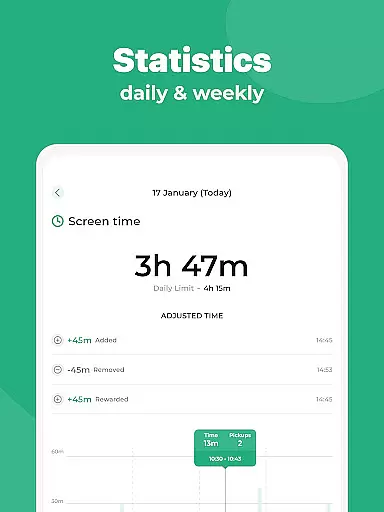
For structured management, parents can create customized screen time schedules, set daily usage limits, and even reward extra screen time for completing tasks. The app's monitoring capabilities provide detailed insights into children's app usage, web activities, and location history.
Additional notable features include content filtering to block adult websites, in-app purchase restrictions, and safe search enforcement across search engines. The app's multi-platform support extends to Windows, Mac, and browser-based controls, offering unparalleled convenience and flexibility in managing family devices.
In the realm of parenting apps, content credibility is paramount. Kidslox Parental Control App ensures that all information and guidance provided are thoroughly vetted by child development experts. This guarantees that parents receive reliable advice on managing their children's digital habits.
The app includes features like screen time management, location tracking, and content filtering, all designed with expert input to ensure they meet the developmental needs of children. These tools help parents make informed decisions about their child's device usage while promoting healthy digital habits.
Parents can trust Kidslox to deliver accurate data regarding their child's online activities and location. With regular updates from a dedicated support team, the app remains a credible resource for modern families navigating the complexities of digital parenting.
Accurate growth tracking is essential for understanding a child's digital behavior over time. Kidslox offers precise monitoring tools that allow parents to track their child's screen time, app usage, and web activities with detailed reports.
The app's scheduling and limiting features provide quantifiable metrics on how much time children spend on their devices. Parents can set specific time limits and receive notifications when these limits are reached, ensuring consistent monitoring of their child's digital growth.
With historical data and real-time alerts, Kidslox empowers parents to make data-driven decisions. This level of accuracy in tracking helps in adjusting parental controls to better suit the evolving needs of growing children, fostering a balanced approach to technology use.
Comprehensive parental controls
Multi-platform support
Real-time app blocking
Detailed activity reports
Flexible scheduling options
Requires constant internet connection
Uses Device Administrator permission
Needs Accessibility permission
Location tracking may raise privacy concerns
Paid subscription model

Free symptom & med tracker with expert-reviewed tips.
 4.30
4.30
Educational resource for parents to inspire creativity in their children.
4.00
A Coloring for the Whole Family! Discover the Joy of Family Love Through Colors!
3.60
Protect kids online safety through GPS tracking,screen time control,app blocking
4.20
FamilyMode helps you manage your family’s digital lives—at home or on the go.
4.30
SemLog aims to raise awareness among families and their children
3.40
Lullabies, Night Light & Age-based Routines to help your baby fall asleep
4.2
Parental control App for Location, Remote Camera, Screen Mirroring, Block Apps.
4.60
Findnumber: Real-time location tracker for ultimate family security
4.20
All-In-One Pregnancy Tracker, Your Baby's Milestones, Growth Stages & Parenting.
4.90
FamilyAlbum helps you share, save, and remember your child's special moments.
4.80
All-In-One Pregnancy Tracker, Your Baby's Milestones, Growth Stages & Parenting
4.70
GPS tracker app: Simple GPS phone tracker for fast family location tracking
4.60
App/Game blocker & GPS tracker
4.50
With BabyCam you can monitor your baby using your mobile phone, tablet, PC or TV
4.40
Parental control: child monitoring app, screen time control, GPS child tracker
4.40
Find unique + popular baby names for your little peanut.
4.30
Fake call application designed for parents and adults to discipline their children through the children's police.
4.20
Pregnancy and baby formula tips for moms, plus Enfamil coupons & cash back
4.10


User Reviews