
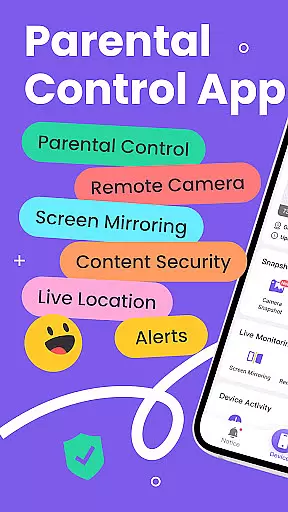
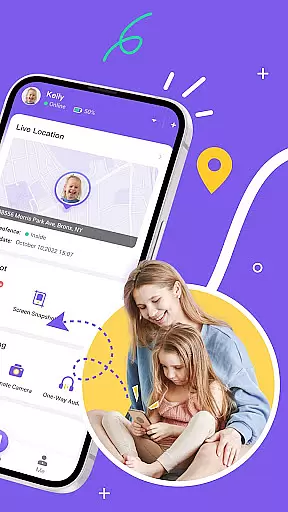
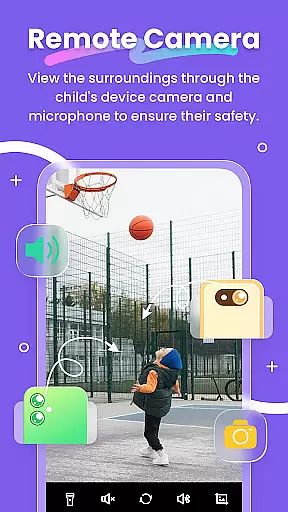
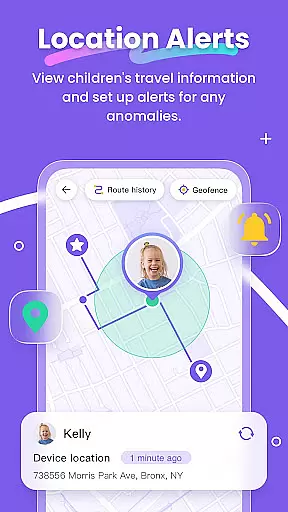
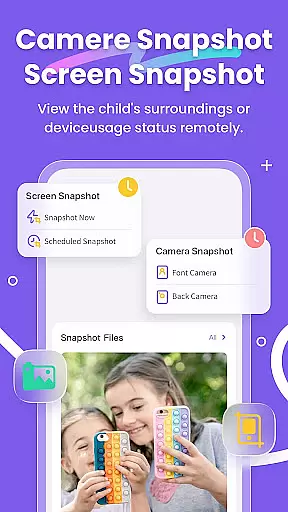
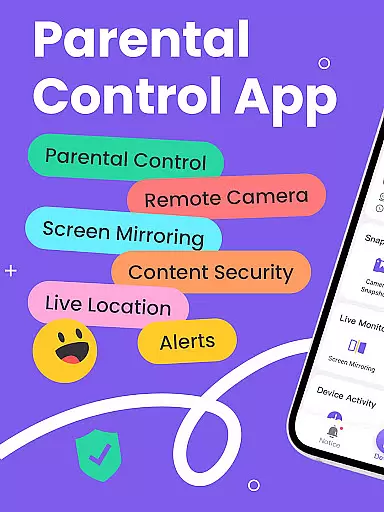
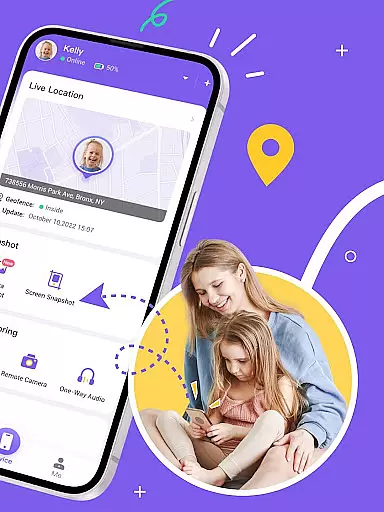
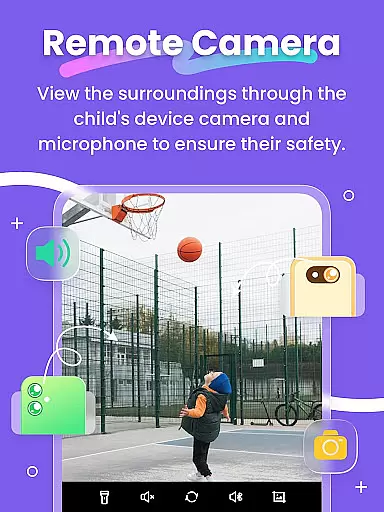
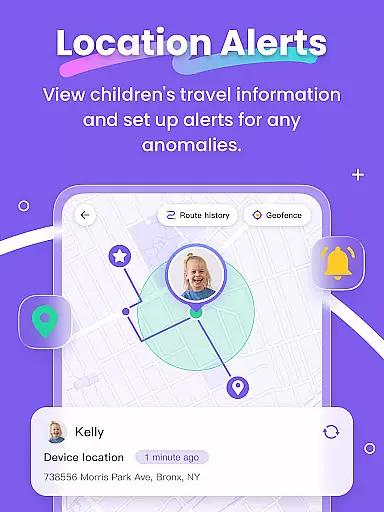
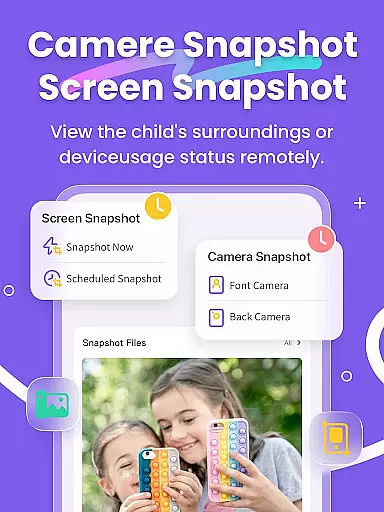
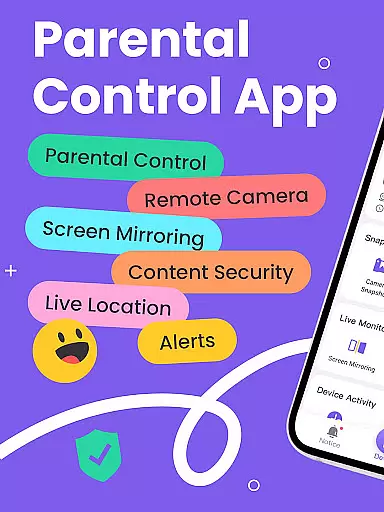
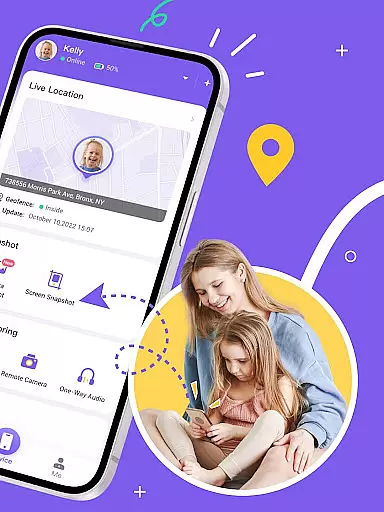
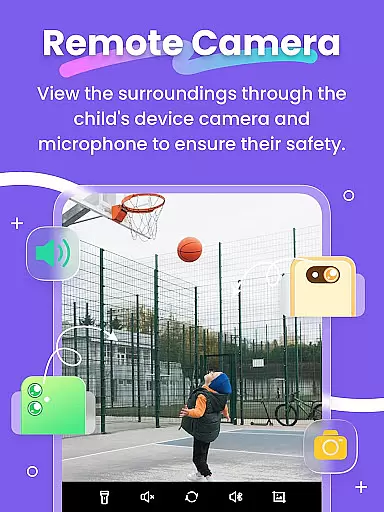
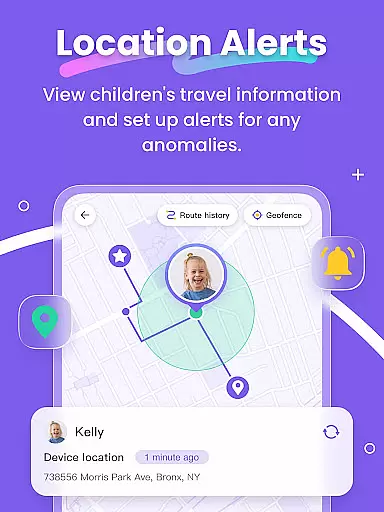
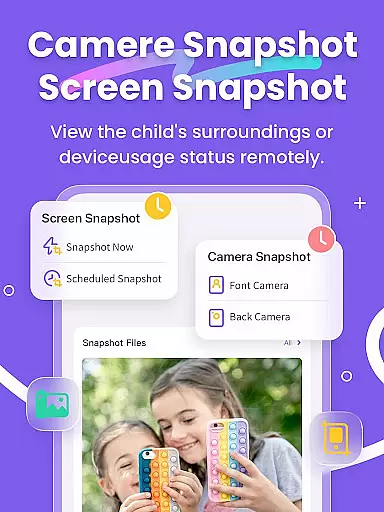
FlashGet Kids is a comprehensive parental control application designed to help parents ensure their children's safety and develop healthy digital habits. The app offers real-time location tracking, allowing parents to monitor their child's whereabouts with high-precision GPS. It also provides features like Live Monitoring, which includes remote camera access and one-way audio for emergency situations.
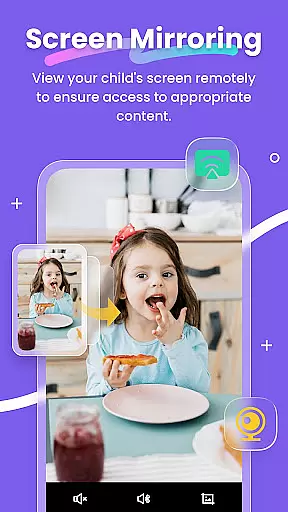
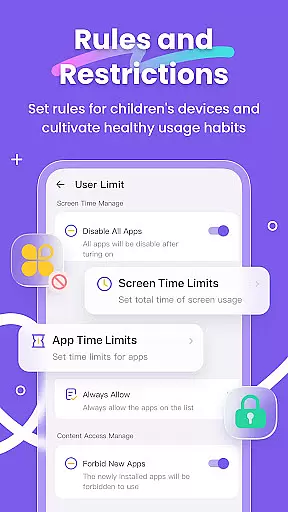
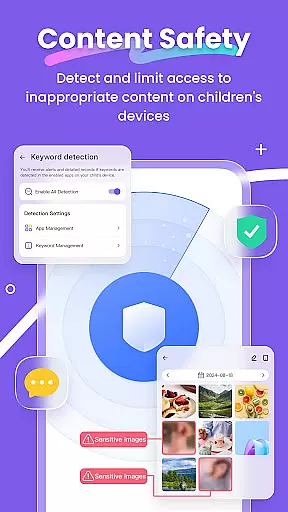
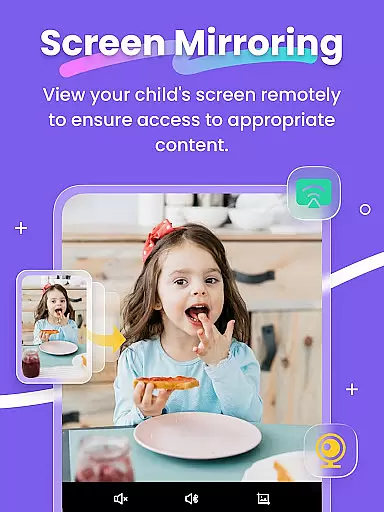
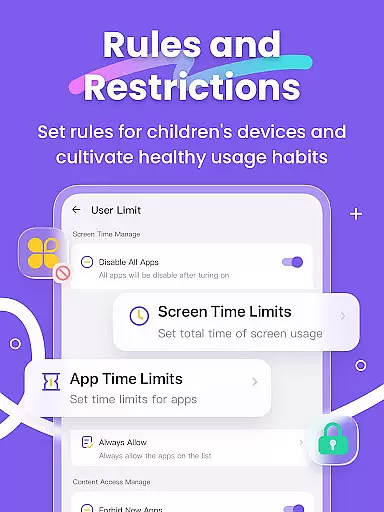
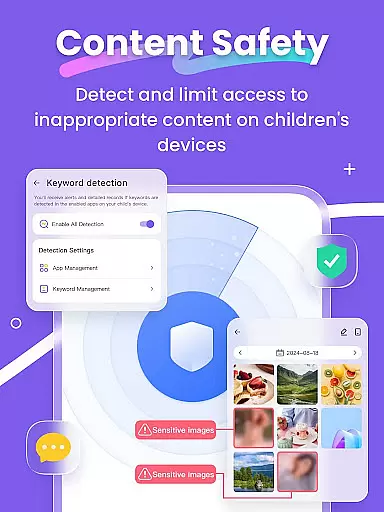
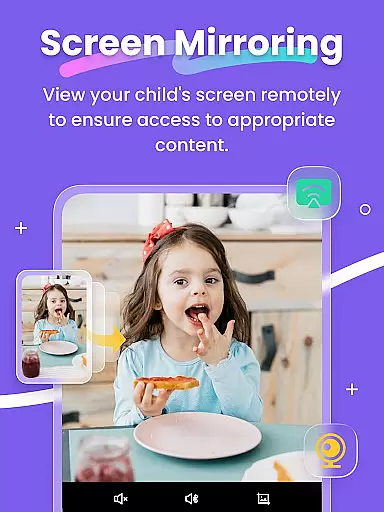
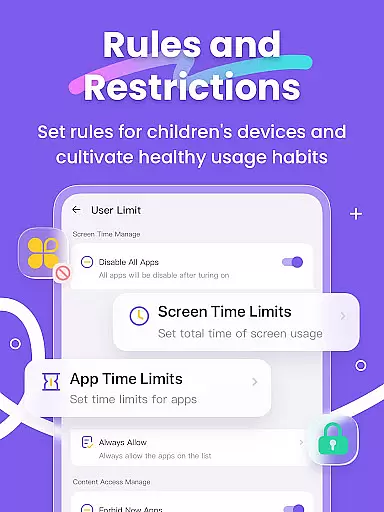
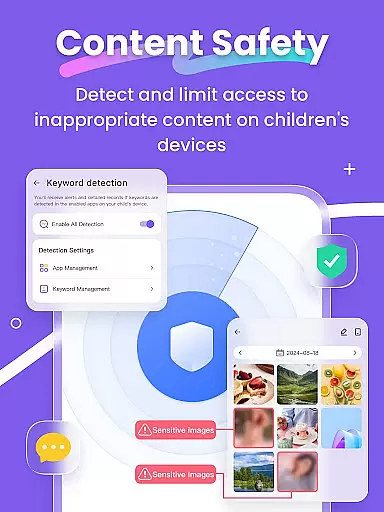
In addition to location tracking, FlashGet Kids enables parents to mirror their child's device screen in real time. This feature helps parents understand app usage patterns and detect potentially harmful content through scheduled screen snapshots and recordings. With functionalities such as App Block, Sensitive Content Detection, and Screen Time Limits, the app ensures that children are protected from inappropriate digital interactions while fostering responsible device usage.
The app is particularly useful for modern families who want to balance technology use with safety. By setting geofencing rules, monitoring social media activity, and filtering inappropriate websites, FlashGet Kids acts as a virtual guardian, giving parents peace of mind while allowing children to explore the digital world safely.
FlashGet Kids stands out with its robust set of features tailored for parental control. One of the key functionalities is Live Location tracking, which uses advanced GPS technology to provide accurate location data and historical route information. Parents can set up geofencing rules that trigger alerts when children enter or leave specific areas, ensuring constant awareness of their child's movements.
Another notable feature is Screen Mirroring, which projects the child's device screen onto the parent's phone in real time. This allows parents to observe app usage frequency and types, helping them identify any potentially dangerous applications. The app also supports Scheduled Record, enabling parents to review their child's browsing history and guide them towards age-appropriate content.
Furthermore, FlashGet Kids offers Sync App Notifications, which keeps parents informed about their child's social media activities. Combined with Social App and Sensitive Content Detection, this feature helps protect children from cyberbullying and online scams. The app also includes Screen Time Limits and App Rules, allowing parents to manage device usage effectively and promote balanced screen time habits.
FlashGet Kids stands out in the realm of parenting applications by offering features that are not only technologically advanced but also grounded in credible and expert-validated content. The app provides a comprehensive suite of tools designed to ensure children's safety and foster healthy digital habits.
At its core, FlashGet Kids leverages functionalities like Live Monitoring, App Block, and Sensitive Content Detection, which have been developed with insights from child safety experts. These features collectively enable parents to monitor their children's digital footprints responsibly and securely.
The credibility of FlashGet Kids is further reinforced by its alignment with privacy standards and commitment to transparency, as evidenced by its publicly accessible Privacy Policy and Terms of Service. This ensures that parents are well-informed about how their children's data is handled and protected.
By integrating expert-backed solutions with user-friendly interfaces, FlashGet Kids empowers parents to take an active role in their children's digital lives, promoting safer online experiences and encouraging positive device usage behaviors.
Growth tracking within FlashGet Kids encompasses more than just monitoring a child's location; it involves a detailed analysis of their digital habits and interactions. This feature allows parents to accurately track various aspects of their child's development in the digital space.
Through high-precision GPS location tracking, parents can understand their child's whereabouts and historical routes. Additionally, features such as Screen Mirroring and Scheduled Record provide insights into the apps children use and the content they access, ensuring age-appropriate engagement.
Furthermore, Sync App Notifications and Social App monitoring offer real-time updates on children's social media activities, helping prevent exposure to cyberbullying and inappropriate content. These capabilities contribute to a holistic view of a child's growth trajectory in today's digital age.
With customizable settings for geofencing, screen time limits, and app usage rules, FlashGet Kids equips parents with accurate data to guide their children effectively, fostering both physical and digital well-being.
Real-time GPS tracking
Comprehensive app monitoring
Effective screen time management
Live camera and audio access
User-friendly interface
Premium features require subscription
Limited free version capabilities
Occasional connectivity issues
High battery consumption
Complex initial setup process

AI Motion Video Maker & Ideas
 4.2
4.2
Daily Routine & Timer for kids, ADHD, & Autism
4.80
Discover fun videos, kids songs, bedtime stories and games
3.60
Educational resource for parents to inspire creativity in their children.
4.00
Track your pregnancy, kick & contraction counter, baby & mom's heartrate monitor
4.60
A Coloring for the Whole Family! Discover the Joy of Family Love Through Colors!
3.60
Screen Time, App and Web Block & Monitoring, Location Tracker
3.60
GPS tracker app: Simple GPS phone tracker for fast family location tracking
4.60
All-In-One Pregnancy Tracker, Your Baby's Milestones, Growth Stages & Parenting.
4.90
Kids story books for children. Baby reading books with audio for pre-k toddlers
4.70
The Most Trusted Co-Parenting App.
4.60
Keep track of your stored breastmilk
4.40
Find unique + popular baby names for your little peanut.
4.30
FamilyMode helps you manage your family’s digital lives—at home or on the go.
4.30
Fake call application designed for parents and adults to discipline their children through the children's police.
4.20
Learn according to the age of your child and consult with other moms.
4.20
Affirmations | Stories | Bible
4.10
Parental Control including Screen time control, GPS tracking, App/Game blocker.
3.90
Lullabies, Night Light & Age-based Routines to help your baby fall asleep
4.4


User Reviews