


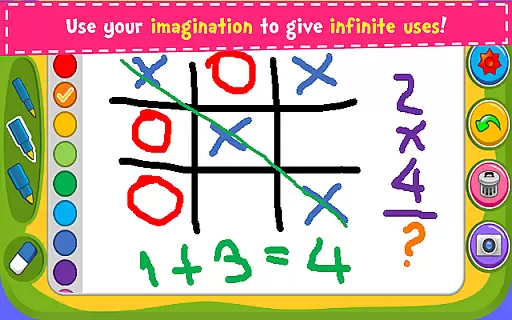

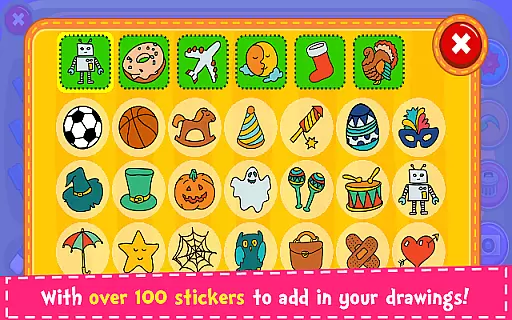
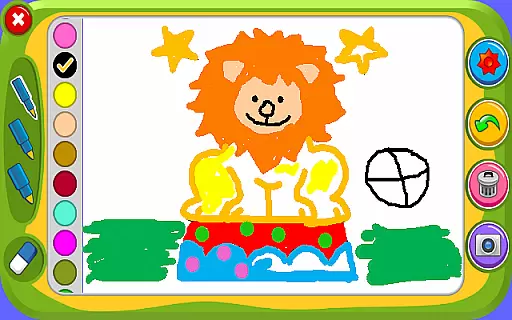



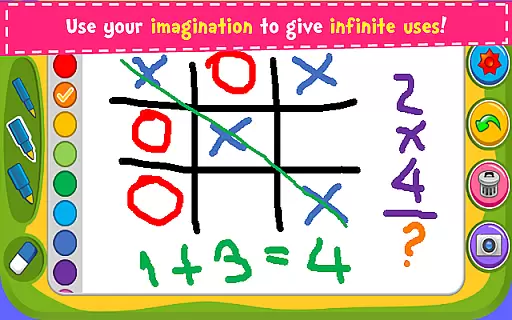

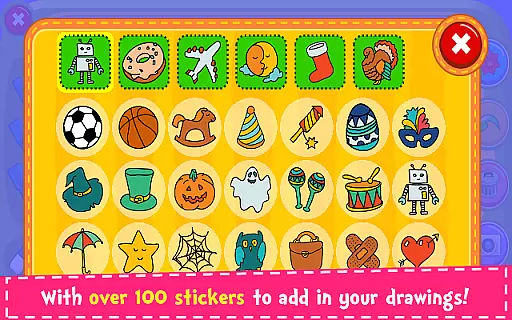
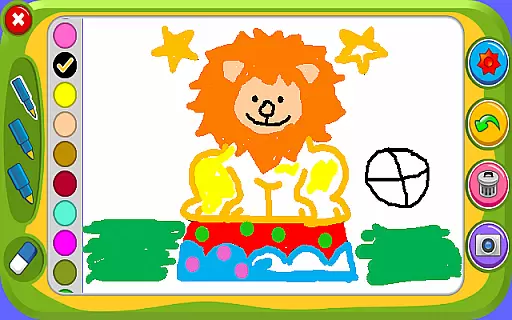



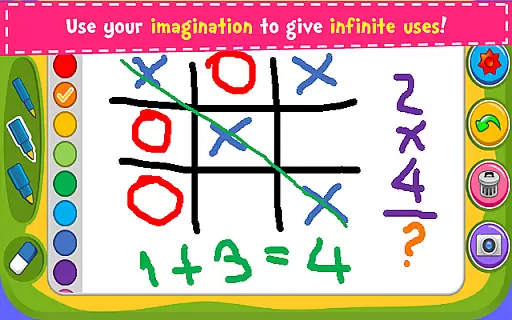

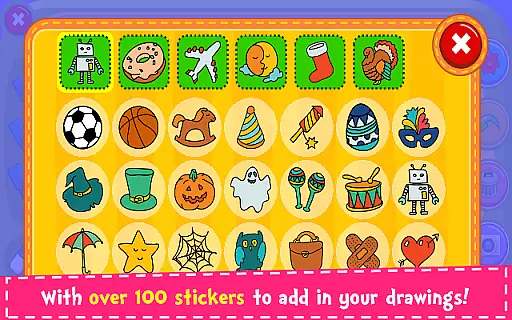
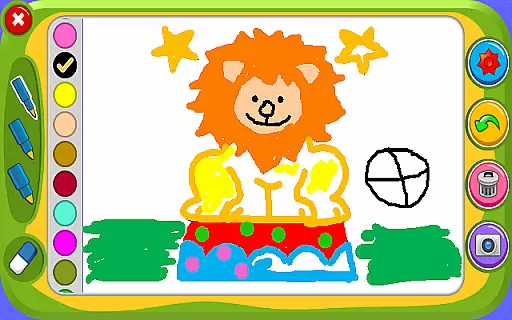

Magic Board is an engaging drawing and coloring game designed for users of all ages. This app offers a realistic drawing experience with a variety of features to unleash your creativity. Users can enjoy different pencil strokes, dynamic color effects, and over 100 adorable stickers to enhance their artwork.
Designed with simplicity in mind, Magic Board provides an intuitive interface that promotes artistic development while improving concentration and fine motor skills, especially beneficial for children. The app supports multiple languages including English and Spanish, making it accessible to a wider audience.
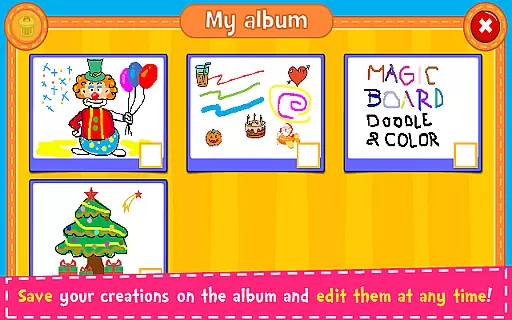
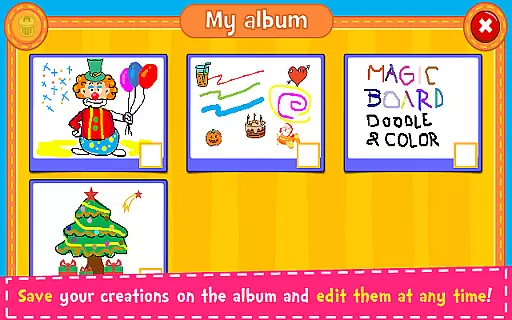
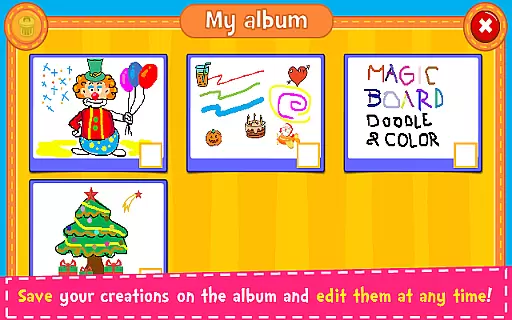
With the ability to save creations in an album, edit them anytime, and share with friends and family across various social media platforms, Magic Board ensures that your artistic journey is not only enjoyable but also easily shareable on smartphones and tablets.
Magic Board stands out with its rich feature set tailored for both casual and serious artists. The app includes a diverse range of drawing tools such as pencils with different strokes, vibrant colors with a flash effect for endless bright hues, and an eraser function for easy corrections.
One of the key highlights is the availability of over 100 beautifully designed stickers, allowing users to decorate their creations uniquely. Additionally, the 'Undo' and 'Clear All' functions provide flexibility during the creative process, ensuring users can experiment without worry.
All content within the app is 100% free, promoting accessibility and ease of use. Whether you're looking to improve your drawing skills or simply have fun, Magic Board's comprehensive toolkit caters to all your artistic needs on both smartphones and tablets.
When it comes to parenting applications, the credibility of the content is paramount. Magic Board ensures that all its features are designed with educational value in mind. The game promotes creativity and fine motor skills through drawing and coloring activities, which are essential for child development.
The app offers a variety of tools such as different pencil strokes, colors, and stickers, which are not only entertaining but also encourage artistic expression. These elements have been included based on their ability to enhance children's imaginative and cognitive skills, thus providing a trustworthy platform for parents seeking educational entertainment.
Magic Board stands out by offering content that has clear benefits for children's developmental stages. With support for multiple languages including English and Spanish, it caters to a diverse audience, ensuring that language does not become a barrier to learning and fun.
Growth tracking in parenting apps can be crucial for monitoring a child's progress. Although Magic Board is primarily an entertainment app, it indirectly supports growth tracking by allowing children to save their creations in an album. This feature enables parents and children to observe the evolution of their drawing and coloring skills over time.
By revisiting past artworks, parents can discuss improvements and changes they see in their childu2019s techniques, fostering an environment of reflection and growth. The app's simplicity and intuitive design mean that even young children can engage with it, making it easier to track their comfort and proficiency with technology from an early age.
While Magic Board may not offer traditional growth metrics, its ability to preserve creative output serves as a unique form of progress tracking. This approach aligns with modern educational philosophies that emphasize process over product, encouraging continuous learning and self-expression.
User-friendly interface
Variety of drawing tools
100+ decorative stickers
Supports multiple languages
Free to use
Limited advanced features
No offline mode
Ads may interrupt
Basic design elements
Occasional bugs

GPS phone tracker: find kids on map. Location tracking and parental control.
 4.50
4.50
All-In-One Pregnancy Tracker, Your Baby's Milestones, Growth Stages & Parenting
4.70
A simple way to track your baby’s breastfeeding, diaper changes, sleep patterns.
4.90
Live Location, Alerts & 2-Way Voice for Kids and Adults with Special Needs
4.60
Watching baby, helping parents
4.10
Join over 1MM parents & professionals who've used OFW to navigate co-parenting
4.40
Track your labor contractions
4.90
Findnumber: Real-time location tracker for ultimate family security
4.20
Pregnancy+ App has helped 80m moms track their pregnancy with info & support!
4.80
Daily Routine & Timer for kids, ADHD, & Autism
4.80
All-in-one pregnancy app, contraction timer, kick counter & due date calculator
4.40
GeoLog - Real-Time Location Tracker
4.40
Speech Therapy Exercises For All!
4.40
Comprehensive Parental Control & Child Safety — Hear & Protect Your Child World
4.30
Find unique + popular baby names for your little peanut.
4.30
Cherish every beat - capture your baby's heart sounds with our app
4.30
FamilyMode helps you manage your family’s digital lives—at home or on the go.
4.30
A Coloring for the Whole Family! Discover the Joy of Family Love Through Colors!
3.60
Play activities, milestones, expert-led classes, baby tracker, and more!
3.00


User Reviews