
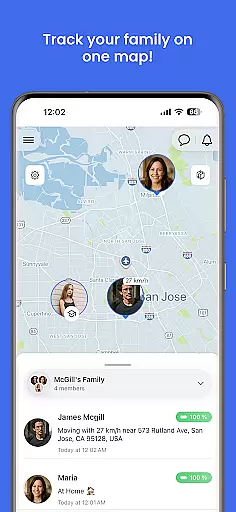
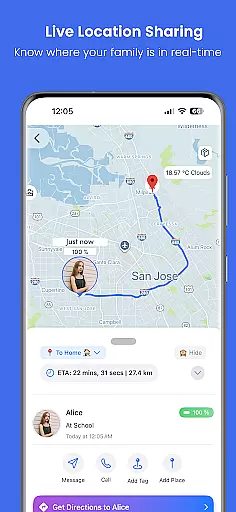
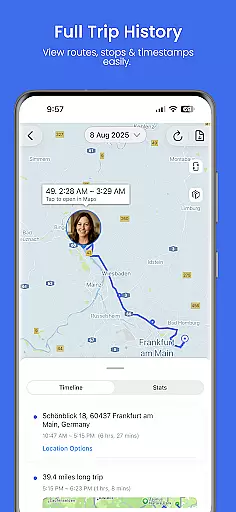
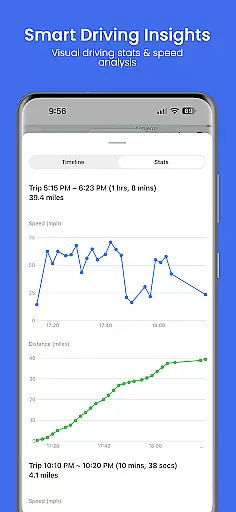
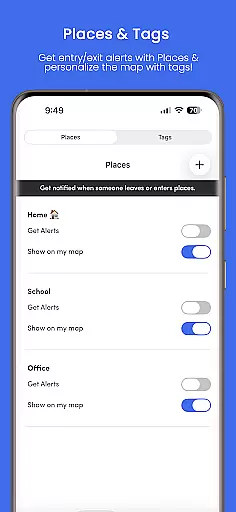
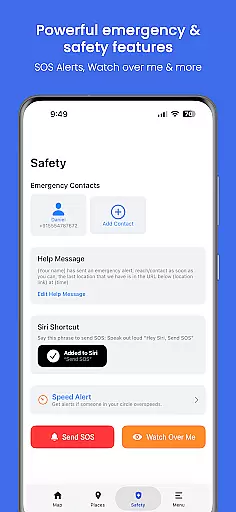
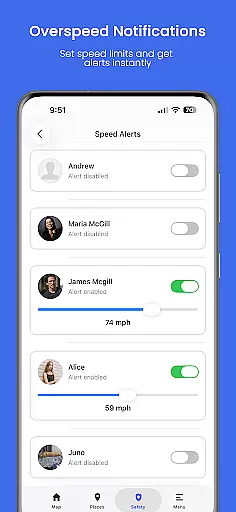
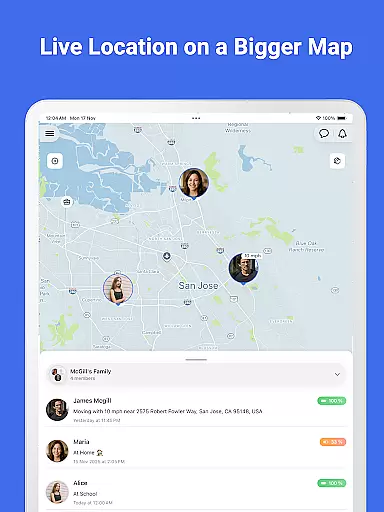
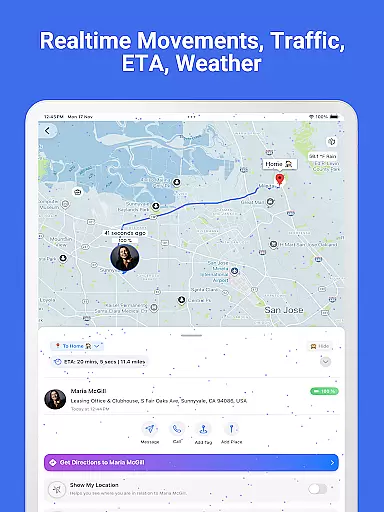
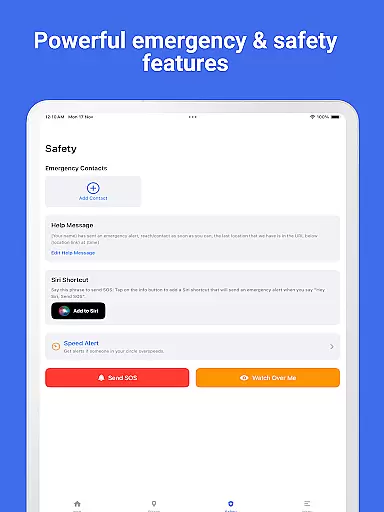
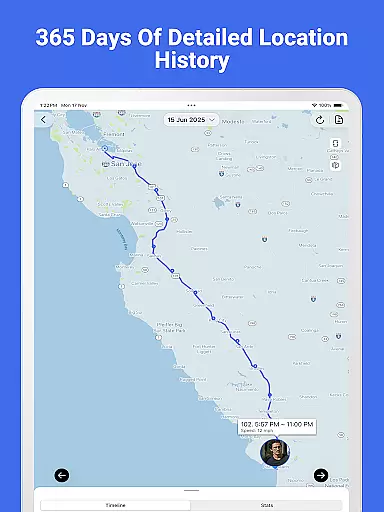

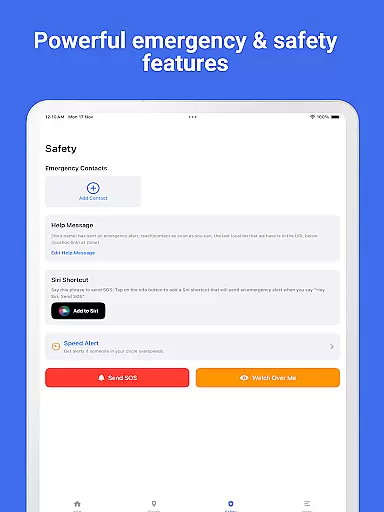
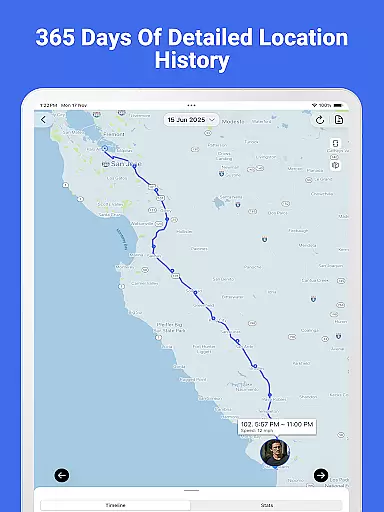
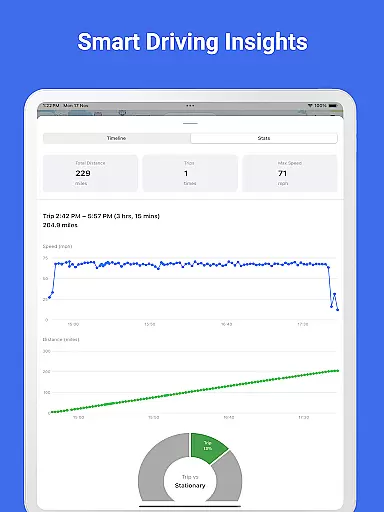
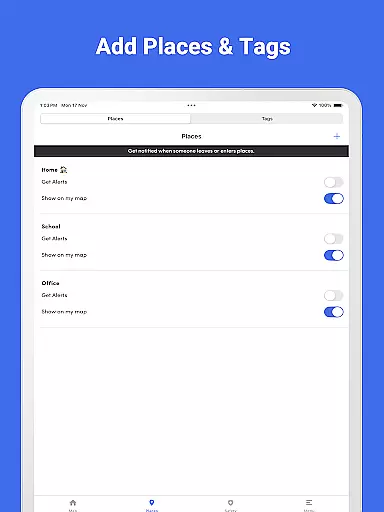
Family Nest is a secure child GPS tracker designed exclusively for parents and legal guardians to monitor their children's real-time location, driving safety, and travel history. Using precise GPS technology, this app provides peace of mind by allowing guardians to keep track of their kids anytime, anywhere. The app offers features such as live location tracking with high GPS accuracy, private Nests for organizing children, entry/exit alerts for safe zones, trip history, overspeeding notifications, SOS emergency alert button, and more.
Beyond basic tracking, Family Nest includes advanced parental control tools, ensuring ethical and family-oriented use. It also provides real-time traffic updates and detects fake GPS usage. With compliance to Google Play’s policies on location tracking and child safety, Family Nest ensures full privacy protection without ads or hidden data tracking. Parents can opt for a free forever plan with essential features or choose premium options for additional capabilities like unlimited safe zone alerts and priority support.
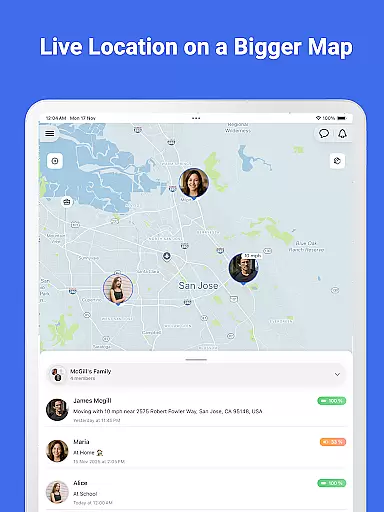
Family Nest stands out with its comprehensive set of features tailored specifically for parental use. One of the key functionalities is the ability to track a child's live location in real-time with exceptional GPS accuracy. This feature allows parents to know their child's whereabouts instantly, providing reassurance about their safety. Additionally, the app lets users create private Nests (formerly Circles) to group and organize their children efficiently, making it easier to manage multiple profiles.
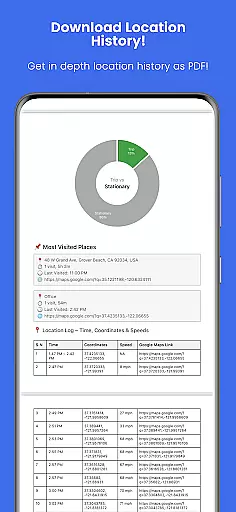
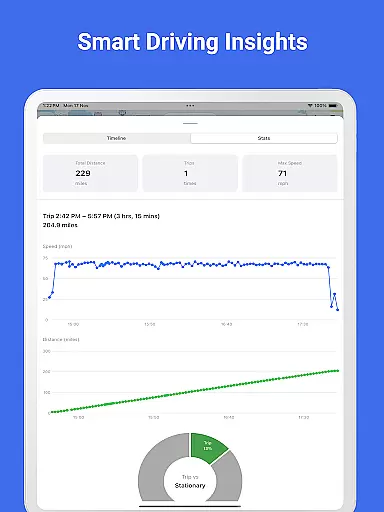
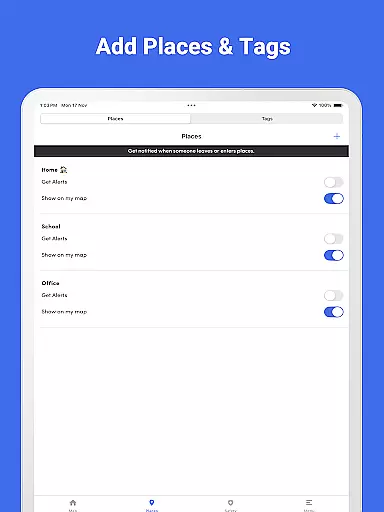
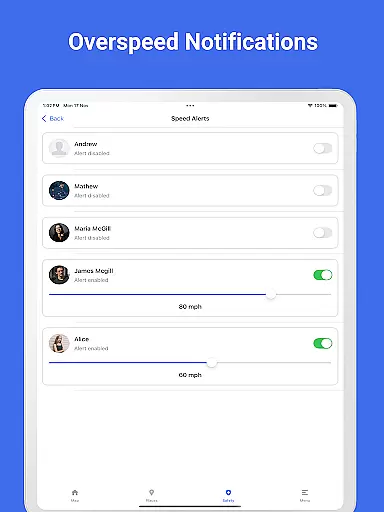
The app also excels in offering safety alerts and historical data. Parents receive entry/exit alerts when their child enters or leaves predefined safe zones, ensuring they are always aware of their child's movements. The trip history feature provides detailed insights into stops and route patterns, which can be exported as a PDF report including speed and distance graphs. Other notable features include overspeeding notifications, detection of fake GPS usage, an SOS emergency alert button, and real-time traffic updates. These tools collectively empower parents to maintain a safe environment for their children while respecting privacy and ethical considerations.
When it comes to parenting apps, the credibility of the content and validation by experts is paramount. Family Nest ensures that all features are designed with the safety and well-being of children as the top priority. The app strictly adheres to Google Play's policies for location tracking and child safety, offering tools such as real-time GPS tracking, geofencing, and driving safety alerts.
The app provides parents with accurate and reliable data regarding their children's whereabouts and activities. With capabilities like detecting fake GPS locations and providing overspeeding notifications, Family Nest equips guardians with the necessary tools to ensure their children's safety. Furthermore, the app offers an SOS emergency alert button, which can be crucial in times of urgent need.
Family Nest also emphasizes ethical use and privacy protection. It does not include ads or hidden data tracking, ensuring that the app remains a trustworthy companion for parents. By focusing on lawful and ethical parental monitoring, Family Nest has established itself as a credible tool endorsed by those who understand the nuances of child safety.
Growth tracking in the context of a parenting app like Family Nest refers to the precision with which the app monitors a child's movements and activities. This feature allows parents to track their childu2019s live location in real-time with high GPS accuracy, ensuring they are always aware of their child's environment and can respond promptly if needed.
Parents can create private Nests to organize their children and receive entry/exit alerts for designated safe zones. This functionality helps guardians maintain a comprehensive overview of their children's daily routines and any deviations from them. Additionally, the ability to view trip history and export full location history as a PDF adds another layer of detail for concerned parents.
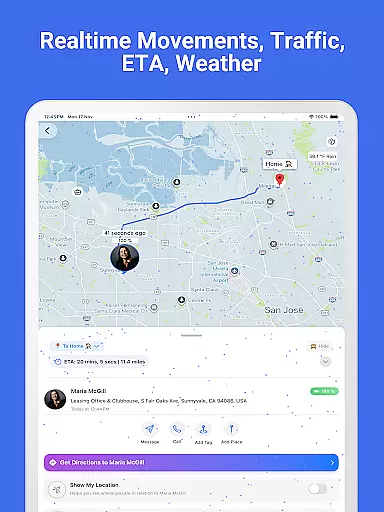
Family Nest goes beyond basic tracking by incorporating advanced features such as real-time traffic updates and detecting mock locations. These elements contribute to the overall accuracy of growth tracking within the app, giving parents peace of mind knowing they have access to detailed and reliable information about their child's journeys and safety.
High GPS accuracy
Real-time location tracking
Private Nests organization
Entry/exit alerts for safe zones
No ads or hidden data tracking
Premium features require subscription
Limited to parental use only
Dependent on internet connection
Requires consent from child
May drain device battery faster

Find unique + popular baby names for your little peanut.
 4.30
4.30
Track your pregnancy & your baby's growth in 3D. Get support from our community
4.60
Sleep better with white noise app! Discover rain sounds, fan noise and more.
4.70
Parental Control including Screen time control, GPS tracking, App/Game blocker.
3.90
Family GPS locator app — child location tracker. GPS kids tracker, family safety
4.70
Play activities, milestones, expert-led classes, baby tracker, and more!
3.00
A simple way to track your baby’s breastfeeding, diaper changes, sleep patterns.
4.90
The 10 development leaps of your baby | newborn milestones & leap days tracker
4.10
SemLog aims to raise awareness among families and their children
3.40
Track your labor contractions
4.90
Advanced baby tracking, expert sleep help & parenting support for every stage.
4.80
Babysitting video camera - Turn your two phones or tablets into a single nanny.
4.40
Free symptom & med tracker with expert-reviewed tips.
4.30
Cherish every beat - capture your baby's heart sounds with our app
4.30
FamilyMode helps you manage your family’s digital lives—at home or on the go.
4.30
Limit screen time, Block Apps & Games, Monitor with Parental control app
4.20
Watching baby, helping parents
4.10
Monitor screen time and build healthy habits with Family Safety
3.90
Lullabies, Night Light & Age-based Routines to help your baby fall asleep
4.0


User Reviews