
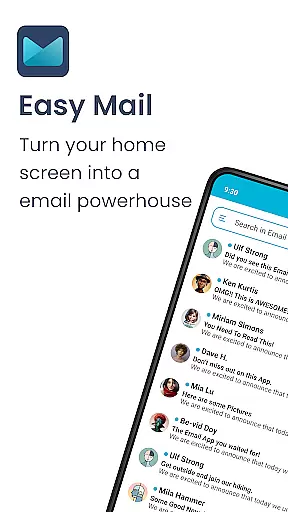
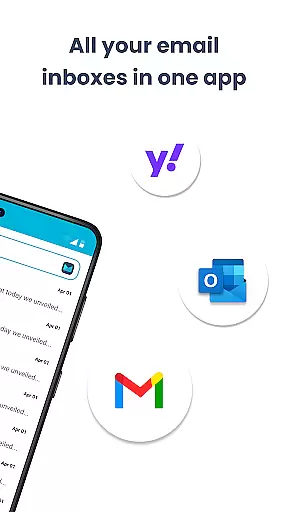
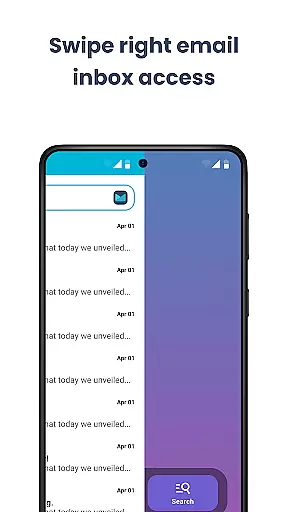
Easy Mail is a personalized email launcher designed to streamline your daily communication. This app transforms your homescreen into an efficient workspace by providing instant access to emails and essential tools. With its clutter-free interface, you can manage unlimited email accounts from providers like Gmail, Outlook, and Yahoo in one unified inbox.
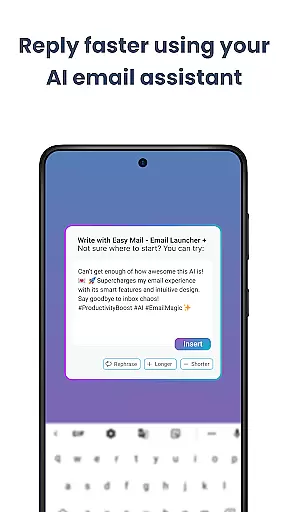
The app goes beyond basic email functionality by integrating AI assistance for composing messages, ensuring your tone remains natural while improving clarity. Easy Mail also features a built-in web search powered by Yahoo, enabling you to find information without leaving your inbox. Privacy is prioritized, with all email data remaining local on your device. The organized homescreen, quick-access app drawer, and widget support make this launcher a complete solution for productive email management.
Easy Mail offers a comprehensive suite of features tailored for efficient email handling. Its standout feature is the clean homescreen specifically optimized for mail management, removing unnecessary distractions. The unified inbox allows seamless switching between multiple email accounts, while the AI-powered writing assistant helps craft professional-quality emails effortlessly.
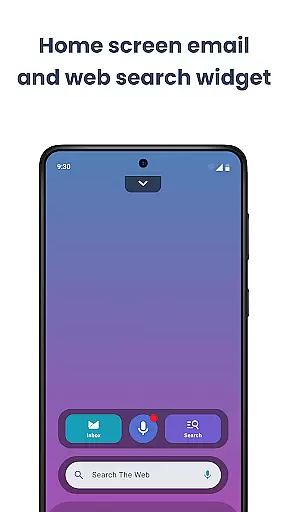
Productivity is further enhanced through integrated web search capabilities, which provide autocomplete suggestions and trending topics directly on the homescreen. For users concerned about privacy, Easy Mail ensures that no external entity accesses their email content as everything remains securely stored locally. Additional functionalities include an organized app drawer, customizable widgets, and a content feed for staying updated with news and entertainment—all contributing to a personalized yet focused user experience.
Customization is at the heart of Easy Mail, allowing users to tailor their email experience to fit their unique needs and preferences. With a clean homescreen built around productivity, you can organize your email accounts in a way that makes sense for you.
The app supports unlimited email accounts from various providers such as Gmail, Outlook, Yahoo, and more. You have the freedom to check all your emails in one unified inbox or keep them separate with just a tap, ensuring an organized and personalized approach to email management.
Moreover, Easy Mail offers AI Email Assistance which helps refine your writing by rephrasing, shortening, or polishing your messages while maintaining your natural tone. This feature adds another layer of personal touch to every email you send.
With widget support and the ability to drag favorite apps onto your homescreen, Easy Mail provides extensive customization options that cater to both simplicity and functionality, making it easier than ever to manage your digital life.
Easy Mail ensures seamless theme compatibility, providing users with a visually consistent experience across their devices. The launcher's design focuses on simplicity and clarity, offering a clutter-free homescreen that aligns perfectly with any chosen theme.
Whether you prefer light themes for daytime use or dark themes to reduce eye strain at night, Easy Mail adapts effortlessly. This flexibility allows users to maintain visual harmony between their email client and device settings without compromising aesthetics or usability.
In addition to its adaptive theming capabilities, Easy Mail integrates essential features like web search powered by Yahoo Search directly into the homescreen. This integration not only enhances convenience but also maintains a cohesive look and feel throughout the user interface.
By prioritizing both form and function, Easy Mail delivers a personalized yet consistent experience, ensuring that every interaction feels intuitive and familiar regardless of the thematic choices made by the user.
User-friendly interface
Unified inbox
AI email assistance
Privacy-focused design
Integrated web search
Limited customization
Few advanced features
No dark mode
Occasional bugs
Ads in free version

A light in the dark, a unique style and an andless cutomization!
 4.30
4.30
Customizable flower power digital watch face for Wear OS watches.
4.00
Make your phone look simple & luxury, like iDevice
4.60
100+ Stylish Fonts, Emojis, Symbols keyboard for Instagram & TikTok!
4.80 4.10
4.10
HappyLighting is a Bluetooth lamp control software.
3.40
One 8 icons glass color version
4.80
Customize phone with anime themes, 3D icons, aesthetic widgets & wallpapers
4.80
Transform your phone with stylish zipper lock themes and 4D live wallpaper
4.10
Only for Wear OS devices!
4.90
Customizable Glass widgets. Over 360+ stunning widgets and more!
4.70
Shimeji adds cute animated characters to your screen, lively and fun.
4.70
Stunningly Different look with Line Icons and Neon Colors
4.60
Unique Android Launcher
4.60
Try creating your own keyboard with "Keyboard theme for android" app now!
4.50 4.50
4.50 4.50
4.50
Run multiple accounts of the same app on a single device
4.10
Custom edge gestures for volume control, brightness, apps, and shortcuts.
4.1


User Reviews