
Visual Attention Therapy is a specialized medical application designed to assist individuals with visual attention deficits, particularly those recovering from brain injuries or strokes. The app focuses on retraining the brain to correctly move the eyes across the screen from left to right, which is crucial for improving reading, concentration, memory, and attention to detail.
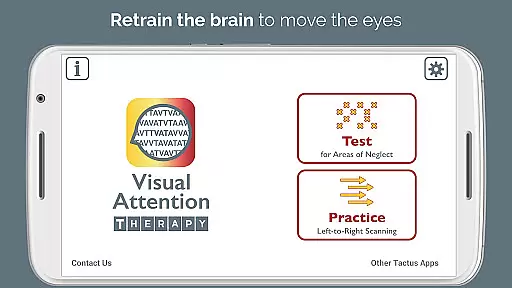
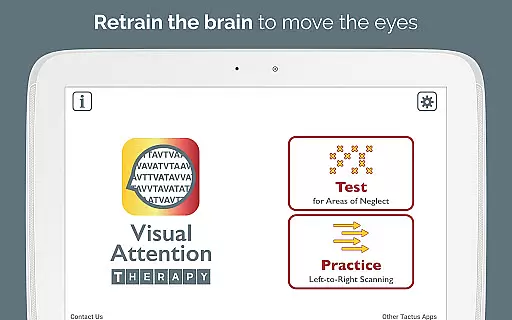
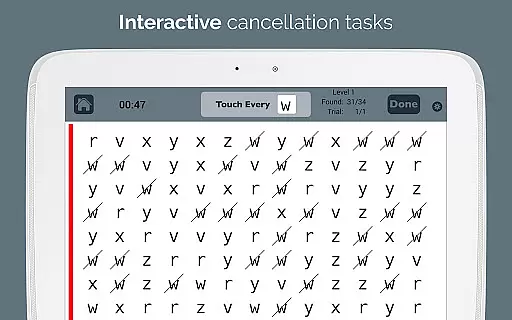
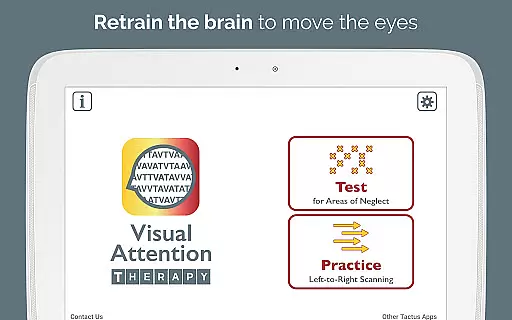
The app offers two modes: Test mode helps determine the presence and location of visual attention deficits, while Practice mode trains users to scan by finding targets in order. This dynamic tool is suitable for all ages and provides benefits through technological advancements such as immediate feedback, timed exercises, automated scoring, and adjustable difficulty levels.
Occupational therapy and speech therapy professionals can efficiently assess and treat right or left neglect using this app. It also supports literacy goals and challenges visual memory skills, making it an essential tool for modern stroke and brain injury rehabilitation.
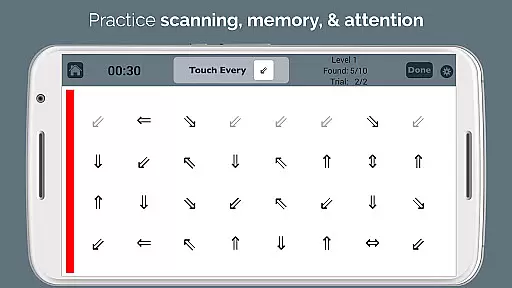
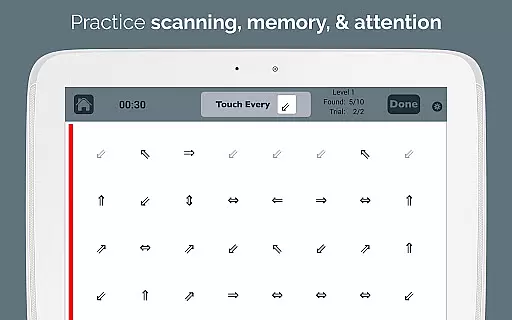
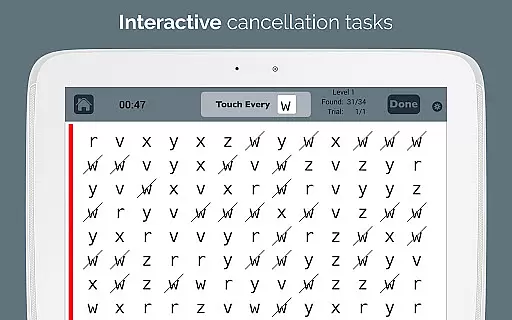
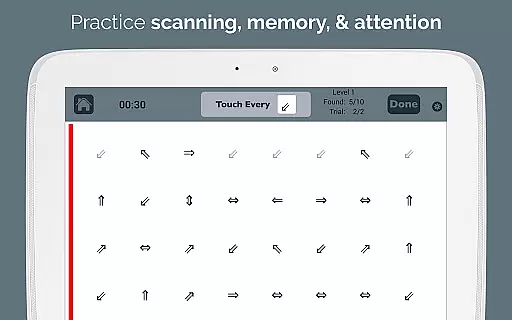
Visual Attention Therapy stands out with its innovative features tailored for cognitive training. The app's Practice mode requires users to tap targets from left to right and top to bottom, effectively training them to slow down and thoroughly scan the entire screen. This method is vital for users to develop comprehensive scanning habits.
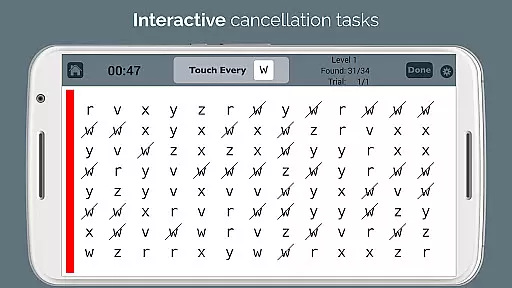
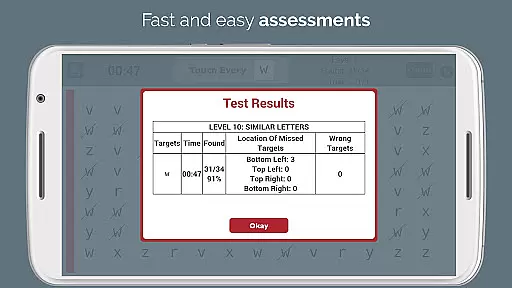
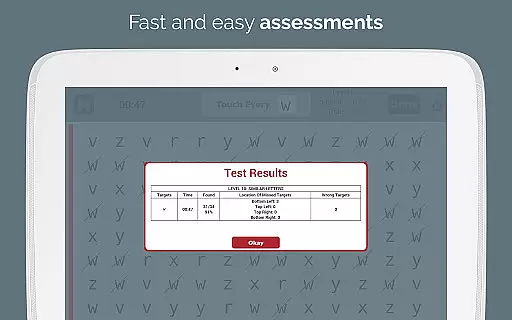
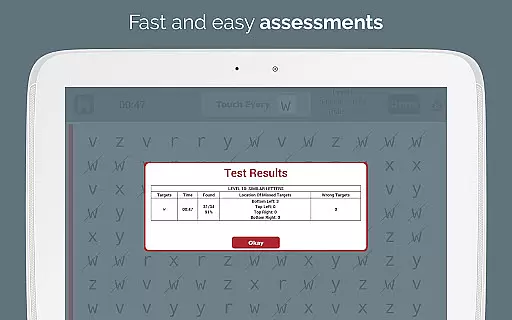
Immediate feedback through visual and auditory cues keeps users engaged and motivated. Timed exercises encourage working quickly and accurately, enhancing both cognitive and motor skills. Automated scoring eliminates manual error counting, providing detailed reports on accuracy by quadrant, completion time, and mistakes, which can be emailed directly to professionals.
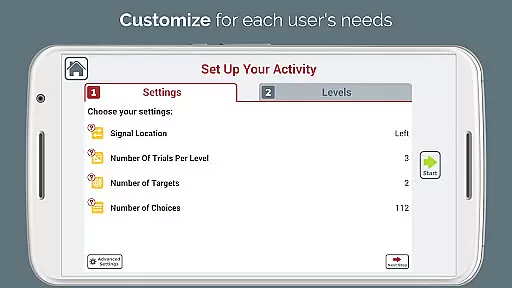
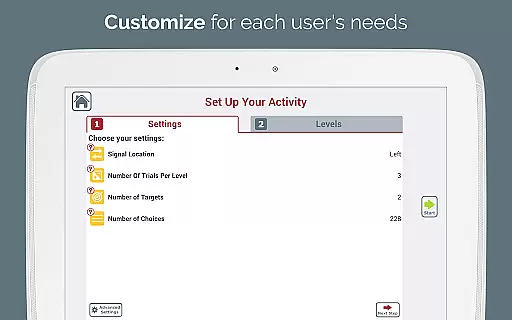
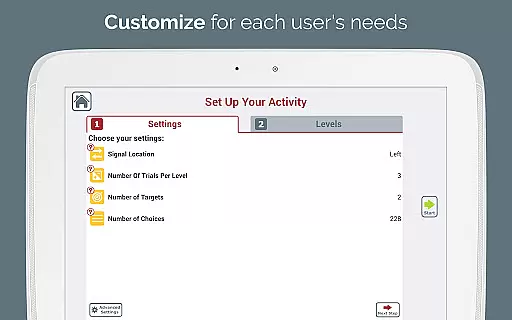
With adjustable layouts and ten levels of difficulty, therapists can customize the user experience to meet individual needs. The optional sidebar signal, flashing in various colors, draws attention to specific areas. Additionally, the endless variety of combinations ensures that users are always challenged, supporting both scanning and working memory skills.
Visual Attention Therapy stands out for its strong foundation in medical expertise and professional validation. Developed by a certified Speech-Language Pathologist (SLP), the app ensures that all therapeutic exercises are grounded in scientific research and clinical best practices.
The application is widely used by occupational therapists, speech therapists, neuropsychologists, and reading specialists worldwide. This widespread adoption by professionals underscores the app's credibility in addressing conditions such as left neglect after stroke, brain injury rehabilitation, dyslexia, and attentional deficits in both adults and children.
One of the key strengths of Visual Attention Therapy is its automated scoring system, which provides detailed reports on accuracy by quadrant, completion time, and errors. These reports not only save valuable time for healthcare professionals but also offer precise data for tracking patient progress and adjusting treatment plans accordingly.
With its combination of dynamic interactive tools, customizable difficulty levels, and immediate feedback mechanisms, this app represents a significant advancement in modernizing traditional therapy methods while maintaining the highest standards of medical content accuracy and expert validation.
While Visual Attention Therapy does not provide direct teleconsultation services, it significantly enhances the quality of remote therapeutic interventions through its innovative features and comprehensive reporting capabilities. The app's ability to generate professional e-mailed reports with detailed performance metrics allows healthcare providers to effectively monitor patient progress from a distance.
The application's two powerful modes - Test and Practice - enable therapists to conduct thorough assessments and implement targeted treatment plans remotely. The Test mode helps determine the presence and extent of visual attention deficits, while the Practice mode trains users in systematic scanning techniques crucial for recovery.
Visual Attention Therapy incorporates various technological advancements that support high-quality remote care. These include adjustable layouts, multiple difficulty levels, and customizable sidebar signals that can be tailored to individual patient needs without requiring physical presence.
Furthermore, the app's automated scoring system and endless variety of exercise combinations eliminate the need for manual tracking and photocopying traditional exercises. This feature set enables healthcare professionals to maintain consistent, high-quality therapeutic engagement with their patients regardless of physical distance, effectively bridging the gap between in-person sessions and home-based practice.
User-friendly interface
Customizable difficulty levels
Automated performance reports
Engaging feedback mechanisms
Versatile target options
Limited free version features
Requires consistent practice
Premium content locked behind paywall
May not suit all cognitive impairments
Interface could be daunting for beginners

Behavioral Health Portal
 4.70
4.70
3rd trimester? Counting Kicks is what moms should do-It’s important & easy too!
4.30
Sync your blood glucose device, log values automatically and tame your diabetes!
4.60
Perform pure-tone audiometry and a speech intelligibility test on your phone.
4.50
Remote, medical-grade heart care at your fingertips
4.70
The world's best selling 3D Human Anatomy app with groundbreaking 3D technology
2.00
Pelvic Floor Muscle Exercises
4.80
Your pocket guide to following The Monash University Low FODMAP diet.
4.20
Find and Price Care
4.60
Manage your prescriptions and pharmacy care anytime, anywhere.
4.80
Take your aphasia therapy to the next level with 4 evidence-based advanced apps
4.70
Health Care at Your Fingertips
4.60
Take on apraxia and aphasia with a powerful video-driven speech therapy app.
4.60
Personalized hearing experience and health data tracking
4.50
The OptumRx app empowers you to become an advocate of your pharmacy benefits.
4.40
Update medical records, view upcoming appointments, message your provider & more
3.80
Conveniently receive lab results, schedule lab appointment and pay your bills
3.70
Continuous Glucose Monitoring
3.40
A scientifically-proven method to help people with dementia or memory impairment
4.2


User Reviews