
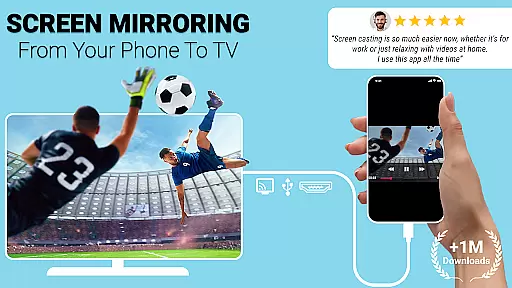
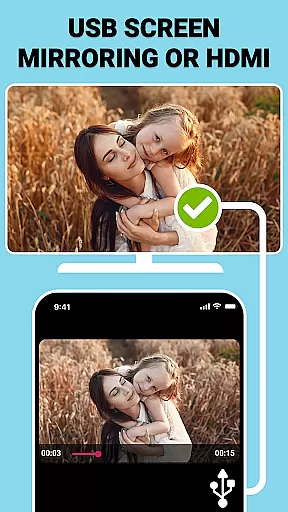
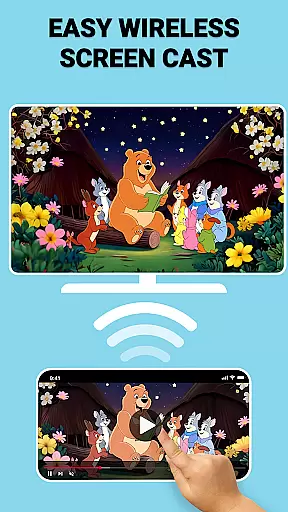
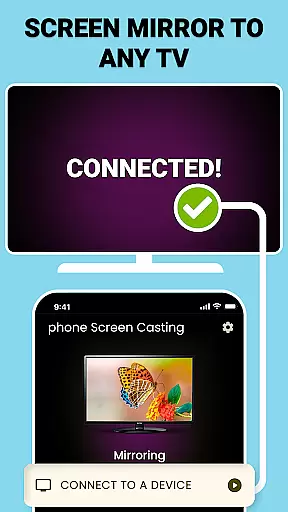
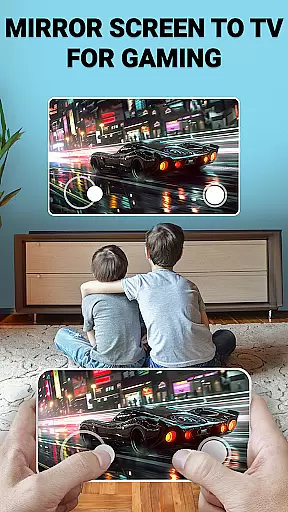
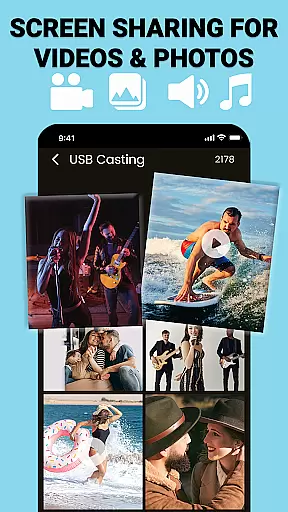
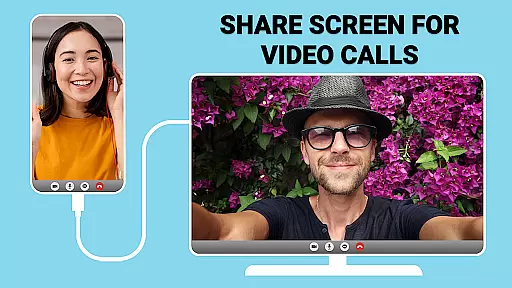
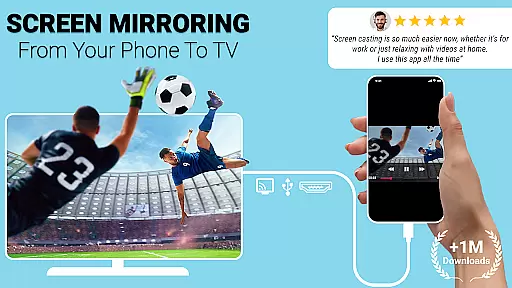
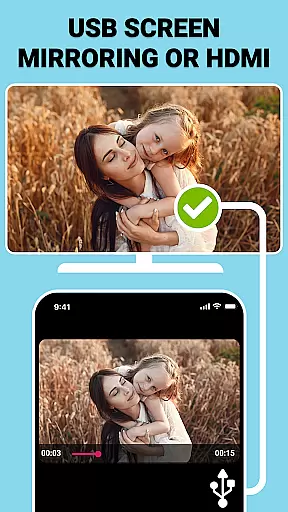
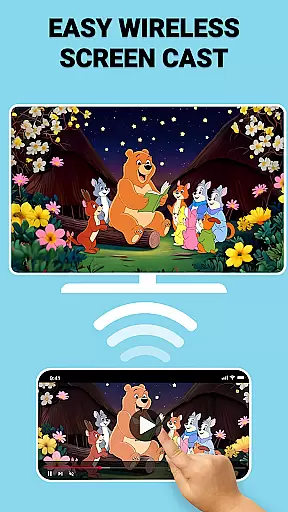
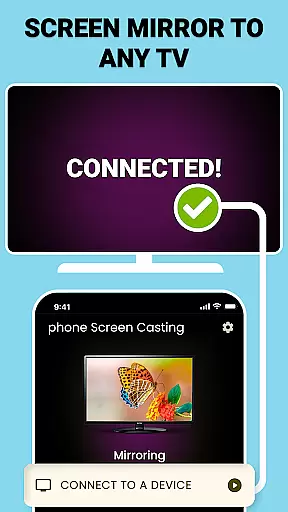
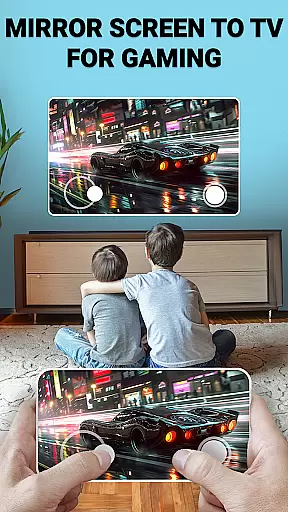
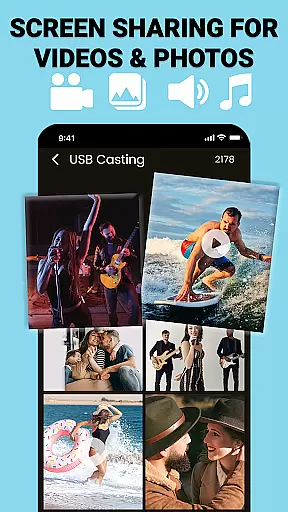
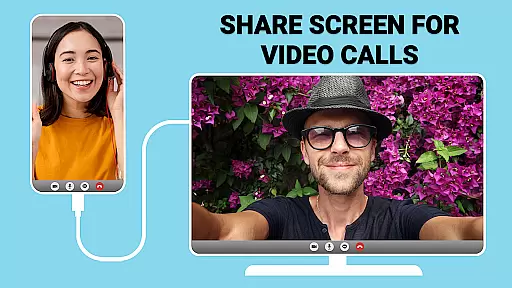
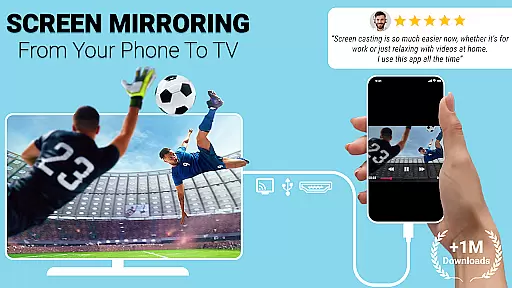
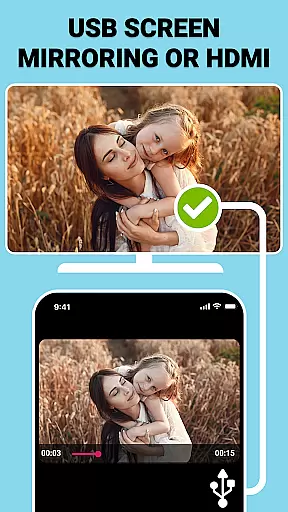
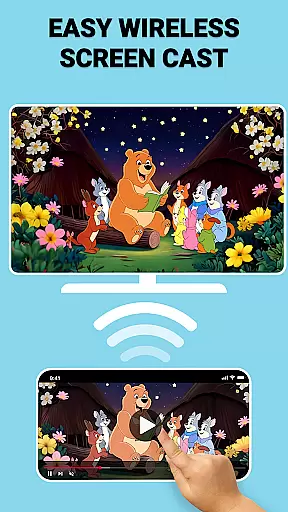
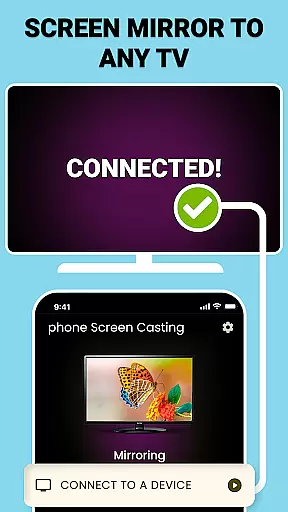
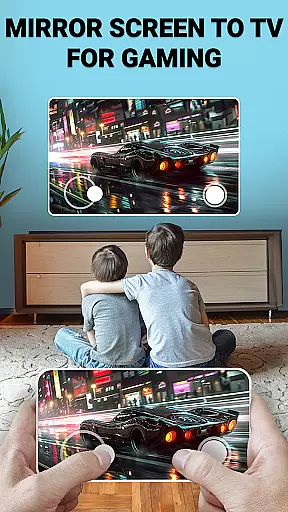
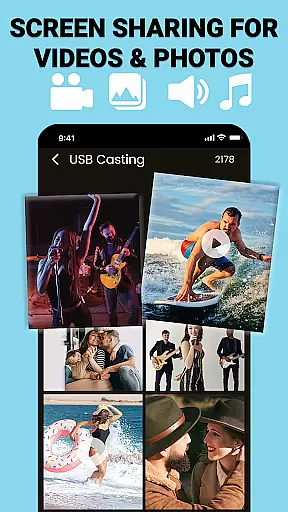
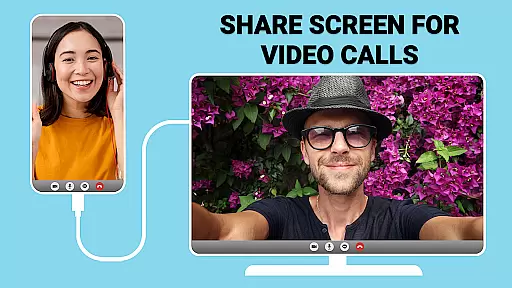
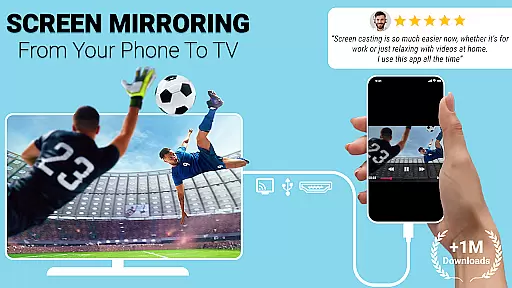
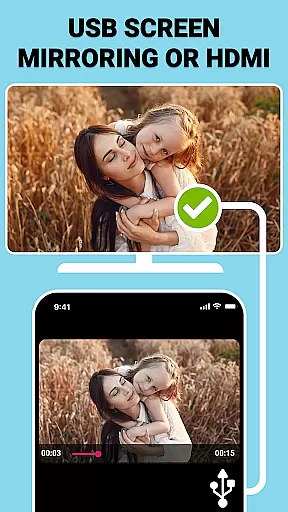
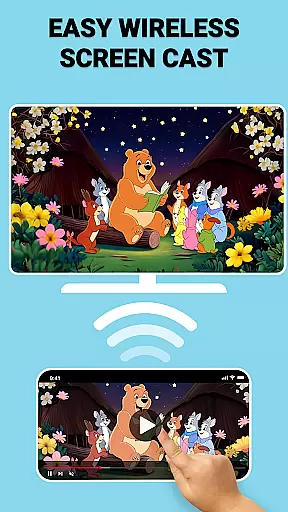
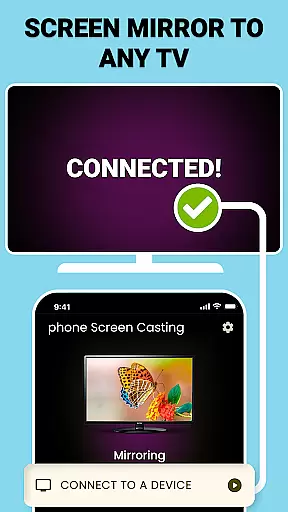
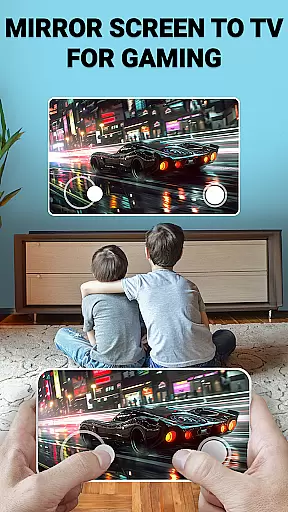
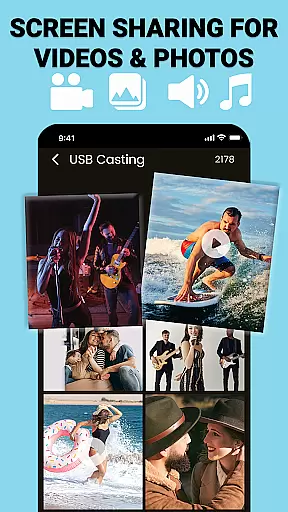
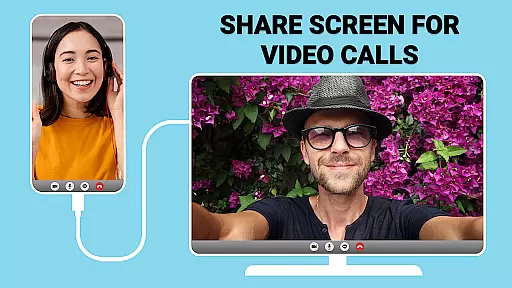
USB Screen Cast is a versatile screen mirroring app designed to connect your mobile device to a TV effortlessly. The app offers both wireless and wired connectivity options, allowing users to cast their phone screens to the TV using either WiFi or a USB connection. This ensures smooth and reliable performance for various screen sharing needs, whether for entertainment or professional presentations.
The core functionality includes wireless screen casting via WiFi, USB screen mirroring for stable connections, and seamless screen sharing capabilities. Users can easily mirror photos, videos, presentations, and more with just a few taps. The app also supports customizable casting settings, enabling users to adjust resolution and optimize display preferences. With its user-friendly interface and high-speed performance, USB Screen Cast enhances productivity and amplifies entertainment experiences.
This app is particularly useful in scenarios such as business meetings, classroom presentations, or home entertainment setups. By providing lag-free screen sharing and crystal-clear quality, it allows users to enjoy an uninterrupted viewing experience on the big screen. Whether streaming movies, showcasing photos, or delivering presentations, USB Screen Cast ensures that content is displayed with optimal clarity and stability.
USB Screen Cast stands out with its rich feature set tailored for seamless screen sharing. One of the key highlights is its dual connectivity options, offering both wireless casting via WiFi and stable USB screen mirroring. This flexibility ensures that users can choose the most suitable method based on their environment and requirements. Wireless casting provides a clutter-free experience, while USB mirroring guarantees a stable and high-quality connection even in areas with weak WiFi signals.
The app's screen sharing capabilities are robust and versatile. It allows users to share various types of content, including photos, videos, and presentations, with ease. The USB Screen Sharer feature ensures direct and secure connections without lag, making it ideal for gaming, streaming, and professional use. Additionally, the app supports customizable casting settings, enabling users to adjust resolution and optimize display preferences for different screens.
Another notable feature is the app's ability to detect compatible devices automatically. Once connected to the same WiFi network or plugged in via USB, users can select their TV from the list of detected devices and start mirroring instantly. This intuitive setup process elevates the user experience, making it accessible even for those who may not be tech-savvy. Overall, USB Screen Cast combines innovative technology with user-centric design to deliver a superior screen sharing solution.
Functionality completeness refers to the app's ability to deliver all promised features without compromise. USB Connector Cast Phone to TV ensures a comprehensive suite of tools for both wireless and wired screen sharing. The app supports WiFi-based casting for clutter-free environments, while also offering stable USB connections when needed.
The coverage extends to various use cases, including entertainment, presentations, and gaming. Users can stream movies, display photos, or share documents with equal ease. This versatility makes it suitable for both personal and professional settings. Whether you're at home or in the office, the app adapts to your needs.
By providing multiple connectivity options, the app ensures users are never limited by their environment. The inclusion of customizable resolution settings further enhances its utility. These features collectively contribute to an experience that leaves no functionality gaps.
Usability is defined by how easily users can navigate and operate an application. USB Connector Cast Phone to TV excels in this area by offering an intuitive interface that simplifies the screen mirroring process. With just a few taps, users can connect their devices and start sharing content seamlessly.
Operational smoothness is evident in the app's lag-free performance. Whether using wireless casting or a USB connection, the app maintains high-quality streaming without interruptions. This reliability is crucial for activities like gaming or delivering presentations, where delays can disrupt the experience.
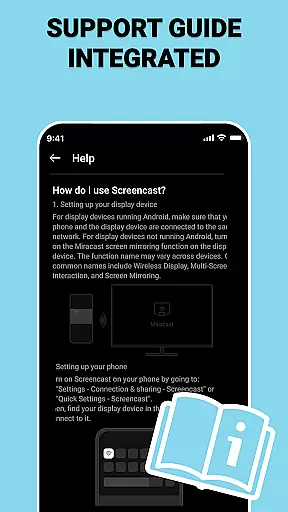
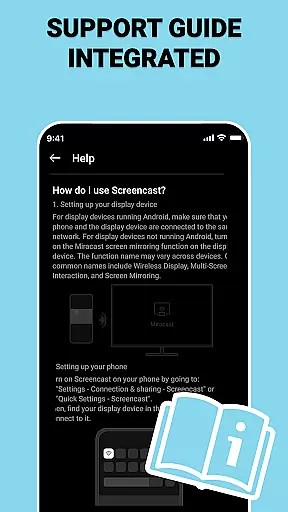
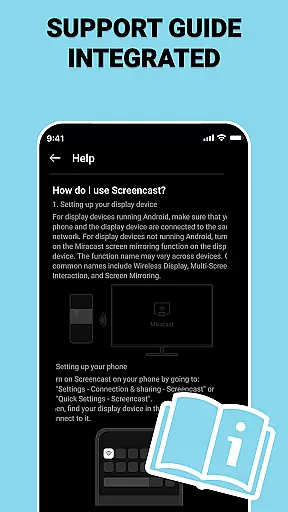
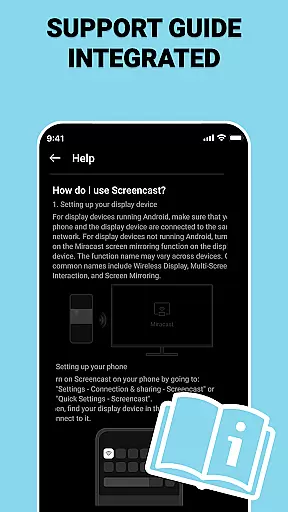
Additionally, the app provides clear instructions for setup and usage, ensuring even beginners can use it effectively. Its ability to detect compatible devices automatically reduces manual configuration. These elements combine to create a user-friendly experience that prioritizes efficiency and convenience.
User-friendly interface
Stable USB connection
Customizable settings
High-quality mirroring
Versatile content sharing
Limited device compatibility
Occasional connection issues
Requires WiFi for wireless
Premium features locked
Interface could be improved

SmartCast mirrors Android phone to TV screen With Cast Screen, Chromecast.
 4.80
4.80
Sad ringtones full of feeling, sad music ringtones
3.90
Collection of Maps and Mods for Dmod
3.30
Enjoy hours of entertainment with our Roblox mobile games app
4.5
Recite Quran Majeed القران with special 16 line real Kuran page in hand
4.30
Mirror Link Car Display to share your screen with car dashboard wirelessly
4.0
Game booster GFX may reduce interruptions and improve gaming experience.
4.50
A Pydroid Quick Install repository provider.
4.00
Simulator of real black light
3.50
Demo for Key Attestation feature of the Android system.
4.80
Block and secure the microphone and protect from secret listening and recording.
4.50
Enjoy Minecraft Mod Scary Neighbor Granny for Minecraft PE.
4.30
Al QURAN-القرأن الكريم app to read Quran offline just like an actual Quran book
4.30
Game Booster GFX for smoother gaming experience. Enjoy 120 FPS and 4x Game Space
4.20
charging your phone by other phone easly
4.00
The best PS2 games from your childhood come to life in their mobile version!
4.00
Ps2 plugins for 64 bit artitechture
3.70
CloudEye 365 is a easy-handling APP
3.60
A great tool help you to format Micro SD memory Card
3.10


User Reviews